기본 구조
<!DOCTYPE html>
: HTML 버전
<html lang="ko">
: 웹의 언어
  <head>
      <meta charset="utf-8">
      <title>JEJU TRIP - INFO</title>
      <meta name="description" content="3월에 다녀온 제주 여행">
      <!--css-->
      <link rel="stylesheet" href="https://unpkg.com/ress/dist/ress.min.css">
      <link href="https://fonts.googleapis.com/css2?family=Jua&display=swap" rel="stylesheet">
      <link href="css/style.css" rel="stylesheet">
  </head>
: head 출력
- 제목, 설명, 외부 파일 링크 등의 정보
- 실제로 출력되지는 않는다.
<meta charset="utf-8">
: 문자 코드 utf-8
<meta name="description" content="3월에 다녀온 제주 여행">
: meat name
- 메타 요소라고도 한다.
- 검색 엔진의 키워드
<title>JEJU TRIP - INFO</title>
: 탭의 제목 또는 북마크에 표시되는 title
  <body>
  .
  .
  .
  </body>
: 본체 부분을 의미한다.
태그
<h1>
</h1>
: 제목 태그이다
- 크기별로 1~6 (1이 최대크기)가 있다.
- 보통 1~3만 사용한다.
<p></p>
: 문장 출력 p 단락
- 연속으로 사용하면 단락이 바뀐다.
<img>
: 이미지 태그
- src, alt 속성이 필수로 포함되어야 한다.
- src 속성 = 어떤 이미지인지 경로 또는 이름
- alt 속성 = 이미지 오류 시 대신 나올 텍스트
<a href>
: 링크 태그
-
href="" 를 이용하여 이미지 위치를 넣는다.
-
태그 내부에는 텍스트 또는 이미지도 추가할 수 있다.
메일 전용 링크 herf="mailto:메일주소" 를 사용하면 자동으로 받는 사람이 추가된 메일 클라이언트가 실행된다.
<ul>
  <li></li>
  .
  .
  .
</ul>
: 리스트 태그
-
. 으로된 리스트가 생성된다.
-
숫자로된. 순서가 있는 리스트를 생성하려면 ul대신 ol을 사용한다.
.
.
.
.
.
<!doctype html>
<html lang="ko">

  <head>
    <meta charser="UTF-8">
    <title>만두의 일상</title>
    <meta name="description" content="만두의 일상을 소개합니다.">
    <link rel="stylesheet" href="style.css">
  </head>

  <body>
    <h1>만두의 하루</h1>
    <p>계속 잠을 잔다.</p>
  </body>
</html>
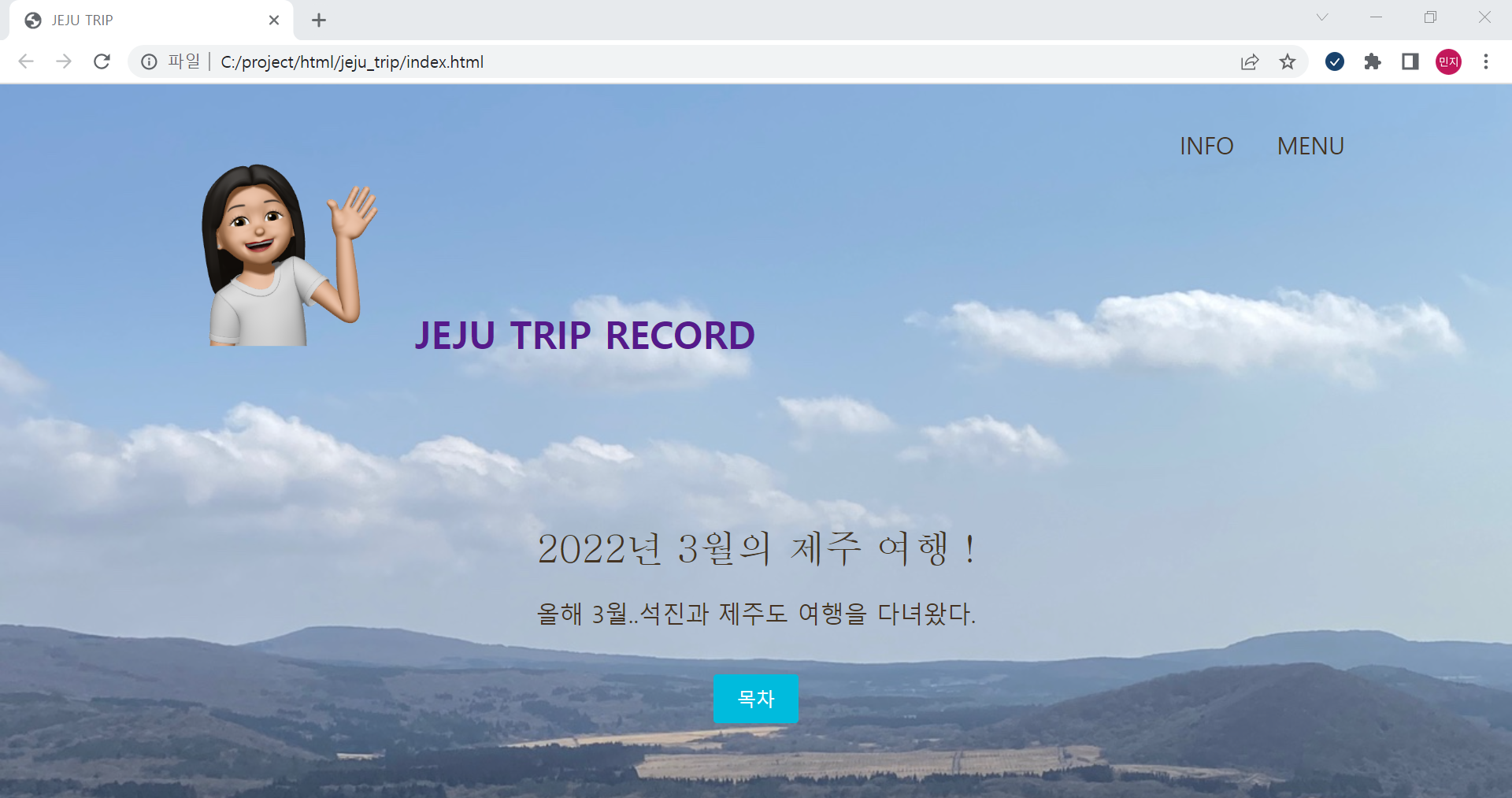
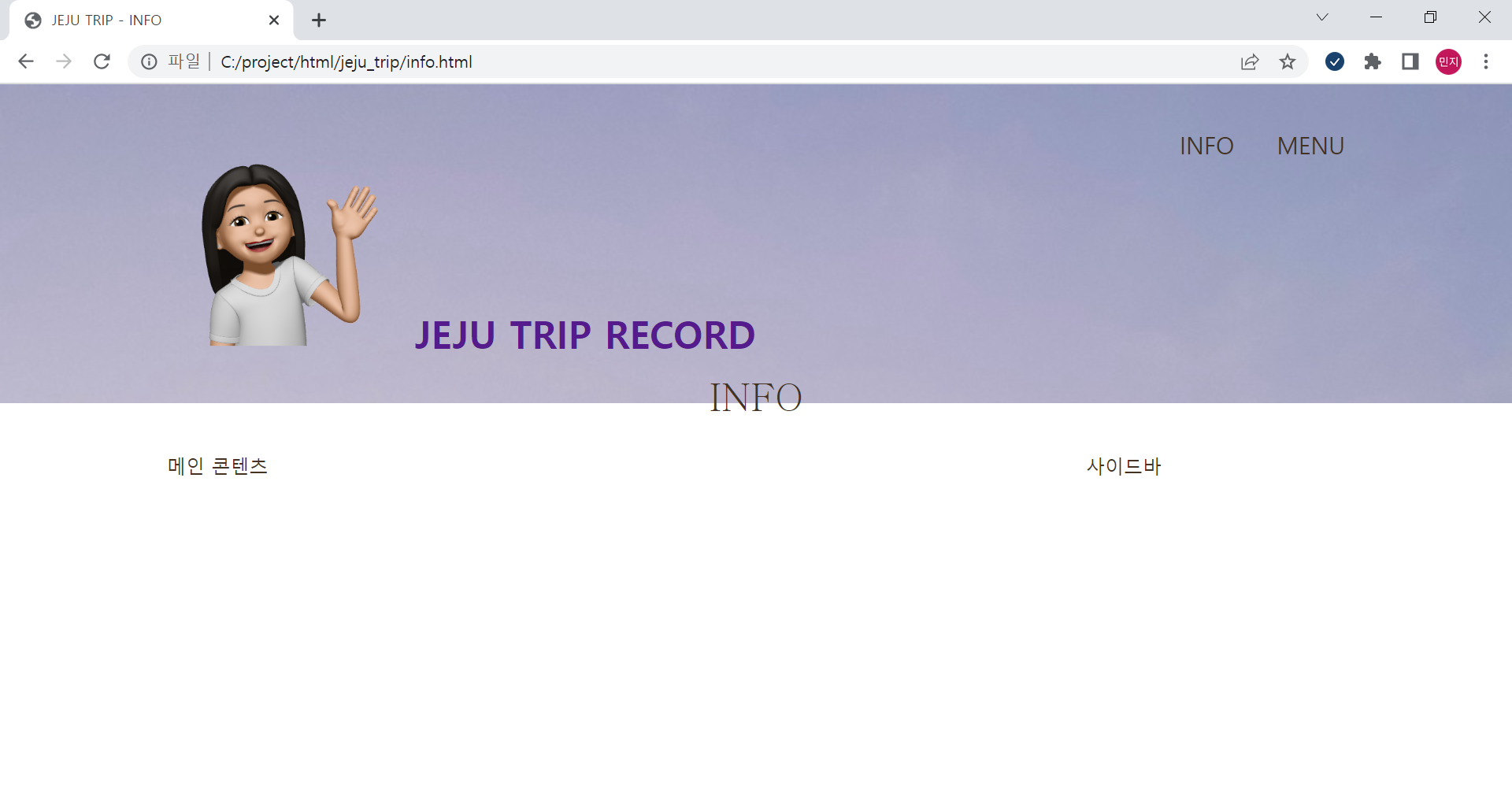
프로트엔드 기초를 경험을 해보고 싶어서 도전했다.
여행 기록 사이트를 만들고 싶었는데 완성하진 못 했다.
4시간 걸리긴 했지만 재미있었다.
style.css
 @charset "UTF-8";

html {
  font-size: 100%;
}

body {
  font-family: "나눔고딕", NanumGothic, "맑은고딕", MalgunGothic, "Aplle SD Gothic Neo", sans-serif;
  line-height: 1.7;
  color: #432;
}

a {
  text-decoration: none;
}


img {
  max-width: 100%;
}

.logo {
  width: 210px;
  margin-top: 14px;
}

.main-nav {
  display: flex;
  font-size: 1.25rem;
  text-transform: uppercase;
  margin-top: 34px;
  list-style: none;
}

.main-nav li{
  margin-left: 36px;
}

.main-nav a{
  color: #432;
}

.main-nav a:hover{
  color: #0bd;
}

.page-header {
  display: flex;
  justify-content: space-between;
}

.wrapper {
  max-width: 1100px;
  margin: 0 auto;
  padding: 0 4%;
}


.home-content {
  text-align: center;
  margin-top: 10%;
}

.home-content p {
  font-size: 1.25rem;
  margin: 10px 0 42px;
}

.page-title {
  font-size: 2rem;
  font-family: 'Philosopher', serif;
  text-transform: uppercase;
  font-weight: normal;
}

.button {
  font-size: 1rem;
  background: #0bd;
  color: #fff;
  border-radius: 3px;
  padding: 10px 20px;
}

.button:hover{
  background: #0090aa;
}


.big-bg {
  background-size: cover;
  background-position: top;
  background-repeat: no-repeat;
}

#home {
  background-image: url(../images/main-bg.jpg);
  min-height: 100vh;
}

#home .page-title {
  text-transform: none;
}

#i{
  background-image: url(../images/info-bg.jpg);
  height: 270px;
  margin-bottom: 40px;
}

#i .page-title {
  text-align: center;
}

.post-info {
  position: relative;
  padding-top: 4px;
  margin-bottom: 40px;
}

article {
  width: 74%;
}

aside {
  width: 22%;
}

.info-contents{
  display: flex;
  justify-content: space-between;
  margin-bottom: 50px;
}
info.html
<!DOCTYPE html>

 <html lang="ko">
  <head>
      <meta charset="utf-8">
      <title>JEJU TRIP - INFO</title>
      <meta name="description" content="3월에 다녀온 제주 여행">

      <!--css-->
      <link rel="stylesheet" href="https://unpkg.com/ress/dist/ress.min.css">
      <link href="https://fonts.googleapis.com/css2?family=Jua&display=swap" rel="stylesheet">
      <link href="css/style.css" rel="stylesheet">
  </head>

  <body>
    <div id="i" class="big-bg">

    <header class="page-header wrapper">
      <h1><a href="index.html"><img class="logo" src="images/logo1.jfif" alt="JEJU TRIP Home"</a>JEJU TRIP RECORD</h1>
      <nav>
        <ul class=main-nav>
          <li><a href="info.html">Info</a></li>
          <li><a href="menu.html">Menu</a></li>
        </ul>
      </nav>
    </header>

    <div class="wrapper">
      <h2 class="page-title">Info</h2>
    </div>

    </div>

    <div class="info-contents wrapper">
      <article>
        메인 콘텐츠
      </article>

      <aside>
        사이드바
      </aside>
    </div>

  </body>
</html>
index.html
<! <!DOCTYPE html>

<html lang="ko">
<head>
   <meta charset="utf-8">
   <title>JEJU TRIP</title>
   <meta name="description" content="3월에 다녀온 제주 여행">

   <!--css-->
   <link rel="stylesheet" href="https://unpkg.com/ress/dist/ress.min.css">
   <link href="https://fonts.googleapis.com/css2?family=Jua&display=swap" rel="stylesheet">
   <link href="css/style.css" rel="stylesheet">
</head>

<body>
 <div id="home" class="big-bg">
 <header class="page-header wrapper">
   <h1><a href="index.html"><img class="logo" src="images/logo1.jfif" alt="JEJU TRIP Home"</a>JEJU TRIP RECORD</h1>
   <nav>
     <ul class=main-nav>
       <li><a href="info.html">Info</a></li>
       <li><a href="menu.html">Menu</a></li>
     </ul>
   </nav>
 </header>

 <div class="home-content wrapper">
   <h2 class="page-title">2022년 3월의 제주 여행 !</h2>
   <p>올해 3월..석진과 제주도 여행을 다녀왔다.</p>
   <a class="button" href="menu.html">목차</a>
 </div>
 </div>

</body>
</html>