I Used Wan 2.7 to Create Storyboards for Client Projects Before Production
Introduction
I'm a freelance video creator.
One challenge I face regularly is helping clients visualize ideas before production starts.
Clients often say things like:
- "Can we make it more cinematic?"
- "What would the opening shot look like?"
- "Can we see a rough version before filming?"
Traditionally, that meant creating:
- mood boards
- sketches
- reference collections
which could take hours.
Recently, I started experimenting with Wan 2.7 as a pre-production tool.
Instead of using it to create finished videos, I used it to build visual storyboards.
Surprisingly, it became one of the most useful parts of my workflow.
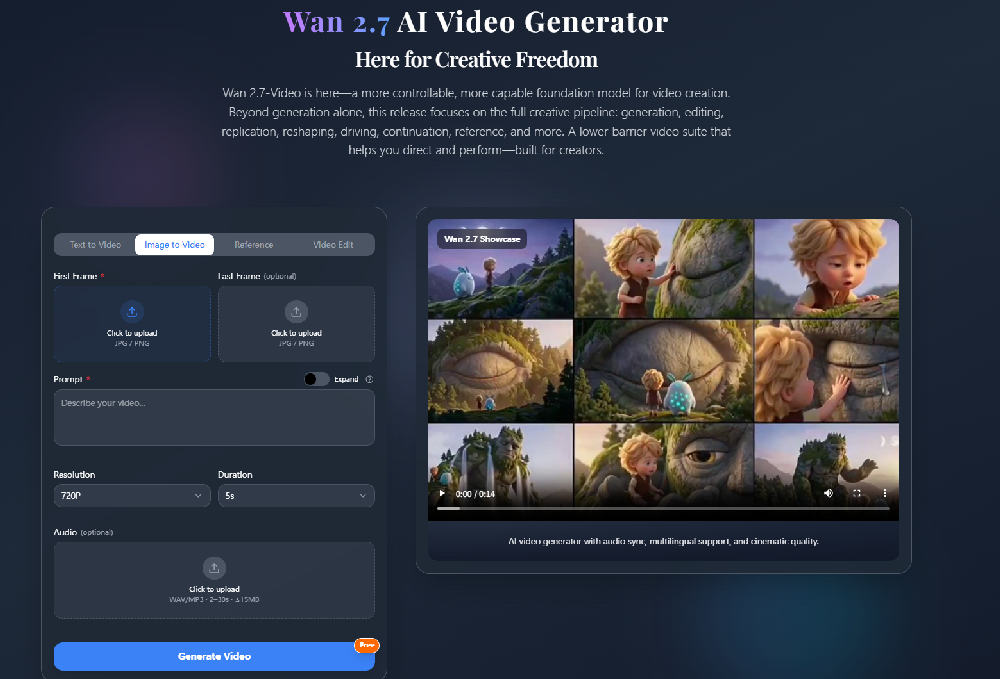
Why I Tried Wan 2.7
What interested me most wasn't just video generation.
It was the control system.
Wan 2.7 supports:
- Start Frame
- End Frame
- Image-to-Video
- Reference-based generation
- Video editing workflows
which makes it suitable for planning scenes rather than simply generating random clips.
My Storyboard Workflow
Step 1: Create Key Frames
First, I generate several still images that represent:
- opening scene
- middle scene
- ending scene
These become visual references.
Step 2: Use Start and End Frames
One feature I found especially useful is Start/End Frame control.
Instead of relying entirely on random generation, I can guide transitions between scenes.
For client presentations, this makes a huge difference.
Step 3: Define Camera Movement
A simple prompt like:
A luxury car driving through a rainy city streetworks.
But a better prompt is:
A luxury car driving through a rainy city street,
slow tracking shot,
cinematic lighting,
neon reflections,
atmospheric fog
Wan 2.7 responds strongly to camera and lighting instructions.
Step 4: Generate Multiple Variations
Instead of creating one version, I usually generate:
- Wide shot
- Medium shot
- Close-up shot
This gives clients multiple creative directions.
What Worked Best
After several projects, I found Wan 2.7 works particularly well for:
Commercial Concepts
Product launches.
Brand campaigns.
Advertising previews.
Music Video Planning
Testing visual styles before production.
Short Film Storyboards
Building rough scene sequences without hiring a full production team.
What Didn't Work Well
Complex Action Scenes
Fast movement can still create instability.
Some creators have reported similar issues when scenes become highly dynamic.
Overly Long Generations
Short clips consistently produced stronger results than longer scenes.
Weak Prompts
The difference between:
future cityand
futuristic city at night,
slow drone shot,
neon reflections,
cinematic atmosphere
is enormous.
Why I Keep Using It
The biggest benefit isn't the final video.
It's communication.
Instead of describing ideas with words, I can show clients a visual concept in minutes.
That reduces revisions and speeds up decision-making.
For freelance creators, that's incredibly valuable.
Final Thoughts
Most people think of AI video tools as content generators.
But after using Wan 2.7 for several projects, I think its biggest strength is pre-production.
Being able to quickly visualize:
- camera movement
- scene composition
- visual atmosphere
helps transform abstract ideas into something clients can immediately understand.
And honestly, that's where it saves me the most time.
