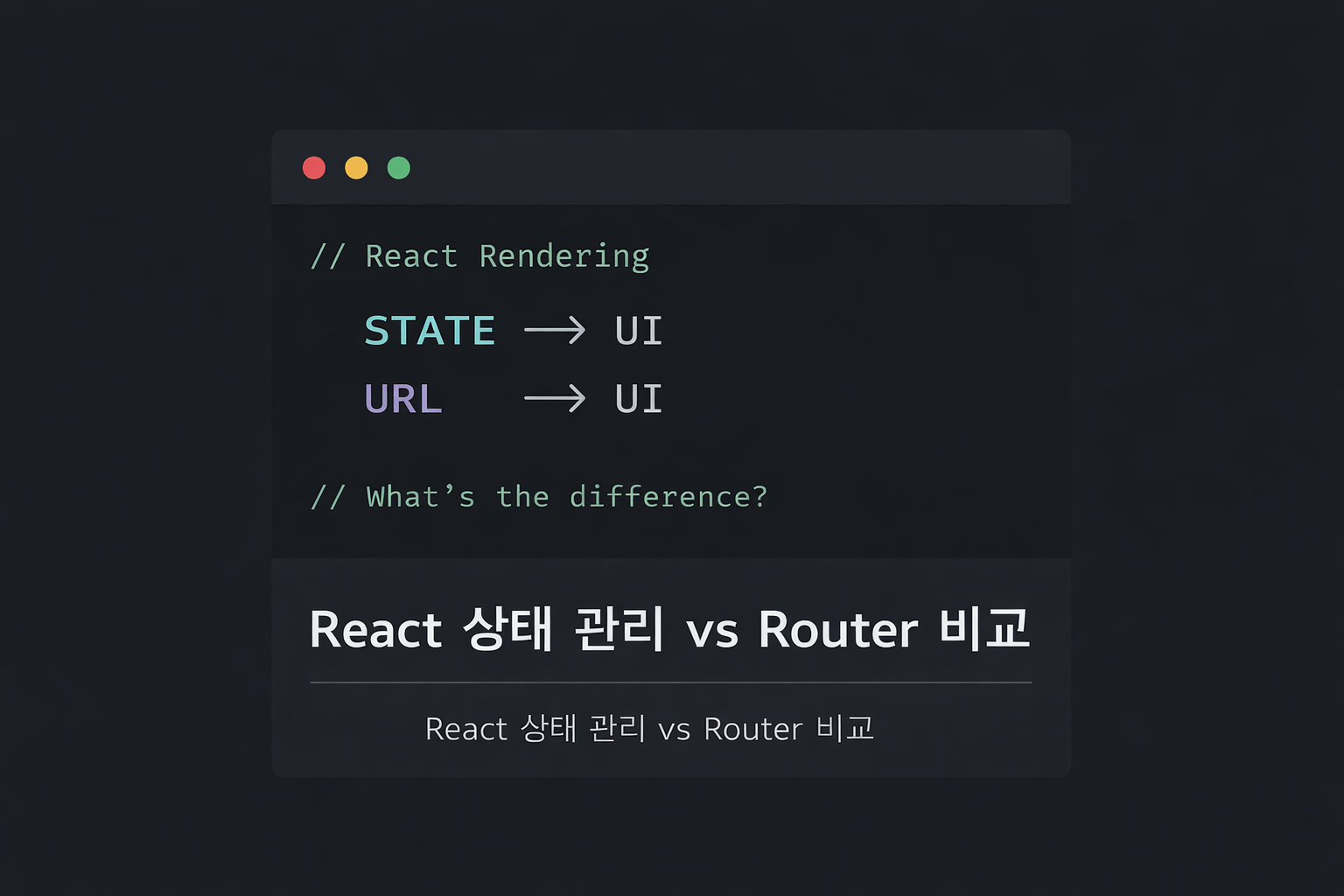
React 상태 관리 vs Router 방식 비교
🧠 1️⃣ React 기본 상태 흐름 정리
✅ mode 방식으로 화면 제어
if (mode === "READ") {
  ...
}
핵심 개념
● state 변경 → 리렌더링
● setMode()가 화면 전환 트리거
● React는 상태 기반 렌더링 구조
✅ 불변성 (Immutability)
const newTopics = [...topics];
newTopics.push(newTopic);
setTopics(newTopics);
왜 복사해야 하나?
● 배열/객체는 참조 타입
● 원본 수정하면 React가 변경 감지 못함
● 새 배열을 만들어 교체해야 리렌더링
🧠 2️⃣ Controlled Component 이해
❌ 일반 JS 방식
const title = event.target.title.value;✅ React 방식
const [title, setTitle] = useState("");

<input
  value={title}
  onChange={(e) => setTitle(e.target.value)}
/>
핵심
● input의 값은 DOM이 아니라 React state가 관리
● value + onChange는 세트
● state가 단일 진실 공급원 (Single Source of Truth)
🧠 3️⃣ Update 구현하면서 배운 것
수정 로직 핵심
const updatedTopics = topics.map((t) =>
  t.id === id ? { ...t, title, body } : t
);
배운 것
● map으로 교체
● filter로 삭제
● find로 조회
🧠 4️⃣ mode 방식 vs Router 방식 비교
mode 방식
● 내부 state로 화면 제어
● 새로고침하면 상태 초기화
● URL 공유 불가
Router 방식
<Route path="/topics/:topic_id" element={<Topic />} />● URL이 state 역할
● 새로고침해도 유지
● 뒤로가기 가능
● 북마크 가능
🧠 5️⃣ useParams 이해
const { topic_id } = useParams();● URL의 :topic_id 값 추출
● 동적 라우팅 구현
🧠 6️⃣ Nested Routing + Outlet
<Outlet />● 자식 Route가 렌더링될 자리
● 부모 레이아웃 유지 + 내용만 변경
🧠 7️⃣ styled-components 상속
기본 스타일
const SimpleButton = styled.button`
  color: white;
`;
상속
const LargeButton = styled(SimpleButton)`
  font-size: 50px;
`;
커스텀 컴포넌트 상속 실패 이유
const ReactButton = (props) => {
  return <button>{props.children}</button>;
};
왜 실패?
👉 className을 전달하지 않음
해결 방법
const ReactButton = (props) => {
  return <button className={props.className}>{props.children}</button>;
};
또는
<button {...props}>핵심
styled-components는 className을 주입하는 방식이다.
🧠 8️⃣ 지금까지 깨달은 React 구조
React는 결국:
state가 바뀌면 리렌더링
React Router는:
URL이 바뀌면 리렌더링
styled-components는:
className을 주입해서 스타일링
React는 결국 상태 변화 기반 렌더링 시스템이다.

프론트앤드를 희망하는 구시대의 인물...