JavaScript - FileReader()
/* First step:
- selects the first HTML 'input' element using document.querySelector
- then, assign it to the variable called 'input'
*/
const input = document.querySelector("input");


/* Second step:
- Here, an event listener is added to the input element.
  - The type of event being listened to is "change"
    - In JavaScript, the term "change" refers to a specific type of event that can be triggered on certain HTML elements,
      - like <input>, <select>, and <textarea>. This event is part of the standard set of DOM (Document Object Model) events that JavaScript understands and can respond to.

- then, assign it to the variable called 'input'
*/
input.addEventListener("change", (event) => {
  console.log(event.target.files);
});-
Input 변수에 document.querySelector 통해서 "input" 저장
-
Input에 addEventListener
-
"change"에 대해서 살펴보면...
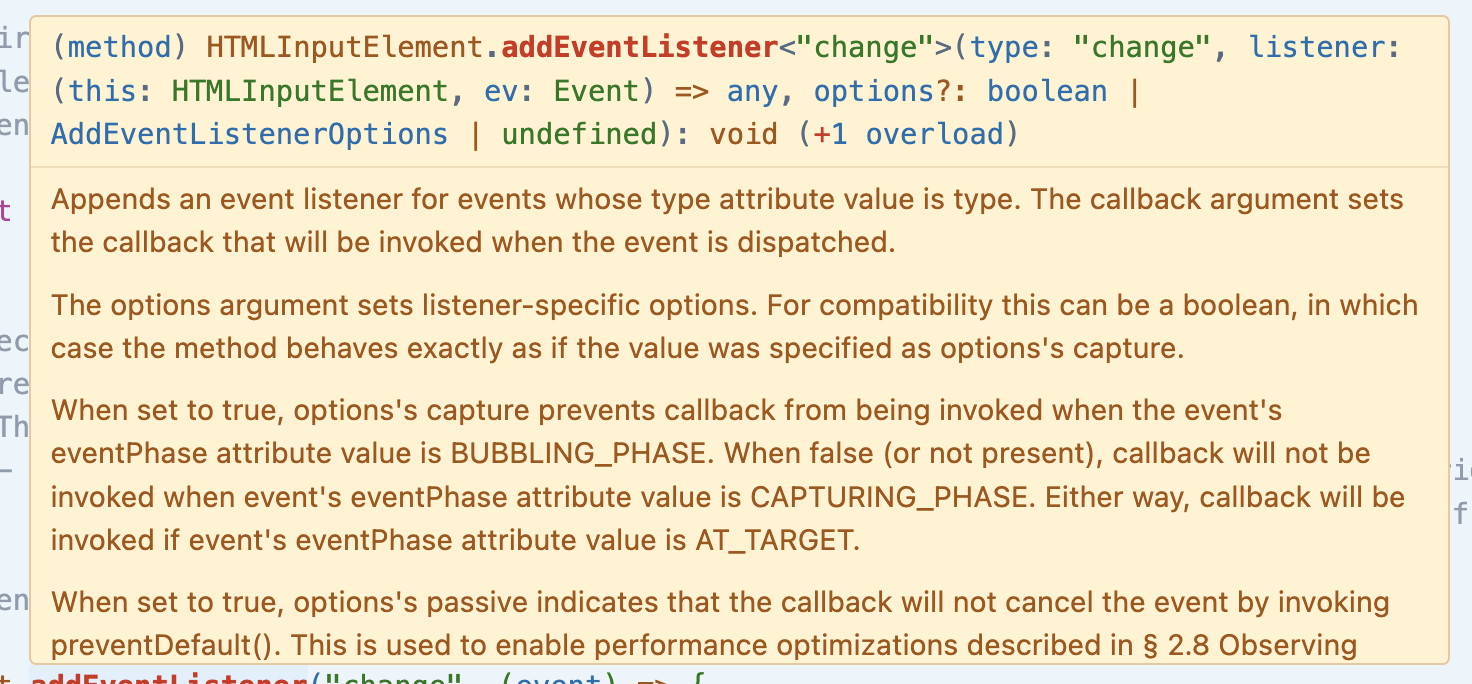
- 특정 HTML 요소들에 대해서 발생한 이벤트를 지칭하는 것.
- 해당 요소들은<input>,<textarea>,<select>등을 포함함. -
각 요소를 조금 더 자세히 살펴보면:
- event.target: target property는 해당 event의 target이었던 DOM element를 지칭하는 것임.
- event.target.files: event.target.files property는 특히
<input type="file">요소와 관련된 이벤트에서 사용됨. 이 property는 사용자가 선택한 파일들을 포함하는 FileList 객체를 반환함.
-
[출처] JavaScript - FileReader() - 사용자 파일 불러오기|작성자 양원

AI Product Manager