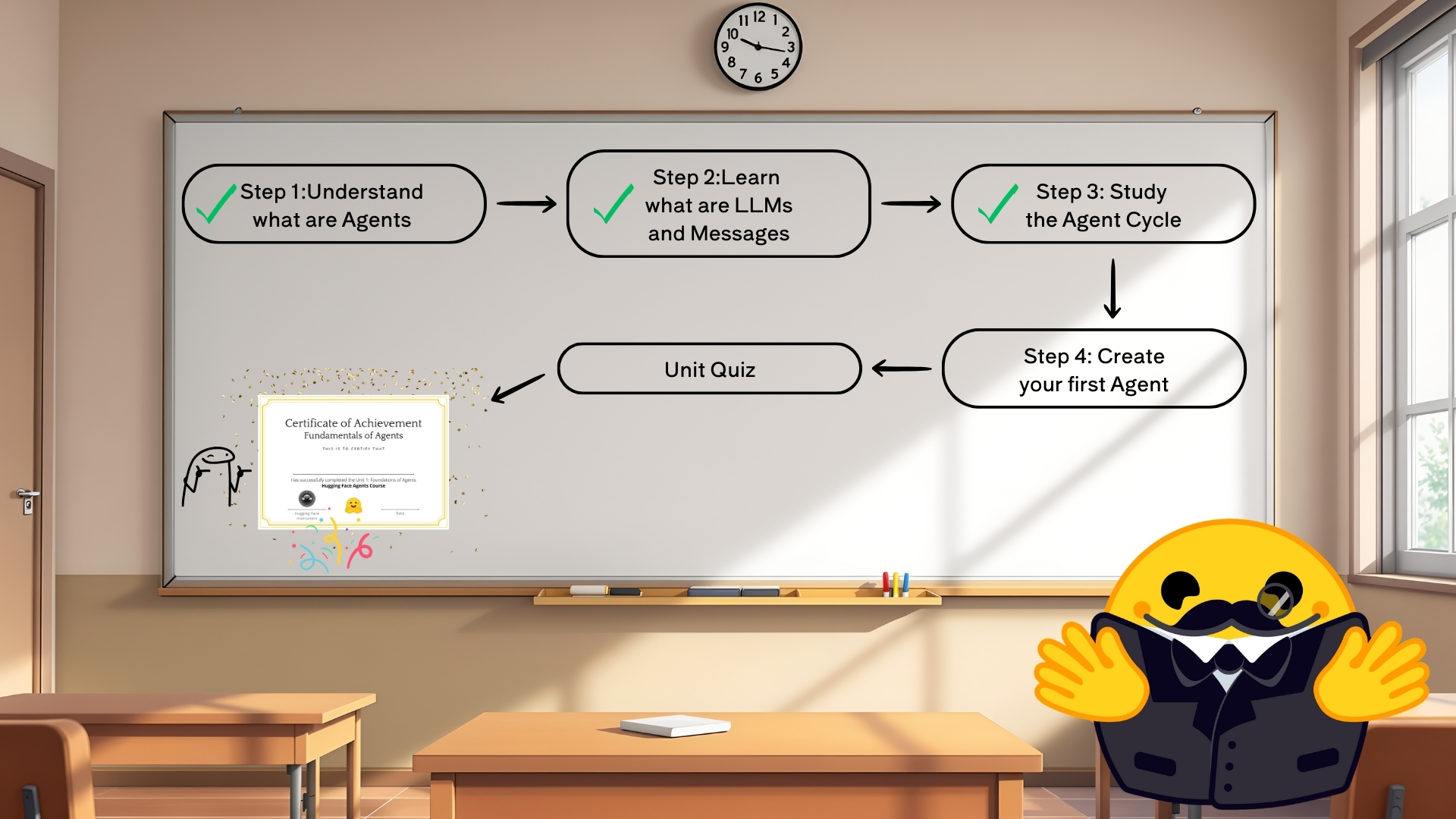
이 과정은 특정 프레임워크에 종속되지 않는(Framework-Agnostic) 방식으로 진행됩니다.
- AI 에이전트 개념(Concepts)에 집중하고, 특정 라이브러리의 세부 사항에 얽매이지 않음
- 학생들이 원하는 프레임워크에서 자유롭게 적용 가능
- LangGraph, LangChain, LlamaIndex 등 다양한 AI 에이전트 라이브러리에 활용 가능
Unit 1에서 사용할 도구들:
- 더미 에이전트 라이브러리(Dummy Agent Library)
- 간단한 서버리스 API(Serverless API)로 LLM 엔진 호출
- Python 내장 라이브러리(Built-in Packages) 활용 (datetime, os)
다음 단계:
- smolagents를 사용하여 첫 번째 AI 에이전트 생성
- LangGraph, LangChain, LlamaIndex 같은 AI 에이전트 라이브러리 학습
서버리스 API(Serverless API) 사용하기
Hugging Face 생태계(Hugging Face Ecosystem)에는 Serverless API라는 기능이 있습니다. 이를 활용하면 설치(Installation)나 배포(Deployment) 없이 간편하게 여러 모델에서 추론(Inference)을 실행할 수 있습니다.
파이썬 코드 예제
import os
from huggingface_hub import InferenceClient

# Hugging Face API 토큰 설정 (https://hf.co/settings/tokens 에서 'read' 권한으로 발급)
os.environ["HF_TOKEN"] = "hf_xxxxxxxxxxxxxx"

# Inference 클라이언트 생성
client = InferenceClient("meta-llama/Llama-3.2-3B-Instruct")

# 무료 모델이 과부하 상태일 경우, 퍼블릭 엔드포인트 사용 가능
# client = InferenceClient("https://jc26mwg228mkj8dw.us-east-1.aws.endpoints.huggingface.cloud")

# 텍스트 생성 요청
output = client.text_generation(
    "The capital of France is",
    max_new_tokens=100,
)

print(output)
출력예시
Paris. The capital of France is Paris. The capital of France is Paris. ... (반복)📌 LLM 모델의 출력 문제와 해결 방법
문제:
- 일반적인 LLM 모델(Large Language Model)은 EOS(End of Sequence) 토큰을 예측해야 출력을 중단합니다.
- 위 코드에서 사용한 모델은 대화형 모델(Conversational Model)이므로, 적절한 챗(Chat) 템플릿을 적용하지 않아 출력이 반복됨
해결 방법:
- Llama-3.2-3B-Instruct 모델의 특수 토큰(Special Tokens)을 추가하여 챗 템플릿 적용
올바른 챗 템플릿을 적용한 코드
prompt = """<|begin_of_text|><|start_header_id|>user<|end_header_id|>
The capital of France is<|eot_id|><|start_header_id|>assistant<|end_header_id|>"""

output = client.text_generation(
    prompt,
    max_new_tokens=100,
)

print(output)
출력 예시
The capital of France is Paris.📌 추천 방식: chat 메서드 사용하기
챗 템플릿을 직접 추가하는 대신,
"chat" 메서드를 사용하면 더 편리하고 신뢰성 높은 방식으로 모델을 활용할 수 있습니다.
output = client.chat.completions.create(
    messages=[
        {"role": "user", "content": "The capital of France is"},
    ],
    stream=False,
    max_tokens=1024,
)

print(output.choices[0].message.content)
출력예시
Paris.Dummy Agent
이전 섹션에서, 에이전트 라이브러리의 핵심은 시스템 프롬프트(System Prompt)에 정보를 추가(Append)하는 것임을 확인했습니다.
아래 예제 시스템 프롬프트는 이전에 본 것보다 조금 더 복잡하지만, 이미 다음을 포함합니다:
- 도구(Tools)에 대한 정보
- 사이클 지침(Cycle Instructions): (Thought → Action → Observation)
시스템 프롬프트 예시
Answer the following questions as best you can. You have access to the following tools:

get_weather: Get the current weather in a given location

The way you use the tools is by specifying a json blob.
Specifically, this json should have an `action` key (with the name of the tool to use) and an `action_input` key (with the input to the tool going here).

The only values that should be in the "action" field are:
get_weather: Get the current weather in a given location, args: {"location": {"type": "string"}}
example use :

{{
  "action": "get_weather",
  "action_input": {"location": "New York"}
}}

ALWAYS use the following format:

Question: the input question you must answer
Thought: you should always think about one action to take. Only one action at a time in this format:
Action:

$JSON_BLOB (inside markdown cell)

Observation: the result of the action. This Observation is unique, complete, and the source of truth.
... (this Thought/Action/Observation can repeat N times, you should take several steps when needed. The $JSON_BLOB must be formatted as markdown and only use a SINGLE action at a time.)

You must always end your output with the following format:

Thought: I now know the final answer
Final Answer: the final answer to the original input question

Now begin! Reminder to ALWAYS use the exact characters `Final Answer:` when you provide a definitive answer.
지금 “text_generation” 메서드를 사용하므로, 프롬프트를 직접 적용해야 합니다:
prompt = f"""<|begin_of_text|><|start_header_id|>system<|end_header_id|>
{SYSTEM_PROMPT}
<|eot_id|><|start_header_id|>user<|end_header_id|>
What's the weather in London ?
<|eot_id|><|start_header_id|>assistant<|end_header_id|>
"""
또한, “chat” 메서드 내부에서는 다음과 같은 식으로 동작할 수 있습니다:
messages = [
    {"role": "system", "content": SYSTEM_PROMPT},
    {"role": "user", "content": "What's the weather in London ?"},
]
from transformers import AutoTokenizer
tokenizer = AutoTokenizer.from_pretrained("meta-llama/Llama-3.2-3B-Instruct")

tokenizer.apply_chat_template(messages, tokenize=False, add_generation_prompt=True)
생성된 실제 프롬프트
<|begin_of_text|><|start_header_id|>system<|end_header_id|>
Answer the following questions as best you can. You have access to the following tools:

get_weather: Get the current weather in a given location

The way you use the tools is by specifying a json blob.
Specifically, this json should have an `action` key (with the name of the tool to use) and a `action_input` key (with the input to the tool going here).

The only values that should be in the "action" field are:
get_weather: Get the current weather in a given location, args: {"location": {"type": "string"}}
example use :

{{
  "action": "get_weather",
  "action_input": {"location": "New York"}
}}

ALWAYS use the following format:

Question: the input question you must answer
Thought: you should always think about one action to take. Only one action at a time in this format:
Action:

$JSON_BLOB (inside markdown cell)

Observation: the result of the action. This Observation is unique, complete, and the source of truth.
... (this Thought/Action/Observation can repeat N times, you should take several steps when needed. The $JSON_BLOB must be formatted as markdown and only use a SINGLE action at a time.)

You must always end your output with the following format:

Thought: I now know the final answer
Final Answer: the final answer to the original input question

Now begin! Reminder to ALWAYS use the exact characters `Final Answer:` when you provide a definitive answer.
<|eot_id|><|start_header_id|>user<|end_header_id|>
What's the weather in London ?
<|eot_id|><|start_header_id|>assistant<|end_header_id|>
모델 출력 예시
Thought: I will check the weather in London.
Action:
'''
{
  "action": "get_weather",
  "action_input": {"location": "London"}
}
'''
Observation: The current weather in London is mostly cloudy with a high of 12°C and a low of 8°C.
여기서 문제는, 모델이 실제로 함수를 실행하지 않고 날씨 정보를 환각(hallucinate)했다는 것입니다.
실제로 함수를 호출하지 않았기 때문에, “Observation” 이후 내용은 모델이 만들어낸 가상의 정보입니다.
이를 방지하기 위해, “Observation:”에서 출력을 멈추도록 설정할 수 있습니다:
output = client.text_generation(
    prompt,
    max_new_tokens=200,
    stop=["Observation:"]
)

print(output)
Observatio 적용후 출력
Thought: I will check the weather in London.
Action:
'''
{
  "action": "get_weather",
  "action_input": {"location": "London"}
}
'''
Observation:
이제 훨씬 낫습니다! 여기서 실제로 날씨 정보를 가져오기 위해, 예시로 더미 함수(dummy function)를 만듭니다:
Dummy Function
# Dummy function
def get_weather(location):
    return f"the weather in {location} is sunny with low temperatures. \n"

get_weather('London')
출력
the weather in London is sunny with low temperatures.다음으로, 기본 프롬프트(base prompt) + 함수 실행 전까지의 모델 응답 + 실제 함수 실행 결과를 합쳐서(Observation으로 추가) 모델에 이어서 보낼 수 있습니다:
new_prompt = prompt + output + get_weather('London')
final_output = client.text_generation(
    new_prompt,
    max_new_tokens=200,
)

print(final_output)<|begin_of_text|><|start_header_id|>system<|end_header_id|>
Answer the following questions as best you can. You have access to the following tools:
get_weather: Get the current weather in a given location
The way you use the tools is by specifying a json blob.
Specifically, this json should have a `action` key (with the name of the tool to use) and a `action_input` key (with the input to the tool going here).
The only values that should be in the "action" field are:
get_weather: Get the current weather in a given location, args: {"location": {"type": "string"}}
example use :
{{
"action": "get_weather",
"action_input": {"location": "New York"}
}}
ALWAYS use the following format:
Question: the input question you must answer
Thought: you should always think about one action to take. Only one action at a time in this format:
Action:
$JSON_BLOB (inside markdown cell)
Observation: the result of the action. This Observation is unique, complete, and the source of truth.
... (this Thought/Action/Observation can repeat N times, you should take several steps when needed. The $JSON_BLOB must be formatted as markdown and only use a SINGLE action at a time.)
You must always end your output with the following format:
Thought: I now know the final answer
Final Answer: the final answer to the original input question
Now begin! Reminder to ALWAYS use the exact characters `Final Answer:` when you provide a definitive answer.
<|eot_id|><|start_header_id|>user<|end_header_id|>
What's the weather in London ?
<|eot_id|><|start_header_id|>assistant<|end_header_id|>
Thought: I will check the weather in London.
Action:
'''
{
"action": "get_weather",
"action_input": {"location": {"type": "string", "value": "London"}
}
'''
Observation:the weather in London is sunny with low temperatures.output
Final Answer: The weather in London is sunny with low temperatures.결론적으로, 이렇게 Observation 단계 이전에서 출력을 중단하고, 실제로 함수를 호출한 결과를 Observation으로 합쳐주어야 환각된(hallucinated) 정보가 아닌 실제 데이터를 기반으로 최종 답변을 생성할 수 있습니다.