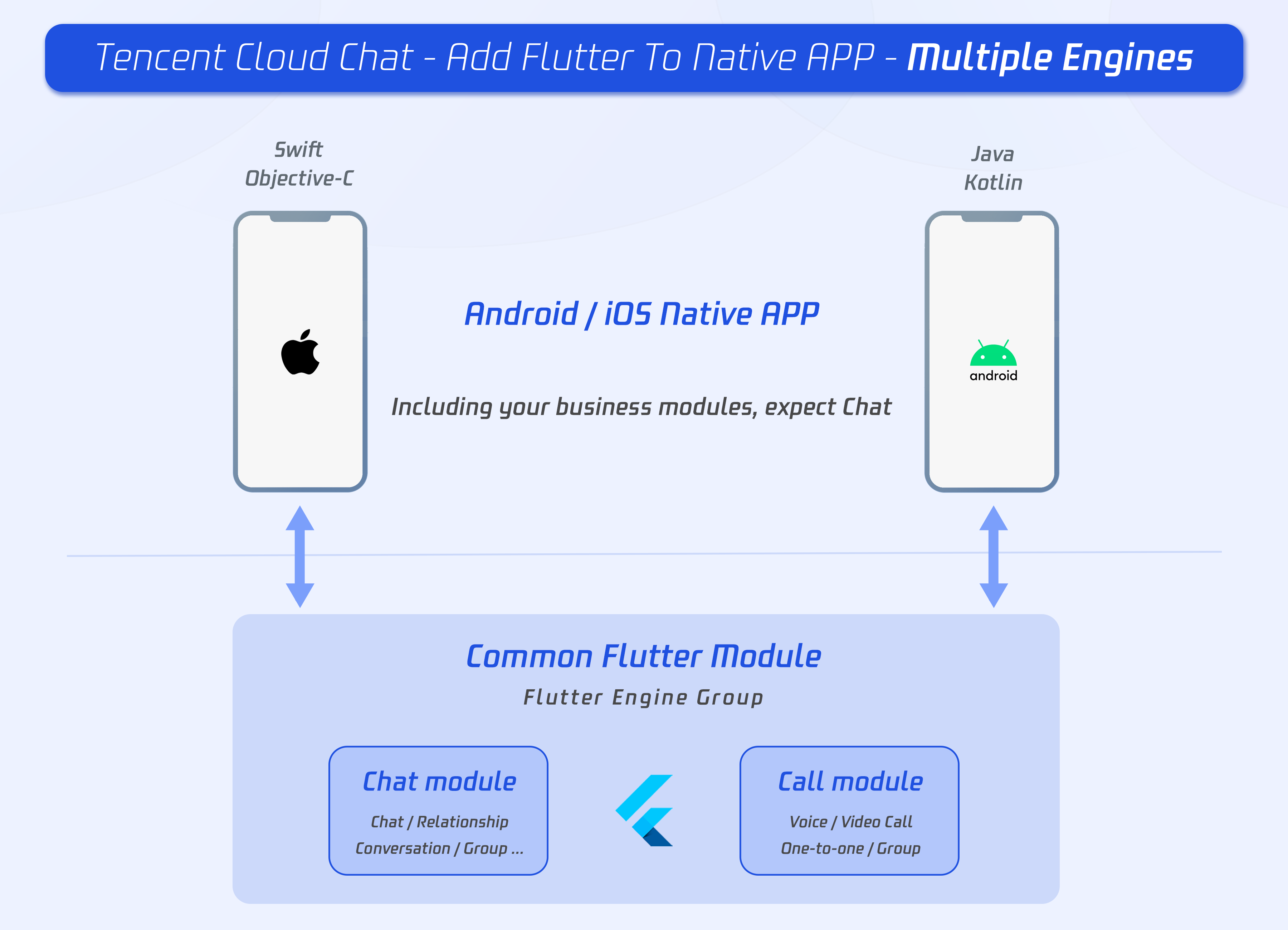
Flutter는 플랫폼별 네이티브 코드를 연동할 수 있는 기능을 제공합니다. Android에서는 Kotlin을 사용하여 네이티브 기능을 구현하고, Flutter의 Dart 코드에서 이를 호출할 수 있습니다. 본 가이드에서는 Flutter에서 Kotlin을 활용하여 네이티브 모듈을 연동하는 방법을 자세히 설명합니다.
1. 프로젝트 설정
1.1. Flutter 프로젝트 생성
Flutter 프로젝트가 없다면 아래 명령어로 새 프로젝트를 생성합니다.
flutter create my_flutter_app
cd my_flutter_app
1.2. Android 네이티브 코드 사용 준비
Flutter 프로젝트를 생성하면 android/ 폴더에 네이티브 Android 코드가 포함되어 있습니다. Kotlin을 사용할 수 있도록 android/app/build.gradle 파일을 수정합니다.
android/build.gradle 수정
ext.kotlin_version = '1.6.10' // 최신 버전에 맞게 변경
classpath "org.jetbrains.kotlin:kotlin-gradle-plugin:$kotlin_version"
android/app/build.gradle 수정
apply plugin: 'kotlin-android'
apply plugin: 'kotlin-kapt'
2. 네이티브 모듈 생성
Flutter와 Kotlin 간 통신을 위해 MethodChannel을 사용합니다.
2.1. 네이티브 코드 구현 (Kotlin)
android/app/src/main/kotlin/com/example/my_flutter_app/MainActivity.kt 파일을 수정합니다.
package com.example.my_flutter_app

import android.os.Bundle
import io.flutter.embedding.android.FlutterActivity
import io.flutter.embedding.engine.FlutterEngine
import io.flutter.plugin.common.MethodCall
import io.flutter.plugin.common.MethodChannel

class MainActivity: FlutterActivity() {
    private val CHANNEL = "com.example.flutter/native"

    override fun configureFlutterEngine(flutterEngine: FlutterEngine) {
        super.configureFlutterEngine(flutterEngine)
        MethodChannel(flutterEngine.dartExecutor.binaryMessenger, CHANNEL).setMethodCallHandler {
            call, result ->
            when (call.method) {
                "getNativeMessage" -> {
                    val message = getNativeMessage()
                    result.success(message)
                }
                else -> {
                    result.notImplemented()
                }
            }
        }
    }

    private fun getNativeMessage(): String {
        return "Hello from Kotlin!"
    }
}
2.2. Flutter에서 네이티브 코드 호출
Flutter의 Dart 코드에서 MethodChannel을 사용하여 네이티브 Kotlin 코드를 호출할 수 있습니다.
import 'package:flutter/material.dart';
import 'package:flutter/services.dart';
class NativeModuleScreen extends StatefulWidget {
_NativeModuleScreenState createState() => _NativeModuleScreenState();
}
class _NativeModuleScreenState extends State<NativeModuleScreen> {
static const platform = MethodChannel("com.example.flutter/native");
String _nativeMessage = "";
Future<void> getNativeMessage() async {
try {
final String result = await platform.invokeMethod("getNativeMessage");
setState(() {
_nativeMessage = result;
});
} catch (e) {
setState(() {
_nativeMessage = "Failed to get message";
});
}
}
Widget build(BuildContext context) {
return Scaffold(
appBar: AppBar(title: Text("Flutter ↔ Kotlin")),
body: Center(
child: Column(
mainAxisAlignment: MainAxisAlignment.center,
children: [
Text(_nativeMessage),
ElevatedButton(
onPressed: getNativeMessage,
child: Text("Get Message from Kotlin"),
)
],
),
),
);
}
}3. 실행 및 테스트
Flutter 앱을 실행하여 Kotlin 코드와의 연동이 정상적으로 이루어지는지 확인합니다.
flutter run버튼을 클릭하면 Kotlin에서 전달된 메시지가 화면에 표시됩니다.
# ## 4. 정리 - `MethodChannel`을 사용하여 Flutter와 Kotlin 간 네이티브 기능을 호출할 수 있습니다. - Kotlin에서 `setMethodCallHandler`를 등록하여 특정 메서드를 실행하고 결과를 반환합니다. - Dart에서 `invokeMethod`를 사용하여 Kotlin 메서드를 호출하고 결과를 받습니다.
이제 Flutter 프로젝트에서 Kotlin을 활용한 네이티브 모듈 연동이 가능합니다! 🚀

Software Engineer | Computer Vision