- 동적 클래스 바인딩에서 동작하지 않았던 점을 찾아본다
-
부모 컴포넌트에서 width, height를 받아 자식 컴포넌트에서는 이를 바탕으로 너비와 높이를 설정해주려 했다.
-
그러면 동적으로 class 바인딩을 해줘야했다.
<div :class="`w-${width} h-${height}`"> </div> -
위와 같이 설정해주면 class값은 있으나 반영되지는 않는다. 즉, width : 400, height: 100을 해주어도 동작하지 않는다는 의미이다.
-
왜 그럴까
-
공식 문서의 동적 클래스 관련 내용
Content Configuration - Tailwind CSS
- Tailwindcss의 경우 우리의 소스 파일에서 문자열로 제대로 연결된 것들만 찾아 적용한다고 되어있다.
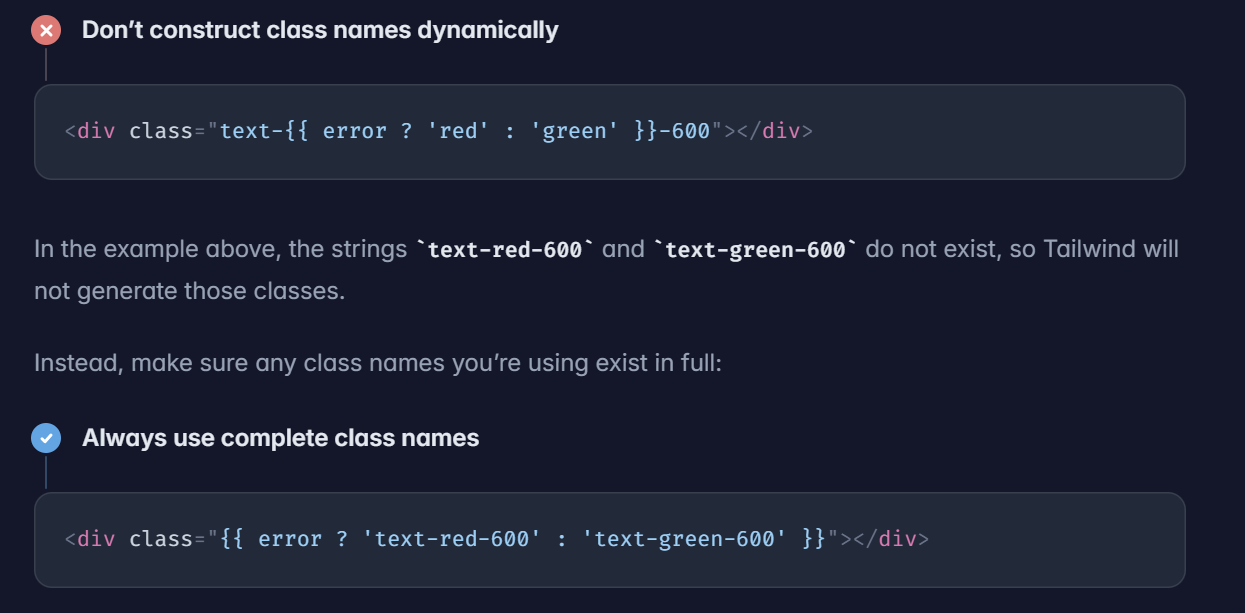
- 즉, Tailwindcss는 문자열을 붙여쓰거나 interpolation하는 경우 그에 상응하는 CSS 적용을 하지 못한다.
- 위의 안되는 예시를 보았을 때 text-red-600이나 text-green-600은 인식하지 못한다.
- 그래서 되는 예시에서 전체가 완성되는 것을 error 플래그 변수를 통해서 설정하는 것이 올바른 방법이다.
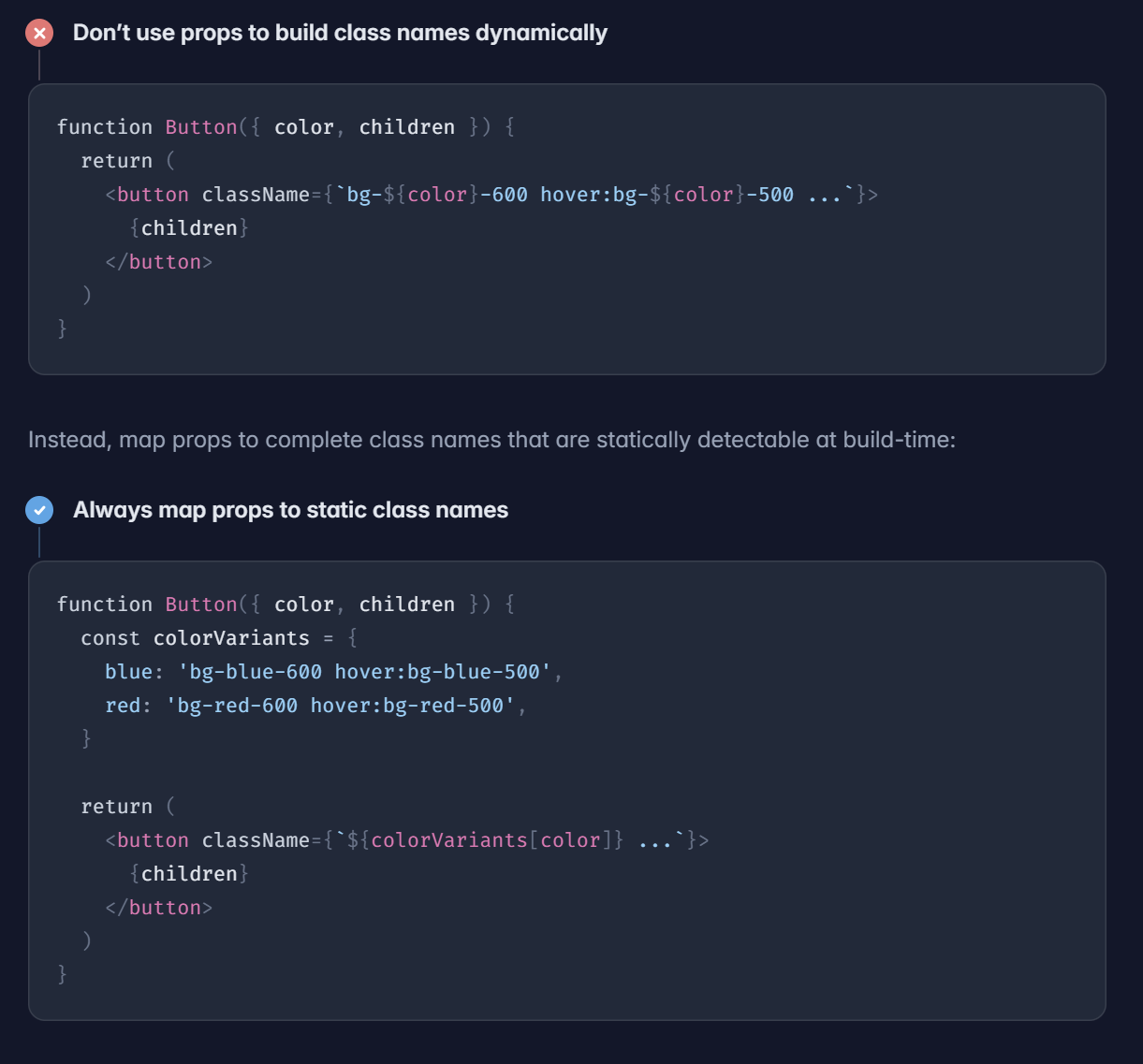
- 위의 경우에는
props로 전달받은 경우에는 따로 객체를 만들어서 진행해야된다는 것을 보여준다.
해결 내용
- 그러나 props로 받아서 객체로 모두 예를 들어 width가 1~1000까지 있다고 치면 그에 상응하는 객체의 데이터가 많아질 것으로 생각한다.
- 그래서
style바인딩을 활용해서 적용하였다.
<template>
  <div :style="{ width: `${width}px`, height: `${height}px`, backgroundColor: 'blue' }">
    스타일 박스
  </div>
</template>

<script setup>
defineProps({
  width: Number,
  height: Number,
});
</script>
- 예시를 들면 위와 같이 style 동적 바인딩을 통해서 대체 적용하는 방식으로 해결하였다.

기록과 공유