이전 글 꼭 읽어주세요
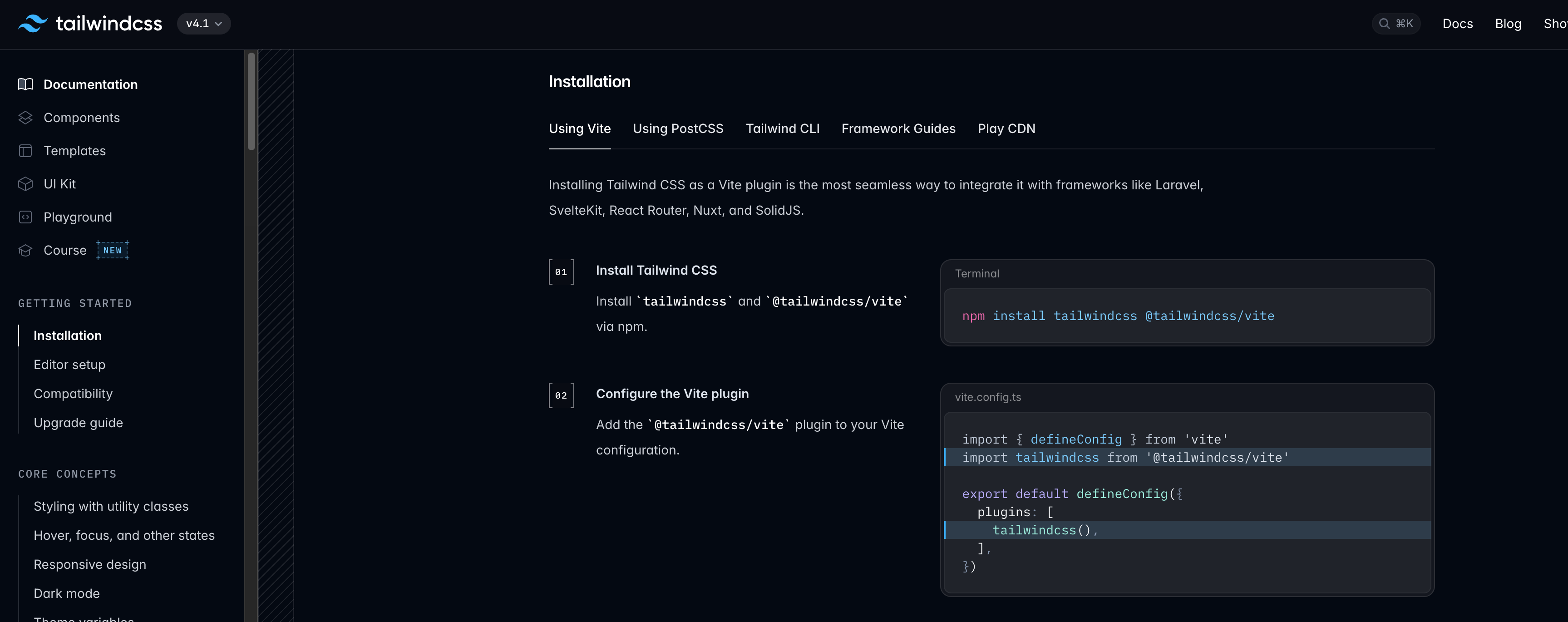
공식 문서 : https://tailwindcss.com/docs/installation/using-vite
공식문서에서에 따라하는 명령어 작성후에
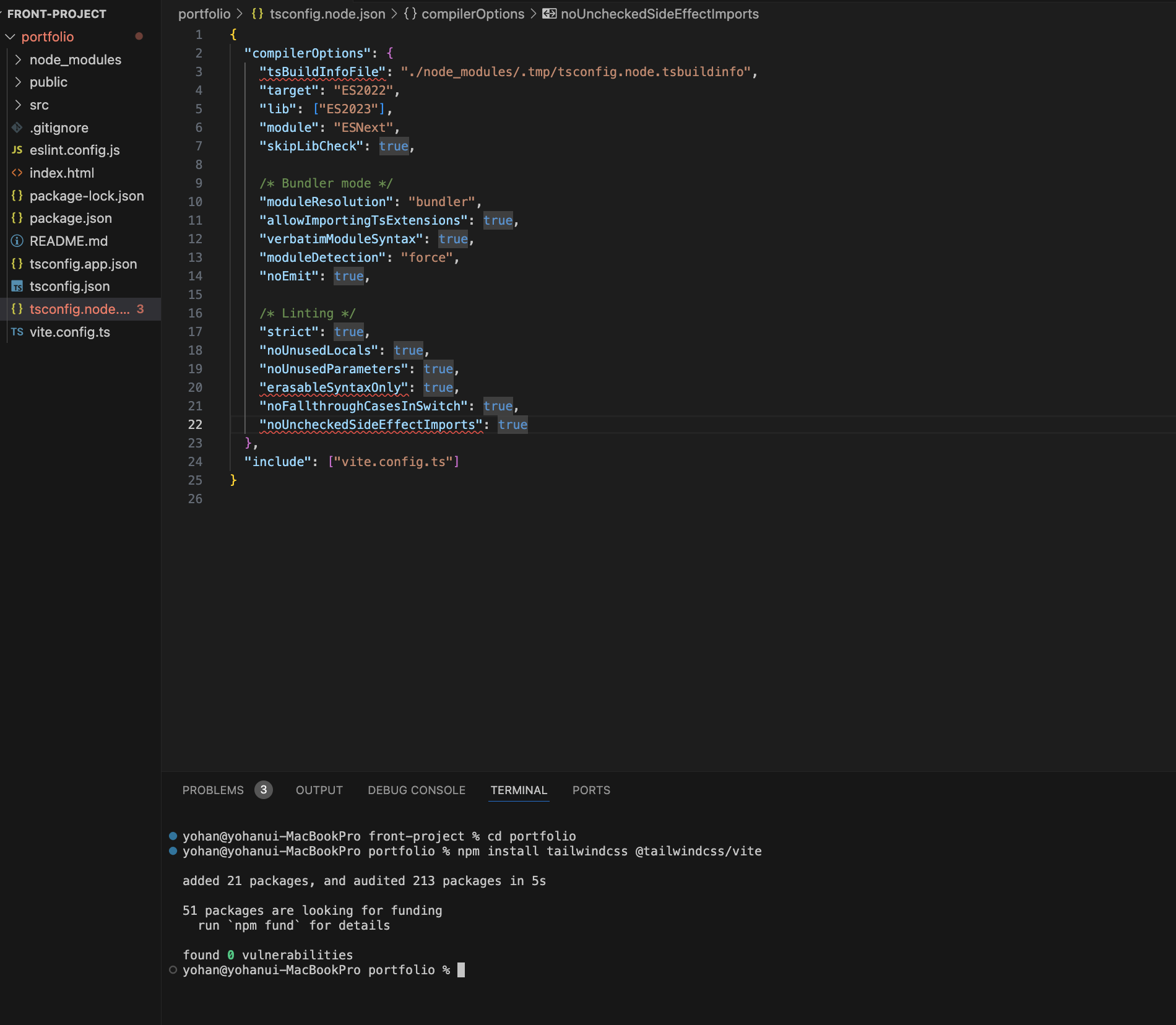
뭔오류야 ... 아이고 야 한숨 푹나오네 찾아보니 지금 tailwind 버전이 최신으로 깔아 버전이 안 맞아서 오류가 나는거 같다.
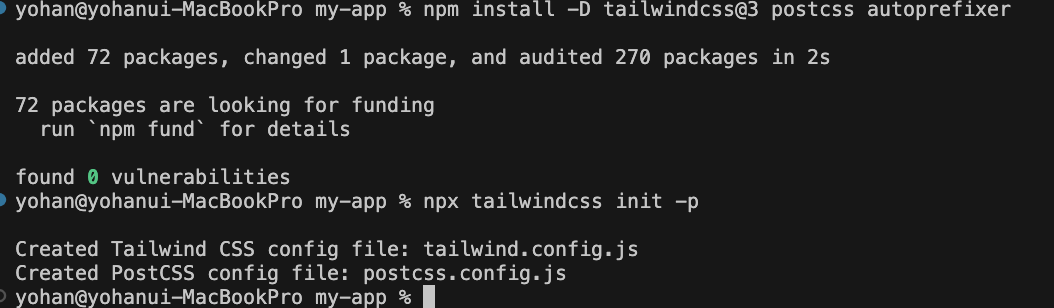
 npm install -D tailwindcss@3 postcss autoprefixer
 npx tailwindcss init -p
보시면 프로젝 이름을 변경했습니다 초기세팅 이기도 하고 너무 많은 오류로 새로운 프로젝트 생성해서 했습니다!
이것도 망했네~ ㅠㅠㅠㅠ
해결
그래서 공식 문서 다시 찾아가서
https://v3.tailwindcss.com/docs/guides/vite
제가 이번에 vite 프레임워크를 사용하니까 다시 찾아가서 명령어 그대로 작성하니 적용됩니다
명령어
terminal
npm create vite@latest my-project -- --template react
cd my-project

npm install -D tailwindcss@3 postcss autoprefixer
npx tailwindcss init -p
tailwind.config.js
/** @type {import('tailwindcss').Config} */
export default {
  content: [
    "./index.html",
    "./src/**/*.{js,ts,jsx,tsx}",
  ],
  theme: {
    extend: {},
  },
  plugins: [],
}
index.css
@tailwind base;
@tailwind components;
@tailwind utilities;
실행
app.tsx
return (

    <h1 className="text-red-500 sm:text-black">
    Hello world!
  </h1>
  )
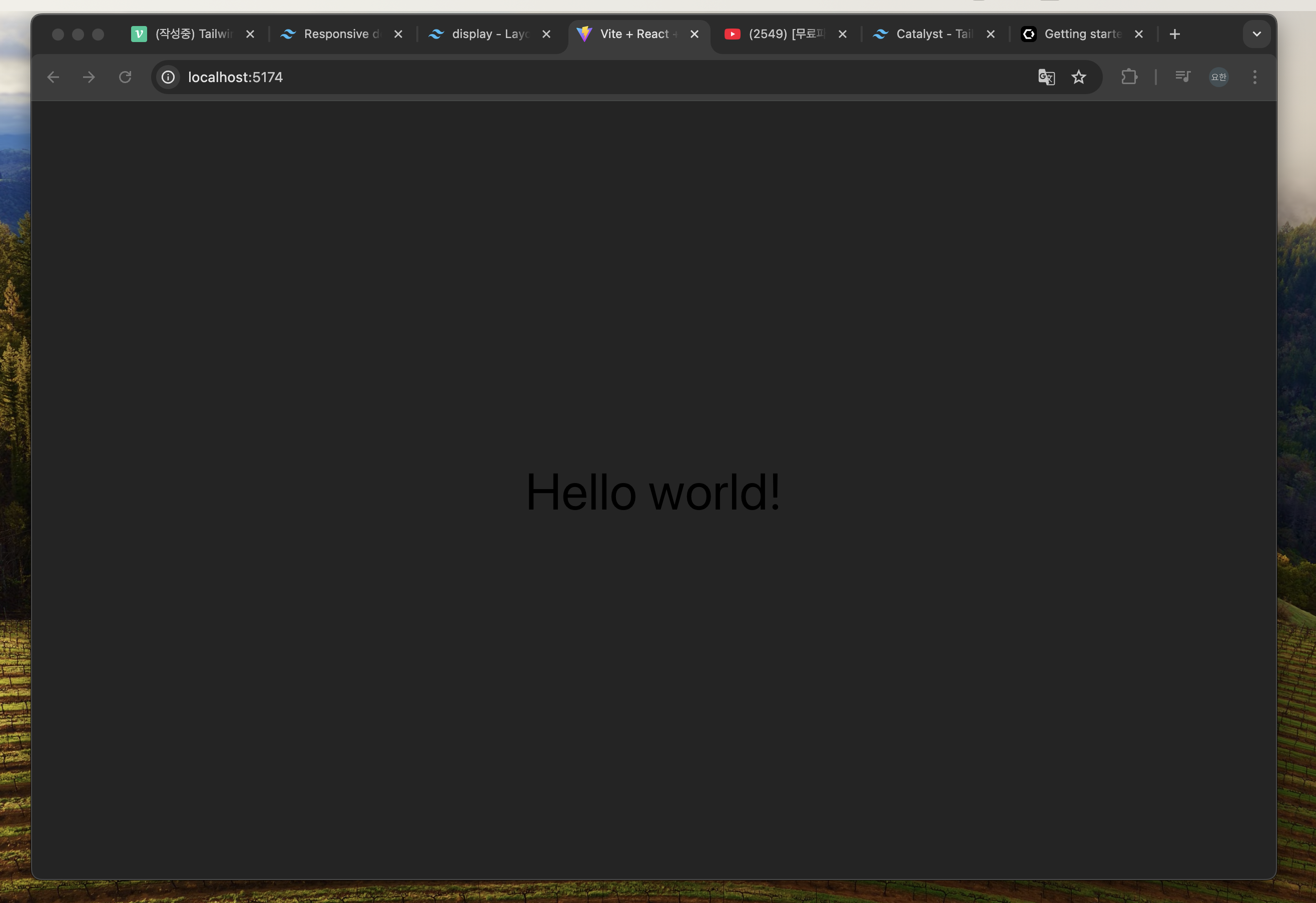
모바일 환경 현재 with < 640px 미만
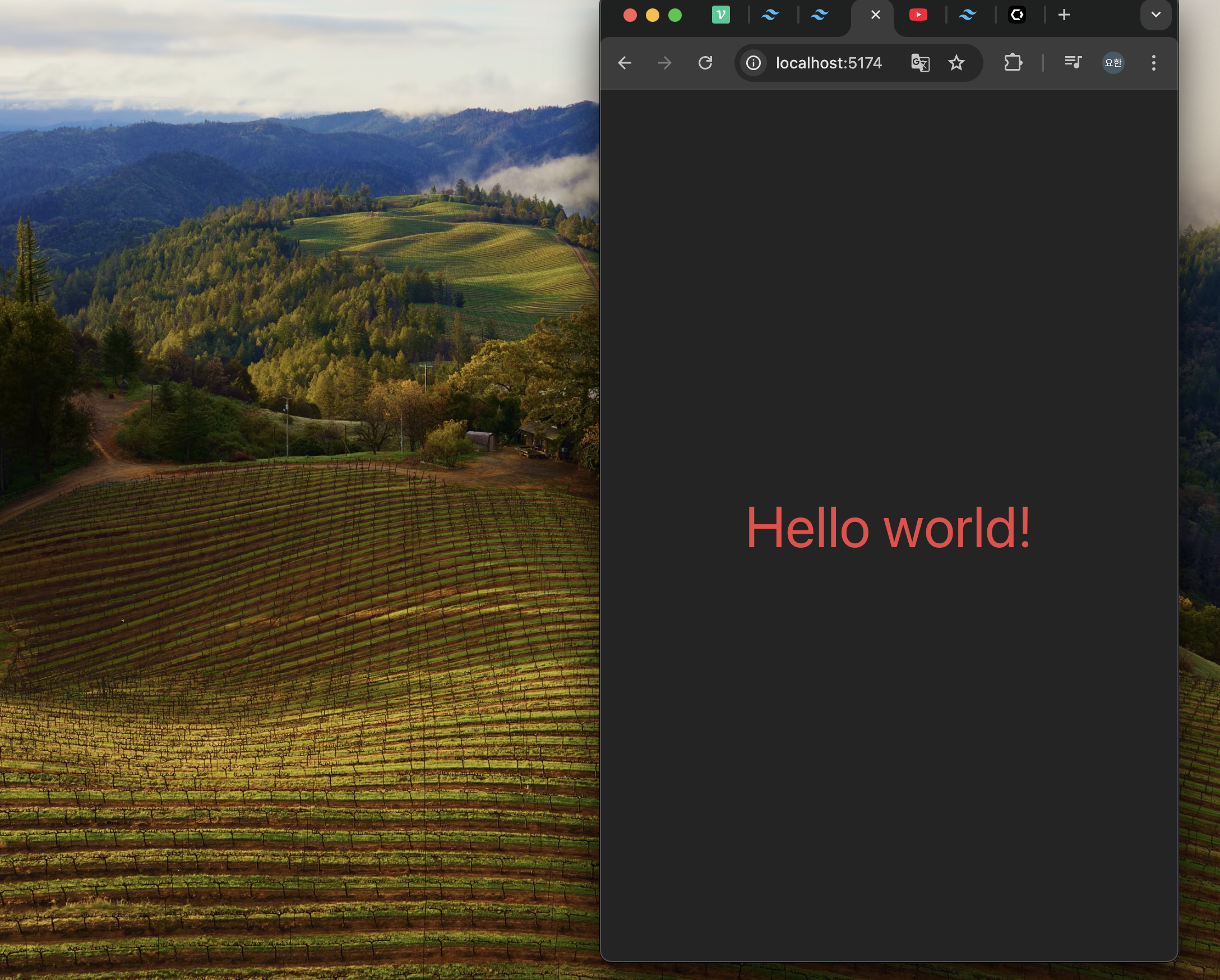
일반 웹 환경일때 현재 with >= 640px
짧은 글 읽어 주셔서 감사합니다
다음글에선 springboot랑 연동작업을 하겠습니다!

코드 깍는 개발자 kangyohan.dev.0421@gmail.com