해커톤 프로젝트가 끝나고 미뤄두었던 주식 사이트 작업을 시작하게 되는데...
React Vite로 시작하니까 겁나 빨랐다. 역시 비트~~!!
전에 했던 프로젝트는 next.js로 작업했기 때문에 라우팅 처리가 매우x100 편했다.
그냥 pages 폴더 안에서 파일을 만들면 자동으로 라우팅이 되니까..!
하지만 react로 돌아간 나는 라우팅을 react-router-dom을 활용해서 직접 구현해야 했고.. 이것이 매우 귀찮았던 나는 구글링을 했다.
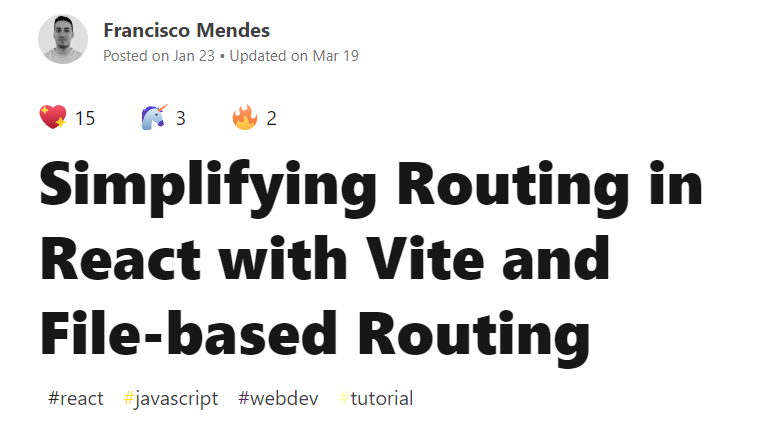
React Vite에서 파일 베이스 라우팅을 구현하는 게시물을 찾았다!! 👏👏
폴더 구조
|-- pages/
   |-- dashboard/
      |--$id.tsx
      |-- analytics.tsx
      |-- index.tsx
   |-- about.tsx
   |-- index.tsx
최종 라우팅은 다음과 같다.
- 인덱스 라우팅
- src/pages/index.tsx =>
'','/' - src/pages/dashboard/index.tsx =>
'/dashboard'
- src/pages/index.tsx =>
- 중첩 라우팅
- src/pages/dashboard/analytics.tsx =>
'/dashboard/analytics'
- src/pages/dashboard/analytics.tsx =>
- 동적 라우팅
- src/pages/dashboard/$id.tsx =>
'/dashboard/abc','/dashboard/123'
- src/pages/dashboard/$id.tsx =>
처음에 pages폴더에 index.tsx파일을 안 만들어서 오류가 났었다.😭
시작하기
Vite는 import.meta.glob 함수를 이용해 여러 모듈을 한 번에 가져올 수 있는 기능을 지원하고 있다!
// @/src/App.tsx
const pages: Pages = import.meta.glob("./pages/**/*.tsx", { eager: true });
위 코드에서는 pages/ 폴더에 있는 모든 모듈을 로드하고 있다.
// @/src/App.tsx

const pages: Pages = import.meta.glob("./pages/**/*.tsx", { eager: true });

const routes: IRoute[] = [];

for (const path of Object.keys(pages)) {
  const fileName = path.match(/\.\/pages\/(.*)\.tsx$/)?.[1];
  if (!fileName) {
    continue;
  }

  const normalizedPathName = fileName.includes("$")
    ? fileName.replace("$", ":")
    : fileName.replace(/\/index/, "");

  routes.push({
    path: fileName === "index" ? "/" : `/${normalizedPathName.toLowerCase()}`,
    Element: pages[path].default,
    loader: pages[path]?.loader as LoaderFunction | undefined,
    action: pages[path]?.action as ActionFunction | undefined,
    ErrorBoundary: pages[path]?.ErrorBoundary,
  });
}
// ...
가져온 모듈의 파일명 ex)index만 정규표현식으로 가져와서, $가 포함되어있으면 :로 바꿔서 동적라우팅 처리를 하고, index인 경우 빈 경로''로 처리를 한다.
그리고 routes 배열에
path- 등록하려는 경로Element- 경로에 할당하려는 React 컴포넌트loader- 데이터 가져오기 기능 (선택)action- form data 제출 기능 (선택)ErrorBoundary- path 오류가 났을 때 처리하는 React 컴포넌트 (선택)
을 넣는다.
// @/src/App.tsx
...
const router = createBrowserRouter(
  routes.map(({ Element, ErrorBoundary, ...rest }) => ({
    ...rest,
    element: <Element />,
    ...(ErrorBoundary && { errorElement: <ErrorBoundary /> }),
  }))
);

const App = () => {
  return <RouterProvider router={router} />;
};

export default App;
마지막으로 routes 배열을 map으로 반복하여 RouterProvider에 할당한다.
최종 코드
// @/src/App.tsx

import {
  createBrowserRouter,
  RouterProvider,
  LoaderFunction,
  ActionFunction,
} from "react-router-dom";

interface RouteCommon {
  loader?: LoaderFunction;
  action?: ActionFunction;
  ErrorBoundary?: React.ComponentType<any>;
}

interface IRoute extends RouteCommon {
  path: string;
  Element: React.ComponentType<any>;
}

interface Pages {
  [key: string]: {
    default: React.ComponentType<any>;
  } & RouteCommon;
}

const pages: Pages = import.meta.glob("./pages/**/*.tsx", { eager: true });
const routes: IRoute[] = [];
for (const path of Object.keys(pages)) {
  const fileName = path.match(/\.\/pages\/(.*)\.tsx$/)?.[1];
  if (!fileName) {
    continue;
  }

  const normalizedPathName = fileName.includes("$")
    ? fileName.replace("$", ":")
    : fileName.replace(/\/index/, "");

  routes.push({
    path: fileName === "index" ? "/" : `/${normalizedPathName.toLowerCase()}`,
    Element: pages[path].default,
    loader: pages[path]?.loader as LoaderFunction | undefined,
    action: pages[path]?.action as ActionFunction | undefined,
    ErrorBoundary: pages[path]?.ErrorBoundary,
  });
}

const router = createBrowserRouter(
  routes.map(({ Element, ErrorBoundary, ...rest }) => ({
    ...rest,
    element: <Element />,
    ...(ErrorBoundary && { errorElement: <ErrorBoundary /> }),
  }))
);

const App = () => {
  return <RouterProvider router={router} />;
};

export default App;
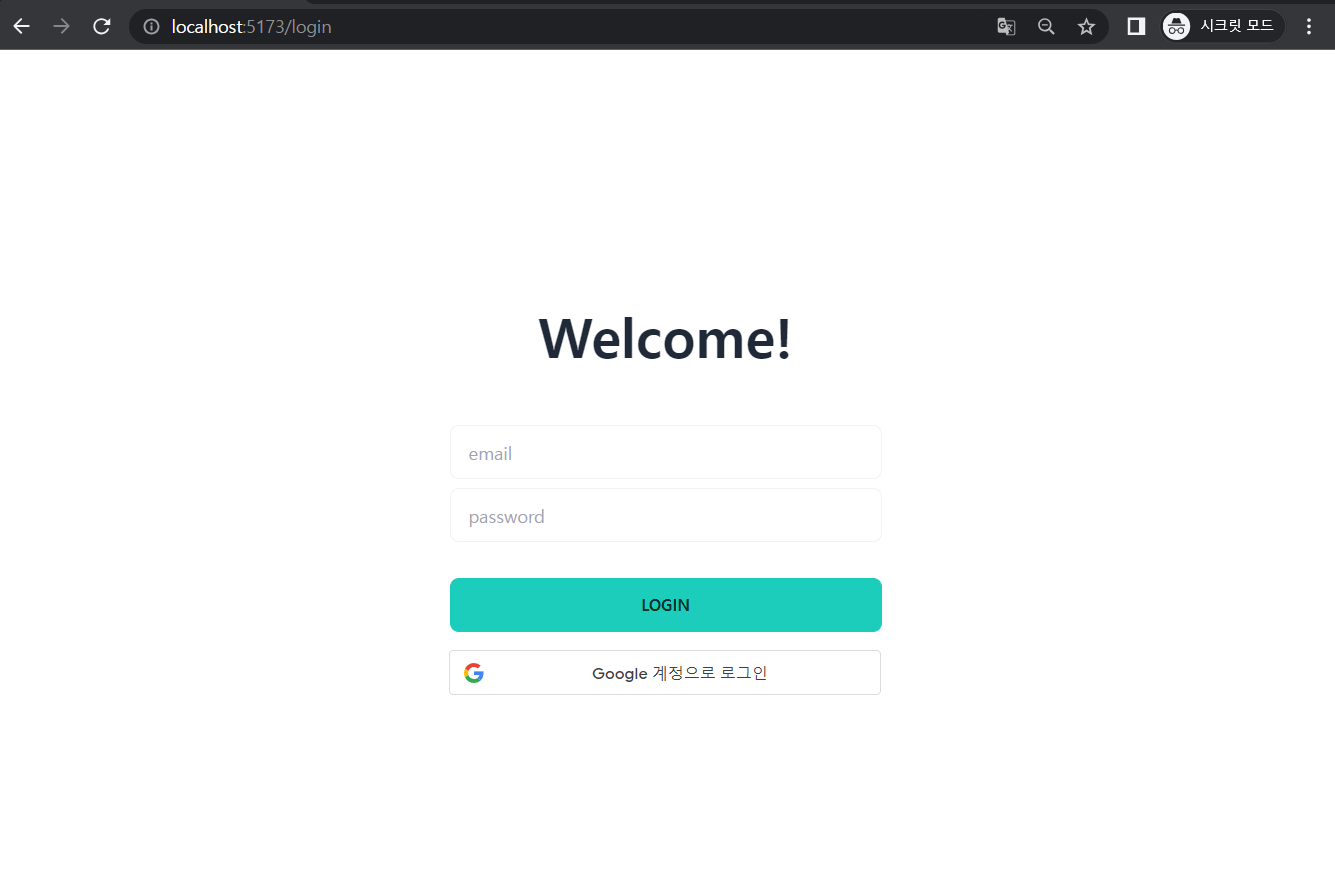
라우팅이 잘 동작한다!
참고
https://dev.to/franciscomendes10866/file-based-routing-using-vite-and-react-router-3fdo

개발괴발