Notification Center
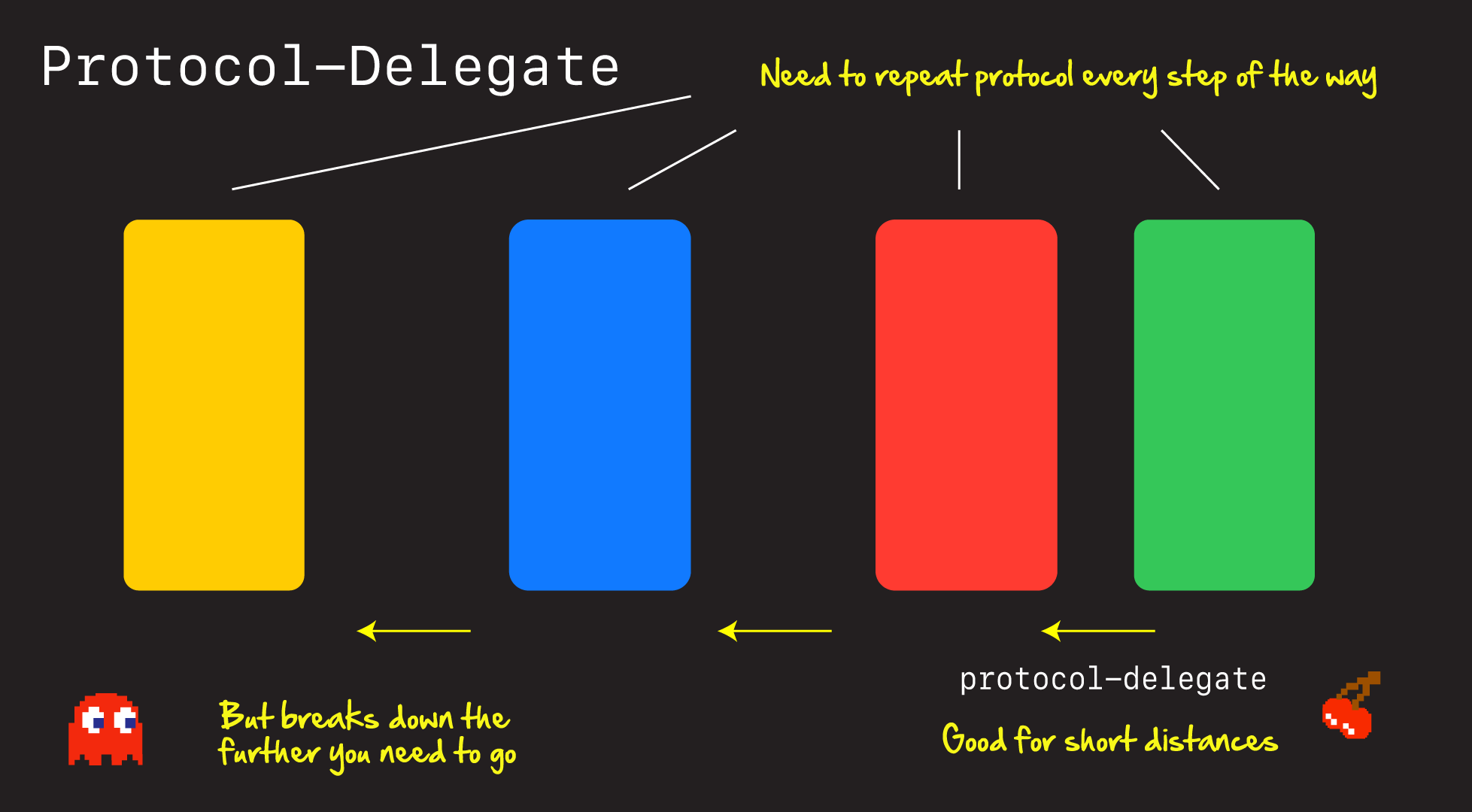
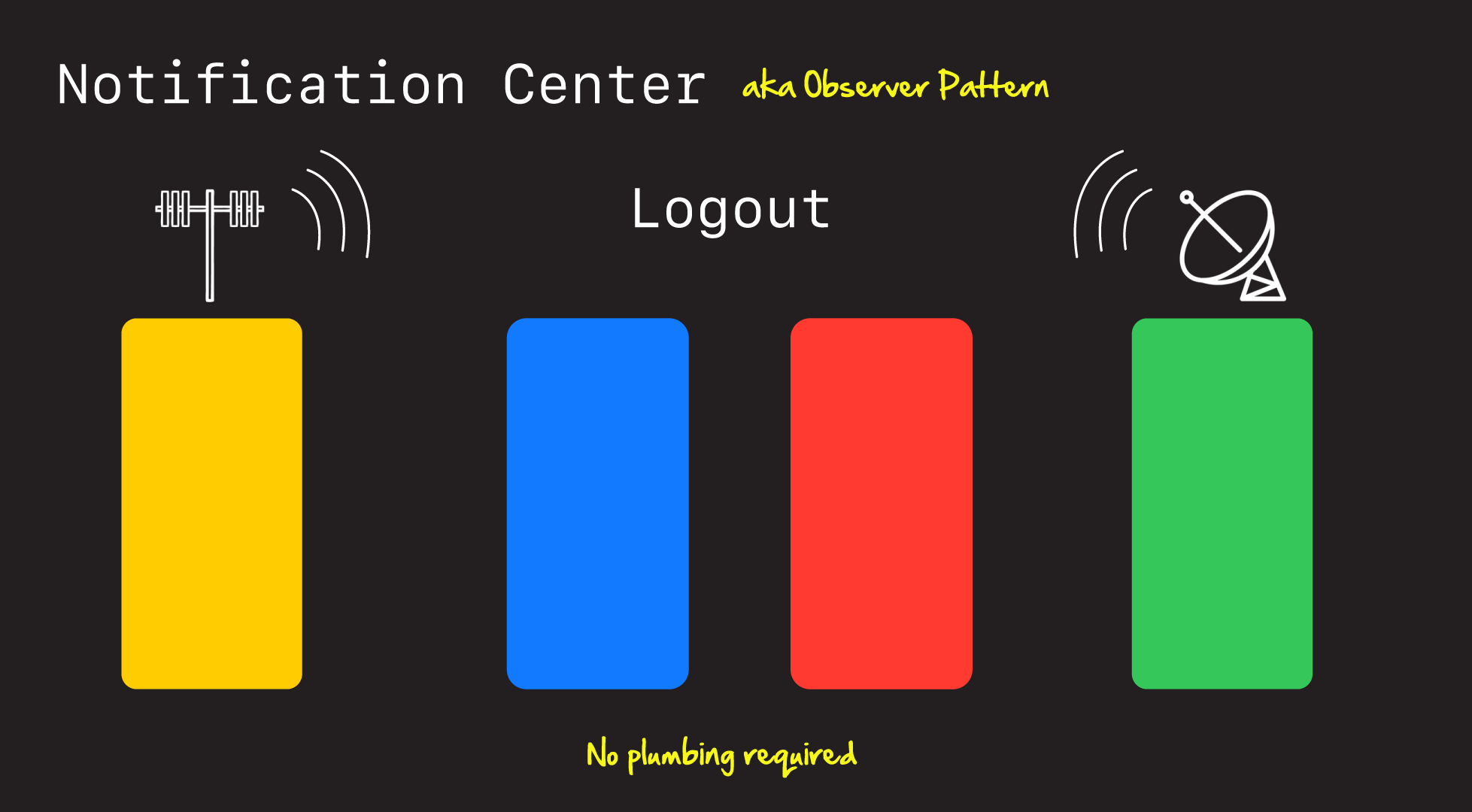
스토리보드를 사용하지 않고 앱을 만들 때 화면을 전환하는 방법이 여러가지가 있는데 그 중 하나가 Notification Center를 이용하는 방법이다. Protocol Delegate 패턴을 이용하면 뷰컨트롤러를 하나씩 차례대로 이동해야 하는데 Notificaion Center는 View hierarchy를 모두 거치지 않고 한번에 이동하거나 정보를 전달할 수 있다.
// NSNotificationName

extension Notification.Name {
     static let logout = Notification.Name("Logout")
}
// AppDelegate
registerForNotifications()
private func registerForNotifications() {
NotificationCenter.default.addObserver(self, selector: #selector(didLogout), name: .logout, object: nil)
}
@objc func didLogout() {
}@objc func logoutTapped(sender: UIButton) {
NotificationCenter.default.post(name: .logout, object: nil)
}Detecting Orientation
NotificationCenter.default.addObserver(self, selector: #selector(AdjustConstraintsView.rotated), name: UIDevice.orientationDidChangeNotification, object: nil)

@objc func rotated() {
    if UIDevice.current.orientation.isLandscape {
        print("Landscape")
    } else {
        print("Portrait")
    }
}- 구식이라서 이것보다는 UITraitCollection으로 하는 방법이 더 낫다.