1. 오늘 배운 내용에 대한 요약
1.1 산술연산자(Arithmetic Operater)
이항연산자
 - 이항연산자로는 +, -, *, /, % 등이 존재한다.

단항연산자
 - 하나의 피연산자를 가지는 연산자
 ex) -A

증감연산자
 - 증감연사자로는 ++, -- 등이 존재한다.
1.2 함수
함수의 장점
- 반복되는 코드를 여러번 작성할 필요가 없다.
- 유지 보수, 개발이 용이하다.

강의에서 혼동하여 사용하여 정리하였다.
- Parameter(매개변수)
- argument(전달인자)

  function check(parameter){
      return parameter;
  }
  check(argument);
1.3 관계연산자
- 관계연산자는 대소관계를 비교하는 연산자로 <, >, <=, >=, ==, !=가 있다.
- true, false를 반환한다.
1.4 논리연산자
- &&, ||를 이용해 and(), or()을 나타낸다.
- (a && b) == (a and b) == (a ∩ b)
- (a || b) == (a or b) == (a∪ b)
- ! 을 이용하여 NOT을 표현한다.
1.5 연산자 우선순위
우선순위 순서 (헷갈리면 그냥 괄호로 묶을 것)
1. ++, --
2. !
3. *, /, %
4, +, -
5. <, <=, >, >=
6. ==, !=
7. &&
8, ||
1.6 string
문자열.length
- 문자열의 길이를 반환

문자열 붙이기
- .concat()을 이용하여 문자열을 붙일 수 있다.
- 더하기(+)를 사용하여 두 문자열을 붙일 수 있다.
1.6 string 다루기
특정 위치의 문자열 알아내기
- str.charAt(접근하고픈 위치)
- str[접근하고픈 위치]

부분문자열 알아내기
- str.substring(start, end) // start부터 end-1까지를 포함한 문자열을 반환
- str.substr(start, length) // start부터 length만큼의 문자열을 반환
- str[start:end] 불가능

문자열 위치 검색
- indexOf(str)
- lastIndex(str)
2. 각각의 실습 코드 정리
var a=1;
console.log(a);
console.log(a++);
console.log(a);
console.log(Math.pow(2,3));
// console.log(2^3); 잘못된 값
console.log(Math.sqrt(16));
// console.log(16^(1/2)); 잘못된 값
console.log(Math.random());
// var a, b, c, d= 1, 2, 3, 4; 불가능
var a= 1, b= 2, c= 3, d= 4;
// var e, f, g, h= "a", "b", "c", "d"; 불가능
var e= "a", f= "b", g="c", h= "d";
2*3>4+5&&6/3==2||!false
height >= 180 && gender =="male" || height >= 165 && gender == "female"
(height >= 180 && gender =="male") || (height >= 165 && gender == "female")
function print(message){
console.log("print function in");
console.log(message);
console.log("print function in");
}
function sum(arg1, arg2){
return arg1 + arg2
}
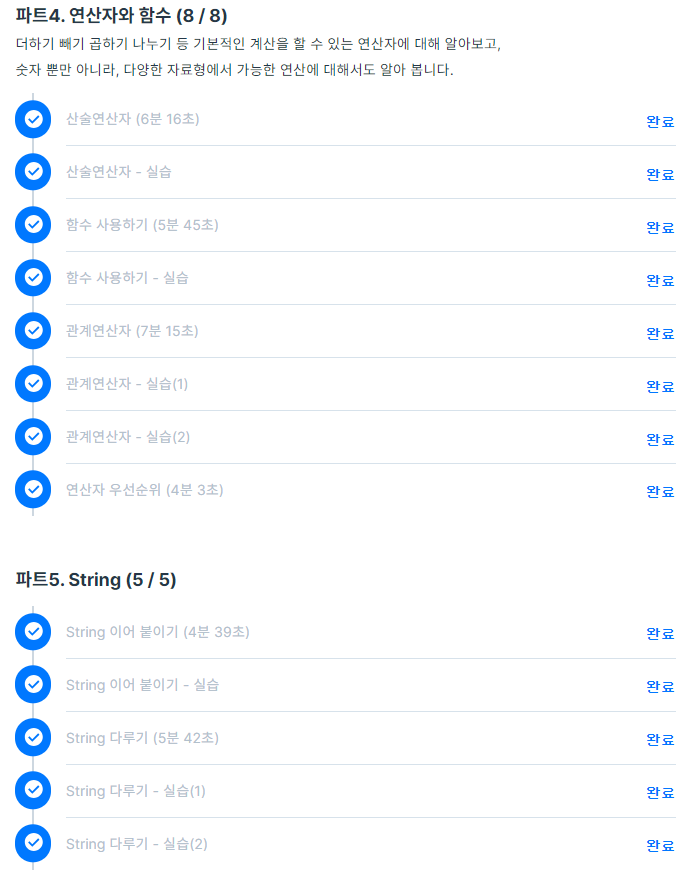
3. 강의 목록 캡쳐