참고 자료에서 필요한 부분만 간추린 문서입니다.
새로운 프로젝트를 진행하며 팀원과 application.yml과 같은 설정 파일을 공유할 방법을 찾고싶었다. 중요한 파일을 암호화하거나 submodule이나 subtree를 사용하는 것처럼 다양한 방법이 있었지만 git의 submodule을 활용하는 방법이 가장 적은 러닝커브로 적용할 수 있을 것이라 판단해 도입하게 되었다. 다음은 기술을 공부하며 정리한 내용이다.
submodule 이란?
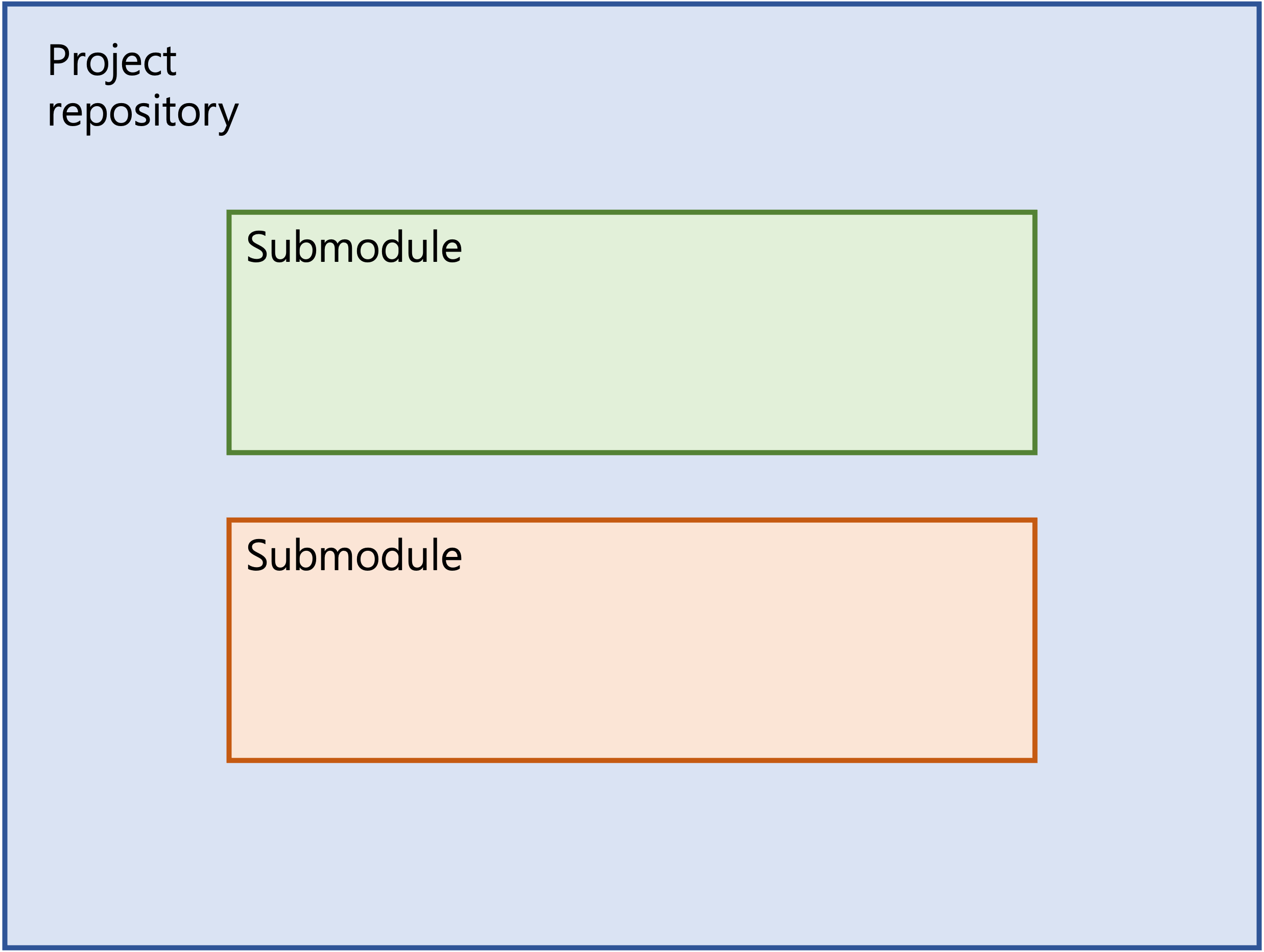
Git 저장소 안에 다른 Git 저장소를 디렉토리로 분리해 넣는 것이 서브모듈이다.
- 다른 독립된 Git 저장소를 Clone 해서 내 Git 저장소 안에 포함할 수 있다.
- 해당 디렉토리 아래의 파일 수정사항을 직접 추적하지 않는 대신 서브모듈 디렉토리를 통째로 특별한 커밋으로 취급한다.(한 파일로 취급)
- 각 저장소의 커밋은 독립적으로 관리한다.
submodule 추가
git submodule add {서브 모듈로 활용할 repository 주소}submodule과 함께 clone
- 방법 1
git clone {project repository} cd {project directory} git submodule init git submodule update - 방법 2
git clone --recurse-submodules {project repository url}
서브모듈의 리모트 저장소에서 데이터를 가져오고 서브모듈을 포함한 프로젝트의 현재 스냅샷에서 Checkout(복원의 개념) 해야 할 커밋 정보를 가져와서 서브모듈 프로젝트에 대한 Checkout을 한다
submodule update
- (하위 프로젝트를 수정하지 않고 참조만 하면서)최신 버전으로 업데이트
- 방법 1 : 서브모듈 디렉토리에서
git fetch명령을 실행하고git merge명령으로 Upstream 브랜치를 Mergegit fetch git merge origin/main - 방법 2 : Git이 알아서 서브모듈 프로젝트를 Fetch 하고 업데이트
git submodule update --remote [--merge or --rebase] [{서브 모듈로 사용한 repository 이름 혹은 디렉토리}]- 기본적으로 모든 서브모듈을 업데이트
- 필요한 경우 merge나 rebase 명령어를 추가
- 방법 1 : 서브모듈 디렉토리에서
- 서브모듈 저장소에서 업데이트할 대상 브랜치 변경
git config -f .gitmodules submodule.{서브 모듈로 사용한 repository 이름 혹은 디렉토리}.branch {브랜치 이름}-f .gitmodules옵션을 포함하지 않으면 이 설정은 공유하지 않고 사용자에게만 적용된다
git push
서브모듈의 변경사항은 로컬에만 적용되었기 때문에 변경사항을 Push 하지 않은 채로 메인 프로젝트에서 커밋을 Push 하면 안 된다. 변경 사항에 의존하는 코드의 경우 checkout 시 문제가 발생하기 때문이다. 이로 인해 git push에 옵션을 걸어 서브모듈을 모두 Push 했는지 검사하도록 설정할 수 있다.
- check 옵션 : 서브모듈의 로컬 커밋이 Push 되지 않은 상태라면 현재의
Push명령도 실패하도록 하는 옵션git push --recurse-submodules=check - on demand 옵션
git push --recurse-submodules=on-demand - 보다 단순하게 config에 설정을 저장해 둘 수 있다.
git config push.recurseSubmodules {on-demand or check}
submodule 제거
-
연결 해제
git submodule deinit -f {서브 모듈로 사용한 repository 이름} {directory} -
.git/modules해당 디렉토리 삭제rm -rf .git/modules/{서브 모듈로 사용한 repository 이름} -
git 에서 해당 디렉토리 제거
git rm -f {서브 모듈로 사용한 repository 이름} -
커밋하여 변경 사항을 적용한다
build.gradle
스프링부트에서 적용시 build.gradle에 다음 task를 등록한다면 resource 경로에 설정 파일을 불러올 수 있게된다. gitignore에 application*.yml 파일을 추적하지 않도록 설정해두었다.
- build.gradle
## 기존 설정 내용
# 다음은 추가된 내용
tasks.register('copyPrivate', Copy) {
    copy {
        from './secure-settings'
        include "*.yml"
        into 'src/main/resources'
    }
}
processResources {
    dependsOn copyPrivate
}- gitignore
# 기존 설정
application*.yml
긍정적인 생각, 적극적인 생활