To Do
1. Html "Js" loading Error on Server
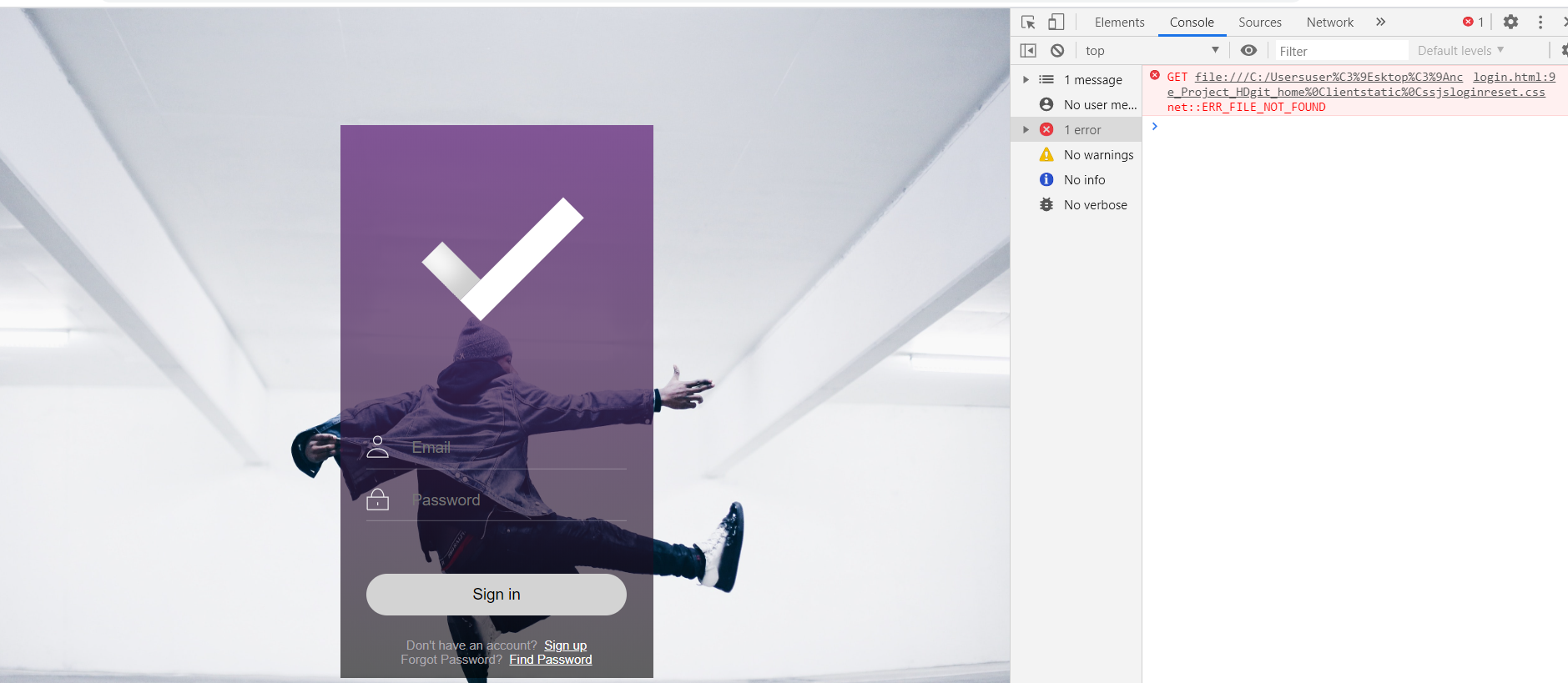
This is just, html file, not ran on server.
I applied background image by js . and it is working
But..When I run it on server
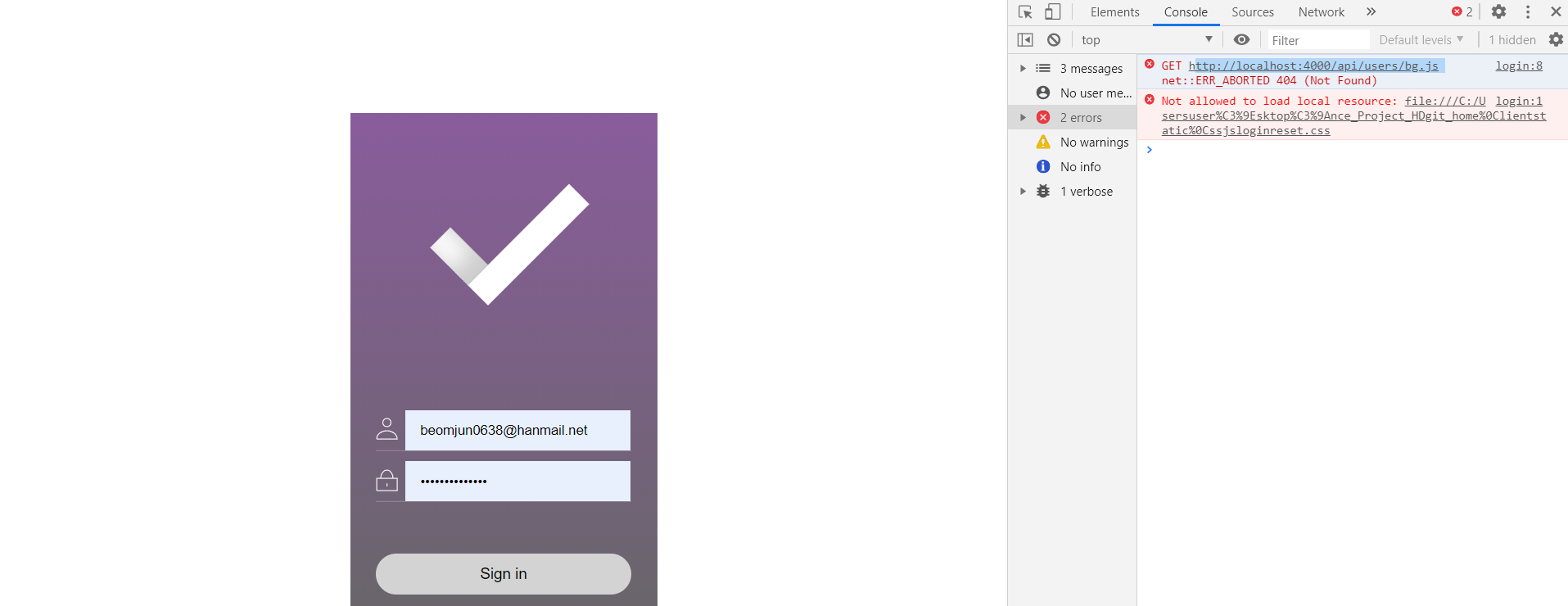
http://localhost:4000/api/users/login
It says, js is not running....
Why ??
< Reference >
https://infodbbase.tistory.com/41
It says, I have to additionally apply the code
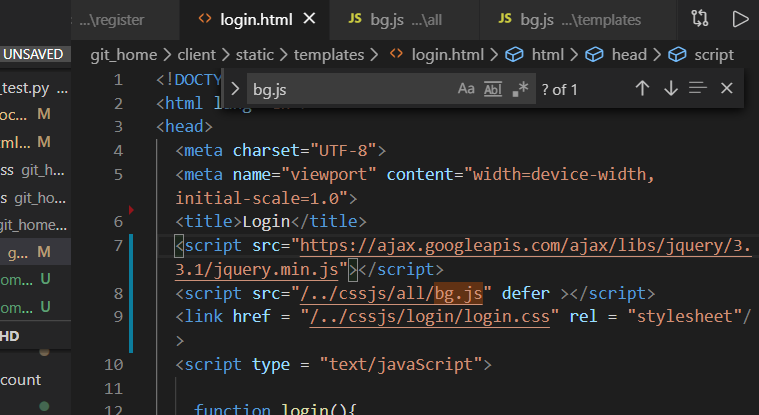
Solution
You also have to check the "bg.js" and check which way the js file is pointing
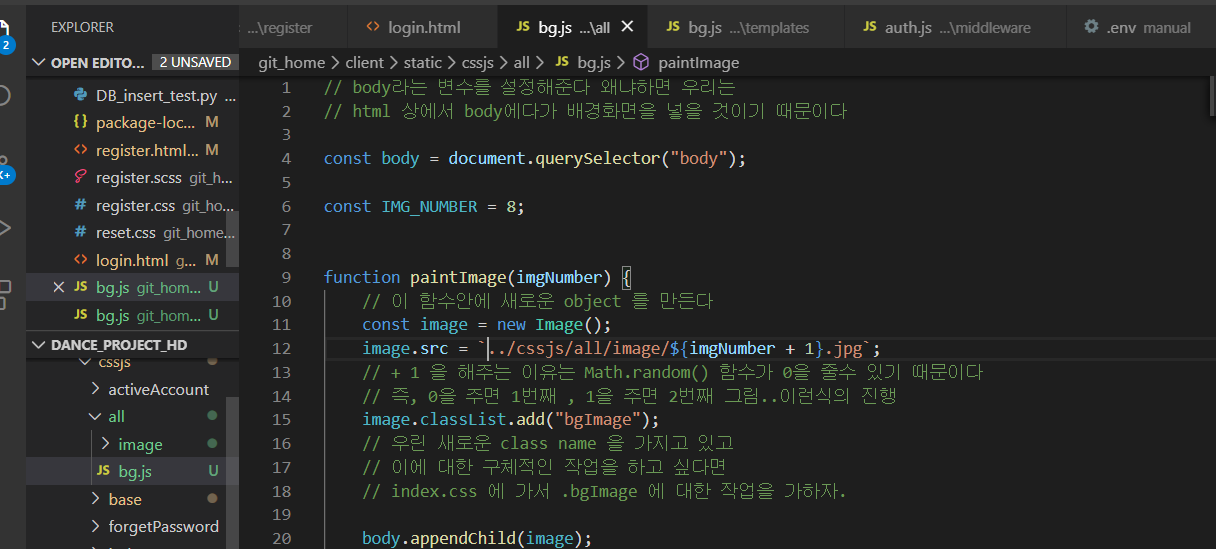
The Main Thing...is...'/'......?
// 1. server_index.js
app.use(express.static(__dirname +'/../client/static'))

// 2. html
<script src="/../cssjs/all/bg.js" defer ></script>
<link href = "/../cssjs/login/login.css" rel = "stylesheet"/>

// 3. bg.js
image.src = `/../cssjs/all/image/${imgNumber + 1}.jpg`;
You have to add '/' in front of all the links !!!!!
if you apply '../~~~' instead of '/../ ~' error occurs
!!!!!!
2. Html "Css" loading Error on Server
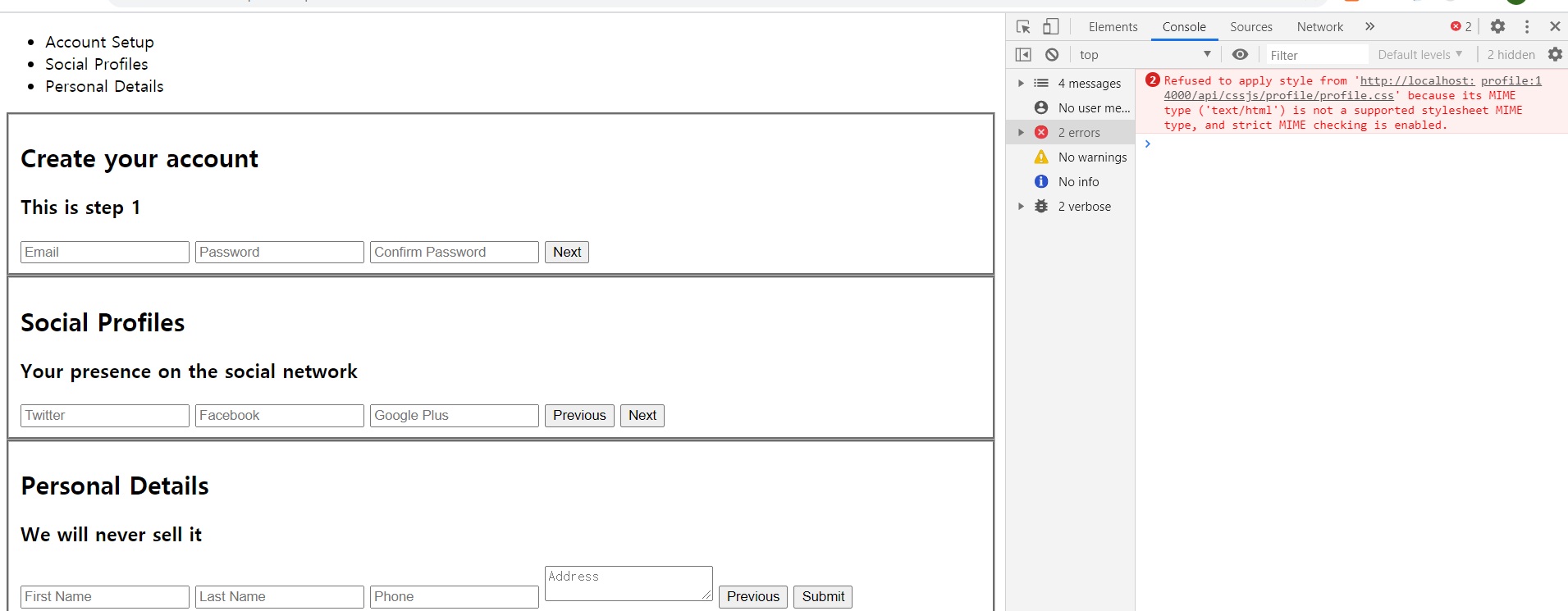
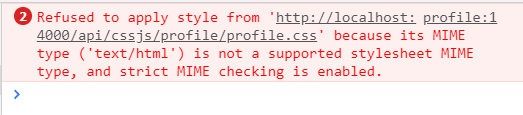
<link href = "../cssjs/profile/profile.css" rel = "stylesheet"/>Same Solution: add '/'
<link href = "/../cssjs/profile/profile.css" rel = "stylesheet"/>3. Profile Jquery not working
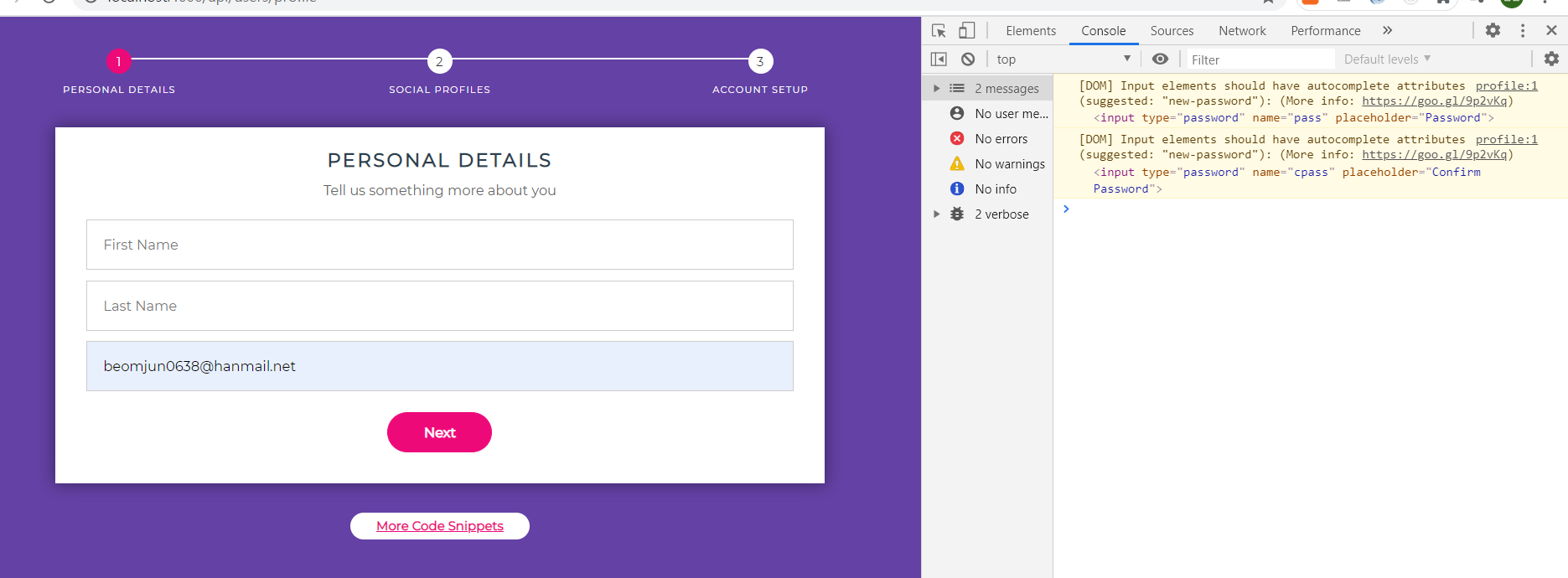
If I click "next", then the page transition should happen...but it didn't ....
Solution : google-ui code
<script src='http://ajax.googleapis.com/ajax/libs/jqueryui/1.8.5/jquery-ui.min.js'></script>I had to put this code, in order to activate "animation " effect in jquery
4. Deviding Routers ( Refactor Routers into Multifiles )
logout.js
const express = require('express');
const router = express.Router();
const path = require('path');
const { User } = require('../models/User')
// auth 라는 middleware 을 가져온다 ( 인증처리 )
const { auth } = require( '../middleware/auth' );

// 로그아웃
router.get('/api/users/logout' , auth , ( req,res ) => {
    console.log('logging out')
    // User 모델을 가져와서, user를 찾아서 그 data를 update 시켜준다
    User.findOneAndUpdate( { _id : req.user._id},
        // 여기서는 token을 지워준다
        { token : ""}
        , ( err, user) => {
            if(err) return res.json({ success : false , err});
            //쿠키지우기
            res.clearCookie("x_auth")
            res.redirect('/main')
            // res.status(200).json({
            //     success: true
            // })
        })
    })

module.exports = router;
server_index.js
// 로그아웃 route
const logout = require('./router/logout.js');
app.use( logout )
Dream of being "물빵개" ( Go abroad for Dance and Programming)