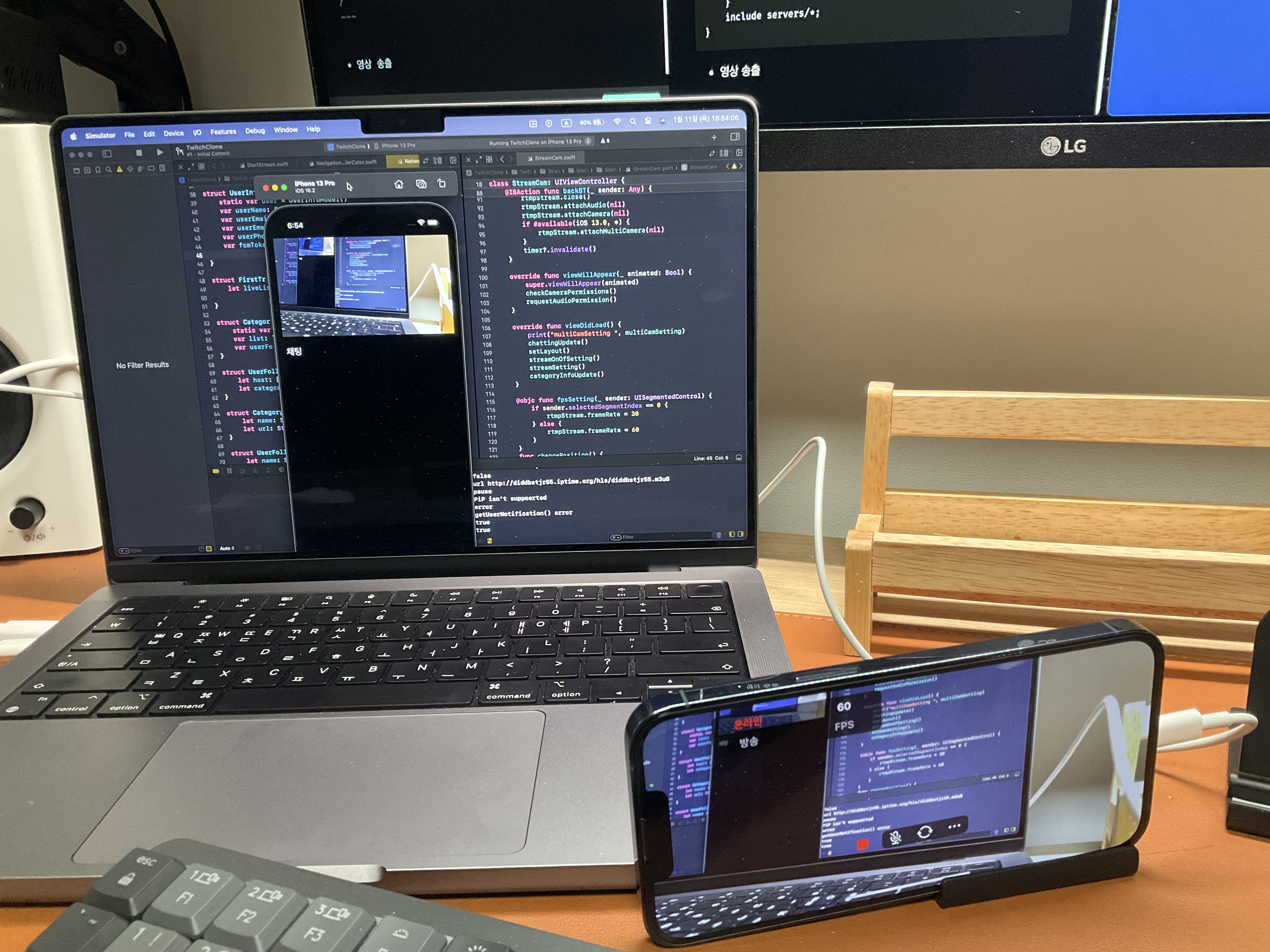
프로젝트 진행에 미디어 서버가 필요해 삽질한 내용을 정리한 글.
- Nginx 패키지 저장소 추가
brew tap denji/nginxhttps://github.com/denji/homebrew-nginx
<https://github.com/arut/nginx-rtmp-module >
- Nginx, 모듈 설치
brew install nginx-full --with-rtmp-module --with-debug- Nginx 시작, Nginx 정지
https://stackoverflow.com/questions/39018388/nginx-reload-error-in-mac-osx
Nginx가 중복 설치, 실행할 경우 해당 에러가 발생할 수 있어
활성 상태로 통해 Nginx 확인.
nginx # 시작
nginx -s stop # 정지
- 서버 설정값을 nginx.conf 파일 수정을 통해 바꿀 수 있음.
Mac 숨김파일 보기 [Shift + Command + . ]
/opt/homebrew/etc/nginx/nginx.conf 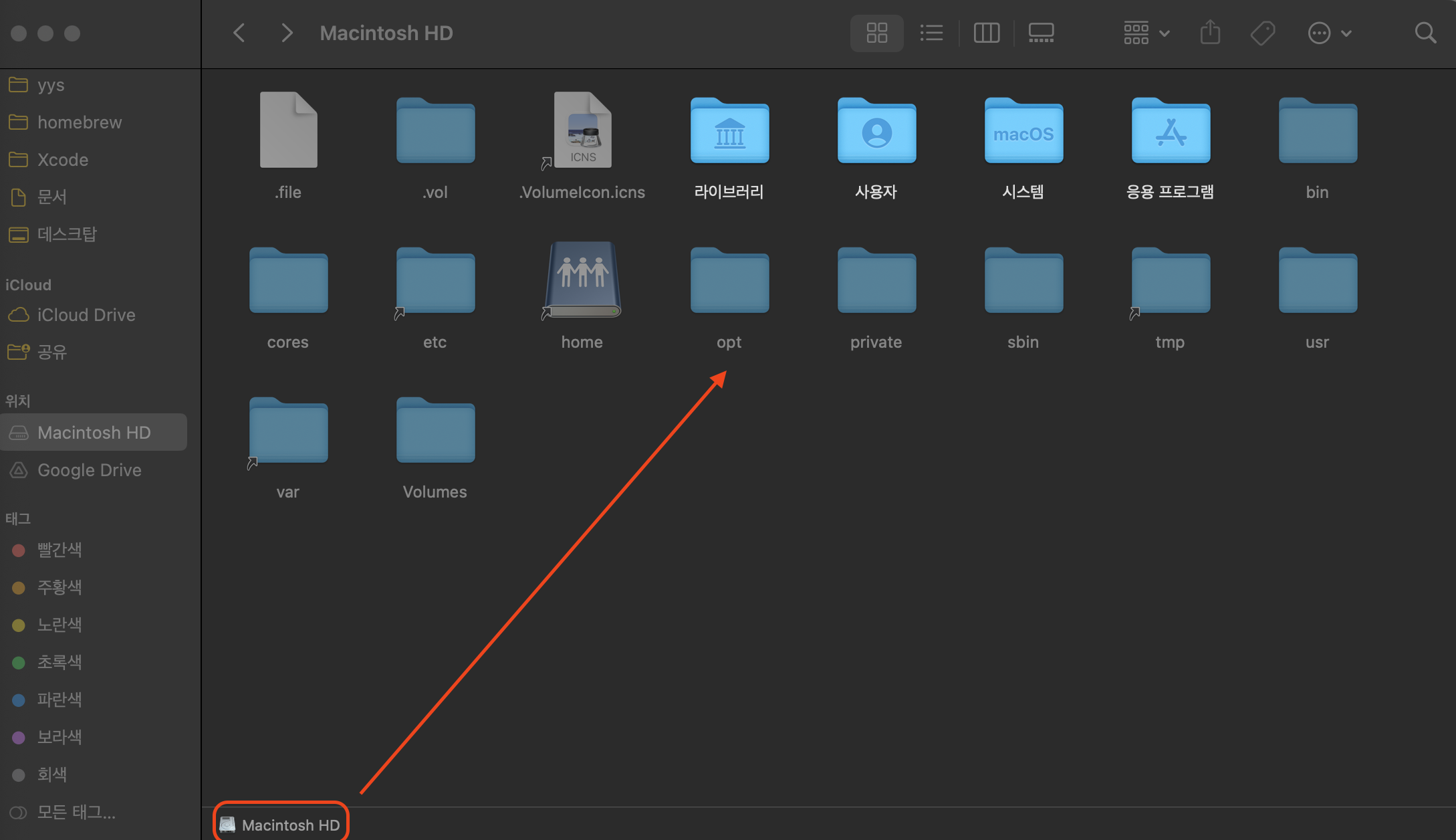
- nginx.conf
worker_processes  auto;
events {
    worker_connections  1024;
}

# RTMP configuration
rtmp {
    server {
        listen 1935; # Listen on standard RTMP port
        chunk_size 3000;
		buflen 1s;

        application live {
            live on;
	    record off;
	}
	   application hls {
            live on;
            # Turn on HLS
            hls on;

            # 파일을 저장할 공간 생성해야함.
            hls_path /Users/yys_mac/yys/NginxD/hls;

            #hls_sync 100ms;
            hls_fragment 600ms;
            hls_playlist_length 5s;
            # exec ffplay -fflags nobuffer http://localhost/hls/$name.m3u8;

        }
    }
}

http {
    sendfile off;
    tcp_nopush on;
    directio 512;
    default_type application/octet-stream;

    server {
        listen 80;

        location /  {
            # Disable cache
            add_header 'Cache-Control' 'no-cache';

            # CORS setup
            add_header 'Access-Control-Allow-Origin' '*' always;
            add_header 'Access-Control-Expose-Headers' 'Content-Length';

            # allow CORS preflight requests
            if ($request_method = 'OPTIONS') {
                add_header 'Access-Control-Allow-Origin' '*';
                add_header 'Access-Control-Max-Age' 1728000;
                add_header 'Content-Type' 'text/plain charset=UTF-8';
                add_header 'Content-Length' 0;
                return 204;
            }

            types {
                application/dash+xml mpd;
                application/vnd.apple.mpegurl m3u8;
                video/mp2t ts;
            }

            # 위에서 파일 저장 공간 상위 폴더.
            root /Users/yys_mac/yys/NginxD;


        }
    }
	include servers/*;
}- 영상 송출
영상을 송출은 해당 주소로 스트림 키를 설정해 영상을 송출할 수 있다.
rtmp://(서버 아이피)/hls 영상을 받는쪽은 주소로 받을 수 있다.
iOS 환경에서는 HTTPS가 아닌 HTTP 환경으로 보안설정이 추가로 필요하다.
http://서버 아이피/hls/\스트림키.m3u8EX)
#송출
rtmp://210.111.05.12/hls #주소
test #스트림키

#시청
http://210.111.05.12/hls/test.m3u8
참고
https://mygoodplace.tistory.com/13
https://3jini.tistory.com/245

안녕하세요 iOS 환경에서 AI, Vision을 공부하고 있습니다.