Firebase Authentication 기능을 이용해 구현하였습니다.
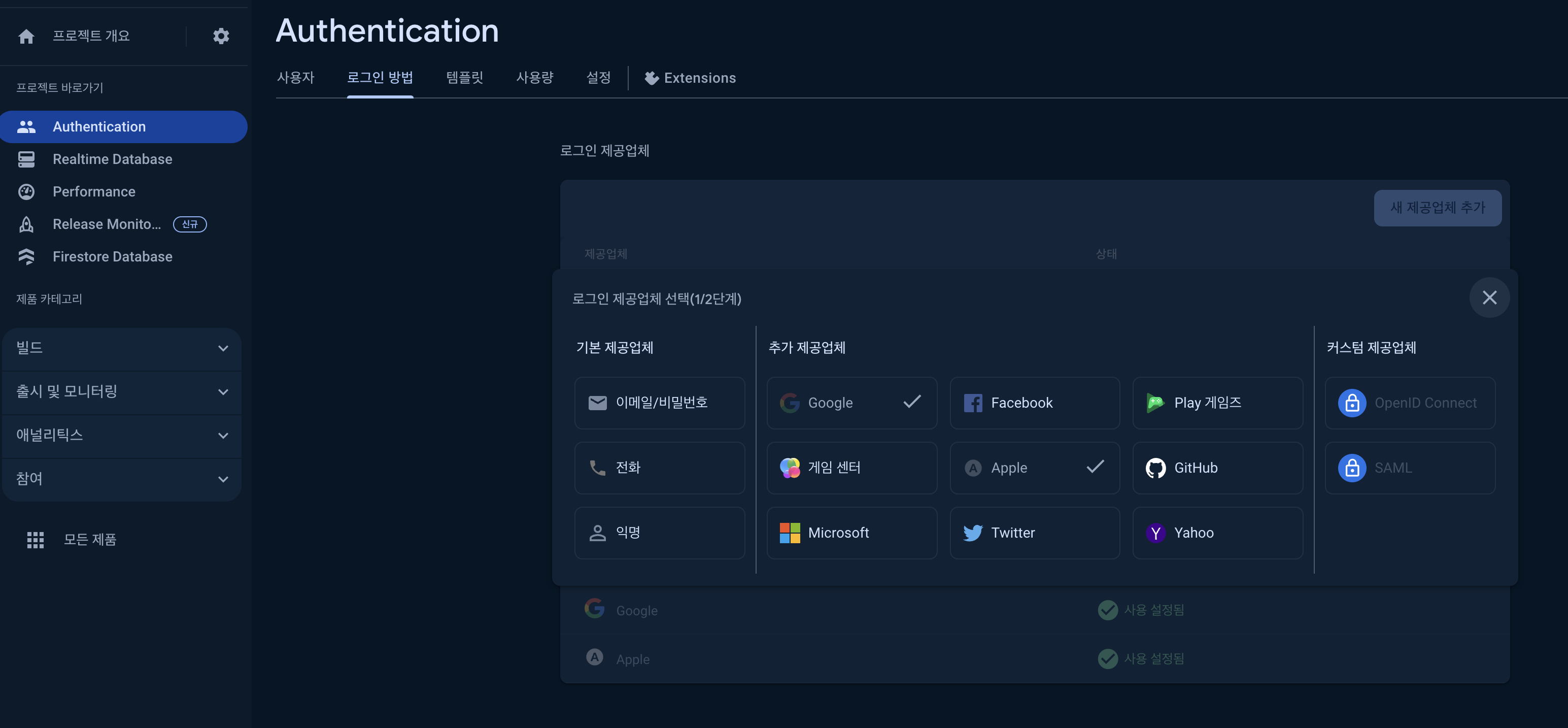
Project -> Authentication -> 로그인 방법 -> Apple 추가
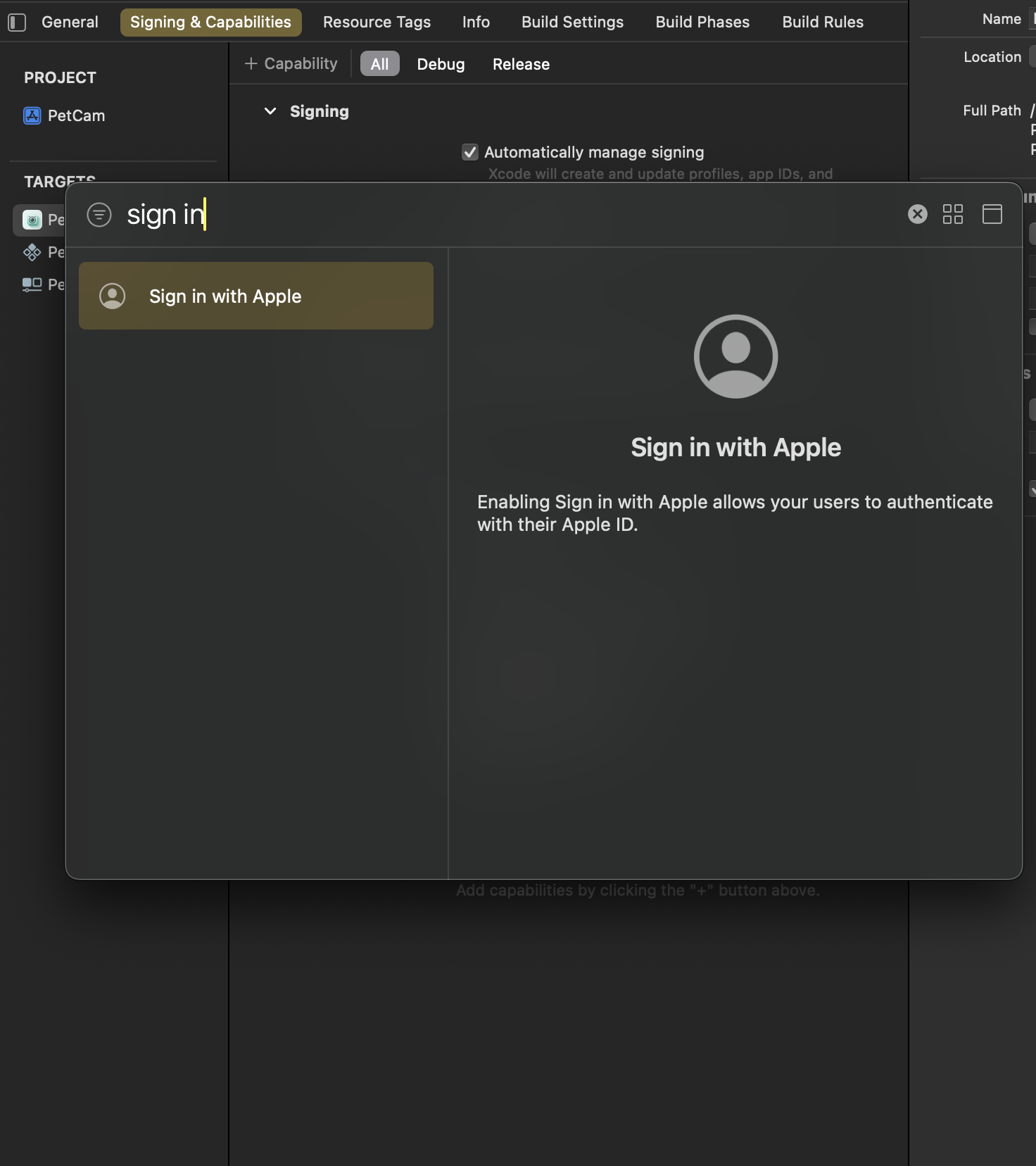
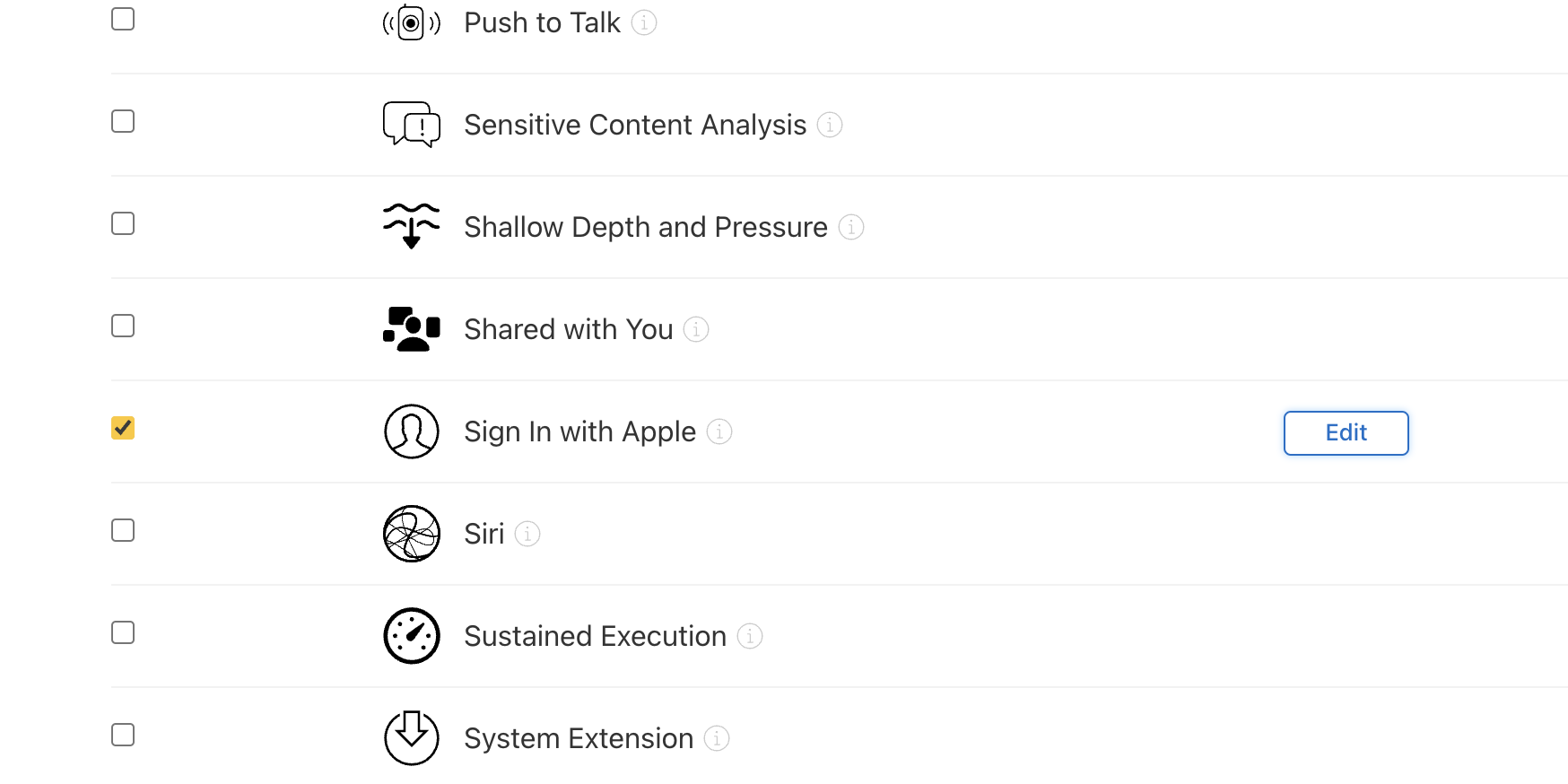
Xcode -> {TARGETS}MyProject -> Signing & Capabilities -> All -> +Capability -> Sign in with Apple 추가
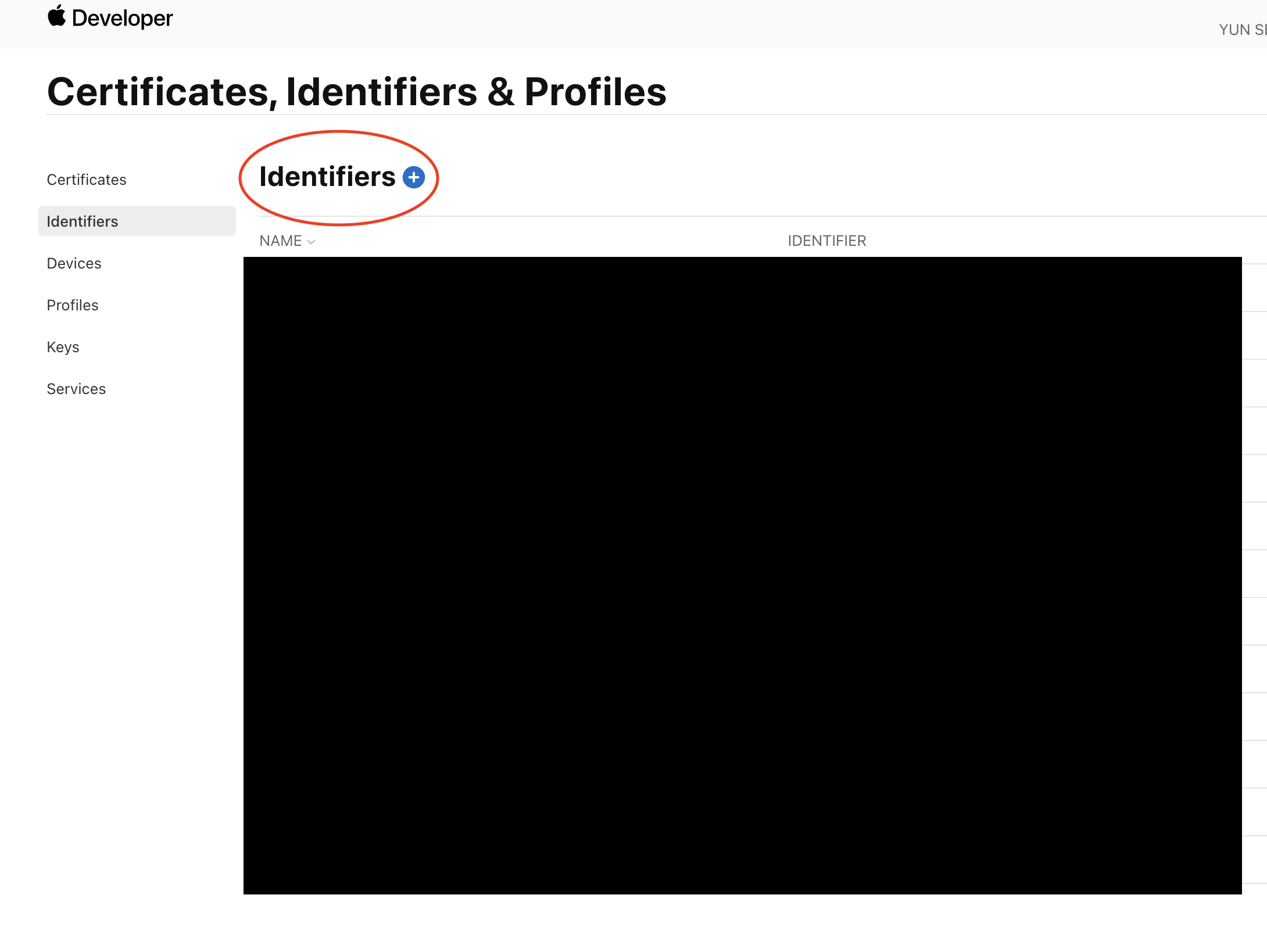
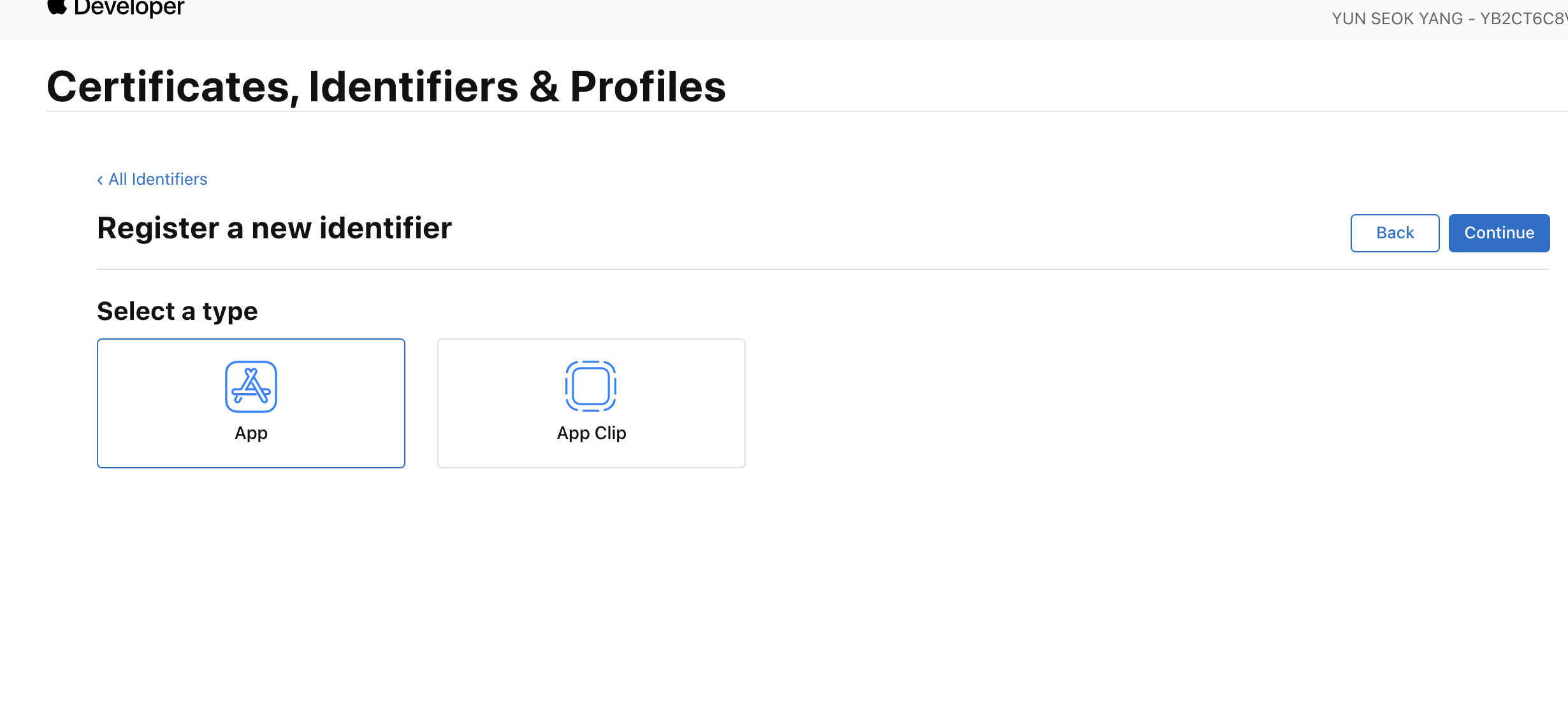
https://developer.apple.com/account/resources/identifiers/list
Apple Developer 아이디가 필요하다. 없다면, 친구비를 내고 가입해야 한다.
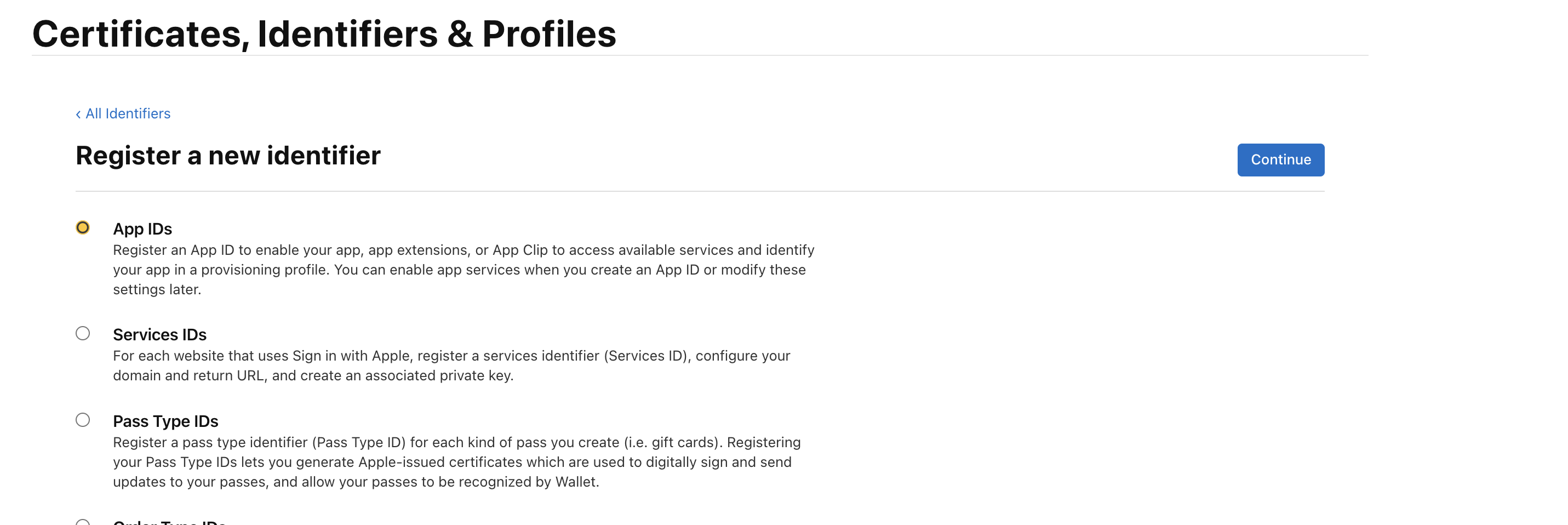
위 링크로 접속 후 순서대로 추가.
 |  |
|---|
전체 코드
class SignInVC: UIViewController {

    @IBOutlet weak var appleSignInBT: UIButton!
    @IBAction func appleSignIn(_ sender: Any) {
        startSignInWithAppleFlow()
    }
    override func viewDidAppear(_ animated: Bool) {
    }
}

extension SignInVC: ASAuthorizationControllerDelegate {
    func authorizationController(controller: ASAuthorizationController, didCompleteWithAuthorization authorization: ASAuthorization) {
        if let appleIDCredential = authorization.credential as? ASAuthorizationAppleIDCredential {
            guard let nonce = currentNonce else {
                fatalError("Invalid state: A login callback was received, but no login request was sent.")
            }
            guard let appleIDToken = appleIDCredential.identityToken else {
                print("Unable to fetch identity token")
                return
            }
            guard let idTokenString = String(data: appleIDToken, encoding: .utf8) else {
                print("Unable to serialize token string from data: \(appleIDToken.debugDescription)")
                return
            }

            let credential = OAuthProvider.credential(withProviderID: "apple.com", idToken: idTokenString, rawNonce: nonce)


            Auth.auth().signIn(with: credential) { result, error in

                // 로그인 후 처리

            }
        }
    }
}

//Apple Sign in
extension SignInVC {
    func startSignInWithAppleFlow() {
        let nonce = randomNonceString()
        currentNonce = nonce
        let appleIDProvider = ASAuthorizationAppleIDProvider()
        let request = appleIDProvider.createRequest()
        request.requestedScopes = [.fullName, .email]
        request.nonce = sha256(nonce)

        let authorizationController = ASAuthorizationController(authorizationRequests: [request])
        authorizationController.delegate = self
        authorizationController.presentationContextProvider = self
        authorizationController.performRequests()
    }

    private func sha256(_ input: String) -> String {
        let inputData = Data(input.utf8)
        let hashedData = SHA256.hash(data: inputData)
        let hashString = hashedData.compactMap {
            return String(format: "%02x", $0)
        }.joined()

        return hashString
    }

    // Adapted from https://auth0.com/docs/api-auth/tutorials/nonce#generate-a-cryptographically-random-nonce
    private func randomNonceString(length: Int = 32) -> String {
        precondition(length > 0)
        let charset: Array<Character> =
            Array("0123456789ABCDEFGHIJKLMNOPQRSTUVXYZabcdefghijklmnopqrstuvwxyz-._")
        var result = ""
        var remainingLength = length

        while remainingLength > 0 {
            let randoms: [UInt8] = (0 ..< 16).map { _ in
                var random: UInt8 = 0
                let errorCode = SecRandomCopyBytes(kSecRandomDefault, 1, &random)
                if errorCode != errSecSuccess {
                    fatalError("Unable to generate nonce. SecRandomCopyBytes failed with OSStatus \(errorCode)")
                }
                return random
            }

            randoms.forEach { random in
                if remainingLength == 0 {
                    return
                }

                if random < charset.count {
                    result.append(charset[Int(random)])
                    remainingLength -= 1
                }
            }
        }

        return result
    }
}

extension SignInVC : ASAuthorizationControllerPresentationContextProviding {
    func presentationAnchor(for controller: ASAuthorizationController) -> ASPresentationAnchor {
        return self.view.window!
    }
}
추가적으로 Apple ID에 들어있는 사용자 이름은 첫 로그인시에만 제공을 하기 때문에 별도로 저장이 필요하다.
extension SignInVC: ASAuthorizationControllerDelegate {
    func authorizationController(controller: ASAuthorizationController, didCompleteWithAuthorization authorization: ASAuthorization) {
        if let appleIDCredential = authorization.credential as? ASAuthorizationAppleIDCredential {
            guard let nonce = currentNonce else {
                fatalError("Invalid state: A login callback was received, but no login request was sent.")
            }
            guard let appleIDToken = appleIDCredential.identityToken else {
                print("Unable to fetch identity token")
                return
            }
            guard let idTokenString = String(data: appleIDToken, encoding: .utf8) else {
                print("Unable to serialize token string from data: \(appleIDToken.debugDescription)")
                return
            }

            let credential = OAuthProvider.credential(withProviderID: "apple.com", idToken: idTokenString, rawNonce: nonce)


            Auth.auth().signIn(with: credential) { result, error in
                if let error = error {
                    print ("Error Apple sign in: %@", error)
                    return
                }
                // 이름 저장
                let changeRequest = result?.user.createProfileChangeRequest()
                let fullName = appleIDCredential.fullName
//                print("fullName",fullName?.givenName)
                changeRequest?.displayName = (fullName?.givenName ?? "") + (fullName?.familyName ?? "")
                changeRequest?.commitChanges(completion: { error in
                    if let er = error {
                        print("changeRequest error", er)
                    }
                })

            }
        }
    }
}
OAuthProvider.appleCredential(withIDToken:rawNonce:fullName:)을 사용해 사용자의 이름을 변경, 저장해야 한다. 그렇지 않으면, Auth.auth().currentUser.displayName 값을 사용할 수 없다.

안녕하세요 iOS 환경에서 AI, Vision을 공부하고 있습니다.