오브젝트 폴링
자주 사용되는 오브젝트를 미리 생성해두고 필요할 때 재활용하는 기술이다. 장점
	1. 성능 향상 : 오브젝트 폴링은 오브젝트를 재활용하여 생성 및 소멸 오버헤드를
    			  피하므로 성능이 향상된다.
    2. 메모리 관리 : 오브젝트 폴링을 하면 미리 정해진 수의 오브젝트를 생성하여 메모리를
    			   효율적으로 관리할 수 있다. 이로 인해 가비지 컬렉션의 빈도를 줄일 수
                   있어 성능이 향상 된다.
    					- 가비지 컬렉션 : 가비지 컬렉션은 할당된 메모리 중에서 사용되지
                        않는 부분을 자동으로 식별하고 해제하는 메모리 관리 기술이다.
        				이 기술은 메모리 누수를 방지하고 프로그램의 안정성을 높이는 데
                        도움을 주지만 프로그램의 지연을 초래할 수도 있다.

    3. 코드 단순화 : 오브젝트를 필요할때마다 생성하고 삭제하는 대신 폴에서
    			    가져오고 반환하는 방식으로 코드를 단순화 할 수 있다.
실제 사용
using System.Collections;
using System.Collections.Generic;
using UnityEngine;

public class ObjectPolling : MonoBehaviour
{
    public GameObject bulleftPrefab;
    public int poolSize = 10;

    private List<GameObject> bulletPool;

    private void Start()
    {
        InitializePool();
    }

    //초기화
    void InitializePool()
    {
        bulletPool = new List<GameObject>();

        for(int i = 0; i < poolSize; i++)
        {
            GameObject bullet = Instantiate(bulleftPrefab);
            bullet.SetActive(false);
            bulletPool.Add(bullet);
        }
    }
    //폴에서 총알 찾기
    public GameObject GetBullet()
    {
        for(int i = 0; i< bulletPool.Count; i++)
        {
            if (!bulletPool[i].activeInHierarchy)
            {
                return bulletPool[i];
            }
        }

        GameObject newBullet = Instantiate(bulleftPrefab);
        bulletPool.Add(newBullet);
        return newBullet;
    }

    // 총알을 폴에 반환
    public void ReturnBullet(GameObject bullet)
    {
        bullet.SetActive(false);
    }

    void Update()
    {
        if(Input.GetKeyDown(KeyCode.Space))
        {
            GameObject bullet = GetBullet();
            bullet.transform.position = transform.position;
            bullet.SetActive(true);
        }
        if(Input.GetKeyDown(KeyCode.Escape))
        {
            for(int i = 0; i< bulletPool.Count-1; i++)
            {
                ReturnBullet(bulletPool[i]);
            }

        }
    }
}
-
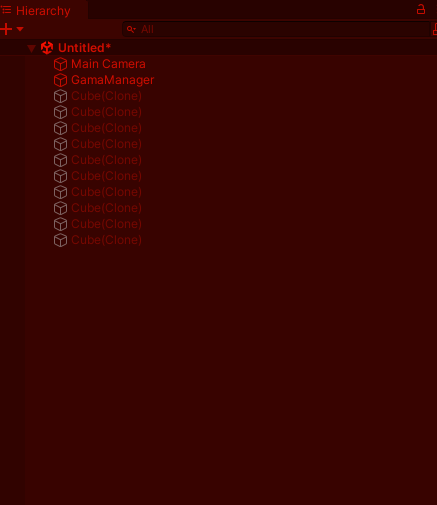
코드 실행 후 폴에 오브젝트 생성
-
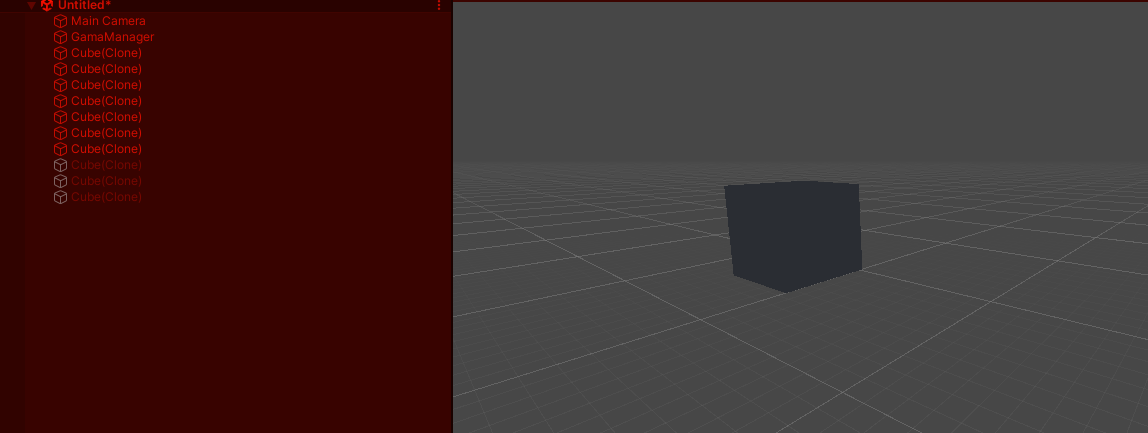
Space버튼을 눌러 폴에서 오브젝트를 활성화
-
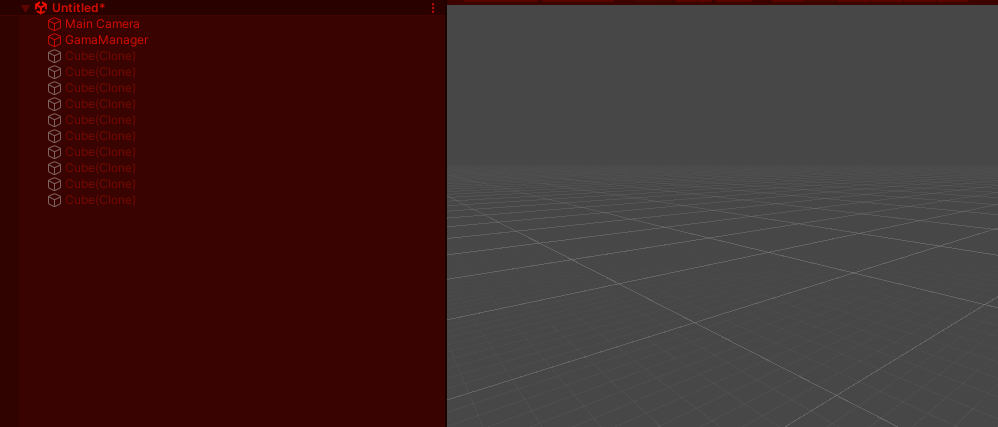
ESC버튼을 눌러 오브젝트를 폴에 반환

유니티 C# 학습자