What is context?
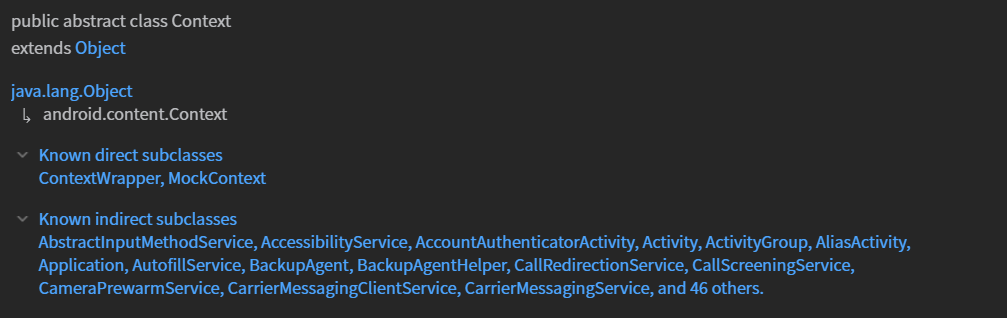
Interface to global information about an application environment. This is an abstract class whose implementation is provided by the Android system. It allows access to application-specific resources and classes, as well as up-calls for application-level operations such as launching activities, broadcasting and receiving intents, etc.
/* Example : Access to application-specific resources */
@BindingAdapter("foo")
fun SomeView.foo(var: Baz) {
	var?.let {
    		target = function(arg1, arg2, context.resources)
       }
 }
How to get context?
public abstract Context getApplicationContext()Return the context of the single, global Application object of the current process. This generally should only be used if you need a Context whose lifecycle is separate from the current context, that is tied to the lifetime of the process rather than the current component.
Two types of context available in the Android :
Application ContextActivity Context
Applicationcontext is attached to the Application's life-cycle and will always be same throughout the life of application. So if you are using Toast, you can use application context or even activity context(both) because a Toast can be raised from anywhere with in your application and is not attached to a window.
Activitycontext is attached to the Activity's life-cycle and can be destroyed if the activity's onDestroy() is raised. If you want to launch a new activity, you must need to use activity's context in its Intent so that the new launching activity is connected to the current activity(in terms of activity stack). However, you may use applications's context too to launch a new activity but then you need to set flag Intent.FLAG_ACTIVITY_NEW_TASK in intent to treat it as a new task.
Common
someActivity.thisthough its referring to your own class which extendsActivityclass but the base class (Activity) also extendsContextclass, so it can be used to offer activity context.
getApplication()though its referring to Application object but theApplicationclass extendsContextclass, so it can be used to offer application context.
getApplicationContext()offers application context.
getBaseContext()offers activity context.Tips
Whenever you need to manipulate
Viewsthen go for Activity-Context, else Application-Context would be enough.More
Log.i(tag, "${this == getBaseContext()}"}  false
Log.i(tag, "${getApplication() == getApplicationContext()}") true
Additional Intel
StackOverFlow :
What is 'Context' on Android?
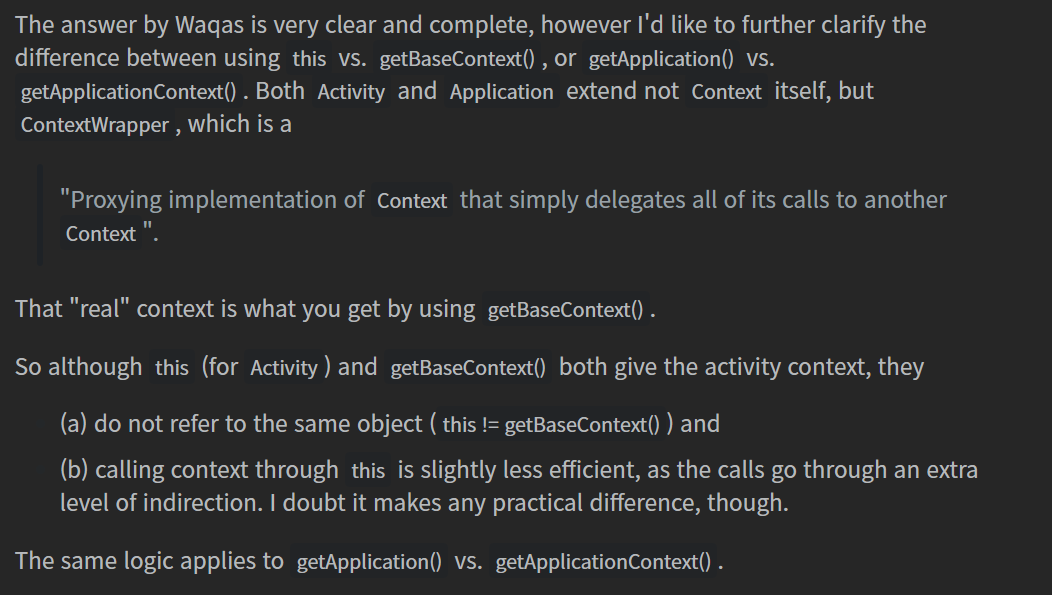
Difference between getContext() , getApplicationContext() , getBaseContext() and “this”
SemiColonWorld :
getApplication() vs getApplicationContext()