📌 로그인 첫 페이지

로그인 시도
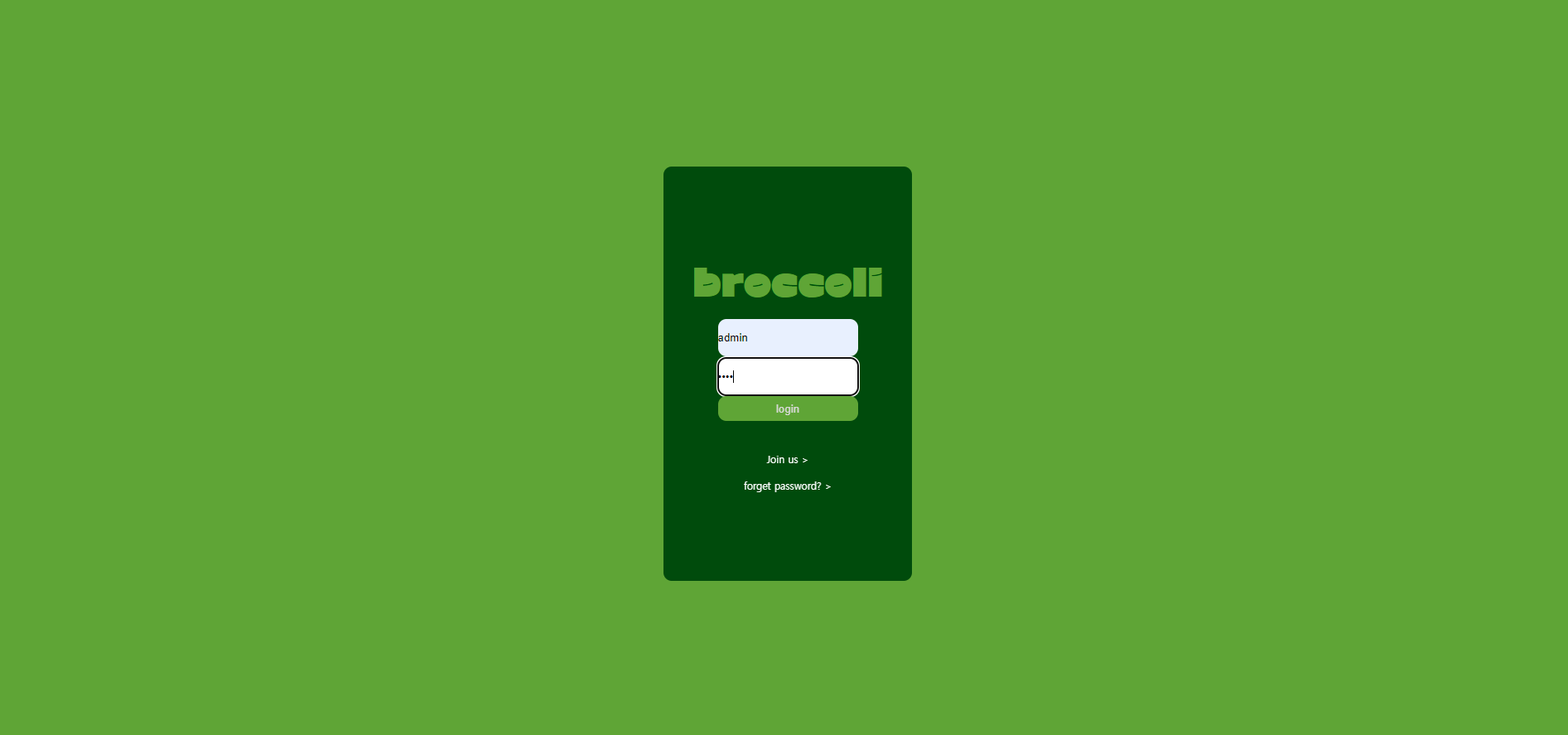
존재하지 않는 계정 (css가 아직...)

로고를 클릭하면 로그인 페이지로 돌아감
회원가입 페이지
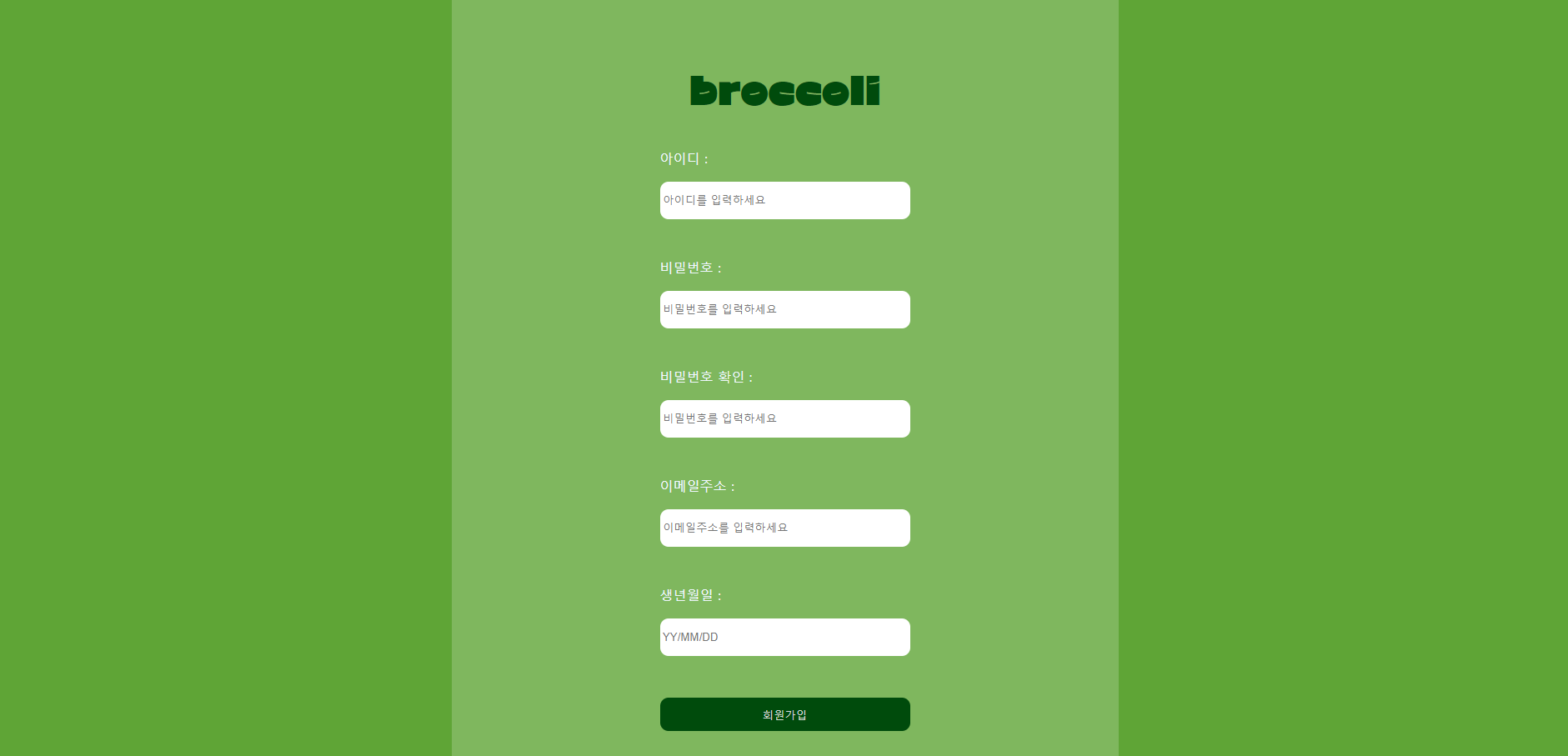
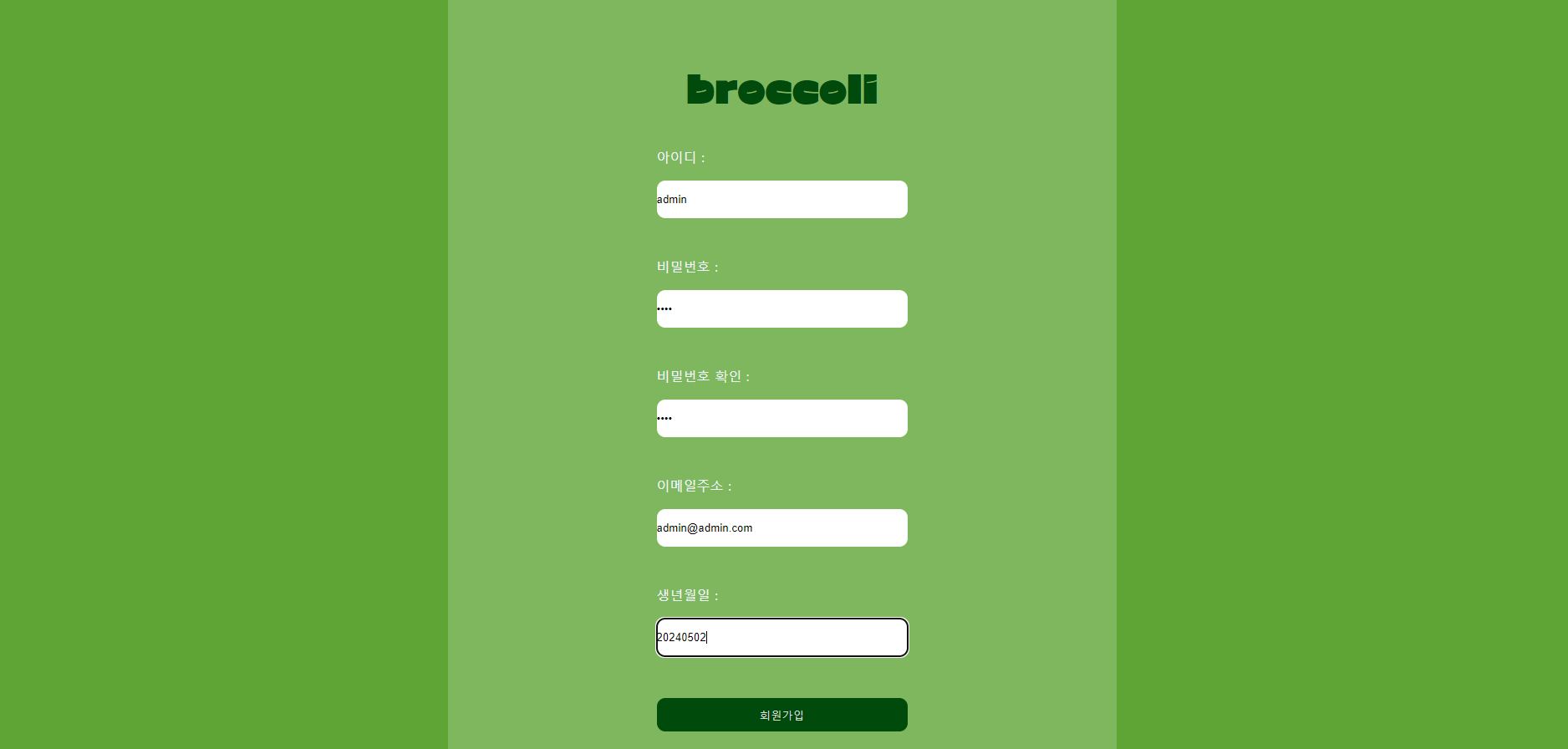

DB추가된 것 확인

회원가입 후 로그인

코드
🔎index.html
<!DOCTYPE html>
<html lang="en">
<head>
    <link rel="stylesheet" href="style.css">
    <link
      rel="stylesheet"
      href="https://cdn.jsdelivr.net/npm/reset-css@4.0.1/reset.min.css"
    />
    <meta charset="UTF-8">
    <meta name="viewport" content="width=device-width, initial-scale=1.0">
    <title>Document</title>
</head>
<body vlink="white">

<div class="box">
    <form action="login_proc.php" class="login_form">
        <div class="logo_box"><a href="index.html" class="logo">broccoli</a></div>
        <div class="blank_con">
        <p><input type="text" name="id" placeholder=" ID" class="blank"></p>
        <p><input type="password" name="passwd" placeholder=" PASSWORD" class="blank"></p></div>
        <div class="button_con"><p><button class="login_button">login</button></p></div>

        <div class="join_us"><p><a href ="join_us.php">Join us ></a></p></div>
        <div class="forget"><p onclick="alert('babo!!!')"><a href >forget password? ></a></p></div>


    </form>
</div>


</body>
</html>
🔎login_proc.php
<!DOCTYPE html>
<html lang="en">
<head>
    <link rel="stylesheet" href="style.css">
    <link
      rel="stylesheet"
      href="https://cdn.jsdelivr.net/npm/reset-css@4.0.1/reset.min.css"
    />
    <meta charset="UTF-8">
    <meta name="viewport" content="width=device-width, initial-scale=1.0">
    <title>Document</title>
</head>
<body>


<div class="box">
<div class="logo_box"><a href="index.html" class="logo">broccoli</a></div>
<div class = "login_proc_box">
<?php

	$servername = "localhost";
	$username = "admin";
	$password = "student1234";
	$dbname = "login_info";

	$conn = new mysqli($servername, $username, $password, $dbname);

	// 클라이언트에서 입력한 아이디와 비밀번호 받기
	$login_id = $_GET['id'];
	$login_password = $_GET['passwd'];

// SQL 쿼리를 통해 데이터베이스에서 사용자 정보 가져오기
$sql = "SELECT * FROM login_table WHERE id = '$login_id'";
$result = $conn->query($sql);
// 결과 확인 후 로그인 처리
if ($result->num_rows > 0) {
    // 사용자가 입력한 비밀번호와 데이터베이스에서 가져온 비밀번호 비교
    $row = $result->fetch_assoc();
    if ($login_password == $row['PW']) {
        // 로그인 성공
        echo "로그인 되었습니다.";
    } else {
        // 비밀번호가 일치하지 않을 경우
        echo "비밀번호가 일치하지 않습니다.";
    }
} else {
    // 사용자가 입력한 아이디가 데이터베이스에 존재하지 않을 경우
    echo "계정이 존재하지 않습니다.";
}

// 데이터베이스 연결 종료
$conn->close();
?>

</div>
</div>
</body>
</html>
🔎join_us.php
<!DOCTYPE html>
<html lang="en">
<head>
    <link rel="stylesheet" href="style.css">
    <link
      rel="stylesheet"
      href="https://cdn.jsdelivr.net/npm/reset-css@4.0.1/reset.min.css"
    />
    <meta charset="UTF-8">
    <meta name="viewport" content="width=device-width, initial-scale=1.0">
    <title>Document</title>
</head>
<body>
    <div class ='join_box'>

        <form action="join_us_proc.php" class="join_us_form">
            <div class="logo_box"><a href="index.html" class="logo_darkgreen">broccoli</a></div>
            <!--아이디 입력-->
            <div class = 'join_input_box'><p class = 'join_text'>아이디 :</p>
            <p><input type="text" name="new_id" placeholder=" 아이디를 입력하세요" class="join_blank"></p></div>
            <!--비밀번호 입력-->
            <div class = 'join_input_box'><p class = 'join_text'>비밀번호 :</p>
            <p><input type="password" name="new_PW" placeholder=" 비밀번호를 입력하세요" class="join_blank"></p></div>
            <!--비밀번호 확인입력-->
            <div class = 'join_input_box'><p class = 'join_text'>비밀번호 확인 :</p>
            <p><input type="password" name="new_PW_cfrm" placeholder=" 비밀번호를 입력하세요" class="join_blank"></p></div>
            <!--이메일주소 입력-->
            <div class = 'join_input_box'><p class = 'join_text'>이메일주소 :</p>
            <p><input type="text" name="new_email" placeholder=" 이메일주소를 입력하세요" class="join_blank"></p></div>
            <!--생년월일 입력-->
            <div class = 'join_input_box'><p class = 'join_text'>생년월일 :</p>
            <p><input type="text" name="new_birth" placeholder=" YY/MM/DD" class="join_blank"></p></div>
            <!--제출버튼-->
            <div class="button_con"><p><button class="join_us_button">회원가입</button></p></div>
        </form>

    </div>


</body>
</html>
🔎join_us_proc.php
<DOCTYPE html>
<html lang="en">
<head>
    <link rel="stylesheet" href="style.css">
    <link
      rel="stylesheet"
      href="https://cdn.jsdelivr.net/npm/reset-css@4.0.1/reset.min.css"
    />
    <meta charset="UTF-8">
    <meta name="viewport" content="width=device-width, initial-scale=1.0">
    <title>Document</title>
</head>
<body>
    <div class ='join_box'>
	<?php
	// 데이터베이스 연결 설정
	$servername = "localhost";
	$username = "admin";
	$password = "student1234";
	$dbname = "login_info";

// 데이터베이스에 연결
$conn = new mysqli($servername, $username, $password, $dbname);

// 연결 확인
if ($conn->connect_error) {
    die("연결 실패: " . $conn->connect_error);
}

$id = $_GET['new_id'];
$PW = $_GET['new_PW'];
$email = $_GET['new_email'];
$birth = $_GET['new_birth'];

// SQL 쿼리 작성하여 데이터베이스에 값 추가
$sql = "INSERT INTO login_table(id,PW,email,birth) VALUES ('$id','$PW','$email','$birth')";


if ($conn->query($sql) === TRUE) {
	echo "회원가입이 완료되었습니다.<br>";
} else {
    echo "오류: " . $sql . "<br>" . $conn->error;
}

// 데이터베이스 연결 닫기
$conn->close();
?>
<div class="go_login_box"><a href = "index.html"><button class="go_login">login</button></a></div>
    </div>


</body>
</html>
🔎style.css
@font-face {
    font-family: 'CWDangamAsac-Bold';
    src: url('https://cdn.jsdelivr.net/gh/projectnoonnu/noonfonts_2108@1.1/CWDangamAsac-Bold.woff') format('woff');
    font-weight: normal;
    font-style: normal;
}
:root {
    --darkgreen : rgba(0, 75, 12);
    --yellowgreen : rgb(95, 165, 54);
}


/*로그인 페이지 css*/

html,
body {
    background-color: var(--yellowgreen);
    margin: 0;
    width: 100%;
    height: 100%;
    display: flex;
    justify-content: center;
    align-items: center;

}

.box{
    background-color: var(--darkgreen);
    width: 300px;
    height: 500px;
    justify-content: center;
    display: flex;
    align-items: center;
    margin: auto;
    border-radius: 10px;


}
.login_form {
    display: flex;
    flex-direction: column;
    justify-content: center;


}
.logo_box{

 text-align: center;


 padding: 20px;


}
a {
    text-decoration: none;
}
.logo {
    color: var(--yellowgreen);
    font-size: 45px;
    text-underline-offset: 30px;
    font-family: 'CWDangamAsac-Bold';
}
.logo_darkgreen {
    color: var(--darkgreen);
    font-size: 45px;
    text-underline-offset: 30px;
    font-family: 'CWDangamAsac-Bold';
}
.blank_con{

    display: block;
    align-items: center;
    margin: auto;
}
.blank {
    padding: 15px 0;
    margin: 1px 20px;
    border-bottom: 1px solid rgb(255, 0, 0) ;
    border: none;
    border-radius: 10px;
}
.button_con{
    justify-content: center;
    display: flex;
    align-items: center;
    margin: auto;
}


.login_button {
    border: none;
    width: 169px;
    height: 30px;
    border-radius: 10px;
    background-color: var(--yellowgreen);
    color: rgb(219, 219, 219);
    justify-content: center;
}

.join_us{
    text-decoration: none;
    padding: 10px;
    justify-content: center;
    display: flex;
    align-items: center;
    margin-top: 30px;

    font-size: 12px;

}

.forget{
    text-decoration: none;
    padding: 10px;
    justify-content: center;
    display: flex;
    align-items: center;
    margin: auto;

    font-size: 12px;

}


/*회원가입 페이지 css*/
.join_box{
    background-color: rgb(255, 255, 255,0.2);
    width: 800px;
    height: 1200px;
    justify-content: center;
    display: flex;
    align-items: center;
    margin: auto;
    border-radius: 10px;


}
.join_blank{
    padding: 15px 0;
    margin: 20px 20px;
    border-bottom: 1px solid rgb(255, 0, 0) ;
    border: none;
    border-radius: 10px;
    width: 300px;
}


.join_input_box{
 margin: 30px;


}
.join_text{
    text-decoration: none;
    text-align: left;
    color: aliceblue;
    margin-left: 20px;
}
.join_us_button{
    border: none;
    width: 300px;
    height: 40px;
    border-radius: 10px;
    background-color: var(--darkgreen);
    color: rgb(219, 219, 219);
    justify-content: center;
}
.join_us_button:hover {
    background-color: rgb(86, 39, 255);
}
/*join_us_proc*/
.go_login_box{
    text-align: center;
    padding: 20px;
    margin: auto;


}
.go_login{
    border: none;
    width: 169px;
    height: 30px;
    border-radius: 10px;
    background-color: var(--darkgreen);
    color: rgb(219, 219, 219);
    justify-content: center;
}
/*에러메세지*/
.error-message {
    color: red;
}