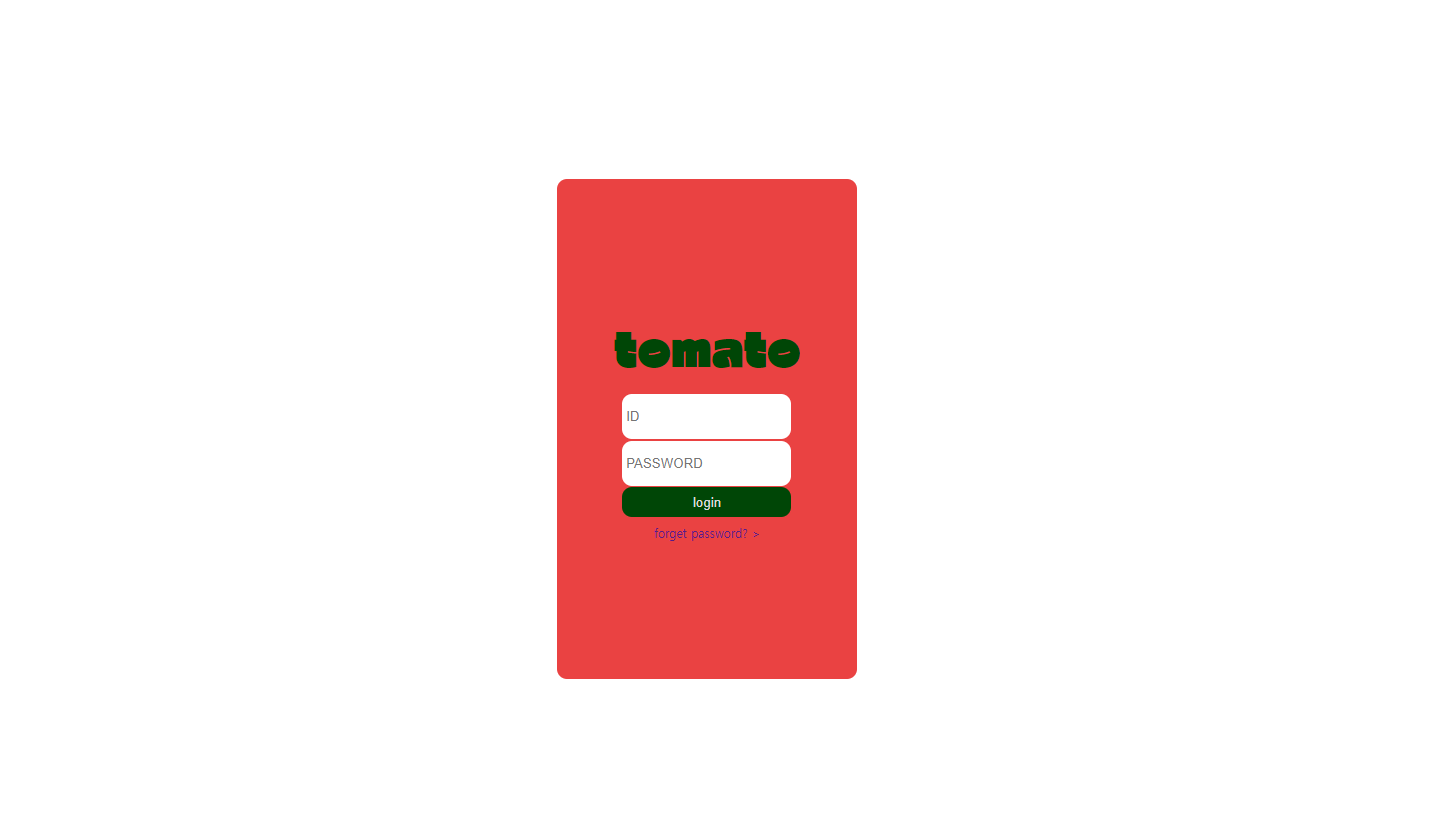
로그인 페이지
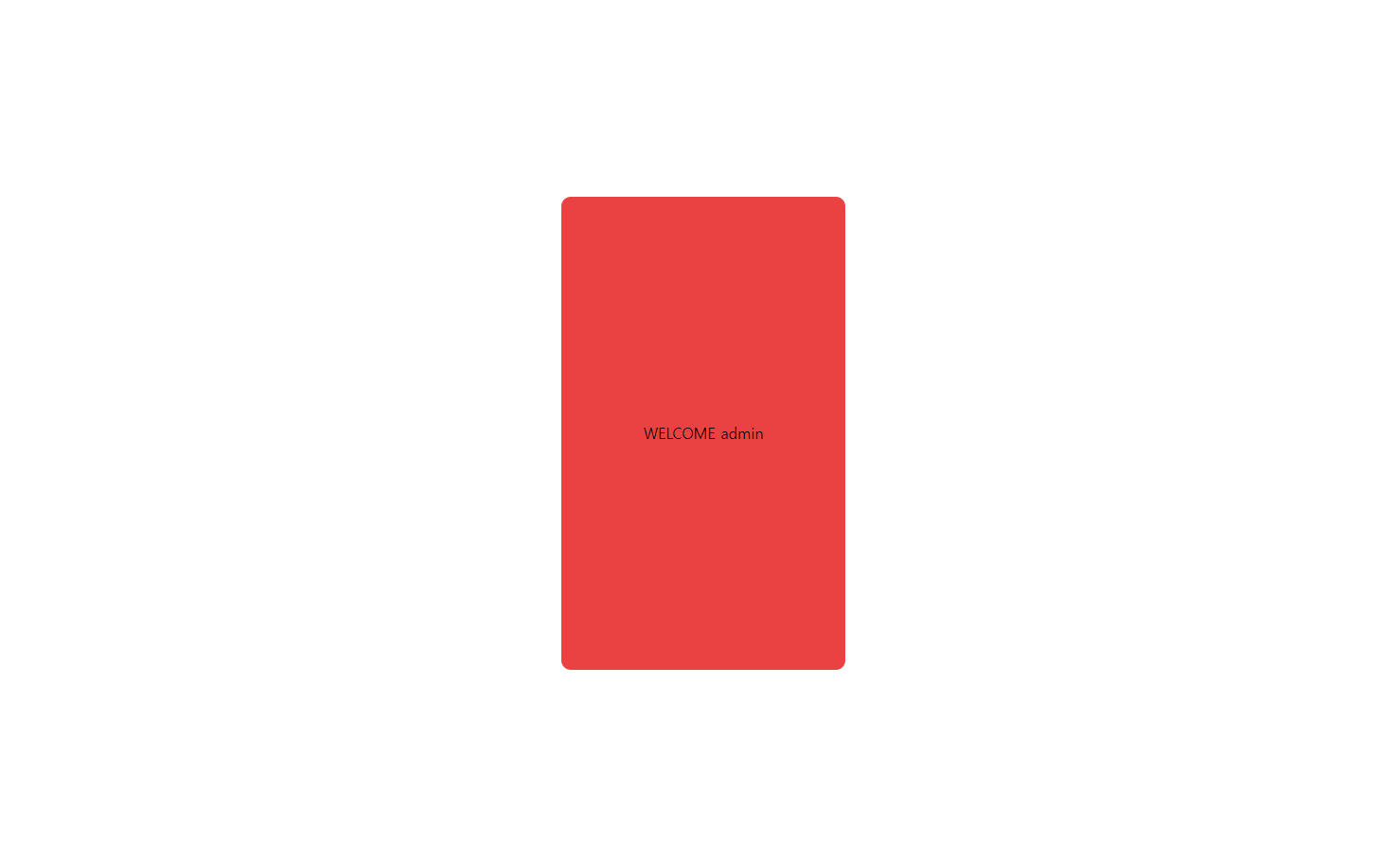
admin/admin1234 입력시
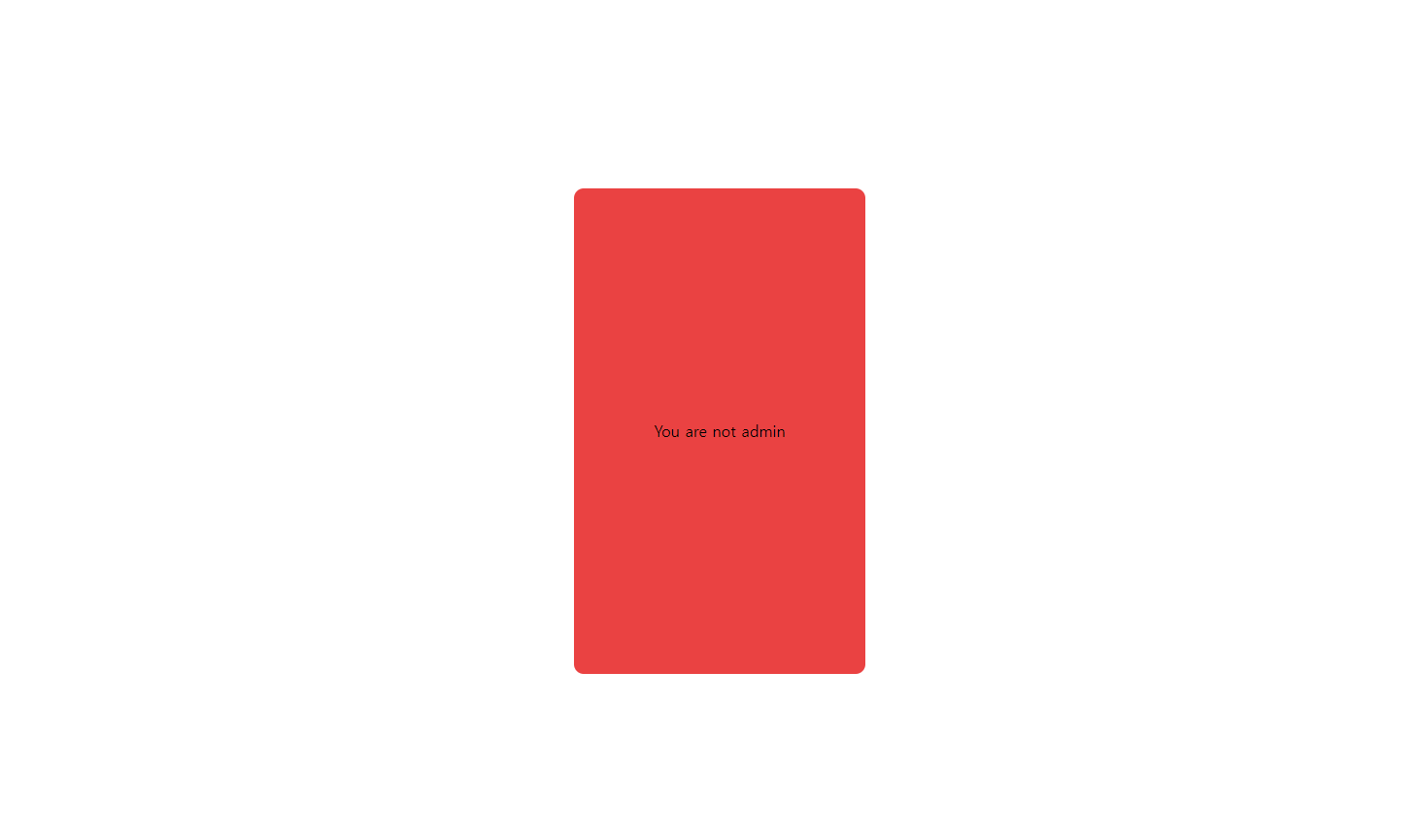
다른 ID/PASSWD 입력시
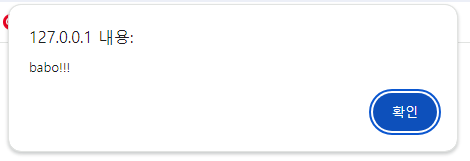
forget password 클릭
index.html
<!DOCTYPE html>
<html lang="en">
<head>
    <link rel="stylesheet" href="style.css">
    <link
      rel="stylesheet"
      href="https://cdn.jsdelivr.net/npm/reset-css@4.0.1/reset.min.css"
    />
    <meta charset="UTF-8">
    <meta name="viewport" content="width=device-width, initial-scale=1.0">
    <title>Document</title>
</head>
<body>

<div class="box">
    <form action="login_proc.php" class="login_form" method="post">
        <div class="logo_box"><a href="index.html" class="logo">tomato</a></div>
        <div class="blank_con">
        <p><input type="text" name="id" placeholder=" ID" class="blank"></p>
        <p><input type="password" name="passwd" placeholder=" PASSWORD" class="blank"></p></div>
        <div class="button_con"><p><button class="login_button">login</button></p></div>
        <div class="forget"><p onclick="alert('babo!!!')"><a href >forget password? ></a></p></div>


    </form>
</div>


</body>
</html>
login_proc.php
<!DOCTYPE html>
<html lang="en">
<head>
    <link rel="stylesheet" href="style.css">
    <link
      rel="stylesheet"
      href="https://cdn.jsdelivr.net/npm/reset-css@4.0.1/reset.min.css"
    />
    <meta charset="UTF-8">
    <meta name="viewport" content="width=device-width, initial-scale=1.0">
    <title>Document</title>
</head>
<body>

<div class="box">

<?php
if($_POST['id']=='admin'&&$_POST['passwd']=='admin1234'){
      echo "WELCOME ".$_POST['id'];
    }
    else {
      echo "You are not admin";
    }
?>
</div>

</body>
</html>
style.css
html,
body {
    background-color: rgba(255, 255, 255, 0.74);
    margin: 0;
    width: 100%;
    height: 100%;
    display: flex;
    justify-content: center;
    align-items: center;

}

.box{
    background-color: rgba(226, 0, 0, 0.74);
    width: 300px;
    height: 500px;
    justify-content: center;
    display: flex;
    align-items: center;
    margin: auto;
    border-radius: 10px;


}
.login_form {
    display: flex;
    flex-direction: column;
    justify-content: center;


}
.logo_box{

 text-align: center;


 padding: 20px;


}
a {
    text-decoration: none;
}
.logo {
    color: rgb(0, 70, 6);
    font-size: 45px;
    text-underline-offset: 30px;
    font-family: 'CWDangamAsac-Bold';
}
.blank_con{

    display: block;
    align-items: center;
    margin: auto;
}
.blank {
    padding: 15px 0;
    margin: 1px 20px;
    border-bottom: 1px solid rgb(255, 0, 0) ;
    border: none;
    border-radius: 10px;
}
.button_con{
    justify-content: center;
    display: flex;
    align-items: center;
    margin: auto;
}


.login_button {
    border: none;
    width: 169px;
    height: 30px;
    border-radius: 10px;
    background-color: rgb(0, 70, 6);
    color: rgb(219, 219, 219);
    justify-content: center;
}
.forget{
    text-decoration: none;
    padding: 10px;
    justify-content: center;
    display: flex;
    align-items: center;
    margin: auto;
    color: rgb(107, 107, 107);
    font-size: 12px;

}