UISearchbar의 TextField background color 변경하기
Searchbar안에는 Textfield가 존재하는데,
이 Textfield의 backgroundColor를 아무리 black을 줘도 묘하게 검정이 안된다.
// textfield 배경색상 변경
searchBar.searchTextField.backgroundColor = .black

// searchbar 돋보기 색상 변경
searchBar.searchTextField.leftView?.tintColor = .white

// textfield 텍스트 컬러 변경
searchBar.searchTextField.textColor = .white

searchBar.searchBarStyle = .minimal

let placeHolder = "코인명/심볼 검색"
// searchbar placeholder 설정
searchBar.placeholder = placeHolder

// searchbar placeholder 색상 설정
searchBar.searchTextField.attributedPlaceholder = NSAttributedString(string: placeHolder,
                                                                             attributes: [.foregroundColor : customWhite])
별 짓을 다해봐도 완전 검정색은 안되길래 계층을 확인해봤더니 그레이톤의 뷰가 껴있었다. 진심 왜 있는거지..
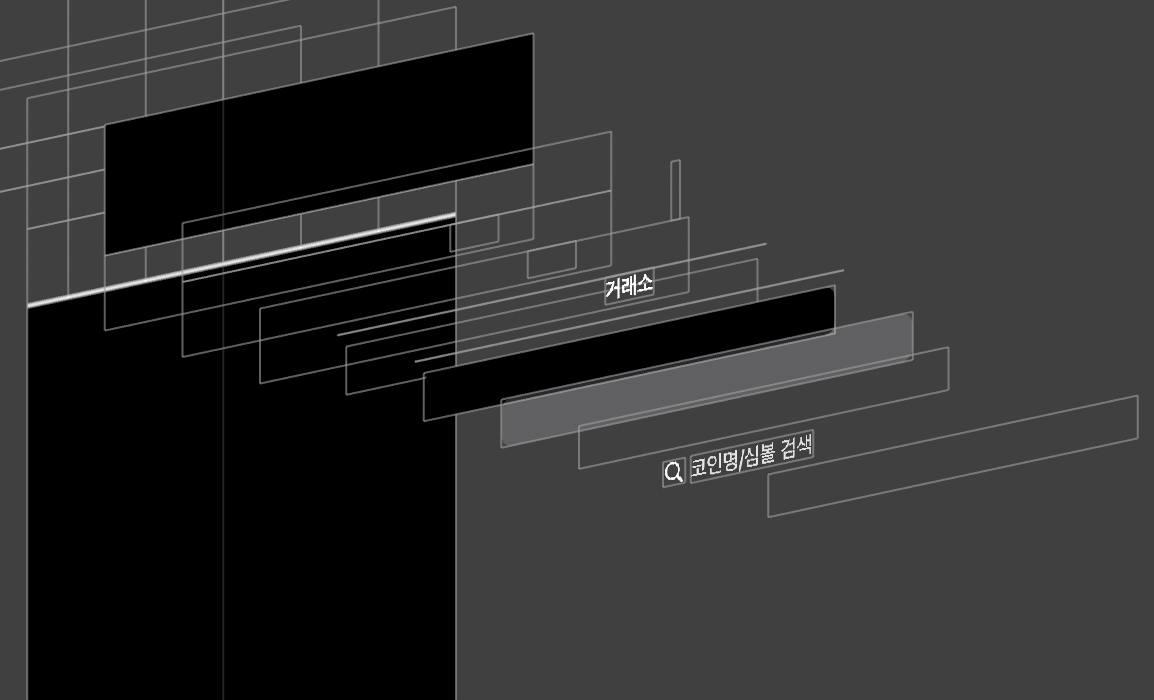
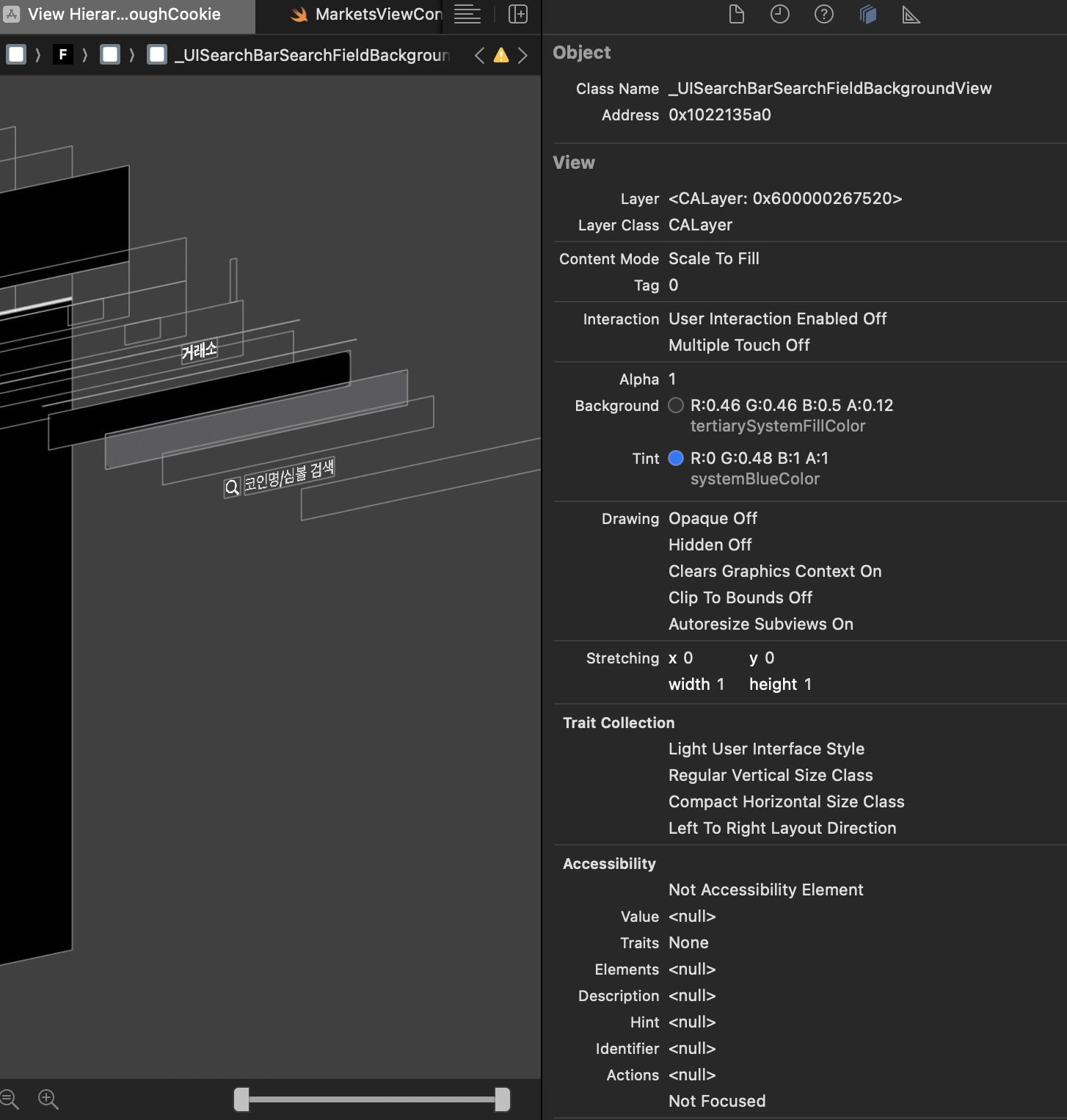

이름도 확인했겠다.
UISearchBar TextField의 BackgroundView라는 이름으로 Subview가 하나 더 들어가있었는 것 같아서 접근해봤다.
if let textfieldBackgroundView = searchBar.searchTextField.subviews.first {
	textfieldBackgroundView.isHidden = true
}
있으면 동작하겠지 하고 실행해봤는데

나이스 ㅎㅎ 사라졌다
쓸때마다 귀찮아서 그냥 쓰긴 했었는데 왜 이 간단한걸 확인을 한번도 안해봤을까...

헉스