🌟 Tailwind CSS란?
유틸리티 퍼스트(Utility-First) CSS 프레임워크.
미리 정의된 클래스(flex, p-4, text-gray-500 등)를 조합해서 스타일을 작성.
✅ 장점
- 빠른 개발 속도: 별도의 CSS 파일 작성 없이 HTML/JSX에서 바로 스타일 적용 가능
- 일관된 디자인: spacing, color scale 등 디자인 기준이 통일되어 있음
- 빌드 시 실제 사용한 클래스만 포함되어 용량 최소화
- 커스터마이징 및 플러그인 생태계가 풍부
❌ 단점
- HTML/JSX 코드가 길어지고 다소 복잡해 보일 수 있음
- 클래스명을 숙지해야 함
- CSS-in-JS처럼 스타일 추상화 기능이 제한적
- 기본 설정만 사용하면 UI가 비슷해 보일 수 있음
빠르게 UI를 구현할 때 유리하지만, 코드 가독성과 재사용성을 고려해야 하는 스타일링 도구
🔧 설치과정
1. vite 설치
📌 새 프로젝트 폴더 생성
npm create vite@latest [프로젝트명] -- --template react-tsOR
📌 현재 폴더에 설치
npm create vite@latest .📌 패키지 설치
npm i2. Vite 플러그인 구성
기존 vite.config.ts
import { defineConfig } from "vite";
import react from "@vitejs/plugin-react";

export default defineConfig({
  plugins: [react()],
});
변경후 vite.config.ts
import { defineConfig } from "vite";
import react from "@vitejs/plugin-react";
import tailwindcss from "@tailwindcss/vite"; // <----- 추가

export default defineConfig({
  plugins: [react(), tailwindcss()], 		 // <----- 추가
});
3. Tailwind CSS 가져오기
src/index.css (혹은 src/main.css)안에 Tailwind 지시어 추가
@import "tailwindcss";4. 프로젝트 실행
npm run dev5. HTML에서 Tailwind를 사용
function App() {
  return (
    <>
      <h1>Hello world!</h1>
      <h1 className="text-3xl font-bold underline">Hello world!</h1>
    </>
  );
}

export default App;
💻 vscode 확장 프로그램
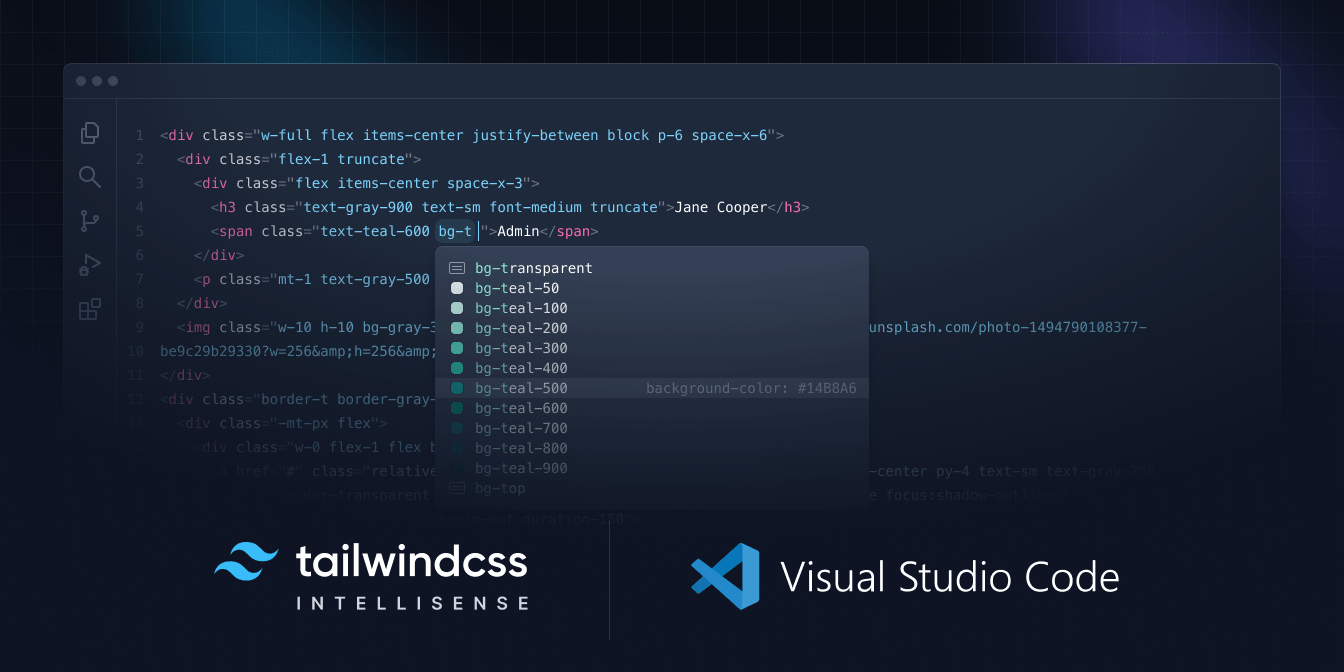

Tailwind CSS IntelliSense 확장 프로그램은 Tailwind CSS 자동완성 기능을 제공하여 개발 환경을 향상시킨다.
참조

이게 왜 안되지? 이게 왜 되지?