
gfx-rs를 더 잘 이해하기위해 작은 토이 프로젝트 작성하고 있다. 부수적으로 다른 사람들도 gfx-rs를 배울 수 있도록 작은 튜토리얼을 작성한다.
cargo init sqtoy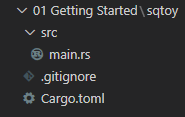
Cargo.toml의 dependencies 내용 추가
[dependencies]
gfx = "0.16"
gfx_window_glutin = "0.16"
glutin = "0.8"
main.rs 수정
#[macro_use]
extern crate gfx;

extern crate gfx_window_glutin;
extern crate glutin;

use gfx::traits::FactoryExt;
use gfx::Device;
use gfx_window_glutin as gfx_glutin;

pub type ColorFormat = gfx::format::Srgba8;
pub type DepthFormat = gfx::format::DepthStencil;

const BLACK: [f32; 4] = [0.0, 0.0, 0.0, 1.0];

pub fn main() {
    let events_loop = glutin::EventsLoop::new();
    let builder = glutin::WindowBuilder::new()
        .with_title("Square Toy".to_string())
        .with_dimensions(800, 800)
        .with_vsync();
    let (window, mut device, mut factory, mut main_color, mut main_depth) =
        gfx_glutin::init::<ColorFormat, DepthFormat>(builder, &events_loop);

    let mut encoder: gfx::Encoder<_, _> = factory.create_command_buffer().into();

    let mut running = true;
    while running {
        events_loop.poll_events(
            |glutin::Event::WindowEvent {
                 window_id: _,
                 event,
             }| {
                use glutin::WindowEvent::*;
                match event {
                    KeyboardInput(_, _, Some(glutin::VirtualKeyCode::Escape), _) | Closed => {
                        running = false
                    }
                    Resized(_, _) => {
                        gfx_glutin::update_views(&window, &mut main_color, &mut main_depth);
                    }
                    _ => (),
                }
            },
        );

        encoder.clear(&main_color, BLACK);
        encoder.flush(&mut device);
        window.swap_buffers().unwrap();
        device.cleanup();
    }
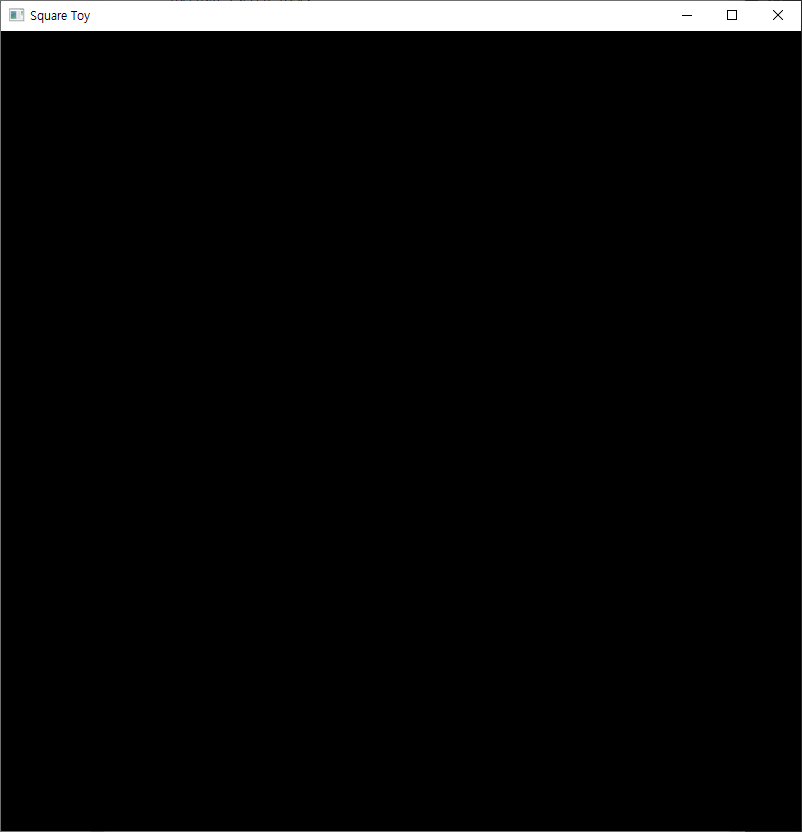
}
glutin, OpenGL, gfx를 사용
1. 이벤트 루프 생성 및 "Square Toy"라는 제목의 창 생성 준비
2. glutin::Window, gfx_device_gl::Deviced 와 다른 것들을 얻기위해 gfx_window_glutin::init() 함수 호출
3. factory를 사용하여 OpenGL 함수들의 직접 호출을 피할 수 있게 해주는 Encoder 생성
4. 매 Frame
4.1 종료할 시간인지 확인
4.2 원하는 색상으로 화면 채우기(현재는 BLACK)
4.3 실행
4.4 더블 버퍼링, 백/프론트 버퍼 스위칭
4.5 정리

Mickey