CRON과 AT
- crontab 실행
[root@srv7 0722]# crontab -e- 내용 작성
* * * * * echo "hello" >> test.txt분-시-일-월-요일
*은 상관없다는 뜻
모든 분(매 분마다) 다음을 실행해라
- crond 재시작
[root@srv7 0722]# systemctl restart crond- 확인
- 1분마다 hello라는 단어를 test.txt에 쓰고있음
[root@srv7 0722]# cat ~/test.txt
hello
hello- 해당 내용으로 작성하면 매분마다 날짜와 시간,분을 출력해줌
* * * * * echo $(date +\%y\%m\%d\%H\%M) >> test.txt- : 매 분(1분마다)
2 * * * * : 매 시 2분마다 실행(ex.1시2분, 2시2분, 3시2분…)
/2 * * * : 2분마다 실행 (1분 → 3분→5분..)
Cron으로 backup 파일 만들기
[root@srv7 0722]# crontab -e

# 파일 내용
* * * * * /root/backup.sh[root@srv7 0722]# touch /root/backup.sh
[root@srv7 0722]# chmod +x /root/backup.sh
[root@srv7 0722]# vi /root/backup.sh
# 파일 내용
#!/bin/bash
echo "hello backup" >> /root/backup.txt- git 설치
yum -y install git실행 시간은 … cron에서 정하기
1 19 * * * /root/backup.sh : 매일 저녁 7시 1분마다 밑에 내용 실행
실행 파일의 내용은
clone은 현재 없는 디렉토리로 설정해야하므로 날짜, 시간, 분 등을 이용해 겹치지 않게 생성할 수 있다.
git clone https://…. /root/$(date +%y%m%d%H%M)# 앞에 \ 하면 alias 무력화 시켜 -i 없이(물어보지 않고 copy)
\cp /root/1351/* /var/www/htmlgithub의 해당 디렉토리에서 파일 하나 추가 하고
systemctl restart httpdQuiz
- github 저장소에 임의의 index.html을 생성한다(직접 만들거나 또는 push)
- 리눅스에 있는 /root/backup.sh 파일의 내용을 수정하라
- git 허브로부터 로컬에 clone한다
- clone된 디렉토리 내에 있는 모든 파일/디렉토리를 /var/www/html로 복사한다.
- systemctl restart httpd
- crontab -e 에서 매분마다 /root/backup.sh를 실행하도록 작성(작성되어있음)
[확인]
- http://localhost확인
- github에서 index.html 파일의 내용수정
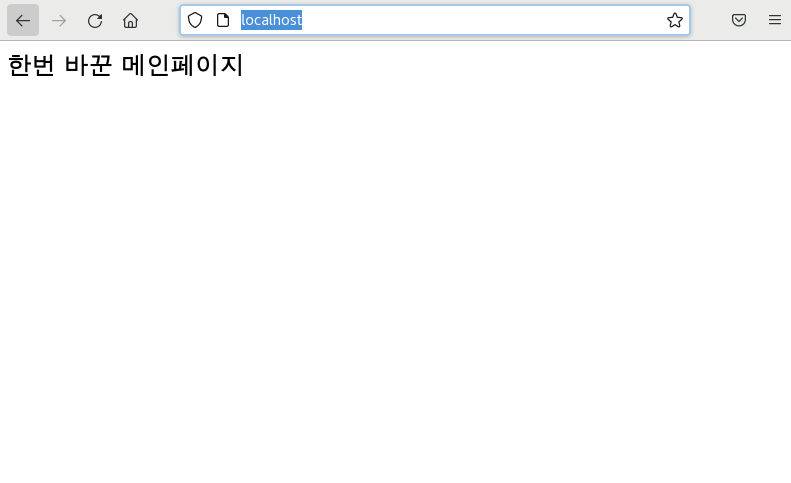
- 1분정도 기다린 뒤 웹페이지를 다시 확인하면 변경된 내용으로 보여야한다.
날짜랑 이런거를 변수에 넣고, 디렉토리를 그 변수이름으로
Quiz 실습
-
깃허브에 index.html 생성 후 push
-
/root/backup.sh 내용 수정
```bash
#!/bin/bash

backupdate=$(date +\%y\%m\%d\%H\%M)
git clone https://github.com/dustndus8/gitupdate.git /root/$backupdate
\cp /root/${cur_date}/* /var/www/html
systemctl restart httpd
-
crontab -e
* * * * * /root/backup.sh
- localhost 실행
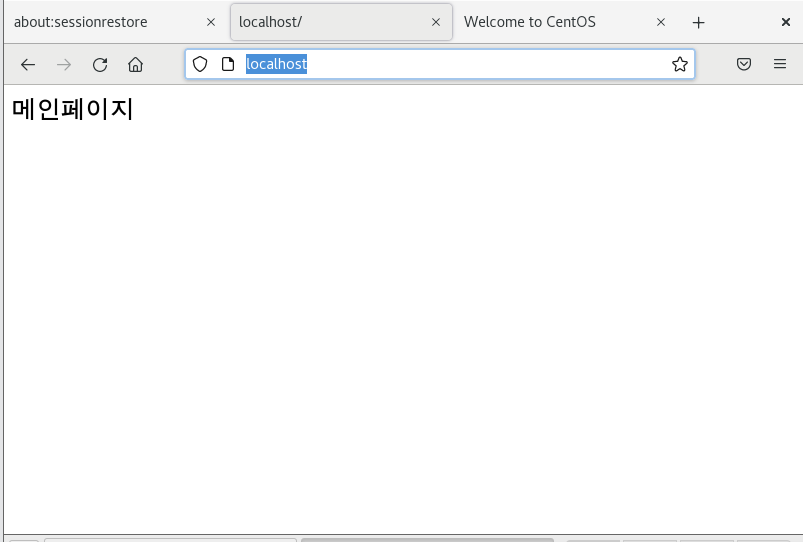
- 파일 수정 후 localhost
- github에서 index.html 파일 내용 수정 후 1분 지나고 localhost접속
만약, index.html 등 웹서버 관련 수정하고싶으면
[root@srv7 0722]# vi /etc/httpd/conf/httpd.conf에서 수정 후 재시작
[root@srv7 0722]# systemctl restart httpdat
- cron은 주기적으로 반복되는 작업을 예약하지만, at 명령어는 일회성 작업을 예약하는 것이다.
- 예약해두면 한 번만 실행되고 소멸됨
/var/www/html 모든 파일을 tar xz로 묶고 압축
tar cfJ $testdate.tar.xz /var/www/html
