this 이건 뭐시여
console.log(this)를 하면 window 어쩌고 하면서 출력된다.
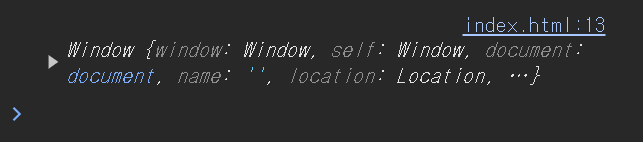
console.log(this)
    function 함수() {
      console.log(this)
    }
    함수()
이렇게 해도 window 어쩌고를 출력하는 것을 볼 수 있다.
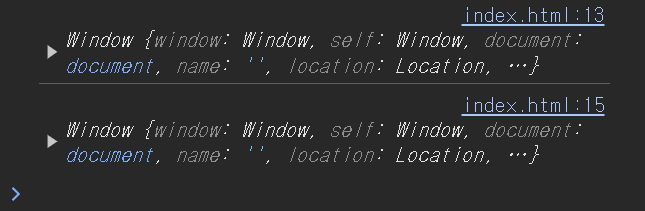
따라서 this의 1번째 뜻은 window !
'use strict'를 이용하면 더 엄격하게 js를 실행시킬 수 있다.
<script>
    'use strict'

    x = 300

    console.log(this)
    function 함수() {
      console.log(this)
    }
    함수()
  </script>
이렇게 하면 x=300으로 인해 에러가 발생하는 것을 확인할 수 있다

const let var 중 하나를 이용해 변수 선언을 해주면 된다.
그리고
  <script>
    'use strict'

    console.log(this)
    function 함수() {
      console.log(this)
    }
    함수()
  </script>
이렇게 한다면 아래처럼 나오는 것을 확인할 수 있다.
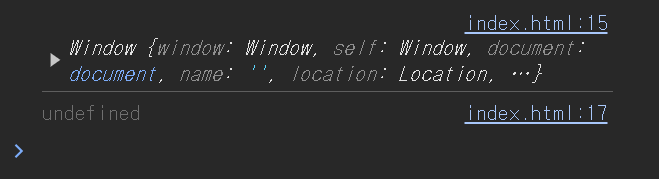
strict mode + 일반함수 내에서 쓰면 undefined 가 this가 가지는 의미가 된다.
오브젝트 내 함수 안에서 this를 사용하면?!
<script>
    console.log(this)

    let 오브젝트 = {
      data : "Kim",
      함수 : function() {
        console.log('안녕')
        console.log(this)
      }
    }

    오브젝트.함수()

  </script>
아래처럼 출력되는 것을 확인할 수 있다.
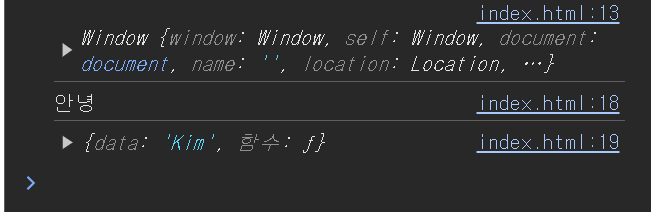
따라서 오브젝트 내 메소드에서 this를 사용하면 그 메소드 즉 함수를 가지고 있는 오브젝트를 뜻한다.
이렇게 한다면????
<script>
    console.log(this)

    let 오브젝트 = {
      data : {
        함수 : function(){
          console.log(this)
        }
      }
    }

    오브젝트.data.함수()

  </script>
여기서의 this는 오브젝트.data를 말한다.
그런데 만약 화살표함수를 사용한다면?!
<script>
    console.log(this)

    let 오브젝트 = {
      data : {
        함수 : () => {
          console.log(this)
        }
      }
    }

    오브젝트.data.함수()

  </script>
그냥 윈도우가 출력되는 것을 확인할 수 있다.
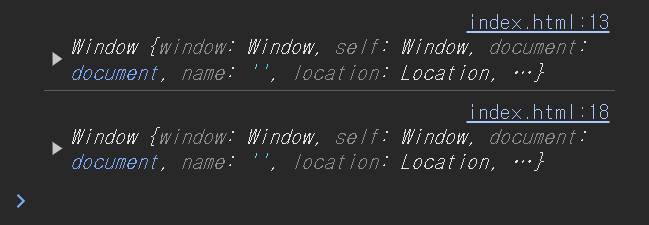
Arrow Function 특: this 값을 함수밖에 있던거 그대로 씀
함수나 변수를 전역공간에서 만들면 {window}에 보관.
따라서 아래처럼 사용하면 둘다 작동이 된다.
<script>
    // console.log(this)

    function 함수(){
      console.log(this)
    }
    함수()
    window.함수()
  </script>
그리고 출력은 둘다 window를 가리킨다.
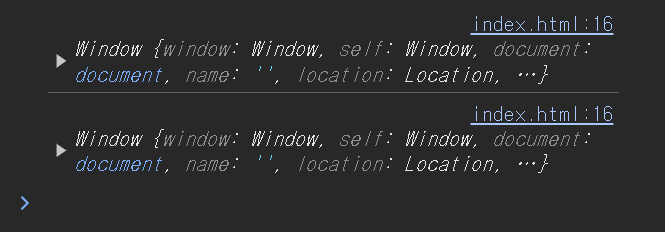
이렇게 우리는 작성하지만,
function 함수(){
      console.log(this)
    }
실제는 다음처럼 작성을 하는 것과 마찬가지이다.
window: {
      function 함수(){
        console.log(this)
      }
    }
따라서 일반적으로 script에서 작성되는 것은 window라는 object 안에 만들어진 것과 같은 개념이라 보면 된다.
this는 나를 담고 있는 오브젝트를 출력하므로, 나의 상위 존재라고 생각하면 되겠다.
이번 결론: this의 역할
나를 담고 있는 오브젝트를 가리킨다!