결과
타이핑하는 듯한 효과를 준다.
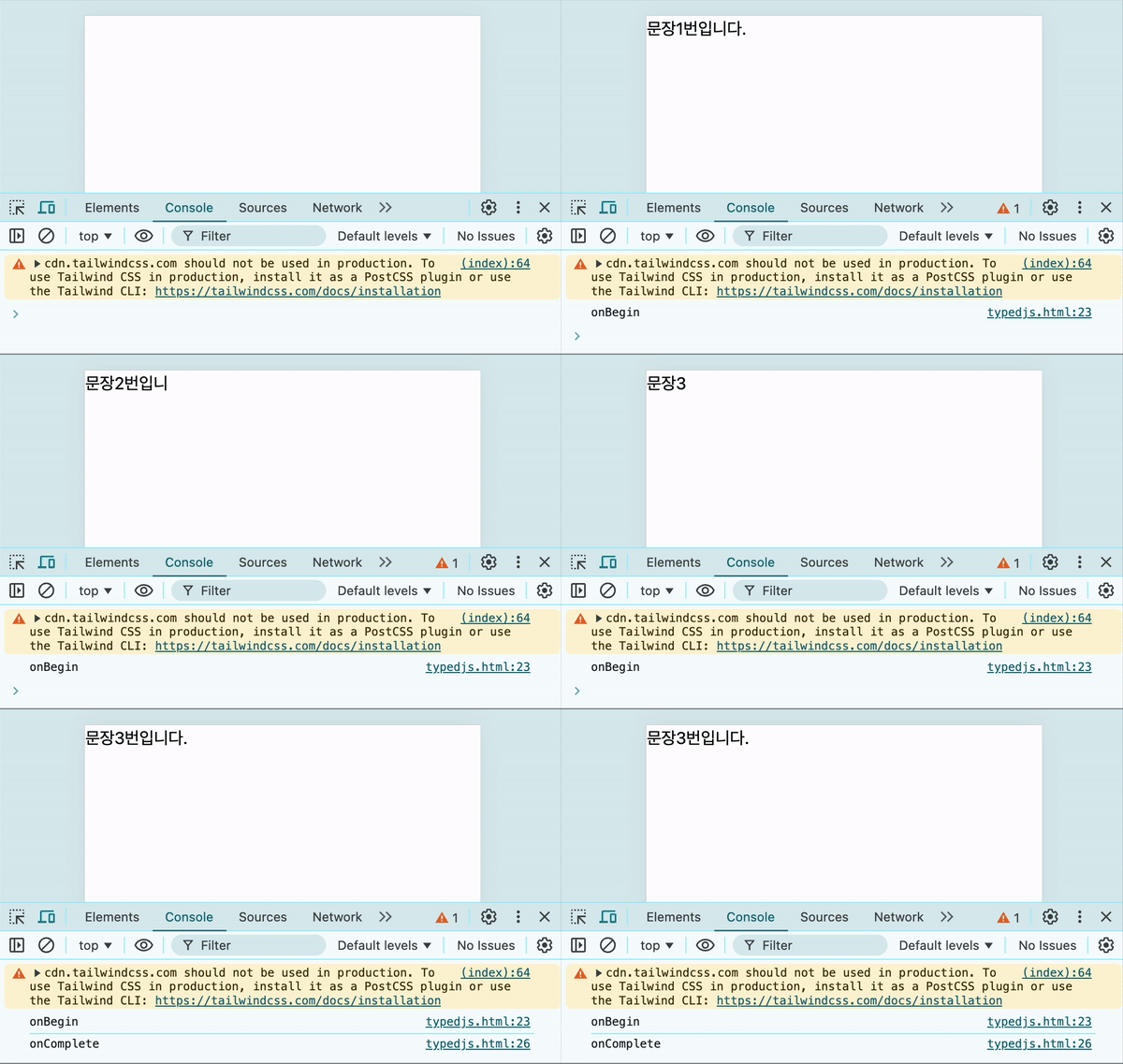
코드
<!DOCTYPE html>
<html lang="ko">
<head>
    <meta charset="UTF-8">
    <meta name="viewport" content="width=device-width, initial-scale=1.0">
    <title>Typed.js 예제</title>
    <script src="https://cdnjs.cloudflare.com/ajax/libs/typed.js/2.0.12/typed.min.js"></script>
    <script src="https://cdn.tailwindcss.com"></script>
</head>
<body>
    <span id="element"></span>
    <script>
        const textList = [
            `문장1번입니다.`,
            `문장2번입니다.`,
            `문장3번입니다.`
        ];
        new Typed(`#element`, {
            strings: textList,
            typeSpeed: 70,
            showCursor:false,
            onBegin:()=>{
                console.log('onBegin');
            },
            onComplete:()=>{
                console.log('onComplete');
            },
        });
    </script>
</body>
</html>
관련페이지

겪은 이슈를 공유합니다.