문제점
priceLabel의 크기를 늘어나게 설정했지만 제목이 두줄 일때 위치가 변경된다..
그래서 StackView안에 있는 Label을 하단 고정 주는 방법을 찾아보았다!
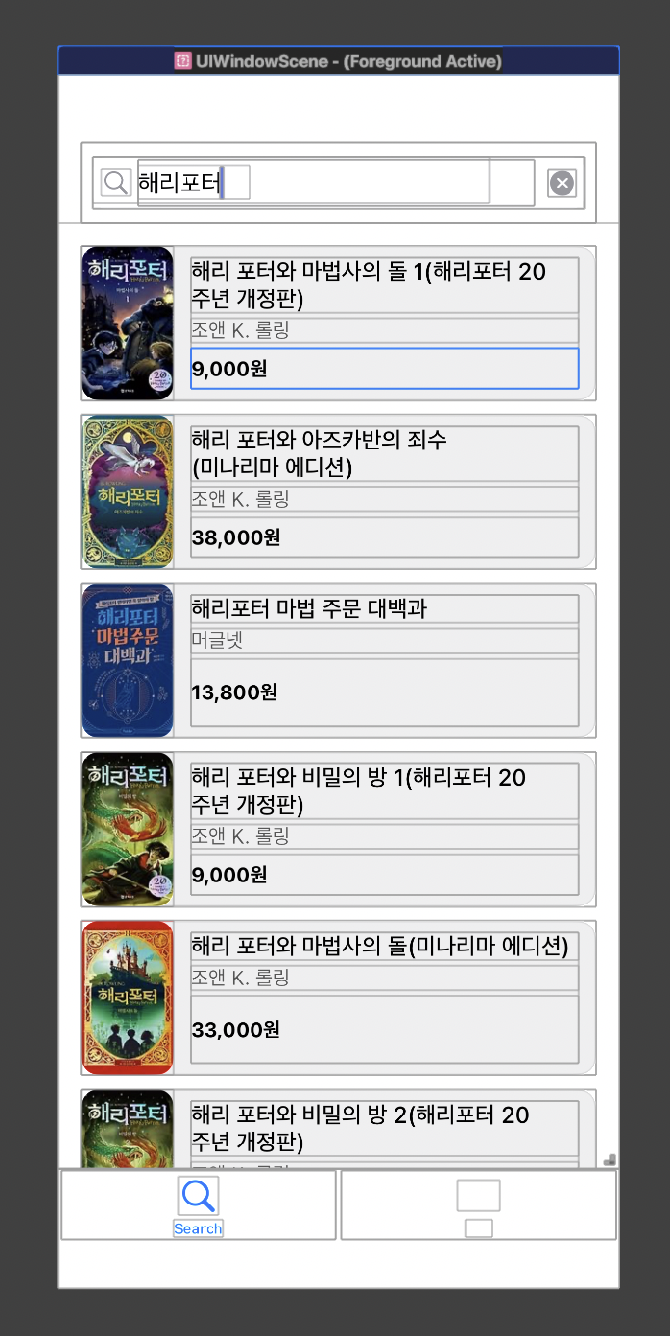
priceLabel을 넣을 UIView 생성
private let priceContainerView = UIView()arrangedSubviews 안에 있는 priceLabel을 priceContainerView로 변경
    private lazy var vStack = UIStackView(arrangedSubviews:  [titleLabel, authorLabel, priceContainerView]).then {
        $0.axis = .vertical
        $0.spacing = 4
    }
priceContainerView 안에 priceLabel 넣고 하단 고정
        priceContainerView.addSubview(priceLabel)
        priceLabel.snp.makeConstraints {
            $0.leading.trailing.equalToSuperview()
            $0.bottom.equalToSuperview() // 아래쪽에 붙이기
        }
priceContainerView의 크기가 늘어나게 우선순위 설정
        titleLabel.setContentHuggingPriority(.required, for: .vertical)
        authorLabel.setContentHuggingPriority(.required, for: .vertical)
        priceContainerView.setContentHuggingPriority(.defaultLow, for: .vertical)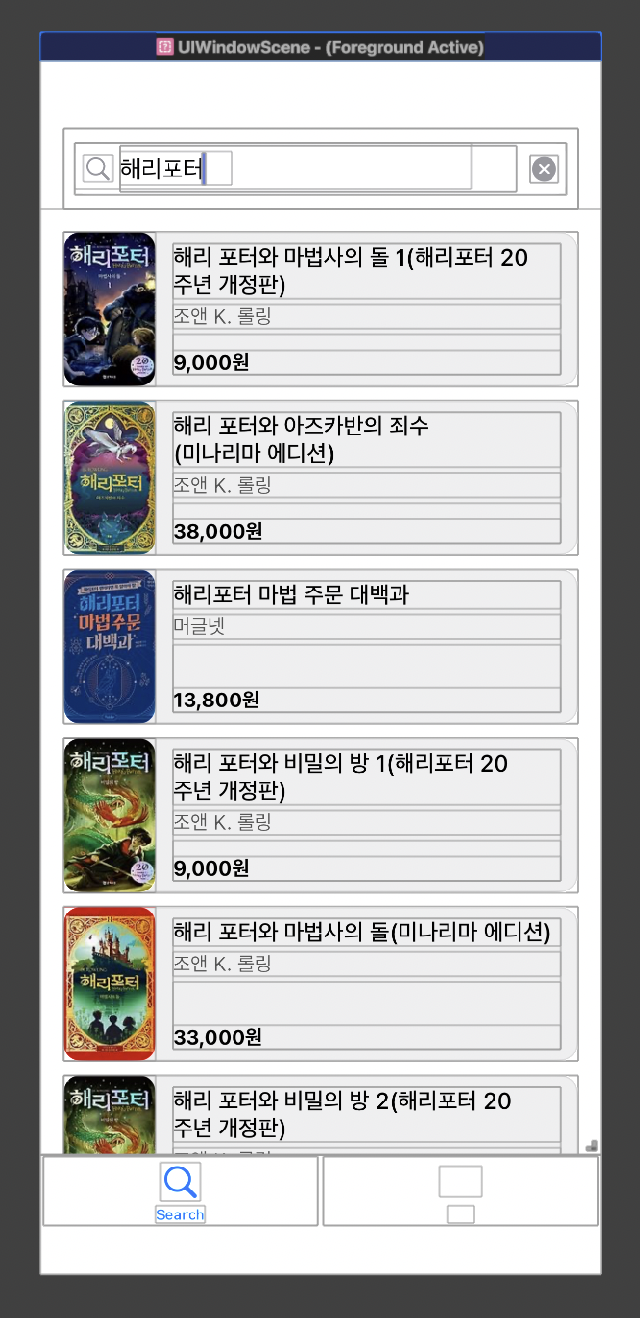
UIView는 크기가 늘어나면서 priceLabel은 하단 고정 완료!

iOS Dev