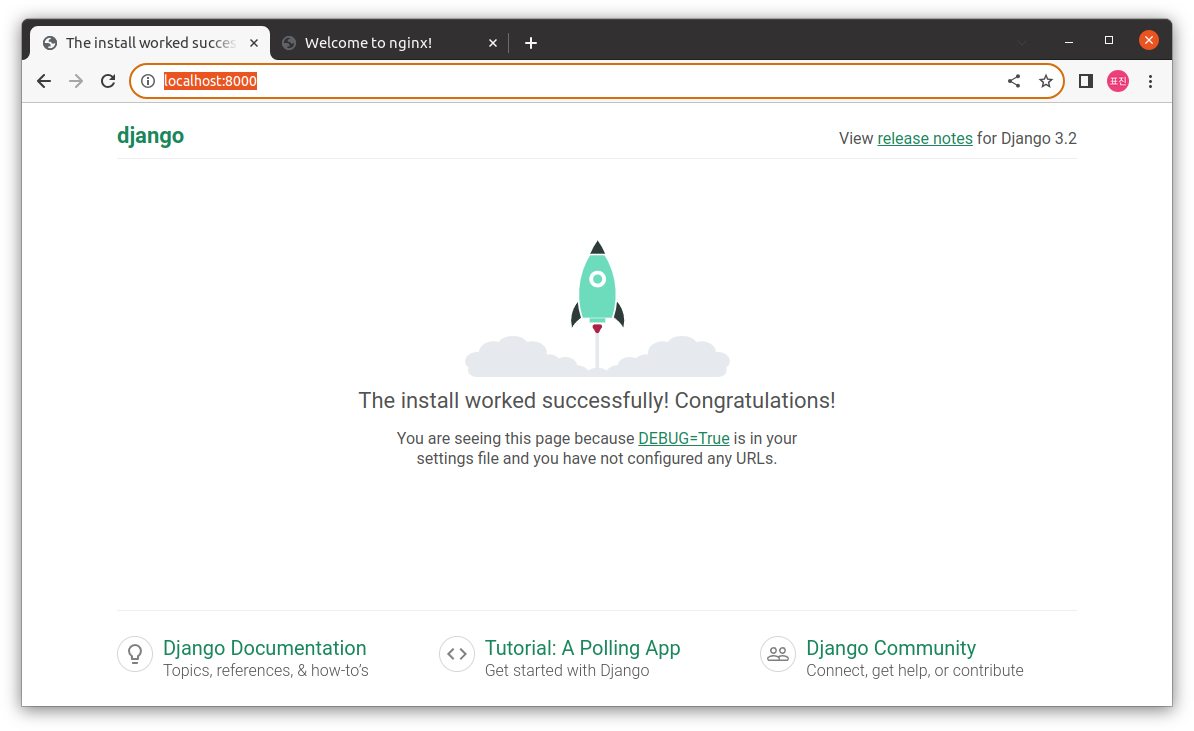
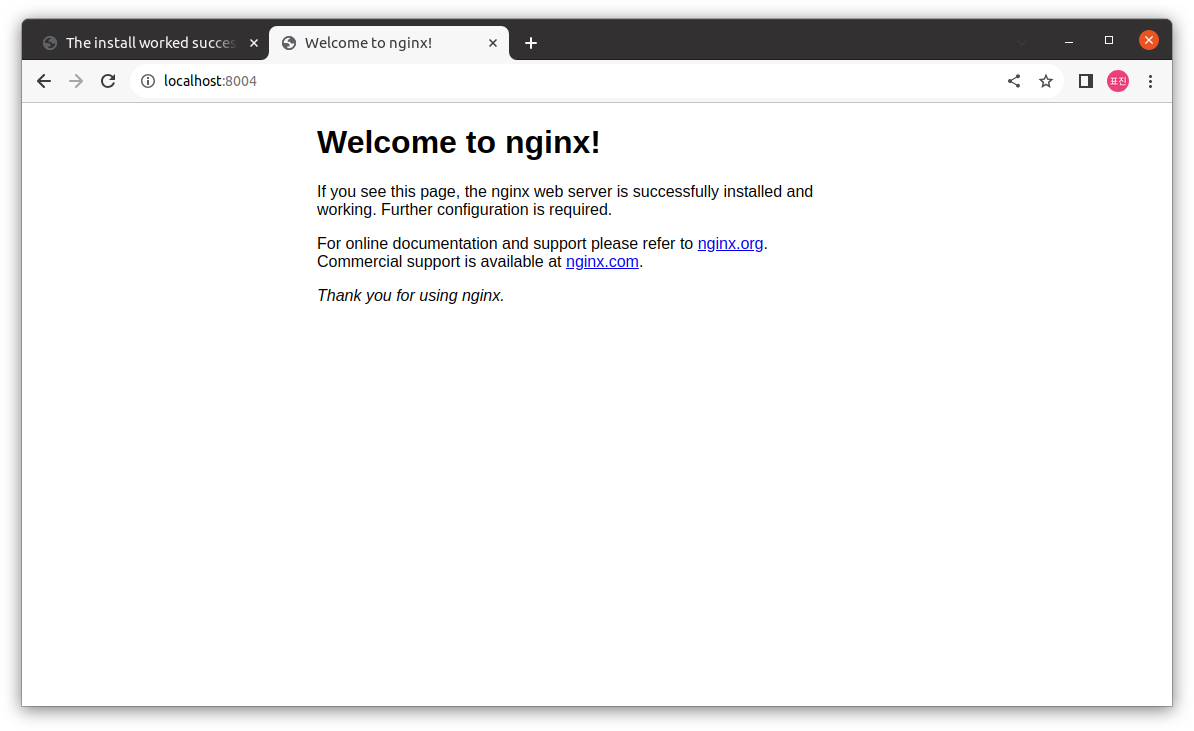
24.01.17 최초 작성
React+Redux+Bootstrap+SASS사용- 필요 빌드 툴 :
NodeJS,NPMorYam
1. Docker에서 직접 빌드
- docker 실행
docker run -it --name builder \
				-p 8000:80 \
				-p 3000:3000 \
ubuntu:20.04 /bin/bashNodeJs,NPM준비
#NodeJs의 경우 nodejs repo를 통해 적절한 버전으로 다운
apt install -y curl
curl –sL https://deb.nodesource.com/setup_14.x | bash -
apt install nodejs npm

node --version
npm --version- 소스코드 다운
apt install -y git
mkdir /app
cd /app
git clone https://github.com/Rhymond/product-compare-react- 빌드
cd /app/product-compare-react

#의존성 패키지 설치
npm install

apt install -y python2 build-essential
PYTHON=/usr/bin/python2 npm install

#빌드
npm run build

#서비스 실행
npm start- Nginx로 서비스
apt install -y nginx

service nginx start- 웹브라우저에서
localhost:8000으로 접속, 빌드된 내용 복사
cp –R /app/product-compare-react/build/* /var/www/html/2. Dockerfile을 통해 빌드
- 위의 과정을
Dockerfile형식으로 표현
FROM node:14  as builder
RUN mkdir /app
WORKDIR /app
RUN git clone https://github.com/Rhymond/product-compare-react
WORKDIR /app/product-compare-react
RUN npm install && npm run build

FROM nginx:latest
COPY --from=builder /app/product-compare-react/build /usr/share/nginx/html
3. Docker Compose를 통해 빌드 및 배포
- 작성한
Dockerfile위치에docker-compose.yml파일 작성
services:
  react:
    image: yoon/react:1.0			#이미지 이름 지정 or 설정
    build:							#Dockerfile 경로 지정
      context: ./django
      dockerfile: Dockerfile		#Dockerfile의 app에 대한 상대경로
    ports:							#실행 시 publish port 지정
      - "8080:80"
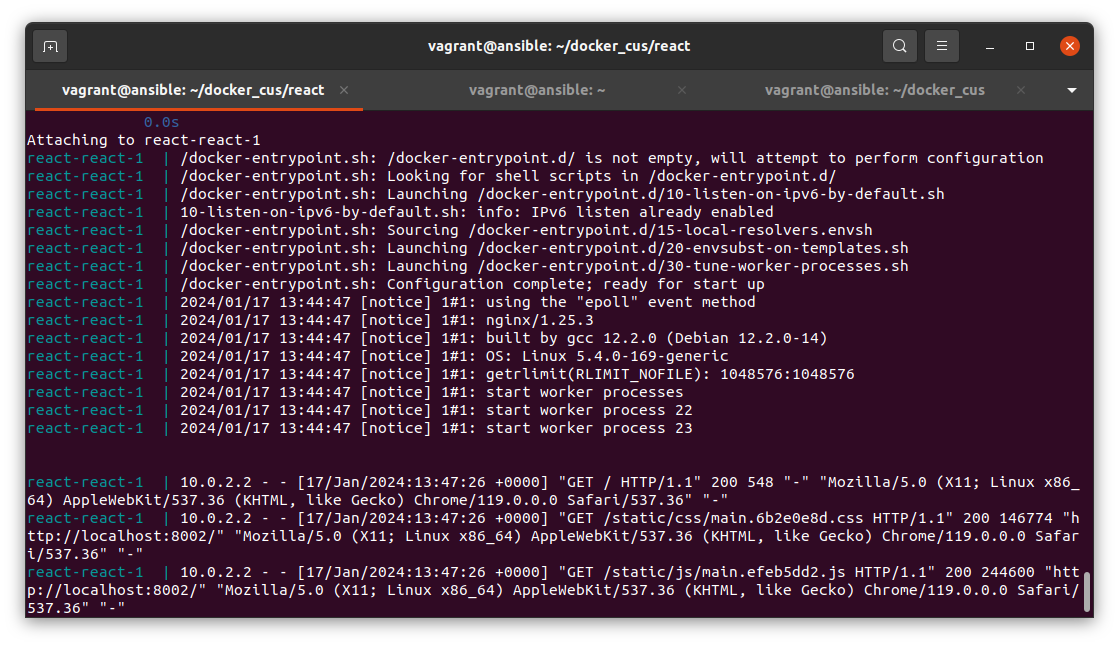
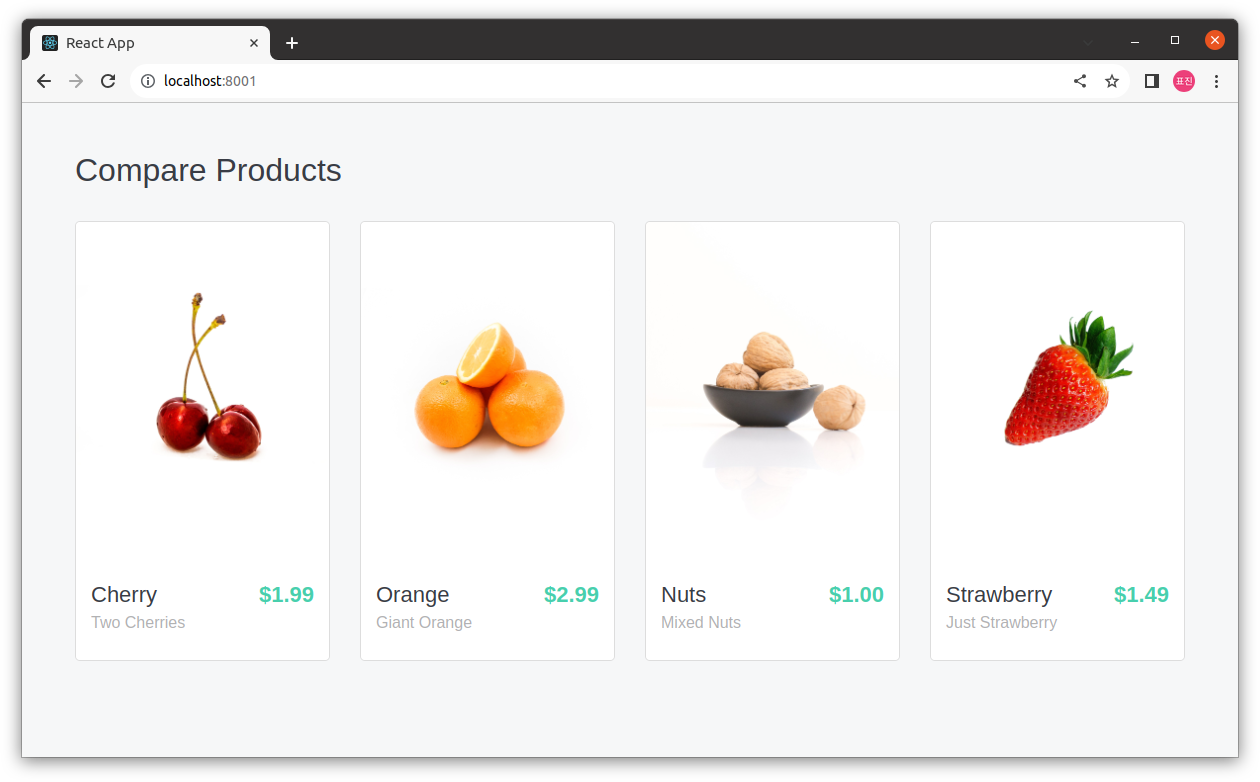
docker system prune -af를 통해 사용하고있지 않은 이미지 삭제docker compose up을 통해 빌드
4. django project
docker-compose.yml
services:
  redis:
    image: redis:latest
    ports:
      - 6379:6379

  mysql:
    image: mysql:latest
    ports:
      - 3306:3306
    environment:
      MYSQL_ROOT_PASSWORD: admin

  django:
    image: myapp/django:1.1
    build:
      context: ./django
      dockerfile: Dockerfile
    ports:
      - 8000:8000
    depends_on:
      - redis
      - mysql

  nginx:
    image: nginx:latest
    ports:
      - 5001:80
    depends_on:
      - django