0. 서론
- OSSCA에서 Yorkie팀을 지원하게 된 계기는 데브코스에서 Vanilla JS로 노션 클로닝 과제를 진행하며 힘들어 하던 중, 이를 도와주는 도구(오픈소스)가 있는 걸 보고 궁금해서 지원했다.
- 저번 주 토요일에 있었던 발대식에 개인사정으로 참가하지 못해 처음으로 활동에 참여하는 거라 진도를 따라가지 못할까봐 많이 걱정했다.
- 멘토님이 사전에 yorkie의 어느 부분에서 기여하고 싶은지 물어보셨다. 그동안 프론트 공부를 많이 해왔기 때문에 프론트 파트인 yorkie-js-sdk에 기여하고 싶다고 말씀드렸다.
- 이번 주는 첫 주인 만큼 환경 세팅, 프로젝트 소개 및 컨트리뷰션 가이드를 진행한다고 멘토님이 미리 공지해주셨다.
1. 환경세팅
1-1. Yorkie
멘토님께서 프론트엔드 기여자들도 yorkie를 같이 설치해보면 좋겠다고 해서 멘토님 설명, 컨트리뷰션 가이드를 참고해서 yorkie 먼저 설치해보았다.
1. Go 설치
brew install golang2. Protobuf Compiler 설치
brew install protobuf❌ Protobuf Compiler를 설치할 때 다음과 같은 에러가 발생했다
Error: Permission denied @ apply2files - /usr/local/lib/docker/cli-plugins ✅ 구글링 해본 결과 Docker를 삭제했다면 수동으로 다시 Docker파일을 만들어줘야 된다고 해서 다음의 명령어들을 실행했다
mkdir -p /Applications/Docker.app/Contents/Resources/cli-plugins
brew cleanup
3. Docker 설치
brew install --cask docker //gui로 docker 설치❌ 위에서 수동으로 만든 Docker 폴더때문에 이미 설치되어 있다는 문구가 떴다
✅ Docker 삭제 스크립트를 다운받아 실행 후 재설치하니 성공적으로 설치되었다.
curl -O https://raw.githubusercontent.com/docker/toolbox/master/osx/uninstall.sh

chmod +x uninstall.sh
sudo ./uninstall.sh
rm uninstall.sh

brew install --cask docker
4. 레포지토리 클론 후 빌드
원래 Yorkie 프로젝트에서 내 레포지토리로 fork한 후 로컬에 클론했다.
fork하는 과정은 생략한다
git clone https://github.com/DongjaJ/yorkie.git
cd yorkie
make tools
make build		# executable: ./bin/yorkie
5. 테스트 코드 실행
docker-compose -f build/docker/docker-compose.yml up --build -d
make test
❌ 다음과 같은 오류가 발생했다
Cannot connect to the Docker daemon at unix:///var/run/docker.sock. Is the docker daemon running?✅ 바보같이 Docker를 실행 안 해서였다...
Docker 프로그램을 실행하고 명령어를 다시 입력하니 정상적으로 동작했다.
1-2. Yorkie-js-sdk
- Yorkie-js-sdk는 Node환경에서 개발 및 동작하기 때문에 Node, npm을 먼저 설치해야 한다
- 나는 모두 설치되어 있기 때문에 모두 패스하고 프로젝트만 설치했다.
- 몇분들은 Node 버전이 너무 높아서 오류를 겪으시는 것 같았다
- 2023년 7월 12일 기준으로 Node 16.14.2버전에서 문제없이 설치했다
1. 설치
git clone https://github.com/DongjaJ/yorkie-js-sdk.git
cd yorkie-js-sdk
npm install
2. 빌드
npm run build3. 테스트
Yorkie와 마찬가지로 도커를 켜놔야 한다.
docker-compose -f docker/docker-compose.yml up --build -d
$ npm run test
4. 예제 실행
위의 도커가 실행되고 있다면 다음의 명령어를 통해 webpack의 개발서버를 실행시켜 예제를 볼 수 있다.
$ npm run dev서버를 실행시켰다면 http://localhost:9000/로 접근해서 예제들을 볼 수 있다.
5. 다른 예제들 보는 방법
public/dist 내의 html에 접근하면 예제들을 실행시킬 수 있다
-
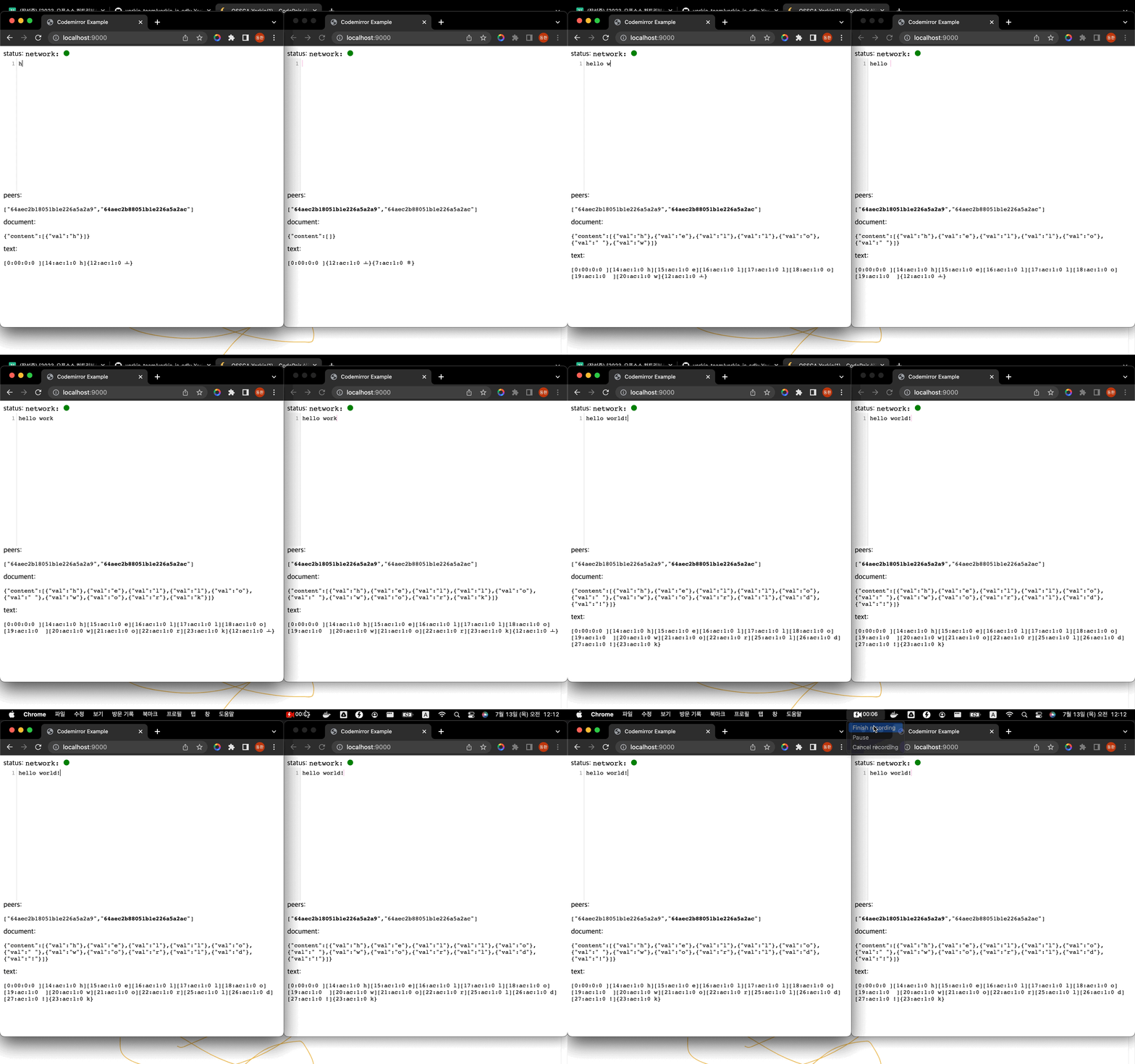
code mirror
http://localhost:9000/
-
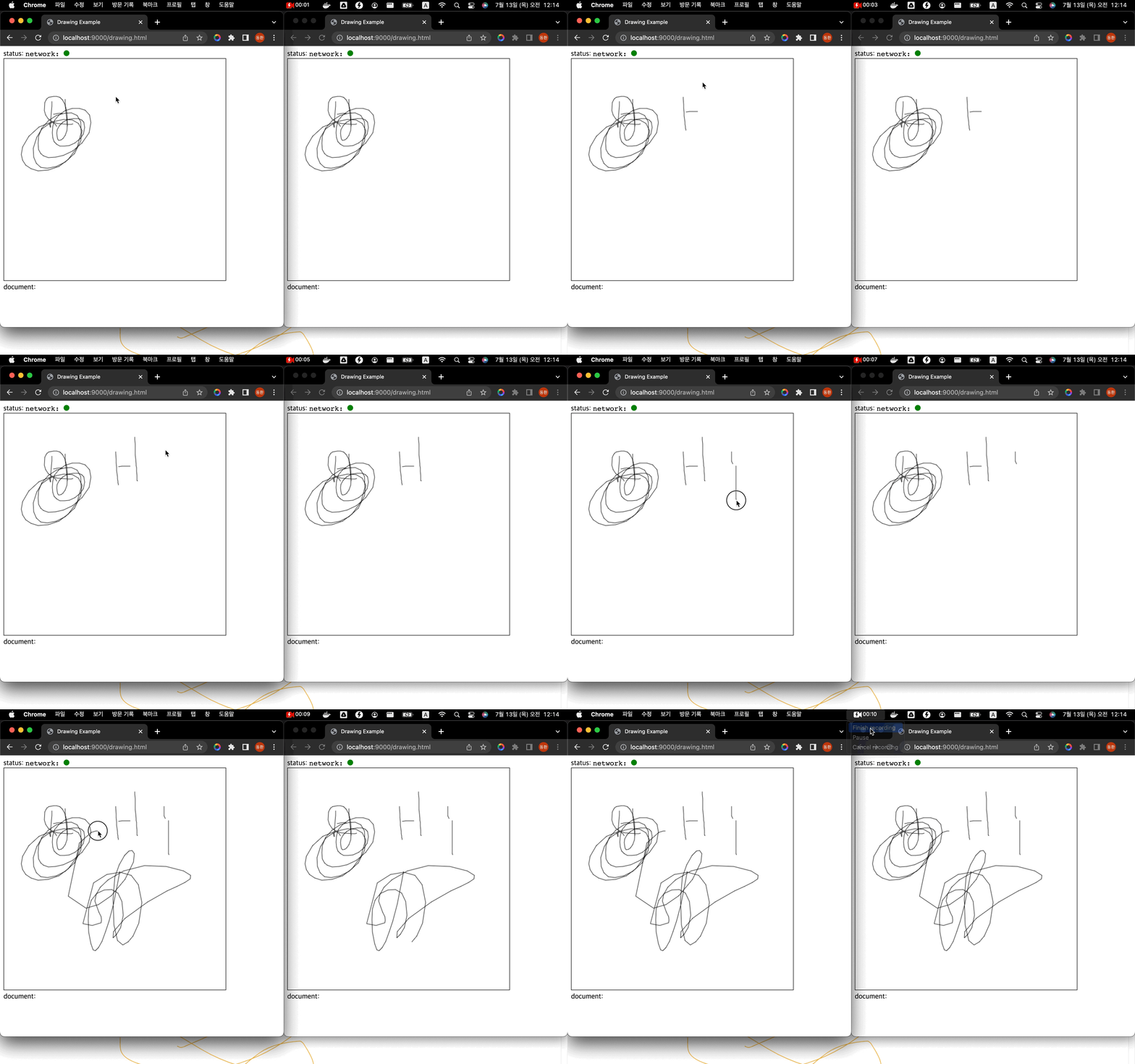
drawing
http://localhost:9000/drawing.html
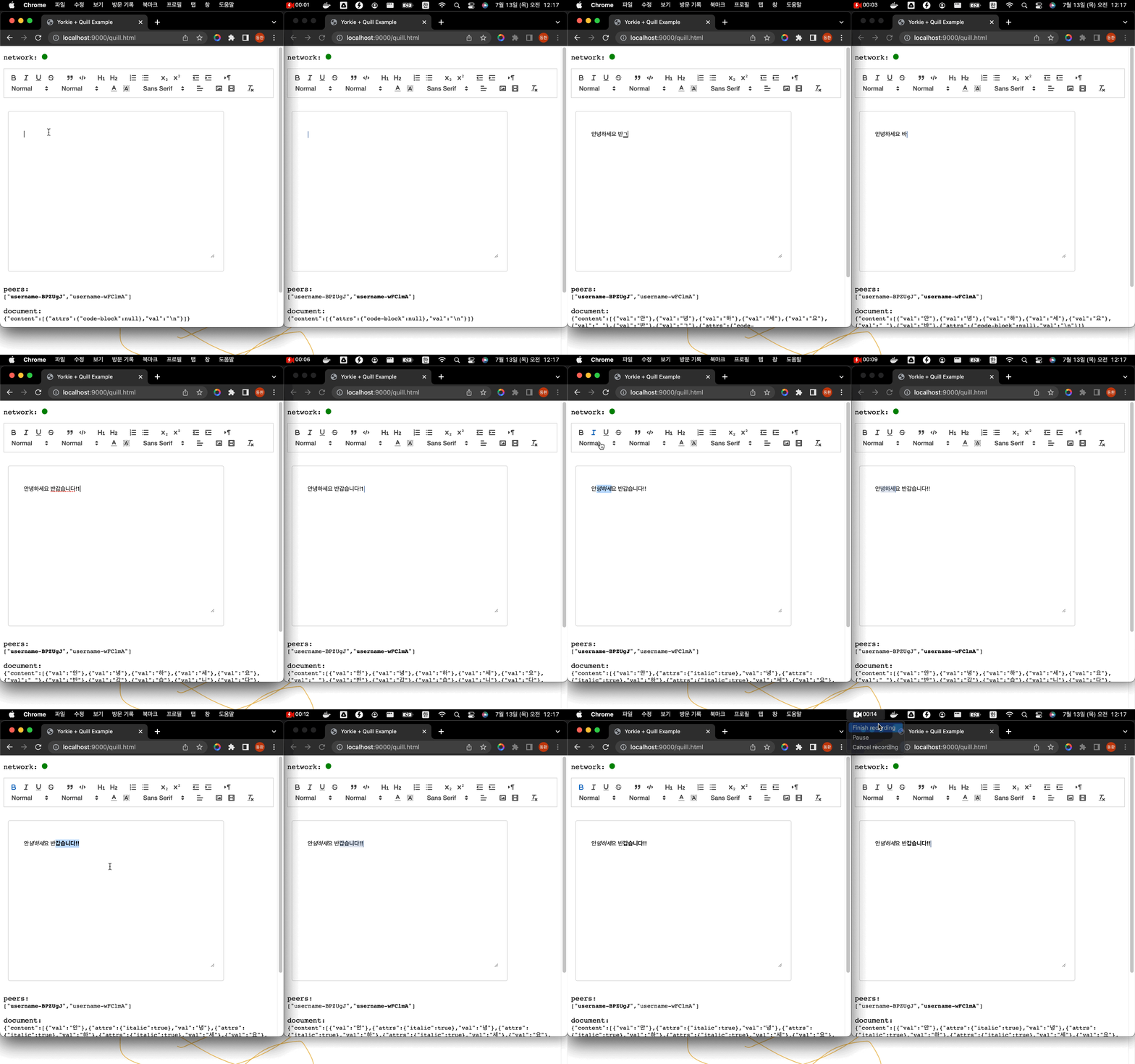
- quill
http://localhost:9000/quill.html
Software developer