텍스트필드 관련
layer.borderWidth = 1
layer.borderColor = UIColor.systemGray.cgColor


textField.textAlignment = .center
로그인 뷰 등에서 텍스트 필드 리턴 키 눌렀을 때 실행할 액션 지정
delegate 설정한 후,
extension SignUpViewController: UITextFieldDelegate {
  func textFieldShouldReturn(_ textField: UITextField) -> Bool {
    if textField == emailTextField {
        passwordTextField.becomeFirstResponder()
    } else {
        signUp()
    }
    return true
  }
}
깃 머지하기
$ git branch -m [OLD_BRANCH] [NEW_BRANCH]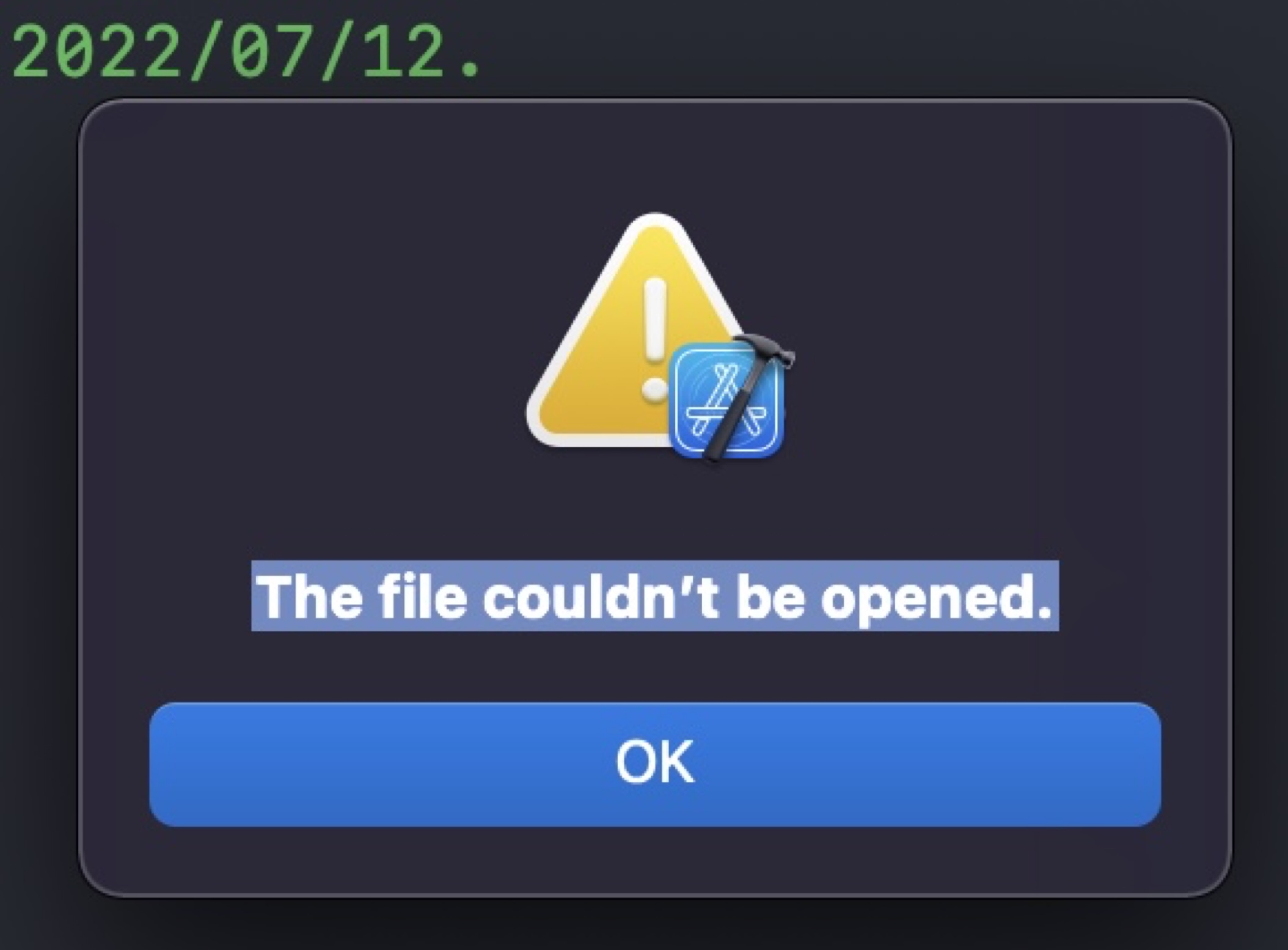
위 처럼 머지 컨플릭트나서 파일 안열릴 때는 프로젝트 파일 우클릭 -> 패키지 내용 보기에서 충돌부분 수정
navigationBar.barTintColor = .systemBackground테이블 뷰 셀 각각의 높이 조절하기
func tableView(_ tableView: UITableView, heightForRowAt indexPath: IndexPath) -> CGFloat {
        if indexPath.row == 0 {
            return 110
        } else if indexPath.row == 4 {
            return UITableView.automaticDimension
        } else {
            return 85
        }
    }
셀의 악세서리 종류
cell.accessoryType = .disclosureIndicator
cell.accessoryType = .checkmark
cell.accessoryType = .detailButton
cell.accessoryType = .detailDisclosureButton
셀 선택해도 아무일 안일어나게 하고 싶을 때
cell.selectionStyle = .none텍스트필드에 placeholder 넣기
    func textViewDidBeginEditing(_ textView: UITextView) {
        if textView.text == textViewPlaceHolder {
            textView.text = nil
            textView.textColor = .label
        }
    }

    func textViewDidEndEditing(_ textView: UITextView) {
        if textView.text.trimmingCharacters(in: .whitespacesAndNewlines).isEmpty {
            textView.text = textViewPlaceHolder
            textView.textColor = .lightGray
        }
    }
2차전직 개발자가 되자