1,2,3일차는 다 챌린지가 질문이였는데 오늘부터는 직접 코딩하는 거였다.
선배들 오래걸렸다고 그래서 어려울 줄 알고 좀 걱정했는데 생각보다 앵간??
여기는 문제
// <⚠️ DONT DELETE THIS ⚠️>
import "./styles.css";
const colors = ["#1abc9c", "#3498db", "#9b59b6", "#f39c12", "#e74c3c"];
// <⚠️ /DONT DELETE THIS ⚠️>

/*
✅ The text of the title should change when the mouse is on top of it.
✅ The text of the title should change when the mouse is leaves it.
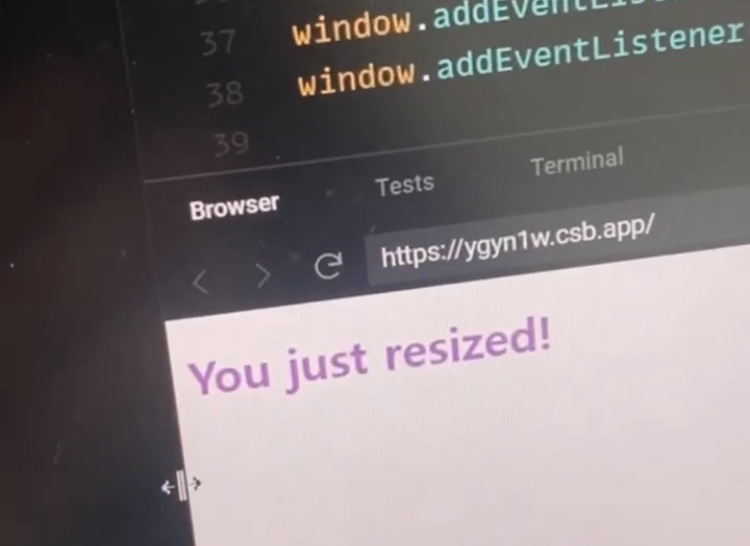
✅ When the window is resized the title should change.
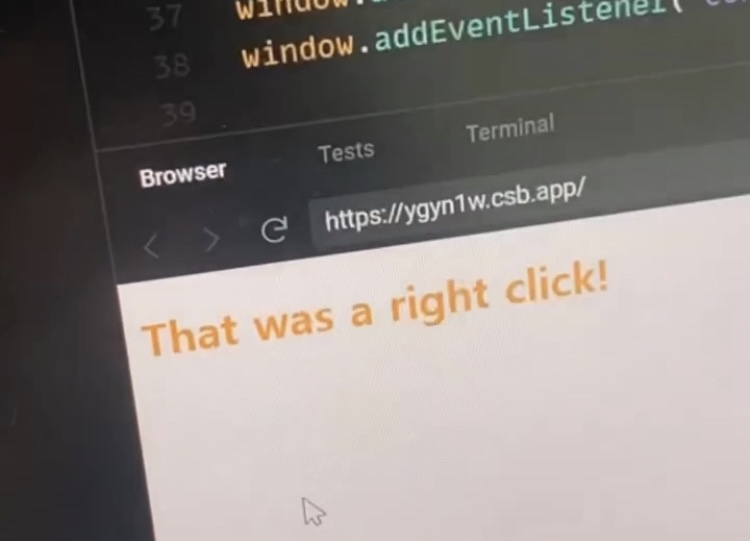
✅ On right click the title should also change.
✅ The colors of the title should come from a color from the colors array.
✅ DO NOT CHANGE .css, or .html files.
✅ ALL function handlers should be INSIDE of "superEventHandler"
*/
근데 니콜라스씨 superEventHandler 영상에서 뭔지 안알려줬잖아요.흥
여기는 내가 쓴 코드!!
const h2 = document.querySelector("h2");
const superEventHandler = {
  mouseOn: function () {
    h2.innerText = "The mouse is here!";
    h2.style.color = colors[0];
  },
  mouseLeave: function () {
    h2.innerText = "The mouse is gone!";
    h2.style.color = colors[1];
  },
  resize: function () {
    h2.innerText = "You just resized!";
    h2.style.color = colors[2];
  },
  contextmenu: function () {
    h2.innerText = "That was a right click!";
    h2.style.color = colors[3];
  }
};

h2.addEventListener("mouseenter", superEventHandler.mouseOn);
h2.addEventListener("mouseleave", superEventHandler.mouseLeave);
window.addEventListener("resize", superEventHandler.resize);
window.addEventListener("contextmenu", superEventHandler.contextmenu);
결과물!!!
https://ygyn1w.csb.app/
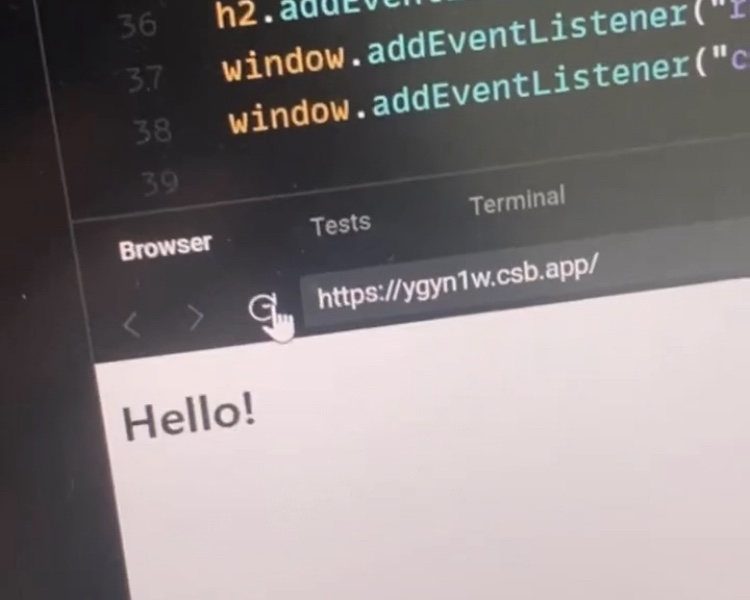
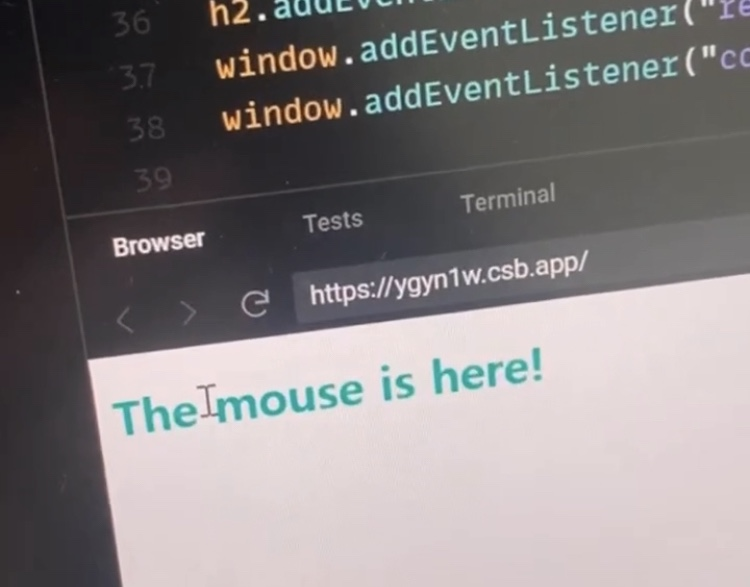
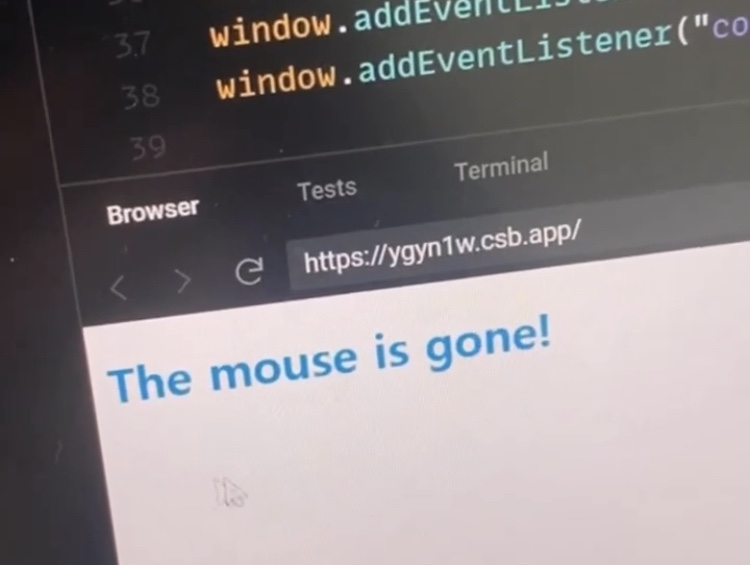
짜라잔~~