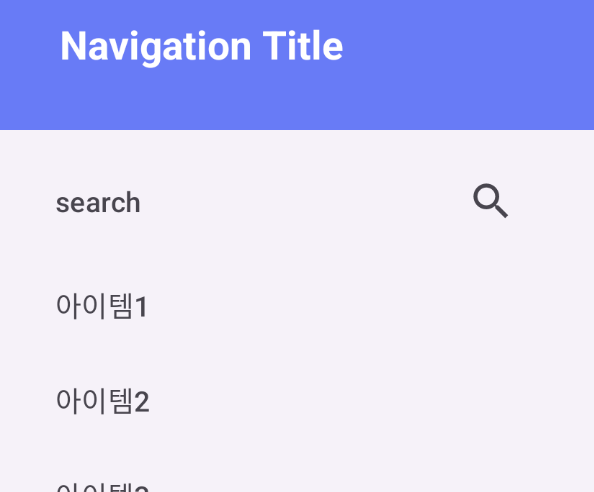
문제
drawer Layout을 적용했는데, 기본으로 상태 바가 투명해서 메뉴 바 위로View가 보이는 상황이다.
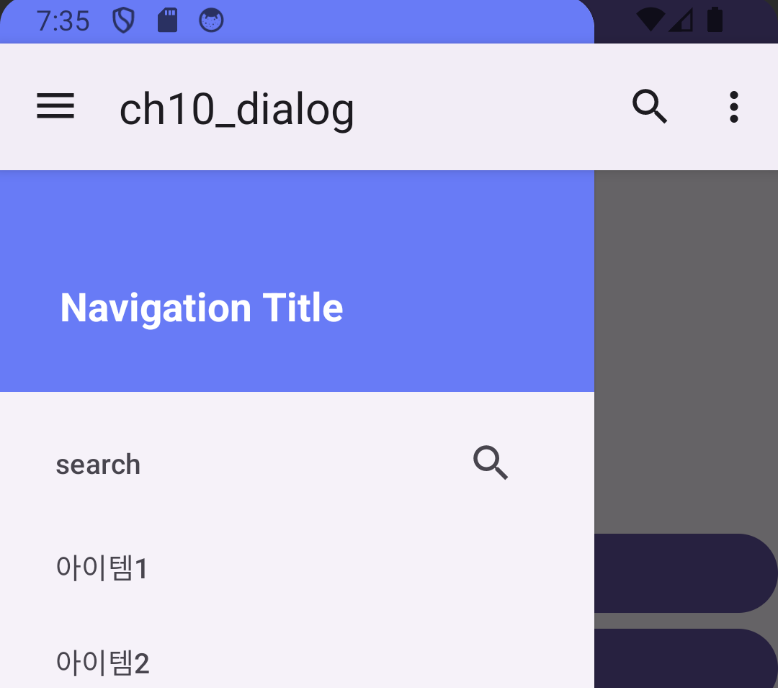
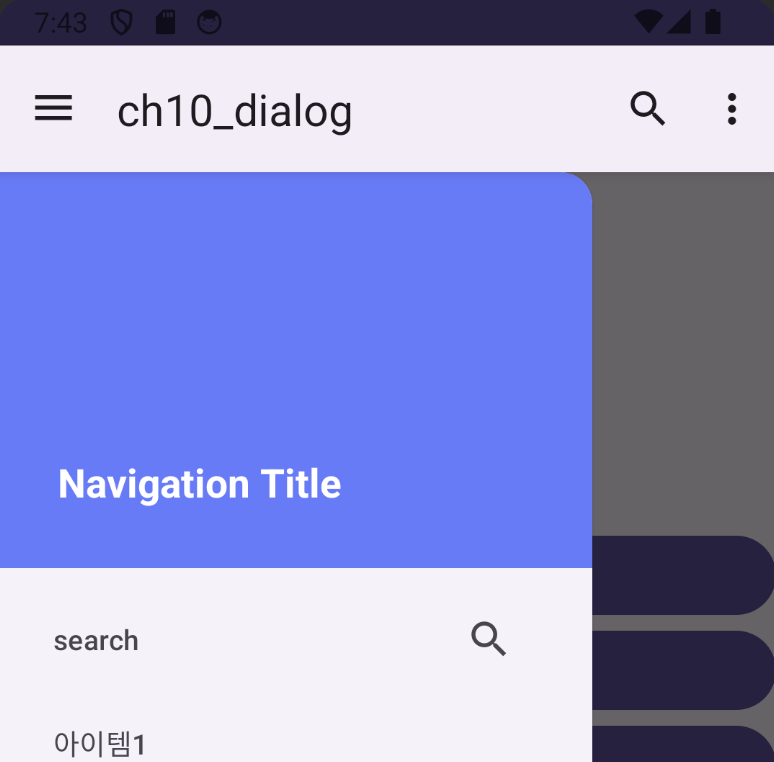
해결
fitsSystemWindows를false로 지정하여 해결하였다.
<?xml version="1.0" encoding="utf-8"?>
<androidx.drawerlayout.widget.DrawerLayout
    xmlns:android="http://schemas.android.com/a7pk/res/android"
    xmlns:tools="http://schemas.android.com/tools"
    xmlns:app="http://schemas.android.com/apk/res-auto"
    android:id="@+id/drawer"
    android:layout_width="match_parent"
    android:layout_height="match_parent"
    android:fitsSystemWindows="true"
    tools:context=".MainActivity">
    <!-- drawerlayout: 2개의 필수 요소 - 1. 본 화면 -->
    <LinearLayout
        android:id="@+id/main"
        android:layout_width="match_parent"
        android:layout_height="match_parent"
        android:gravity="center_vertical"
        android:orientation="vertical">

    </LinearLayout>
    <!-- 2. 드로어 화면 -->
    <com.google.android.material.navigation.NavigationView
        android:id="@+id/nav_main"
        android:layout_height="match_parent"
        android:layout_width="300dp"
        android:gravity="center"
        android:layout_gravity="start"
        app:headerLayout="@layout/navigation_header"
        app:menu="@menu/menu_navigation"
        android:fitsSystemWindows="false"
        />
</androidx.drawerlayout.widget.DrawerLayout>
안녕하세요.