[Git]SSH키 등록
문제상황
프로젝트를 생성하고 첫 작업 내용을 git에 올리는 작업을 진행하고 있었다.
repository를 생성하고 add, commit을 완료한 뒤 "git push origin main"에서 오류가 발생했다.
git@github.com: Permission denied (publickey).
fatal: Could not read from remote repository.

Please make sure you have the correct access rights
and the repository exists.입력하세요
문제파악
- public key가 존재하지 않아서 거절되었다.
- 그렇다면, public key를 만드는 방법은?
- SSH key를 생성하고 git에 등록해준다.
해결과정
1. SSH key생성
$ ssh-keygen -t ed25519 -C "이메일주소"- 만약 ed25591알고리즘이 지원되지 않는다면, 다른 코드 입력
$ ssh-keygen -t rsa -b 4096 -C 'your_email@example.com'이후로는 Enter만 눌러서 생성을 완료한다.
2. 생성된 key 확인하기
$ eval "$(ssh-agent -s)"
  > Agent pid 66141
3. key 등록하기
sh-add ~/.ssh/id_ed255194. Github에 SSH key 추가하기
Github에서 SSH key탭으로 이동
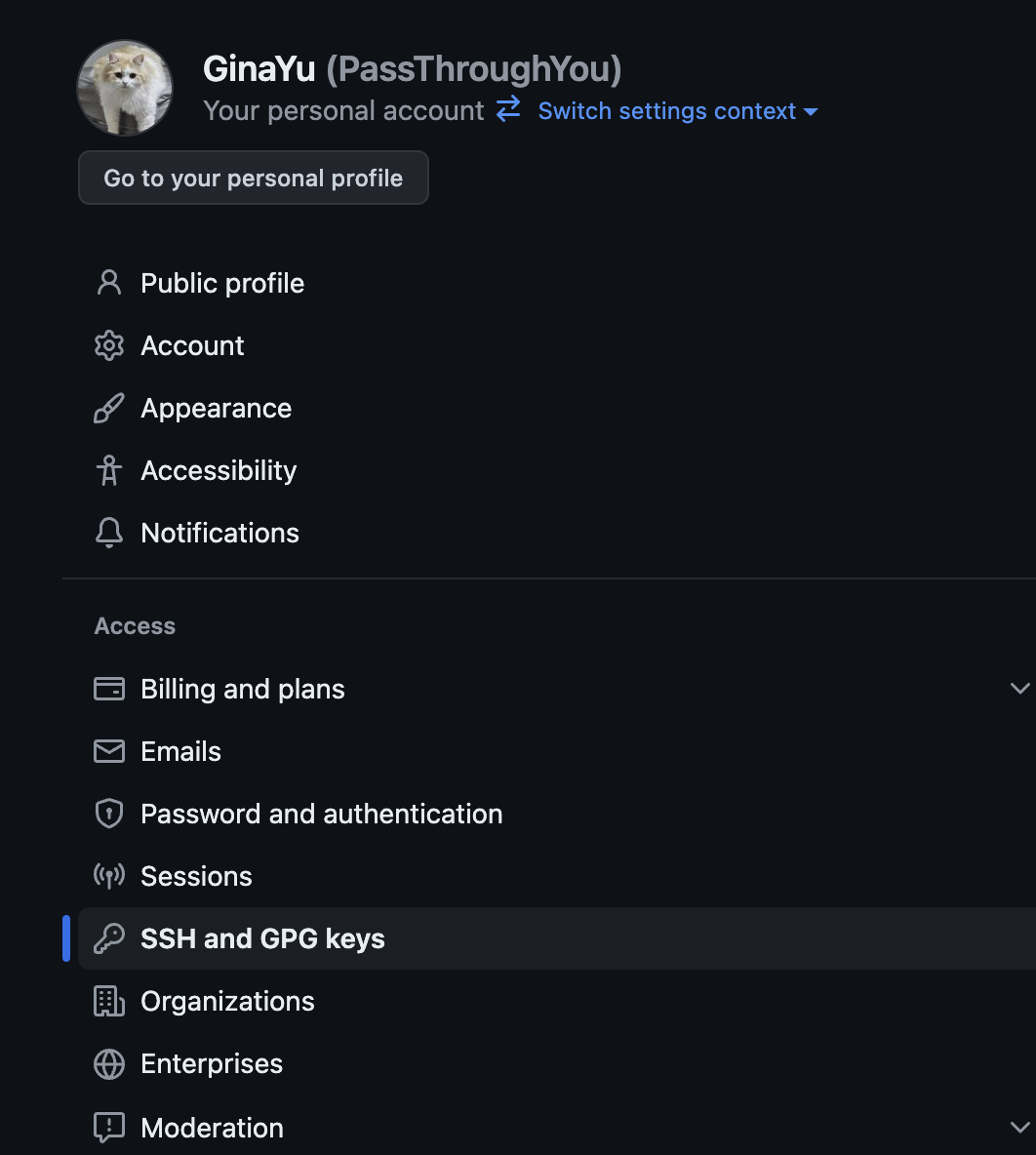
New SSH Key를 눌러 등록

Title은 자유롭게 지정, key에는 id_25519.pub파일 내에 있는 키 복사&붙여넣기

결론
기존에는 HTTPS로 git init, push 등을 진행했는데 SSH로 시도해보니 key를 다루는 법을 배우게 되었다. 새로운 방식을 도전하고 기록하는 습관을 가져야겠다.

지르나르