
💻 파이썬 idle 이용하기
🤍 거북이 그래픽 프로그램 제작
import turtle
turtle.shape('turtle')

turtle.forward(200)
turtle.right(90)
turtle.forward(200)
turtle.right(90)
turtle.forward(200)
turtle.right(90)
turtle.forward(200)
import turtle
import random

# 마우스 왼쪽 버튼을 누를 시 선을 그리며 이동
def screenLeftClick(x,y):
    global r,g,b
    turtle.pencolor((r,g,b))
    turtle.pendown()
    turtle.goto(x,y)

# 마우스 우측 버튼을 그릴 시 거북이만 이동
def screenRightClick(x,y):
    turtle.penup()
    turtle.goto(x,y)

# 마우스 중간 버튼을 누를 시 거북이의 크기 랜덤 확대
def screenMidClick(x,y):
    global r,g,b
    tSize = random.randrange(1,10)
    turtle.shapesize(tSize)
    r=random.random()
    g=random.random()
    b= random.random()


pSize = 10
r,g,b=0.0,0.0,0.0

# 윈도우 제목 설정
turtle.title('거북이 그림 그리기')
turtle.shape('turtle')
# 선의 두께 결정
turtle.pensize(pSize)

turtle.onscreenclick(screenLeftClick,1)
turtle.onscreenclick(screenMidClick,2)
turtle.onscreenclick(screenRightClick,3)

turtle.done()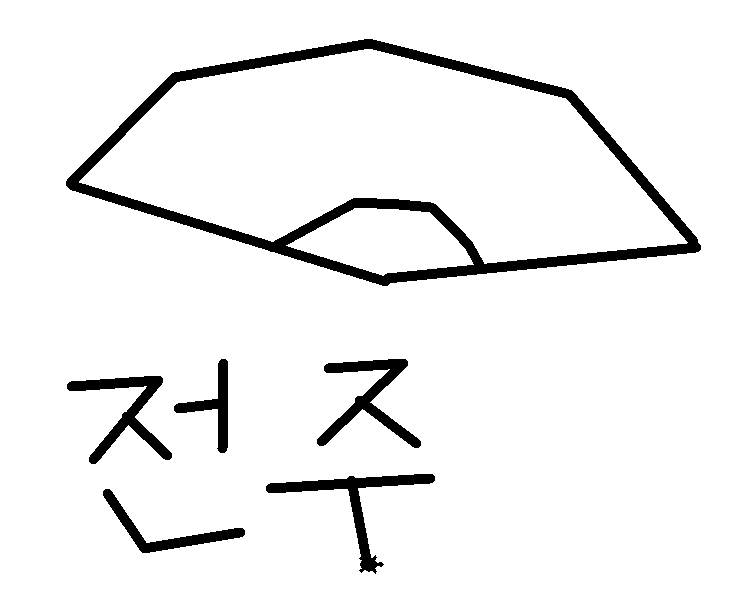
🤍 변수 사용하기
name='밍이'
height='짧음'
age = 5
hobby = 'sniffing'
print(name, height, age, hobby)
# 1. 자기소개 프로그램
name = input('이름 : ')
age = input('나이 : ')
feature = input('특징 : ')
print(name + '(' + age + ')', feature)
print(feature + '인', name)
# 이름 : 고라기
# 나이 : 5
# 특징 : 애교가 많은 편
# 고라기(5) 애교가 많은 편
# 애교가 많은 편인 고라기
# 변수에 저장되는 데이터의 유형 : 데이터 타입
year = 2016
print(type(year))
height = 175.5
print(type(height))
name = '제임스'
print(type(name))
# 데이터 타입 바꾸기
score = 79
print(type(score),score)
# 실수형으로 데이터 타입 바꾸기
score = float(score)
print(type(score),score)
avg = 84.9
print(type(avg),avg)
# 정수형으로 데이터 타입 바꾸기
avg = int(avg)
print(type(avg),avg)
화이트해커 엘입니다😉