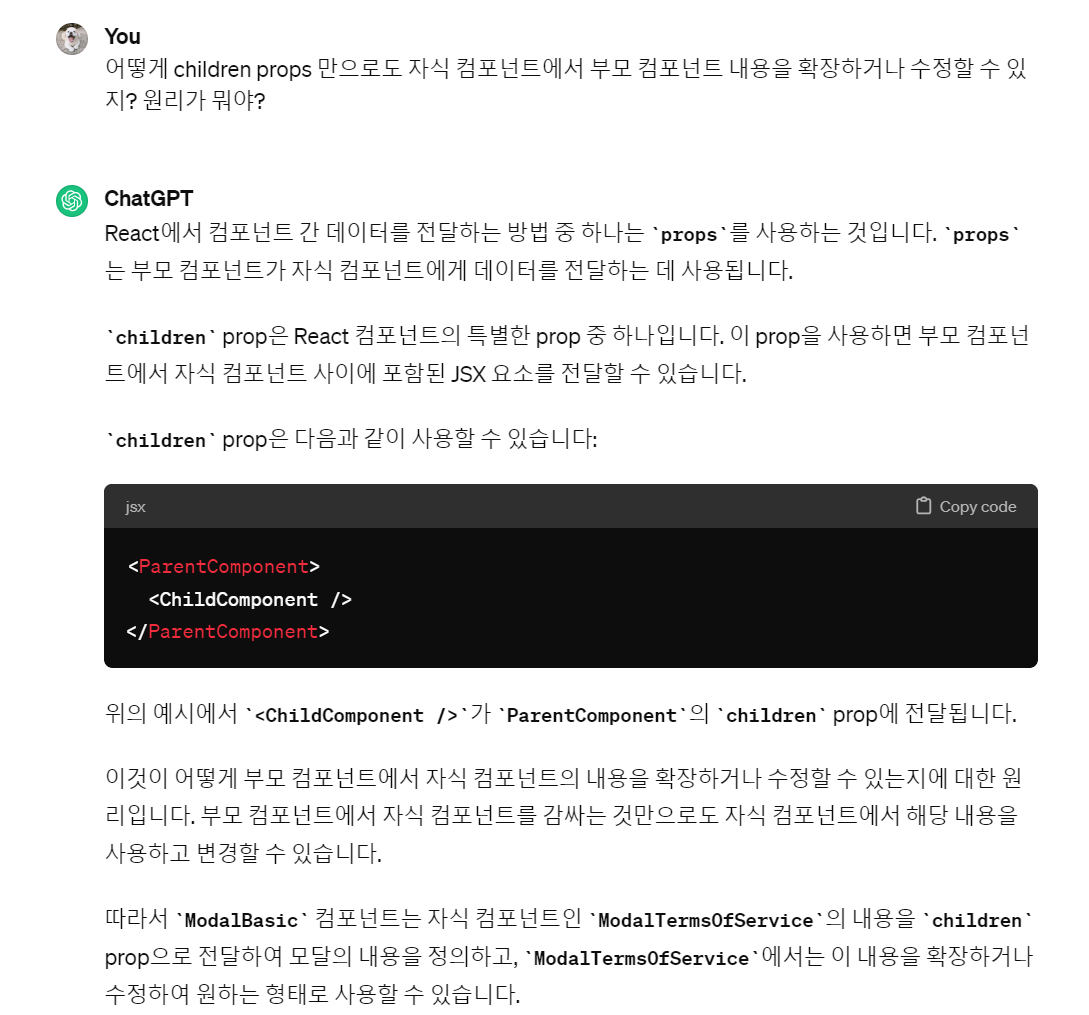
원리
부모 컴포넌트에 childeren props 설정해두면,
자식 컴포넌트 내용이 {childeren} 부분에 들어갈 수 있게 된다
부모 컴포넌트 ModalBasic
- 기본 모달창
import React, { useState } from "react";
import Modal from "react-modal";

const ModalBasic = ({ isOpen, onClose, width, height, children }) => {
  return (
    <Modal
      isOpen={isOpen}
      onRequestClose={onClose}
      style={{
        ...customModalStyles,
        content: { ...customModalStyles.content, width: width, height: height },
      }}>
      {children}
    </Modal>
  );
};

const customModalStyles = {
  overlay: {
    backgroundColor: " rgba(0, 0, 0, 0.4)",
    width: "100%",
    height: "100vh",
    zIndex: "10",
    position: "fixed",
    top: "0",
    left: "0",
  },
  content: {
    zIndex: "150",
    position: "absolute",
    top: "50%",
    left: "50%",
    transform: "translate(-50%, -50%)",
    borderRadius: "10px",
    boxShadow: "2px 2px 2px rgba(0, 0, 0, 0.25)",
    backgroundColor: "white",
    justifyContent: "center",
    overflow: "auto",
    color: "rgba(0, 0, 0, 0.60)",
    fontFamily: "Pretendard",
    fontSize: "14px",
    fontStyle: "normal",
    fontWeight: "700",
    lineHeight: "24px",
  },
};

export default ModalBasic;
자식 컴포넌트 ModalTermsOfService
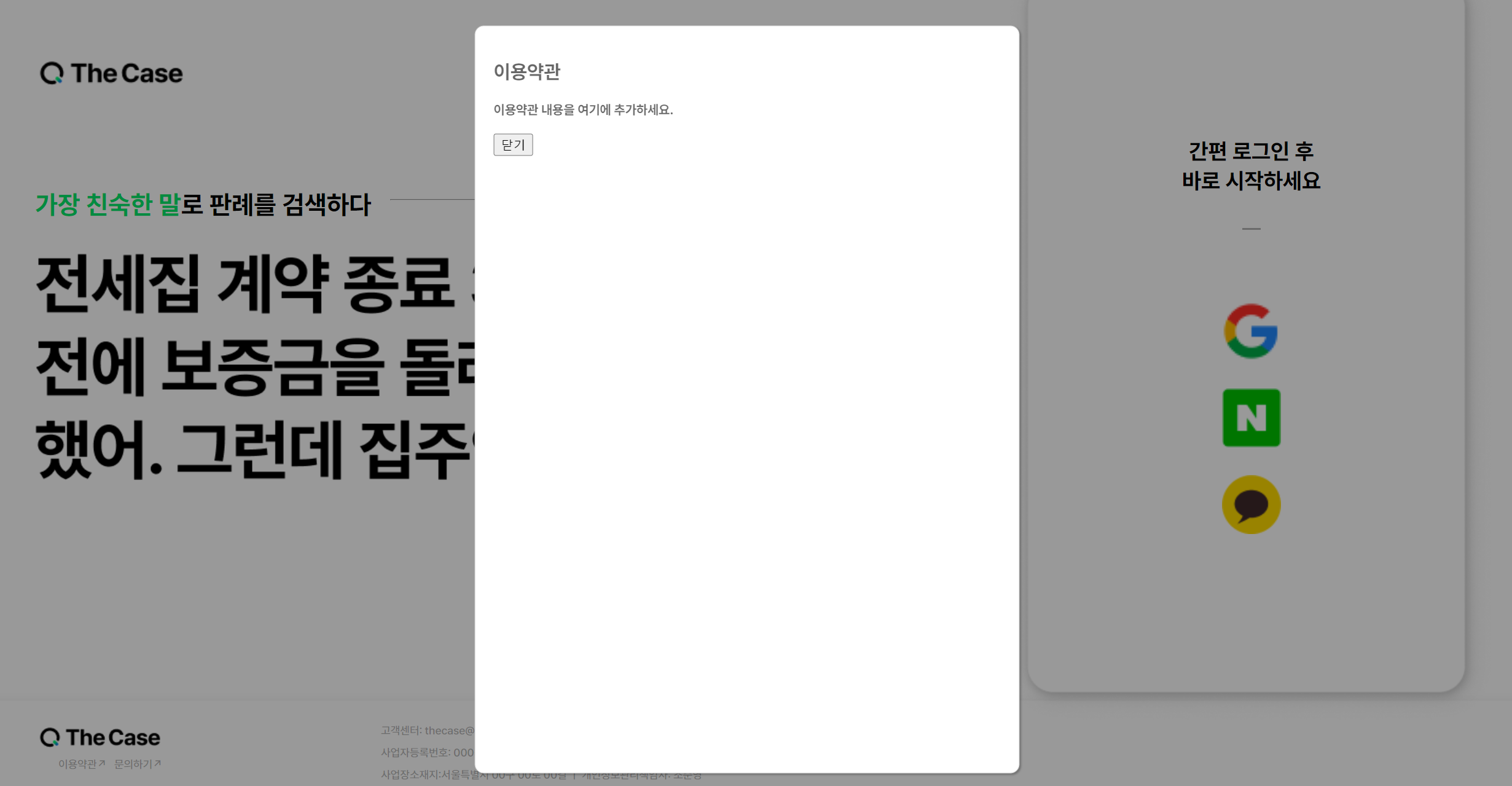
- 이용약관 모달창
- 기본 ModalBasic 컴포넌트 텍스트 내용이 추가되어 세분화된 모달 컴포넌트
import React from "react";
import ModalBasic from "./ModalBasic.jsx";

const ModalTermsOfService = ({ isOpen, onClose }) => {
  return (
    <ModalBasic isOpen={isOpen} onClose={onClose} width="550px" height="770px">
      <div>
        <h2>이용약관</h2>
        <p>이용약관 내용을 여기에 추가하세요.</p>
        <button onClick={onClose}>닫기</button>
      </div>
    </ModalBasic>
  );
};

export default ModalTermsOfService;
신입개발자. 이젠 서버를 곁들인 velog 꾸미기 : https://velog.io/@ybkim3603/Velog벨로그-사용법-튜토리얼 Git컨벤션: https://velog.io/@shin6403/Git-git-커밋-컨벤션-설정하기 커리어 방향 설정 모음글:https://velog.io/@eon7500/커리어-방향성-설정에-도움되는-글