How to Connect RS232 to a Laptop or PC
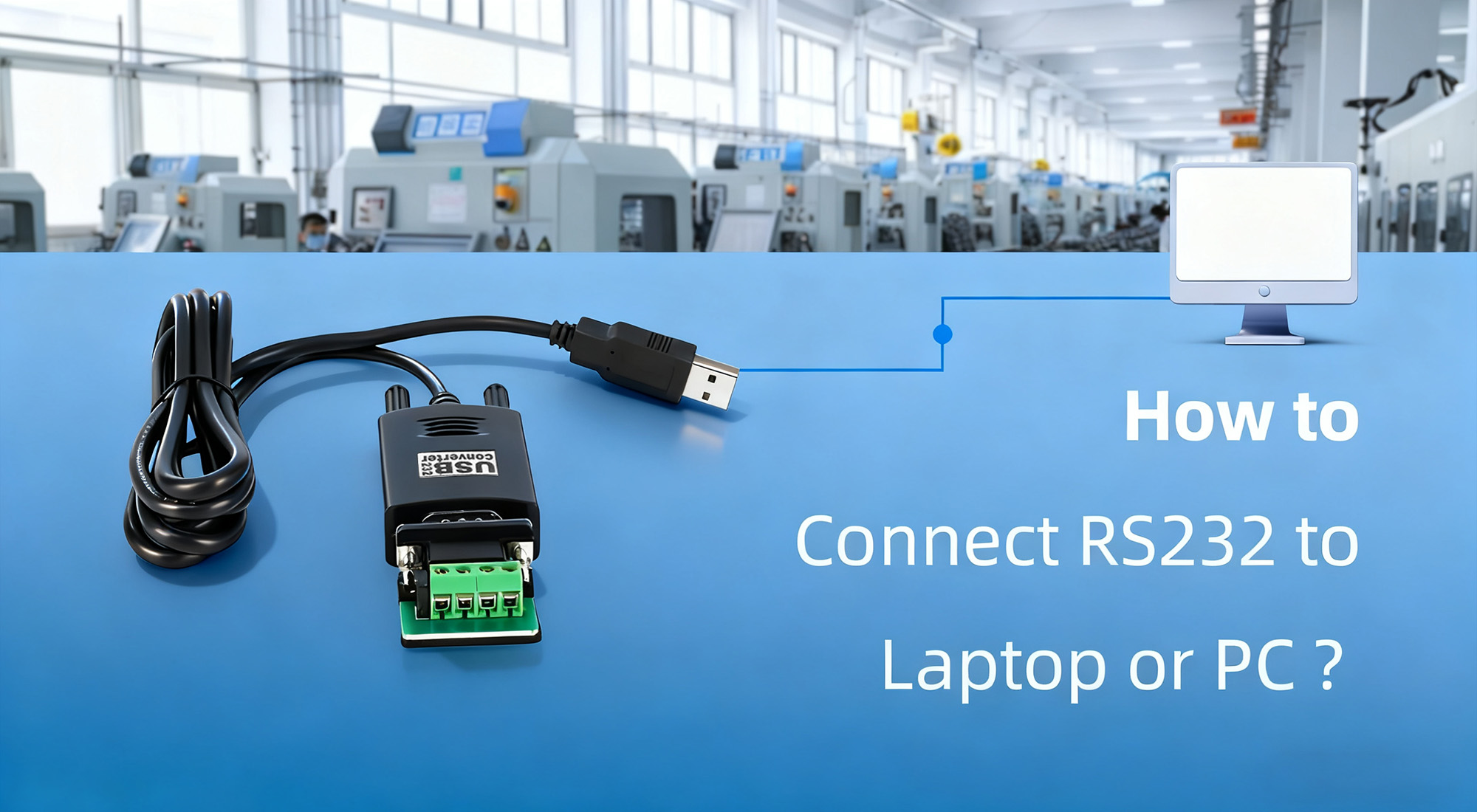
If you’ve ever tried to connect legacy industrial equipment to a modern laptop or PC, you’ve likely run into a familiar problem: the device communicates via RS232, but your computer doesn’t have a serial port.
RS232 was once a standard interface on almost every PC. Today, however, most laptops have replaced it with USB, Thunderbolt, or other high-speed interfaces. Despite this shift, RS232 remains widely used in industrial automation, PLCs, CNC machines, laboratory instruments, and barcode scanners due to its simplicity and reliability.
So how do you connect RS232 equipment to a modern computer without running into driver issues, communication errors, or unstable data transfer? This guide walks you through the practical steps, explains why converters are necessary, and shows how to achieve stable, error-free serial communication.
Why Modern Computers No Longer Include RS232 Ports
The disappearance of RS232 ports is largely driven by changes in computer design. As laptops became thinner, lighter, and more consumer-oriented, manufacturers prioritized interfaces that support higher data rates and compact connectors. USB and Thunderbolt fit those needs perfectly, while RS232 does not.
For industrial users, this transition created a gap. Many critical systems were designed decades ago and still rely on RS232 for configuration, monitoring, or control. Replacing these systems is often impractical or unnecessary, which is why a reliable bridge between RS232 devices and modern computers is essential.
That bridge comes in the form of a USB-to-RS232 converter, which translates USB signals into RS232-compatible voltage levels and communication formats.
Connecting RS232 to a Laptop or PC
In most real-world scenarios, connecting RS232 equipment to a modern computer involves using a USB-to-RS232 converter.
Start by selecting a proper RS232 cable and a high-quality converter designed for industrial use. Low-cost consumer adapters often work in office environments but can become unstable in factories or electrically noisy sites. Industrial converters, such as Come-Star USB to Serial converters, are designed for long-term operation and better signal integrity.
Once you have the hardware, connect the converter to your computer’s USB port and attach the RS232 cable between the converter and your device. Make sure all connections are secure, as loose plugs are a common cause of intermittent communication.
Some converters require driver installation before they can be recognized by the operating system. In those cases, install the driver provided by the manufacturer and restart the system if prompted. Many modern operating systems can install drivers automatically, but checking the manufacturer’s website ensures compatibility and stability.
After the hardware is connected, open your system’s device manager to confirm that a new COM port has been created. This COM port is what your serial communication software will use to talk to the RS232 device.
Finally, configure the communication parameters in your software. The baud rate, data bits, stop bits, and parity must match the settings defined by your RS232 device. Even a small mismatch can prevent communication or cause corrupted data.
Related Article: How to Connect and Use RS232 to USB Converter?
Practical Tips for Stable RS232 Communication
Stable RS232 communication depends on more than just plugging in the cable. Cable quality and routing matter, especially in industrial environments. Keeping RS232 cables short and away from motors, power lines, and high-frequency equipment helps reduce interference.
It’s also important to confirm connector types and wiring. RS232 devices may use DB9, DB25, or terminal block connections, and incorrect pin assignments can prevent communication entirely.
Another often-overlooked detail is power. While RS232 itself doesn’t supply power, some devices require an external power source to function properly. Always verify that the connected equipment is powered on and operating normally.
Troubleshooting Common RS232 Connection Issues
If your device is not recognized by the computer, the first step is to check physical connections and confirm that the correct driver is installed. Trying a different USB port can also help rule out port-related issues.
When communication fails despite the device being recognized, verify that the selected COM port in your serial software matches the one shown in the system. Also ensure that no other application is using the same port at the same time.
Unstable or garbled data usually points to signal quality problems. Using shielded cables, reducing cable length, and choosing an industrial-grade converter can significantly improve reliability.
Recommended RS232 Connection Solutions
For professionals working in automation, manufacturing, and system integration, hardware reliability is critical. Come-Star offers a range of industrial USB to serial converters designed to meet these demands.
Models such as the CSE810 provide single-port RS232 connectivity for basic applications, while the CSE820B supports RS232, RS485, and RS422 for more flexible system integration. For multi-device environments, the CSE814 offers four independent RS232 ports in a single unit. All models are USB-powered and designed with enhanced ESD and surge protection to ensure stable operation in harsh environments.
Why Choose Come-Star USB to Serial Converters
Come-Star USB to serial converters are built specifically for industrial communication rather than consumer use. They are designed to withstand vibration, electrical noise, and wide temperature ranges while maintaining stable data transmission.
With support for multiple USB standards and serial interfaces, they offer flexible configuration options for both legacy and modern systems. Broad compatibility with Windows, Linux, and macOS ensures easy deployment across different platforms, while integrated protection mechanisms help prevent damage caused by surges or electrostatic discharge.
Whether you are connecting a single PLC for maintenance or managing a complex multi-device serial network, these converters provide dependable long-term performance.
FAQs
Can RS232 be connected directly to a USB port?
No. RS232 and USB use different signaling methods and voltage levels. A USB-to-RS232 converter is required to translate between the two.
Why doesn’t my RS232 device appear in Device Manager?
This is often caused by missing drivers, incompatible drivers, or faulty cables. Reinstalling the correct driver and checking connections usually resolves the issue.
Is RS232 still relevant today?
Yes. RS232 is still widely used in industrial automation, laboratory equipment, and embedded systems because of its simplicity, robustness, and long-term reliability.
Conclusion
Connecting RS232 equipment to modern laptops or PCs doesn’t have to be complicated. With the right converter, proper configuration, and attention to signal quality, you can achieve stable and reliable serial communication even in demanding industrial environments.
For engineers maintaining legacy systems or commissioning new installations, Come-Star industrial USB to serial converters offer a practical, durable, and future-proof solution for RS232 connectivity.
