The Ultimate Guide to Free Stock Photo, PNG, Video & Template Resources (2026)
If you work in marketing or design, you know the struggle: you've got an idea, a headline, maybe even a layout but you're stuck on visuals. You start looking for stock images and three hours later, you've got ten browser tabs open, nothing fits, and you're questioning your life choices.
I've been there. Over time, I've built a list of go-to sites and tricks for finding the good stuff the photos that don't look like stock photos, the videos that actually feel usable, and the templates that save hours of tinkering. So, here's the honest rundown of what's worth using in 2026.
Stock Photos: Still the Backbone
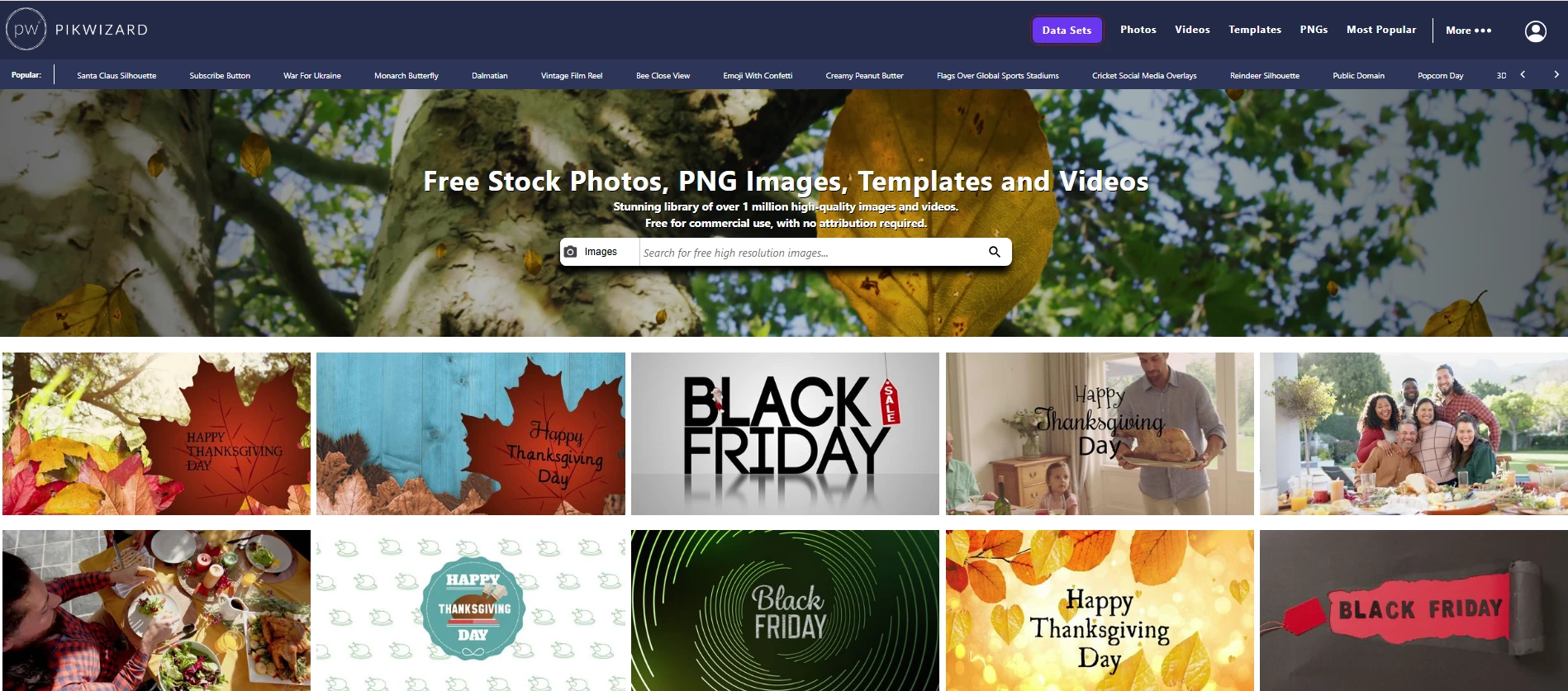
Photos are the easiest win --- they're everywhere. The trick is finding ones that don't look staged or overused.
Lately, I've been using Pikwizard more than anything else. It's free, commercial-friendly, and the images feel cleaner and more natural than what you get on a lot of free sites. You can even edit them right there in the browser, which is great if you're trying to get a post out quickly.
Unsplash and Pexels are still great options, though they are used by millions of users, and I prefer to have content that is not so commonly used.
PNGs: The Secret Sauce
PNGs save so much time. If you've ever tried to remove a background manually, you know what I mean.
I use PNGs mostly for mockups, story highlights, or social graphics that need floating elements icons, cutout people, or objects. Pikwizard actually has a pretty solid free PNG images collection, which is nice because it saves me time jumping between sites.
Free Video Footage: Worth the Effort
Video's become the default now you need it for ads, reels, product pages pretty much everywhere. The good news is, free stock video has come a long way.
Pikwizard has surprisingly professional watermark-free videos, and they're genuinely royalty-free. I'll also dip into Coverr or Pexels Video when I'm hunting for something specific. The main thing is to find clips that match your tone --- even a great shot looks awkward if it feels "off-brand."
Templates: A Lifesaver for Busy People
If you're managing multiple accounts or clients, templates are the difference between staying sane and burning out.
I rely on Canva for most. Once you've got a small set you like say, a few for posts, a few for stories, one or two for ads stick with them. It keeps your brand consistent and saves a ton of time.
Pulling It All Together
My usual workflow looks something like this:
-
Find a base image or PNG on Pikwizard
-
Drop it into a Canva or Figma template
-
Add text, maybe overlay a short video
-
Done
You'd be surprised how much faster things go when you start with the right assets. It's not about being fancy it's about being consistent and not reinventing the wheel every week.
Free resources have leveled the playing field. You don't need a designer or a huge budget to make something that looks professional. You just need to know where to look.
