- ScrollViewReader로 스크롤뷰 안에 있는 위치로 이동할 수 있다.
- id로 구분하기 때문에 id가 있어야 한다
- .id(item)이라는 코드로 id를 지정해줄 수 있다
struct ScrollViewReader1: View {
    var body: some View {
        VStack {
            ScrollViewReader { scrollViewProxy in
                Button("중간으로") {
                    withAnimation {
                        scrollViewProxy.scrollTo(25, anchor: .center)
                    }
                }

                ScrollView {
                    ForEach(0 ..< 50) { item in
                        Text("\(item)")
                            .font(.largeTitle)
                            .id(item)
                            .padding(.bottom)
                    }
                }
            }
        }
    }
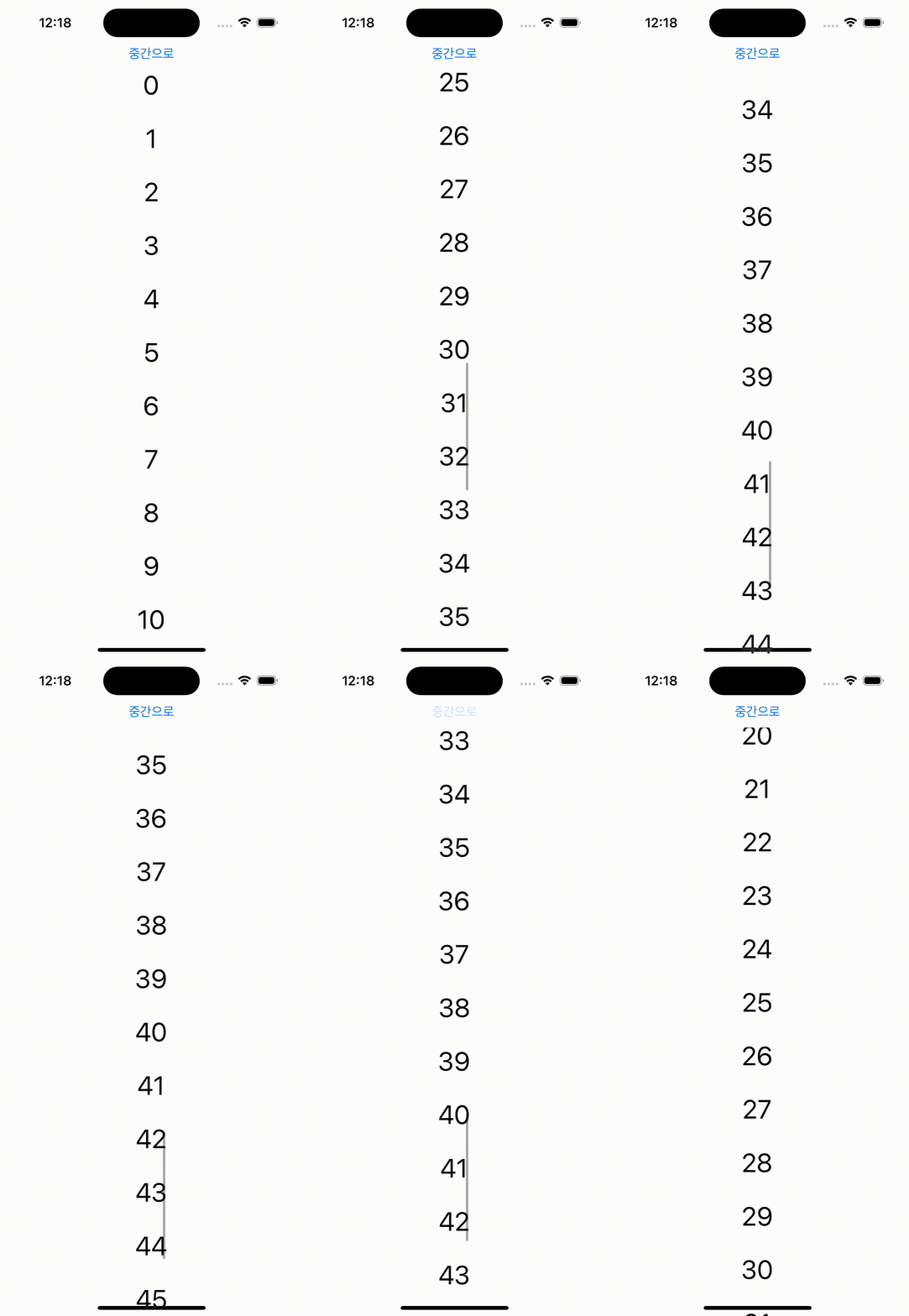
}- 아래 코드로 에니메이션과 함께 원하는 위치로 이동 가능하고 anchor가 .center이므로 화면의 중간에 위치하게 된다.
withAnimation {
                    scrollViewProxy.scrollTo(25, anchor: .center)
                }

iOS, Spring developer