Text
-
@ScaledMetric은 SwiftUI에서 자동 크기 조정을 지원하는 다양한 기능 중 하나이며, 다양한 디바이스와 환경에서 유용하다.
-
@ScaledMetric 사용하면 값을 고정해도 디바이스에따라 동적으로 값이 바뀐다
-
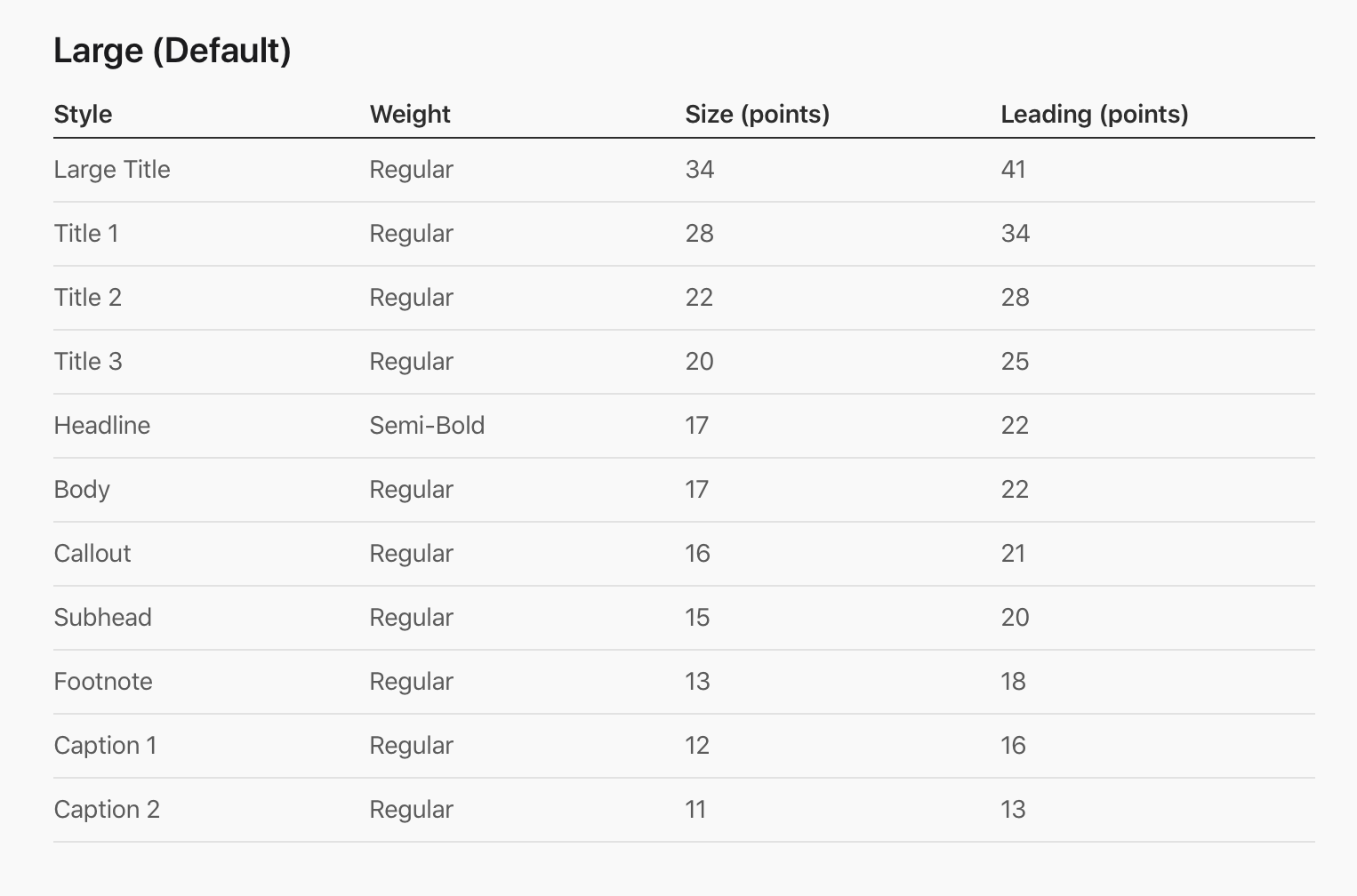
font의 .title같은 것들도 동적으로 사이즈가 변한다
-
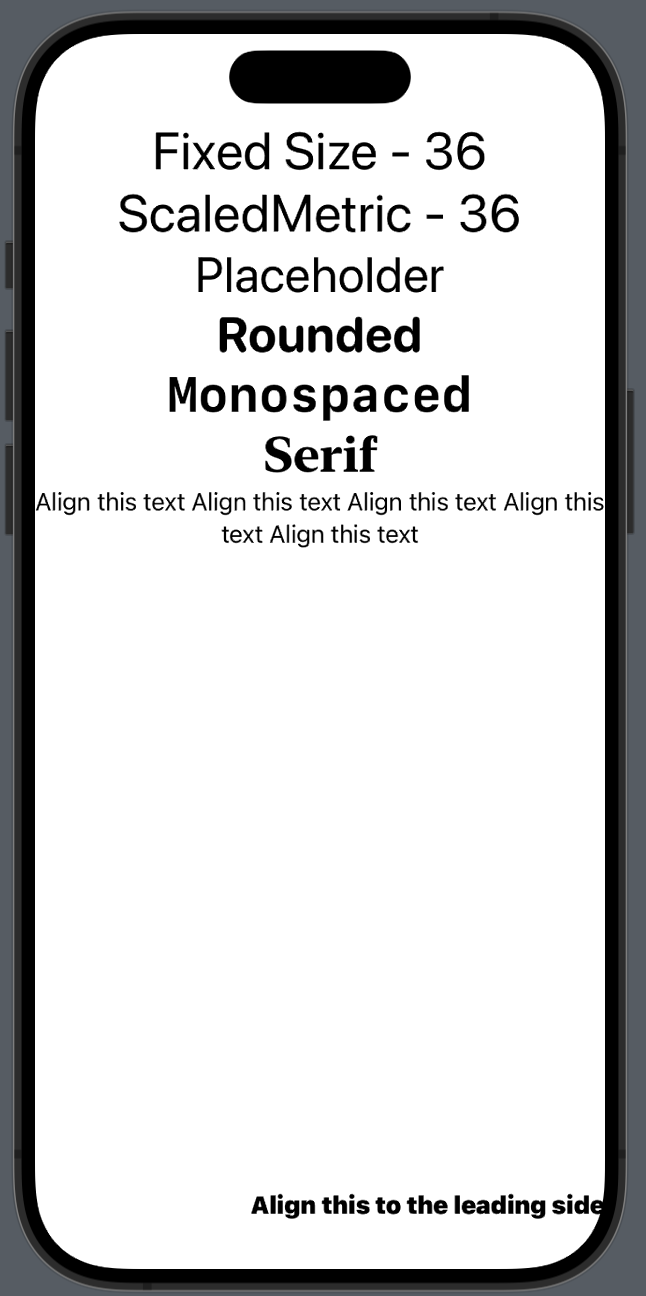
.font(Font.system(size: 36)) 이런식으로 폰트 사이즈 고정가능
-
.font(Font.system(.largeTitle, design: .serif)) 이런식으로 폰트 디자인 지정가능
-
.fontWeight(.bold) 이런식으로 폰트 weight 조절가능
-
.multilineTextAlignment(.center) 으로 만약 두줄 이상 넘어갈때 두번째줄 부터 정렬방식 설정 가능
-
.frame(maxWidth: .infinity, maxHeight: .infinity, alignment: .bottomTrailing) 이런식으로 이 텍스트만 원하는 위치에 정렬가능
struct Text: View {
    @ScaledMetric private var fontSize: CGFloat = 36

    var body: some View {
        VStack(alignment: .center) {
            Text("Fixed Size - 36")
                .font(Font.system(size: 36))
            Text("ScaledMetric - 36")
                .font(Font.system(size: fontSize))
            Text("Placeholder")
                .font(.largeTitle)

            Text("Rounded")
                .font(Font.system(.largeTitle, design: .rounded))
                .fontWeight(.bold)

            Text("Monospaced")
                .font(Font.system(.largeTitle, design: .monospaced))
                .fontWeight(.bold)

            Text("Serif")
                .font(Font.system(.largeTitle, design: .serif))
                .fontWeight(.bold)

            Text("Align this text Align this text Align this text Align this text Align this text ")
                .multilineTextAlignment(.center)

            Text("Align this to the leading side")
                .fontWeight(.black)
                .frame(maxWidth: .infinity, maxHeight: .infinity, alignment: .bottomTrailing)
        }
    }
}

iOS, Spring developer