VStack
Vstack에서 사용하는 alignment
- .leading 좌측정렬
- .trailing 우측정렬
- .center 중앙정렬
LazyVStack
-
LazyVStack은 프레임이 가로 방향으로 최대로 커지는 Stack
-
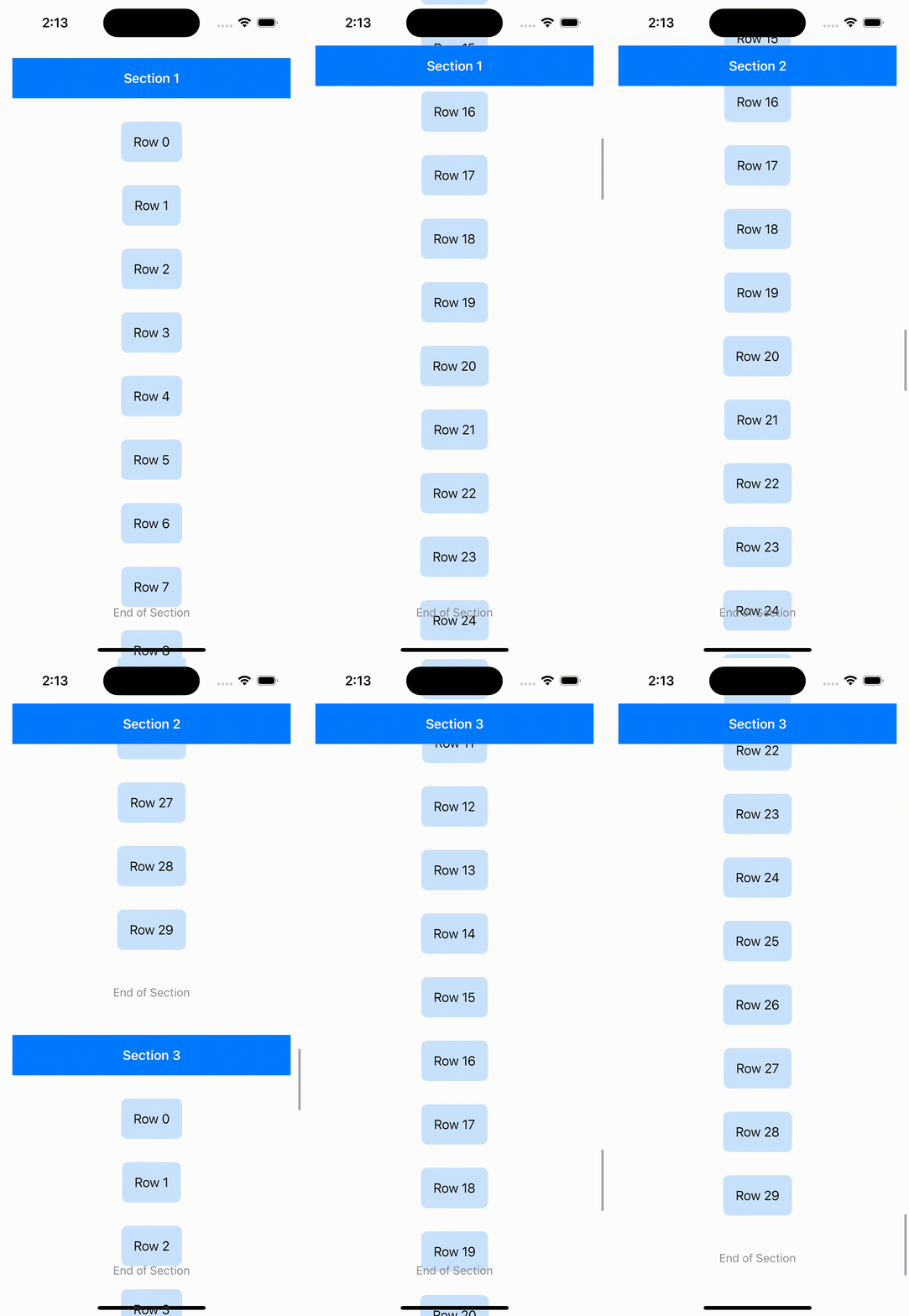
LazyVStack에는 pinnedViews라는 옵션이 있다.
-
Section을 header와 footer를 정해서 pinnedViews에 고정을 해놓으면 스크롤 할때 pinnedViews들이 나오면 고정된다
import SwiftUI

struct CustomLazyVStackView: View {
    var body: some View {
        ScrollView {
            LazyVStack(alignment: .center, spacing: 30, pinnedViews: [.sectionHeaders, .sectionFooters]) {
                ForEach(1 ..< 4) { section in
                    Section(
                        header: CustomHeaderView(title: "Section \(section)"),
                        footer: CustomFooterView()
                    ) {
                        ForEach(0 ..< 30) { row in
                            Text("Row \(row)")
                                .padding()
                                .background(Color.blue.opacity(0.2))
                                .cornerRadius(8)
                        }
                    }
                }
            }
            .padding()
        }
    }
}

struct CustomHeaderView: View {
    var title: String

    var body: some View {
        Text(title)
            .font(.headline)
            .foregroundColor(.white)
            .padding()
            .frame(maxWidth: .infinity)
            .background(Color.blue)
    }
}

struct CustomFooterView: View {
    var body: some View {
        Text("End of Section")
            .font(.subheadline)
            .foregroundColor(.gray)
            .padding(.vertical)
    }
}
HStack
Hstack에서 사용하는 alignment
- .top
- .bottom
- .center
- .firstTextBaseline(가장 위 텍스트에 맞춰 정렬)
- .lastTextBaseline(가장 밑 텍스트에 맞춰 정렬)
LazyHStack
-
LazyHStack은 프레임이 세로 방향으로 최대로 커지는 Stack
-
LazyHStack에는 pinnedViews라는 옵션이 있다
-
Section을 header와 footer를 정해서 pinnedViews에 고정을 해놓으면 스크롤 할때 pinnedViews들이 나오면 고정된다
struct LazyHStack1: View {
    var body: some View {
        ScrollView(.horizontal) {
            LazyHStack(alignment: .center, spacing: 20, pinnedViews: [.sectionHeaders, .sectionFooters]) {
                ForEach(0 ..< 5) { item in
                    Section(header: SectionHeaderView(),
                            footer: Image(systemName: "pencil.circle").font(.largeTitle)) {
                        ForEach(0 ..< 15) { item in
                            Text("Hello, World!")
                        }
                    }
                }
            }
            .frame(height: 100)
            .background(Rectangle().fill(Color.purple).shadow(radius: 10))
            .padding(.vertical, 20)
        }
    }
}- 이런식으로 background에 도형을 넣고 shadow를 주면 뷰 내의 컴포넌트에는 그림자를 안주고 배경에만 그림자를 줄 수 있다!
.background(Rectangle().fill(Color.purple).shadow(radius: 10))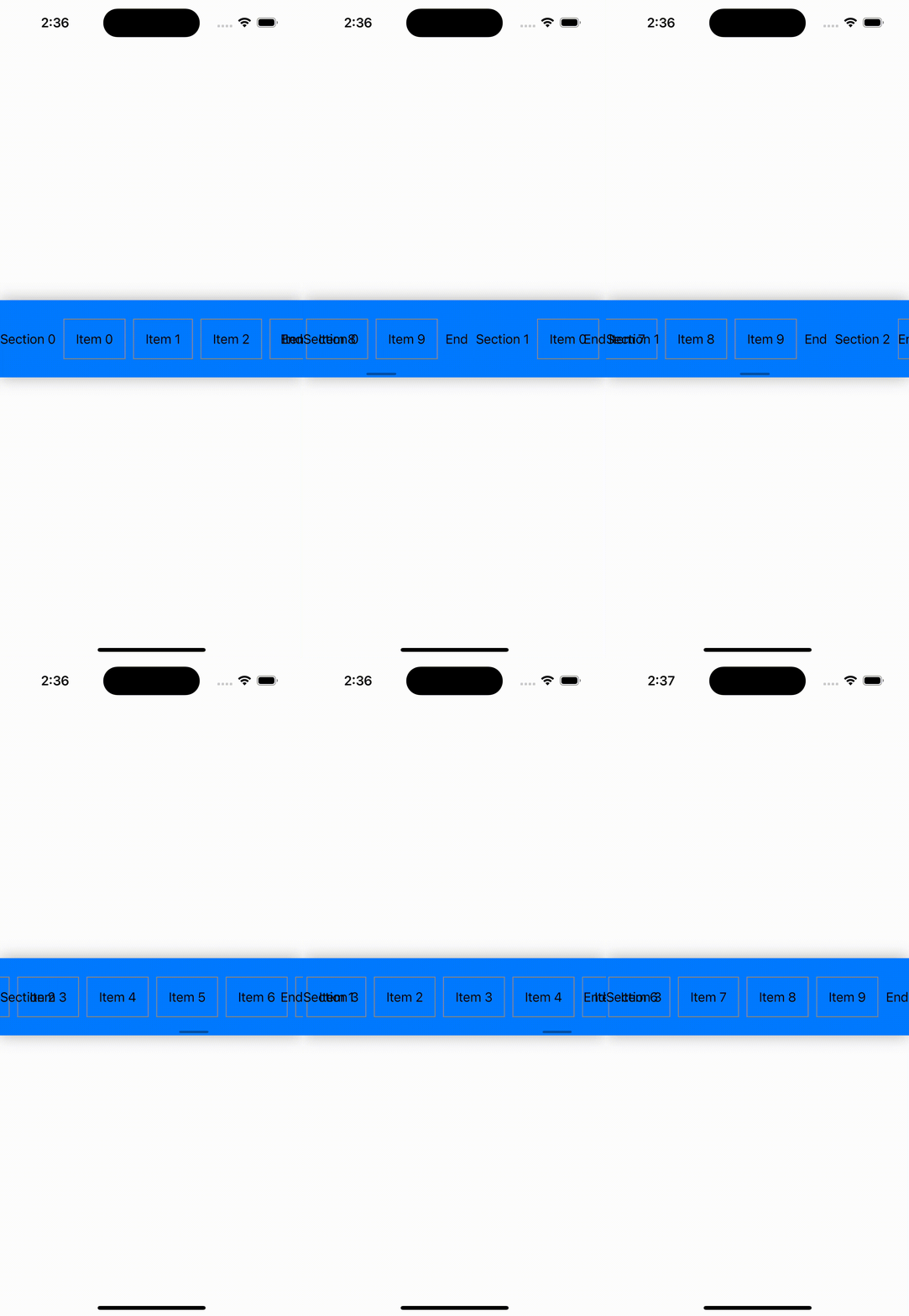
Zstack
Zstack에서 사용하는 alignment
- topLeading
- top
- topTrailing
- leading
- center
- trailing
- bottomLeading
- bottom
- bottomTrailing
import SwiftUI

struct ZStackExample: View {
    var body: some View {
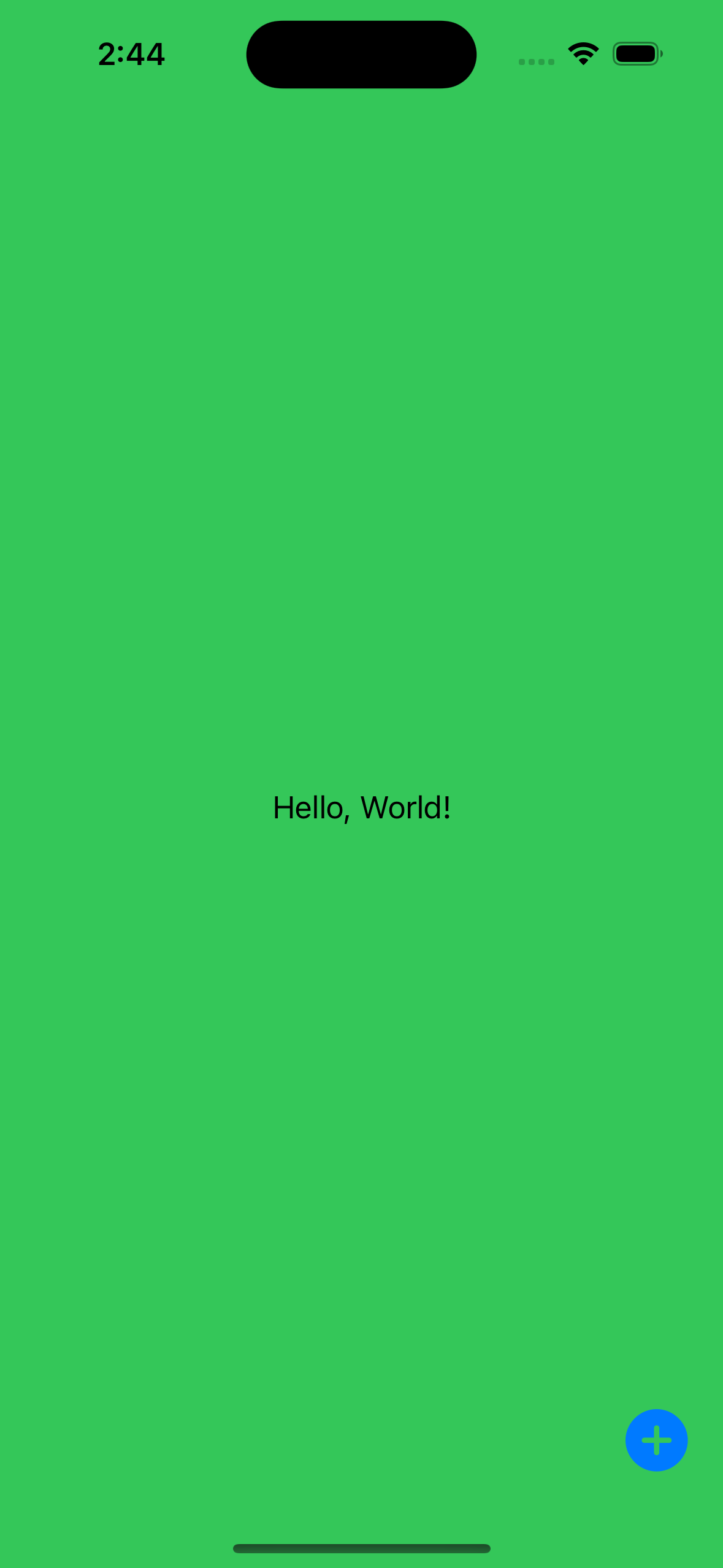
        ZStack(alignment: .bottomTrailing) {
            Color.green.ignoresSafeArea()

            Text("Hello, World!")
                .frame(maxWidth: .infinity, maxHeight: .infinity)

            Button(action: {}) {
                Image(systemName: "plus.circle.fill")
                    .font(.largeTitle)
            }
            .padding()
        }
    }
}

iOS, Spring developer