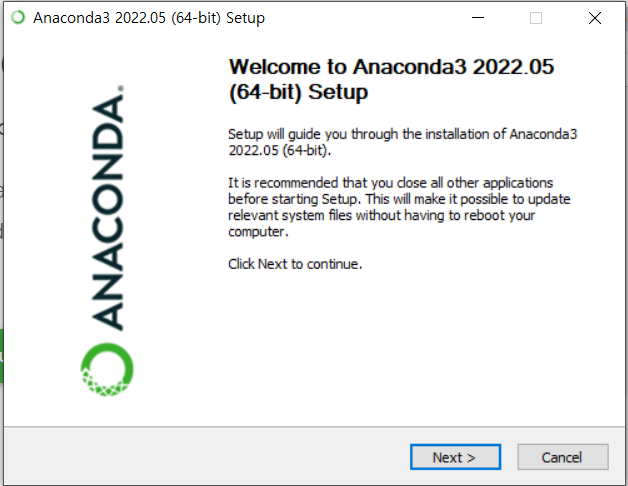
아나콘다 설치
https://www.anaconda.com/

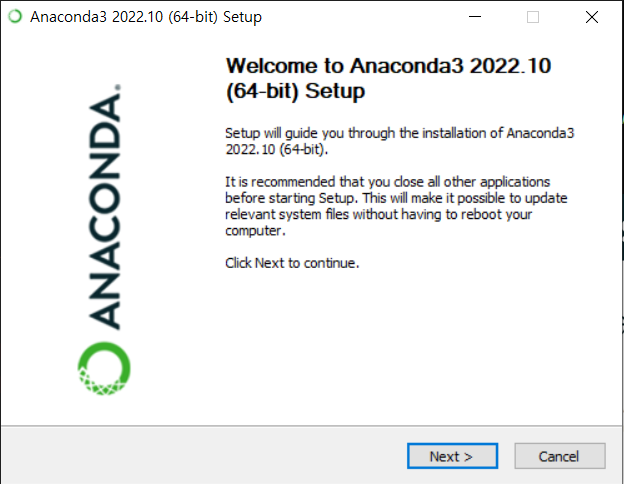
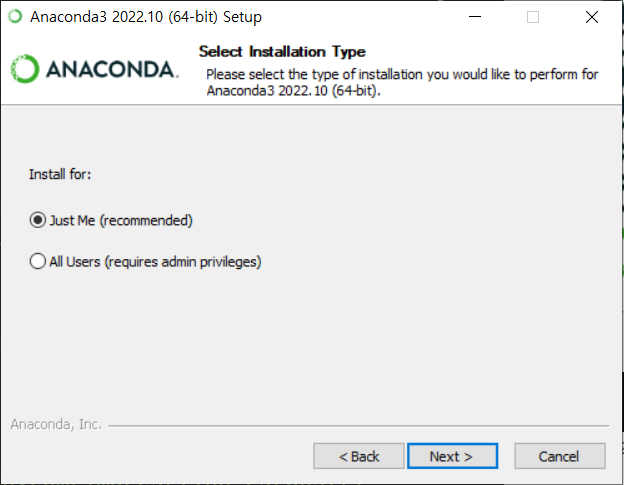
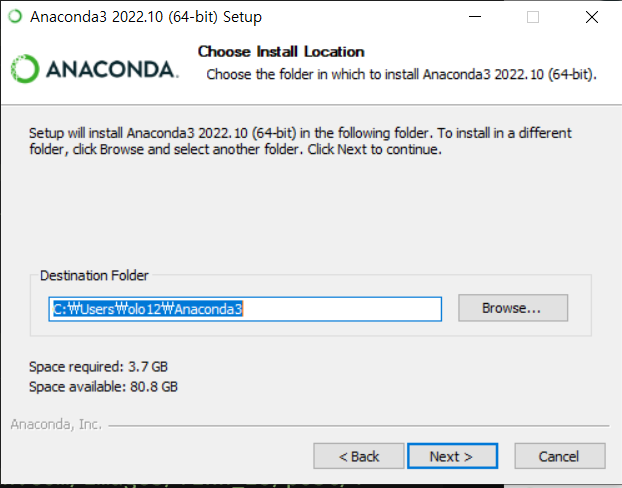
기본값
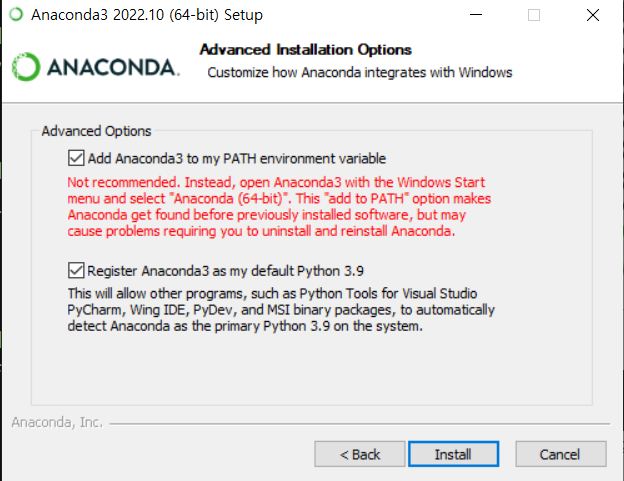
아나콘다 이외의 다른 파이썬 배포판이 설치되어 있지 않다면 사진과 같이 설정함
anaconda prompt 실행
	conda env list

	conda update -n base -c defaults conda

    conda create -n study36 python=3.6
    #파이썬 3.6 환경 생성

    conda env list (현재 생성된 환경 리스트)
    > study36 환경 생성 확인

    conda activate study36
    > study36 환경 활성화

    python -m pip install -U pip
    > pip 버전 최신버전으로 변경

    pip install jupyter
    >Jupyter 설치

    jupyter notebook
    > 실행
new > folder (폴더 생성)
untitled Folder 체크박스 선택 > rename (study data)
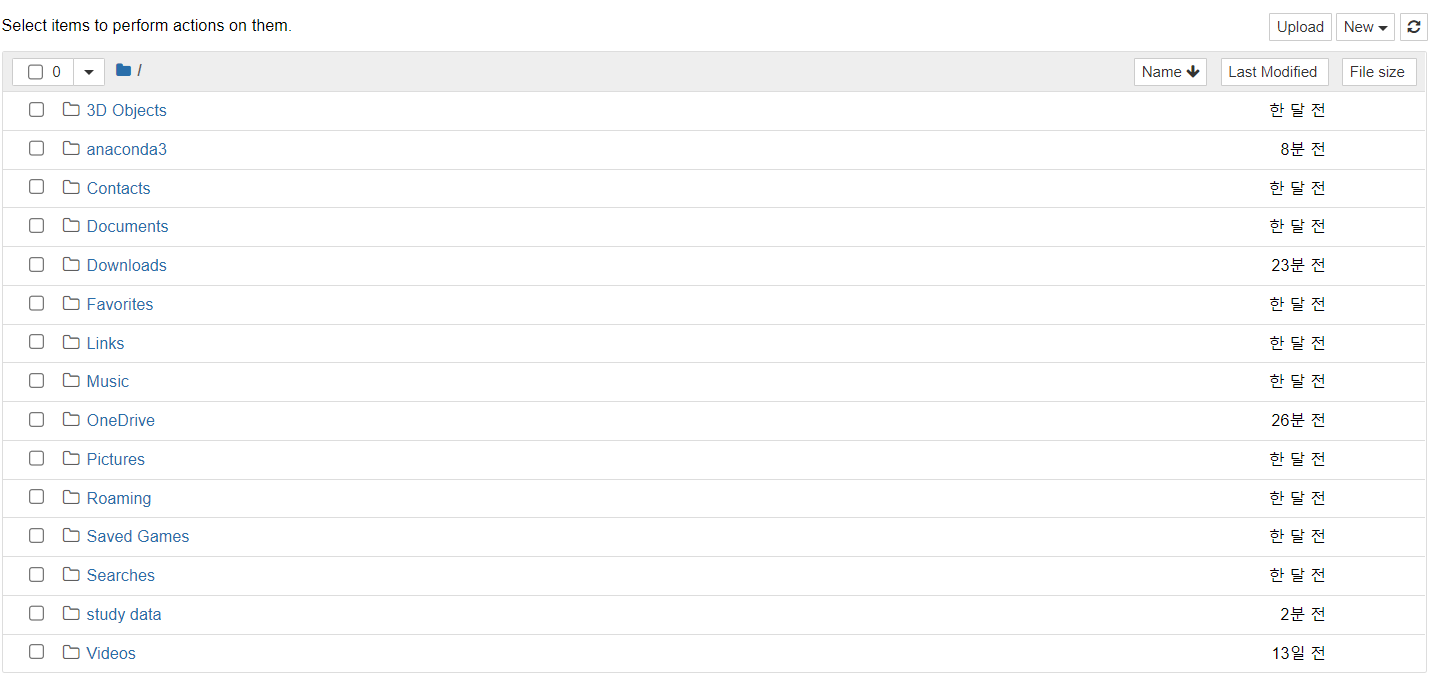
(study data 폴더에서) new > python3