<!DOCTYPE html>
<html lang="en">
    <head>
        <meta charset="UTF-8" />
        <meta http-equiv="X-UA-Compatible" content="IE=edge" />
        <meta name="viewport" content="width=device-width, initial-scale=1.0" />
        <title>Document</title>
    </head>
    <body>
        <!-- Interactive Content -->

        <!-- details, summary -->
        <style>
            details > summary {
                transition: color 1s;
                color: black;
            }
            details[open] > summary {
                color: red;
            }
        </style>
        <details>
            <summary>Loading...</summary>
            <p>이미지 다운로드 중...</p>
        </details>

        <details open>
            <summary>Loading...</summary>
            <p>이미지 다운로드 중...</p>
        </details>

        <!-- dialog -->
        <!-- 박스나 모달이 노출 -->
        <button id="dialog-button" type="button">Dialog 열기</button>
        <dialog>
            <h1>Add to cart</h1>
            <p>주문하신 상품은 이것이 맞습니까?</p>
            <button type="button" id="close-button">Dialog 닫기</button>
        </dialog>

        <script>
            const dialog = document.querySelector("dialog");
            const button = document.querySelector("#dialog-button");
            const closeBtn = document.querySelector("#close-button");

            button.addEventListener("click", (evt) => {
                dialog.showModal();
            });

            closeBtn.addEventListener("click", (evt) => {
                dialog.close();
            });
        </script>
    </body>
</html>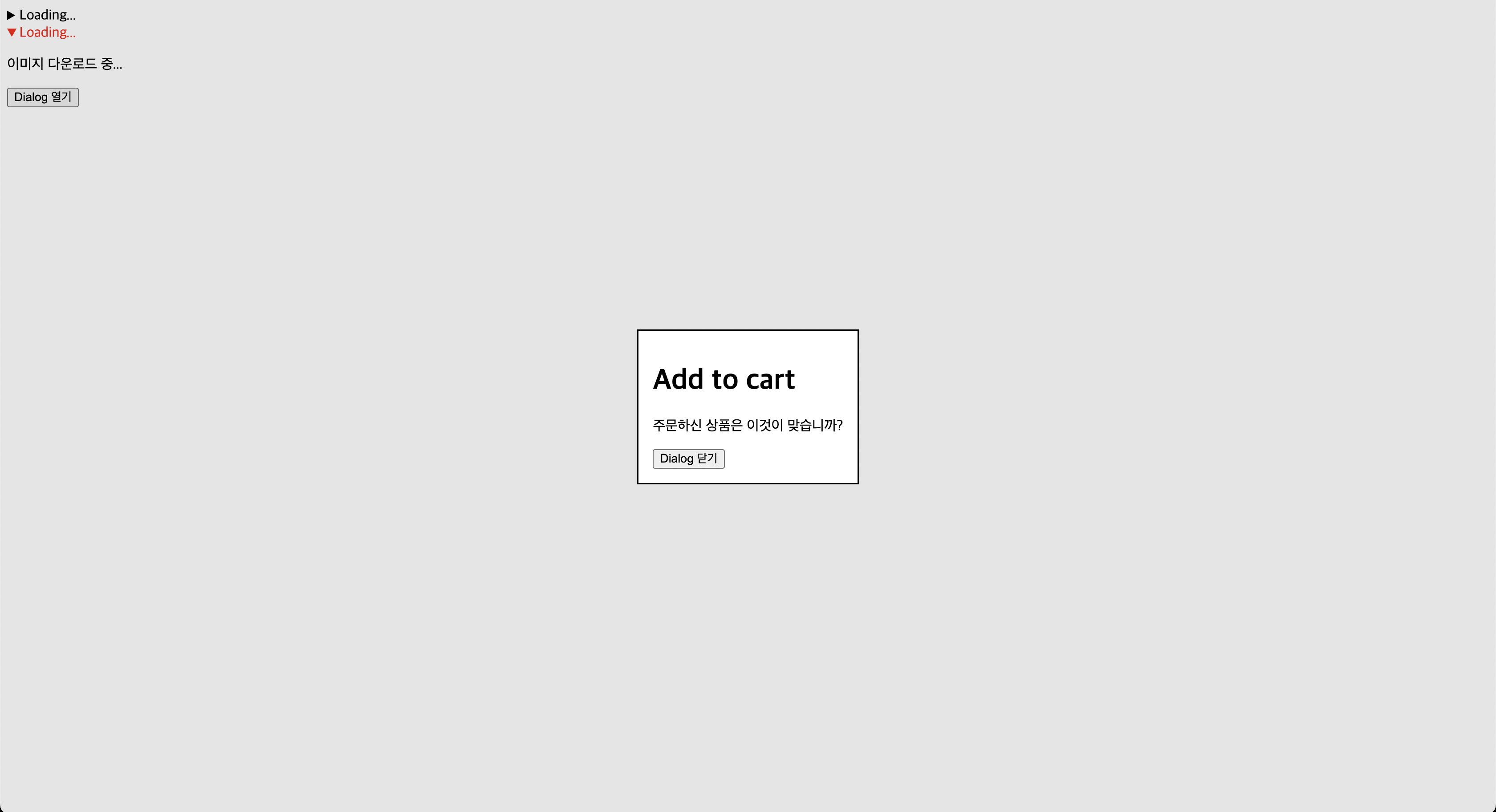

Backend Engineer