
###Spring initializer 접속하기
-
group: hello
-
artifact: hello-spring
-
name: hello-spring
-
java 11
-
dependencies: spring web, thymeleaf으로 spring을 초기화함.
###intelliJ에서 다운받은 spring 파일 내에 spring.build파일을 열기
1. .idea: in
2. main 파일과 test 파일이 나누어져 있음.
3. resources: java 파일을 제외한 나머지 파일을 포함.
4. build.gradle
###build.gradle: plugin - 스프링 버전, 사용된 언어
implementation 'org.springframework.boot:spring-boot-starter-thymeleaf'
implementation 'org.springframework.boot:spring-boot-starter-web'
- 웹 설정 코드 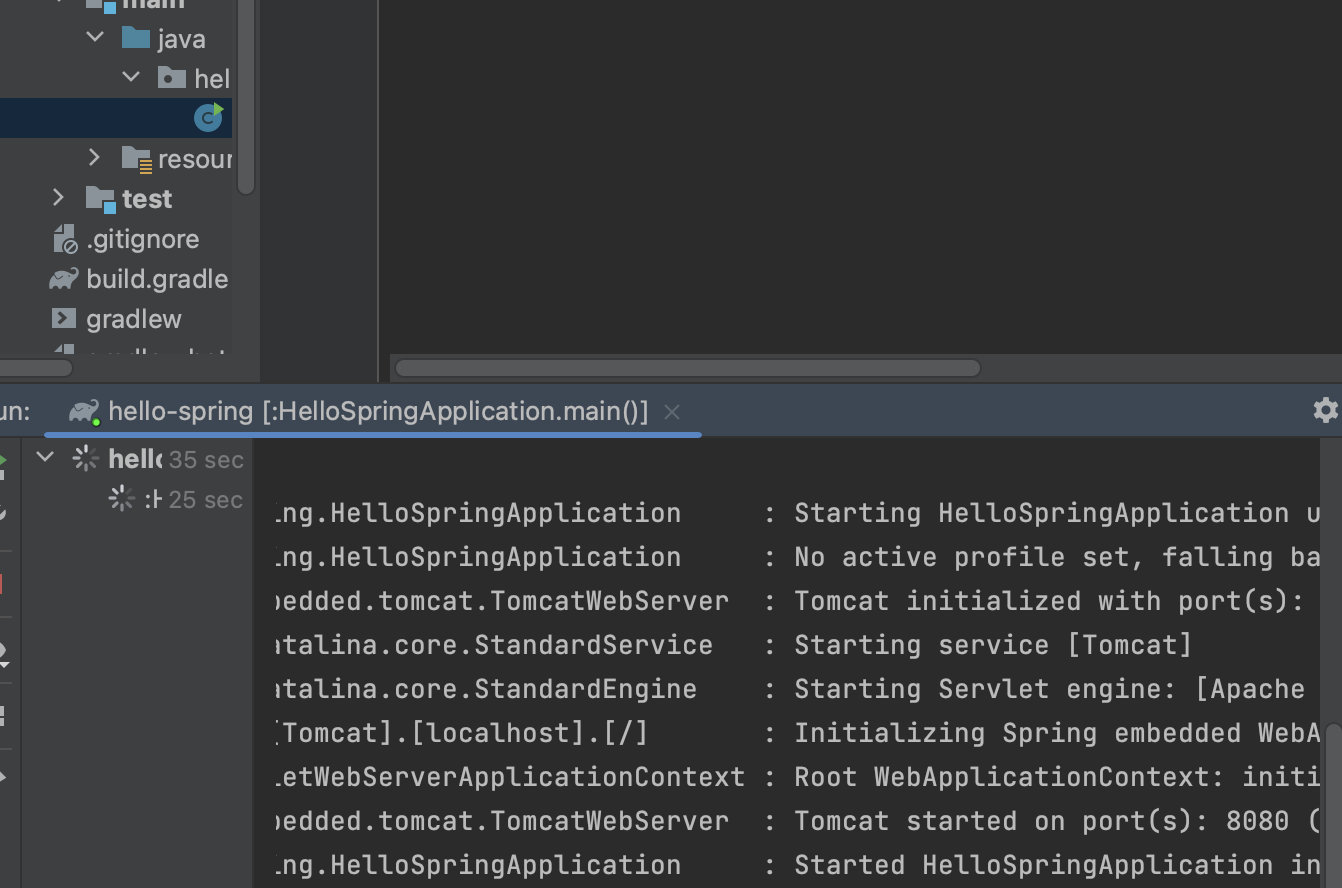
//Tomcat started on port(s): 8080
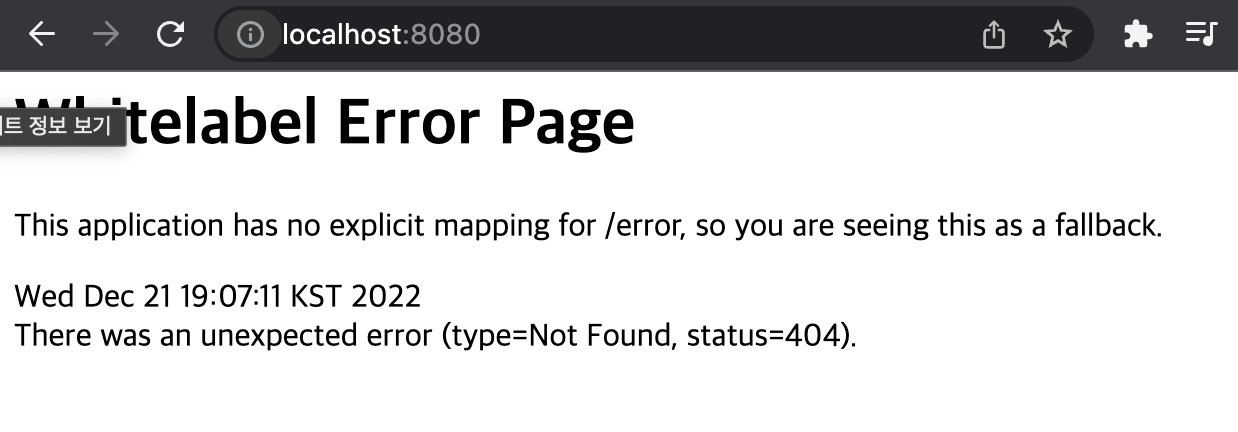
//chrome browser link: localhost:8080
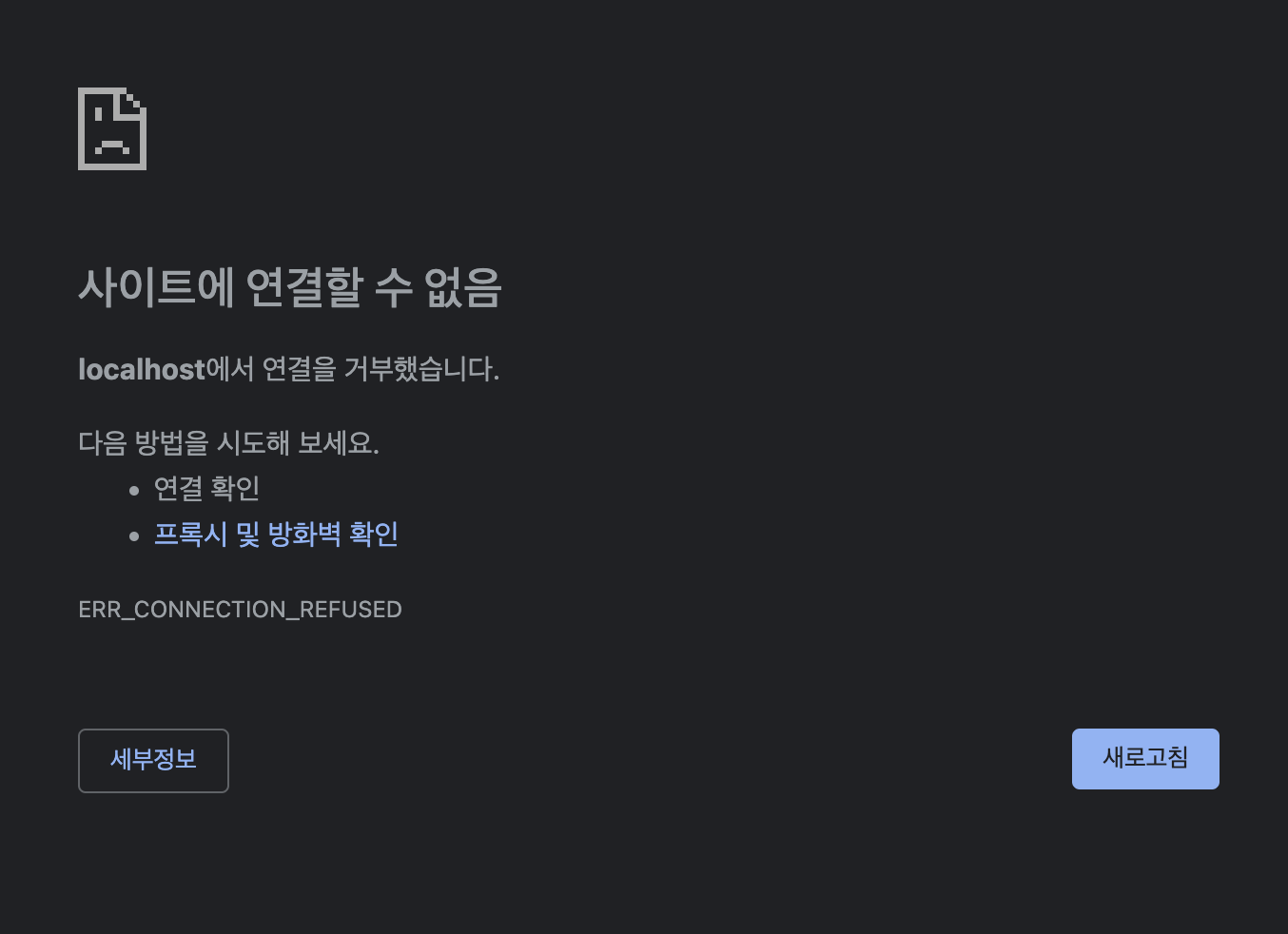
//Run stop : no localhost
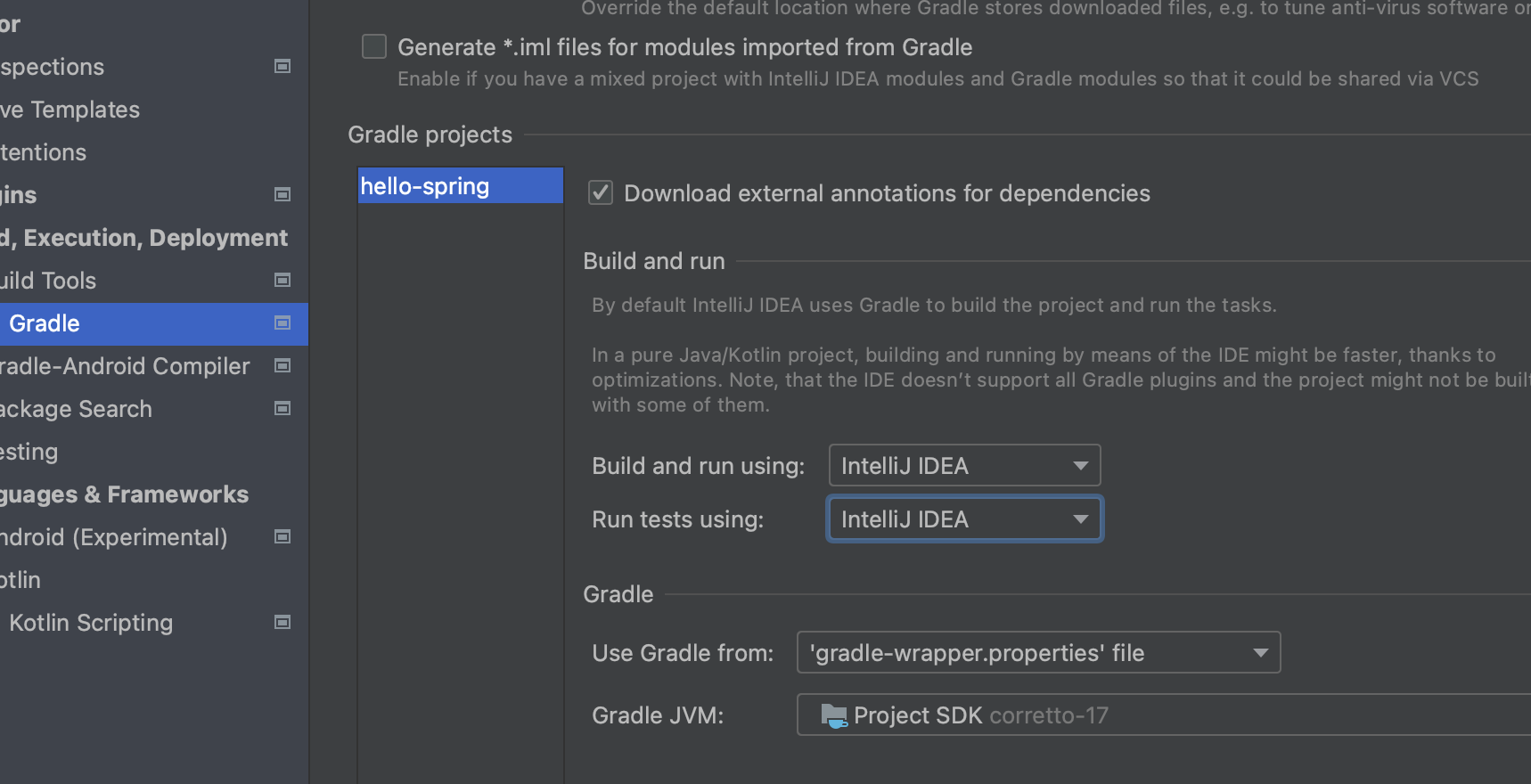
//preference - gradle 설정 변경 : 실행 속도 증가 !!