SCADA 경보/알람 메세지 Mobile 수신 방안
1. 텔레그램 봇 생성
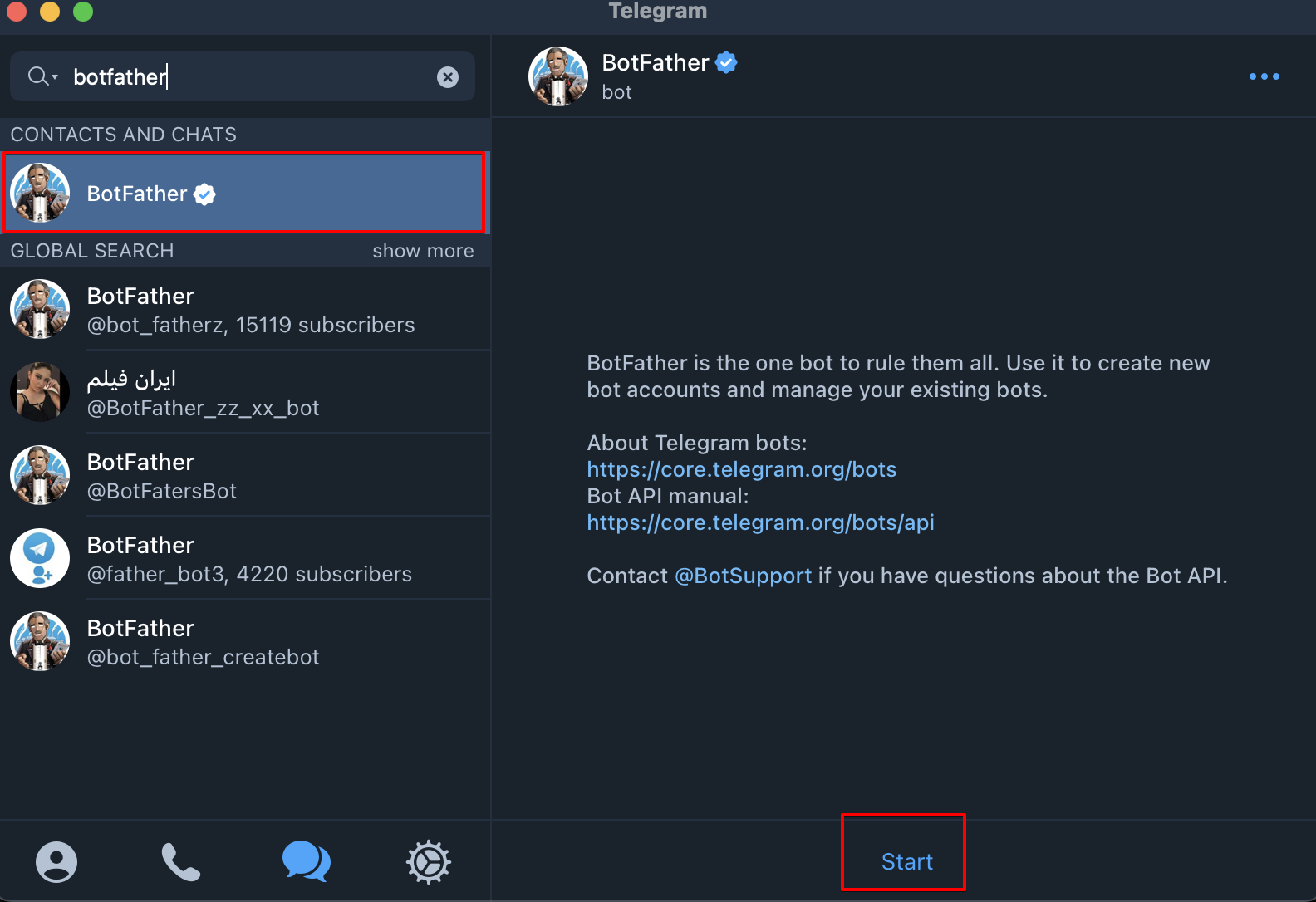
botfather 검색 후 "Start"
/newbot
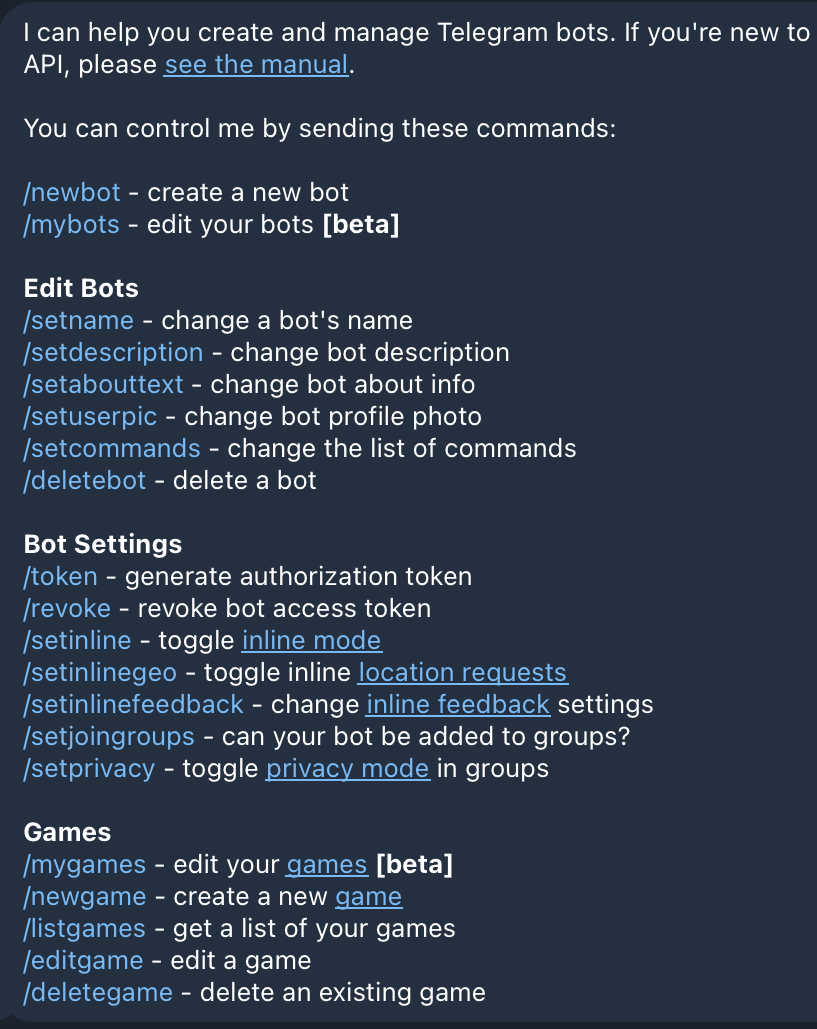
bot name, user name (bot으로 끝날것, 중복 X)
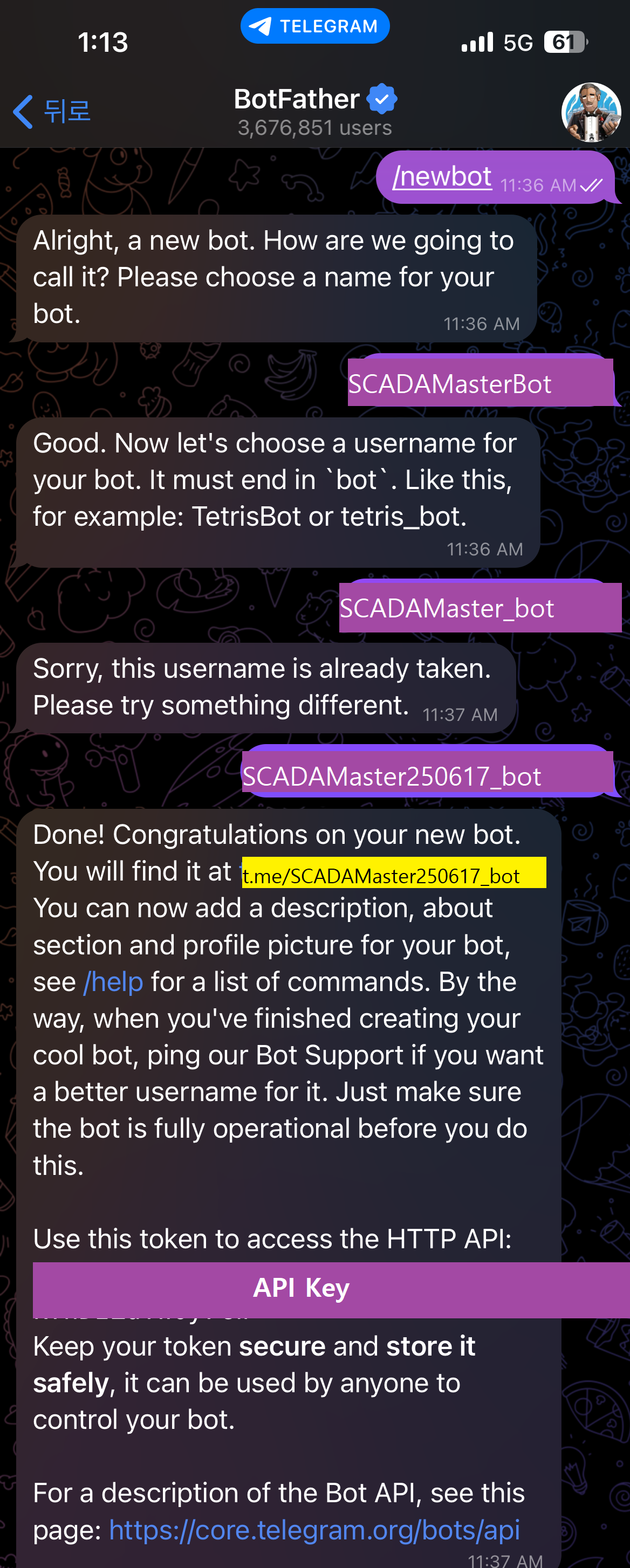
API Key 를 얻을 수 있음.
t.me/xxxxx_bot 클릭하면 채팅방으로 이동.
아무 글자라 메시지를 보내둔다. (getUpdates 메소드 실행 시 'no result' 방지)
2. Chat ID 얻기
기본 API의 URL은
https://api.telegram.org/bot{token}/METHOD_NAME
브라우저 창에 getUpdates 메소드 실행
https://api.telegram.org/bot{{token}}/getUpdates
Chat ID를 복사해 둔다.
3. 메세지 전송하기
sendMessage 메소드를 사용 한다.
https://api.telegram.org/bot{{token}}/sendMessageJson 타입을 사용 하며 cURL 예시는 아래와 같다.
curl --request POST
  	 --url https://api.telegram.org/bot{{token}}/sendMessage
     --header 'Content-Type: application/json'
     --data '{
      "chat_id" : {{chatID}},
      "text": "hello 25.06.17 08:22"
     }'
SCADAMaster Script 코드는
// REST API URL
var url = "https://api.telegram.org/bot{{token}}/sendMessage"
var text = func.getTagValue("Text")
var contentType = "application/json";

// 요청 데이터
var templateObject = {
	"chat_id" : {{chatID}},
	"text": text
};

// JSON 문자열을 URL 인코딩
var data = JSON.stringify(templateObject);


// jsonString을 전송 데이터로 사용
var value = func.httpPost(url, data, "", contentType);

//return
func.overwriteDatatoFile("C:\\Users\\user\\Desktop\\result.txt",value)
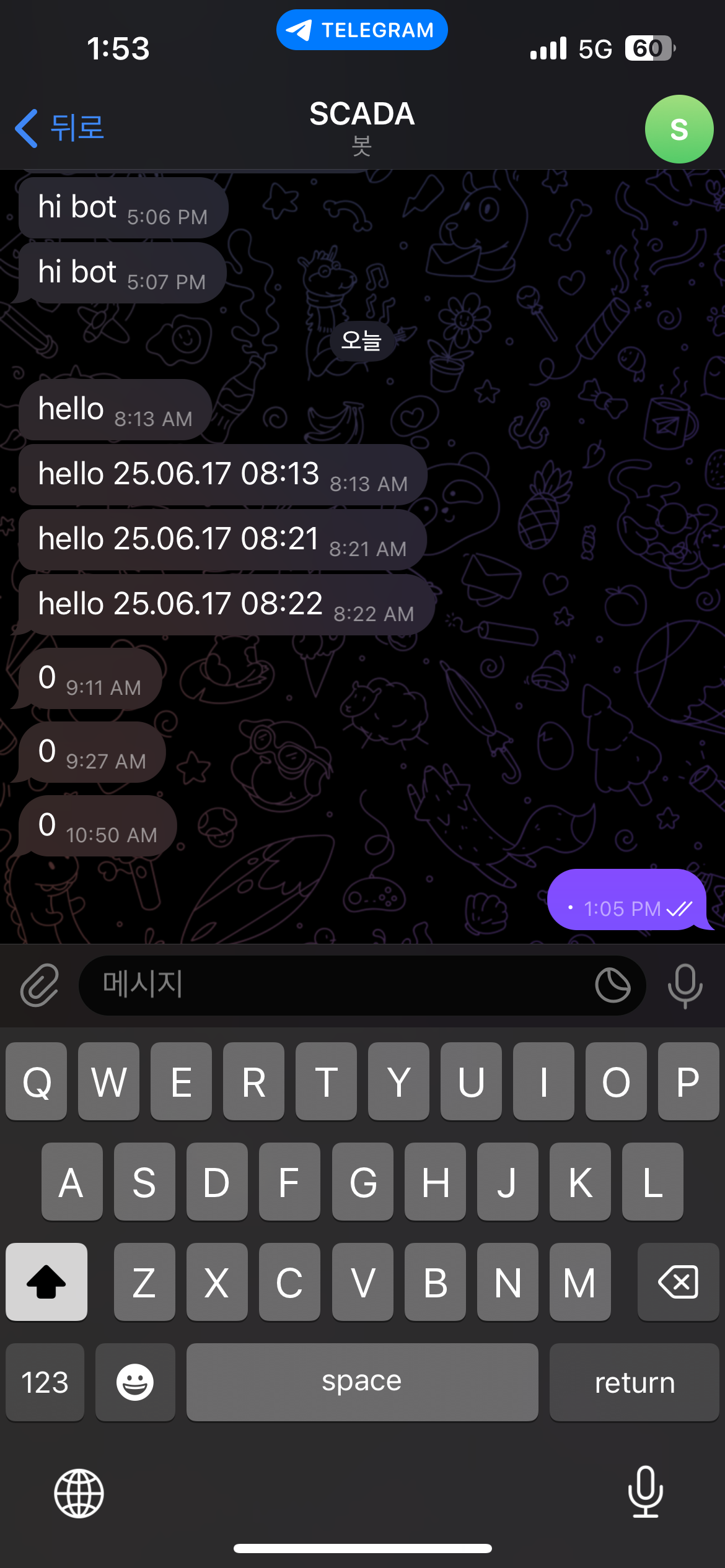
전송 완료 화면.