
배경
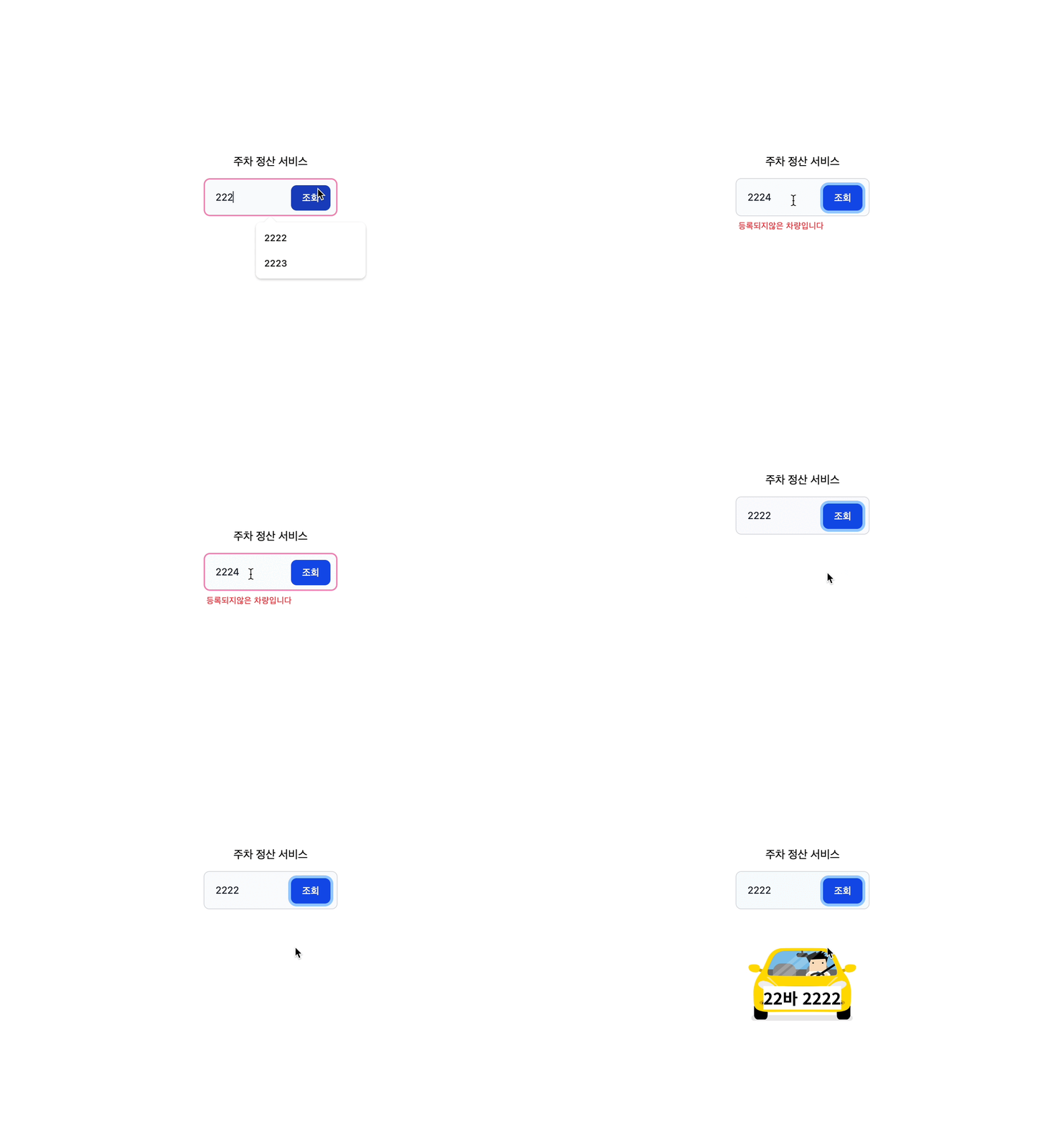
저번에 번호 입력하고 조회할 때 사용자에게 '지금 로딩중이에요~' 를
알려주는 장치가 있으면 좋겠다고 생각했다
바로 만들어보기
useState를 사용해 기능 구현하기
먼저 '로딩중' 을 상태로 만든 후
const [isLoading, setIsLoading] = useState(false);로딩중이면 로딩 스피너가 아니면 주차정보가 나오게 구성했다
return (
	{isLoading? <loading/>:<parkingInfo/>}
);
데이터 받기 위해 네트워크 요청을 하면 isLoading true로 만들고
요청이 끝나면 false 로 바꾸기
setLoading(true);
const q = query(collection(db, "parking_records"));
const querySnapshot = await getDocs(q);

let findInputValue: ParkingData | undefined;

querySnapshot.forEach((doc) => {
	const data = doc.data() as Data;
    if (data.car_number.includes(inputValue)) {
    	findInputValue = { id: doc.id, data };
	}
});

if (!findInputValue) {
	setLoading(false);
    setInputErrorMessage("등록되지않은 차량입니다");
    return;
} else {
	setParkingInfo(findInputValue);
    setLoading(false);
}
그랬더니 테스트 하기 전에 이상한 부분 발견!
isLoading의 초기값으로 false로 했더니
맨 처음에 로드될 때 빈 <parkingInfo/>가 보인다

그래서 로딩중이 아니면서 + 주차 정보가 있을 경우
<parkingInfo/>가 나오도록 수정했다
return (
	{isLoading? <loading/>:null}
    {(!loading && parkingInfo) && <parkingInfoPage/>}
);
이제 로딩기능 잘 되나 테스트 해보기
근데 우리집 와이파이가 너무 잘 터져서 네트워크를 3G로 임의 조정했다
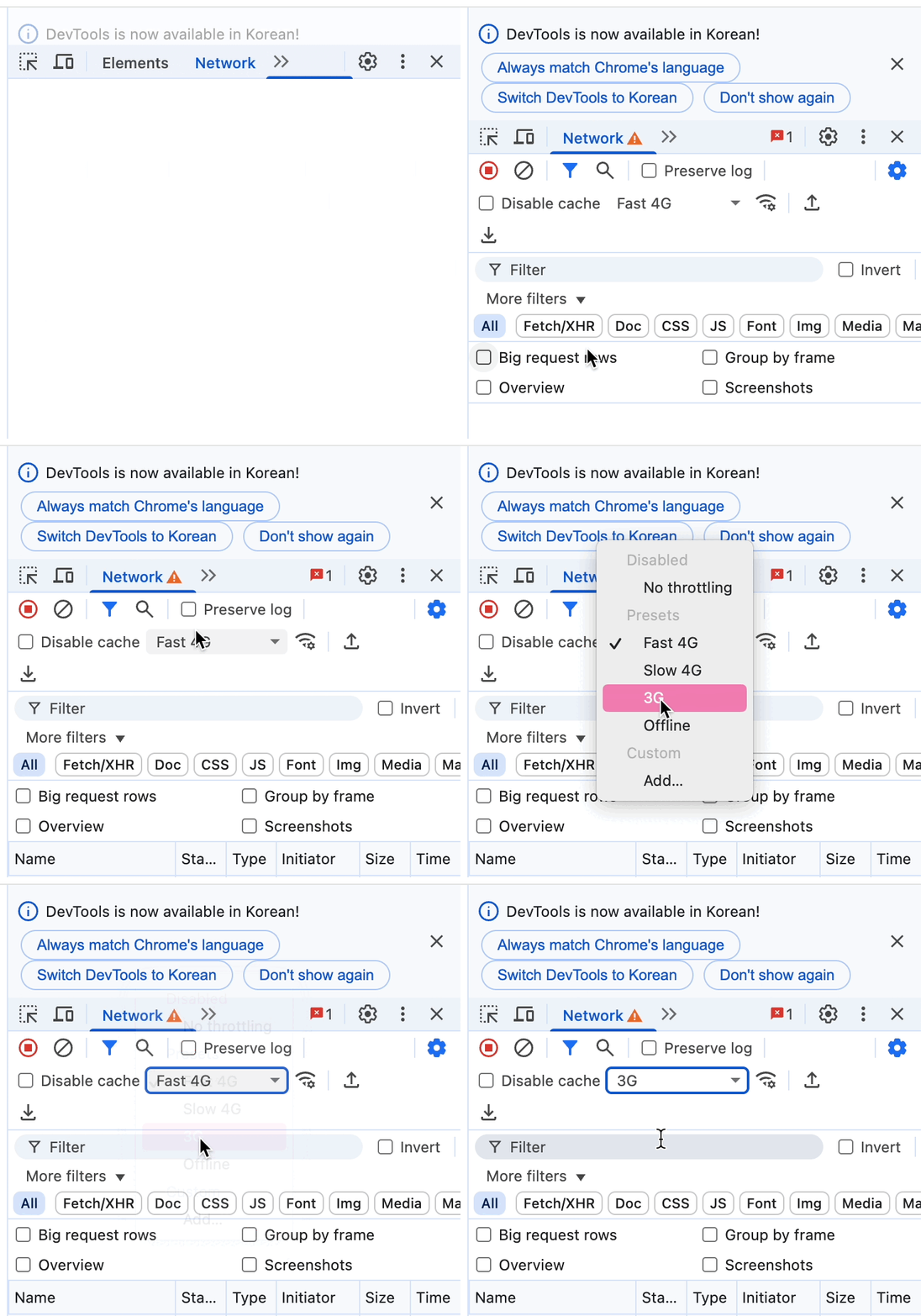
로딩 기능 구현 성공


기술보다 경험 위주의 글