📖자바스크립트로 무엇을 할까
- 웹의 요소를 제어한다.
- 웹 애플리케이션을 만든다.
- 다양한 라이브러리를 사용할 수 있다.
Node.js로 서버 개발을 할 수 있다.
📖웹 브라우저가 자바스크립트를 만났을 때
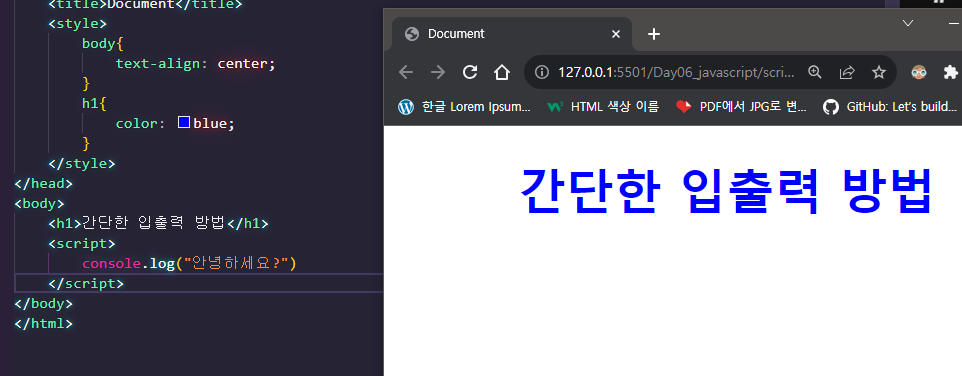
📌웹 문서 안에 <script> 태그로 자바 스크립트 작성하기
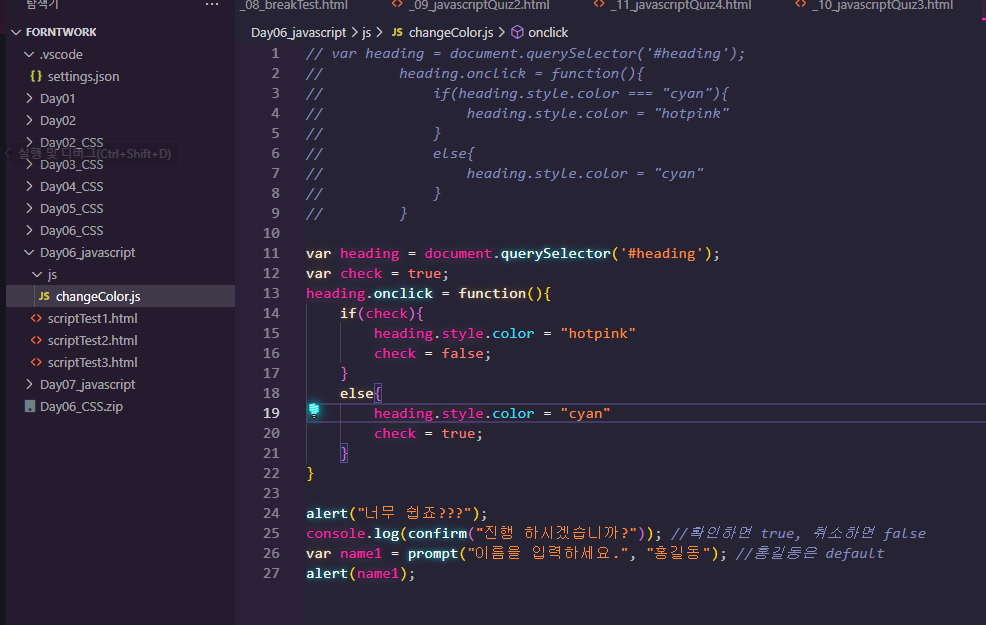
📌외부 스크립트 파일로 연결해서 자바스크립트 작성하기

<!DOCTYPE html>
<html lang="ko">
<head>
    <meta charset="UTF-8">
    <meta name="viewport" content="width=device-width, initial-scale=1.0">
    <title>Document</title>
    <style>
        body{
            text-align: center;
        }
        #heading{
            color: cyan;
        }
        #text{
            color: gray;
            font-size: 15px;
        }
    </style>
</head>
<body>
    <h1 id = "heading">자바스크립트</h1>
    <h2 id = "heading">눌러</h2>
    <p id = "text">위 텍스트를 클릭해보세요. 핑크색으로 바뀝니다.</p>
    <script src = "js/changeColor.js"></script>
    <!-- <script>
        var heading = document.querySelector('#heading');
        heading.onclick = function(){
            if(heading.style.color === "cyan"){
                heading.style.color = "hotpink"
            }
            else{
                heading.style.color = "cyan"
            }
        }
    </script> -->
</body>
</html><script src = "js/changeColor.js"></script>👉 외부 스크립트인 "js/changeColor.js" 로 연결했다
📖자바스크립트 용어와 기본 입출력 방법
📌식과 문
식: 실제 값, 함수를 실행 하는 것 등이 식이라 하며 표현식 이라고도 부른다.문: 명령으로 문의 끝은;을 붙여 구분한다.
📌간단한 입출력 방법
alert(): 경고창을 띄우는 함수confirm(): 확인/취소 함수console.log:console에log를 찍는 함수prompt(): 입력 받는 함수document.write(): 화면에 출력하는 함수
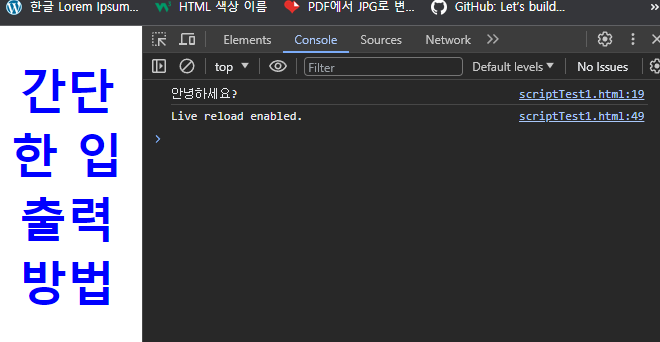
👉 f12 console에 log가 들어 갔다
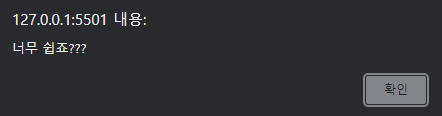
👉 alert("너무 쉽죠???");
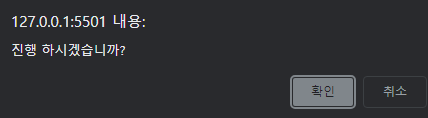
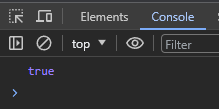
👉 console.log(confirm("진행 하시겠습니까?")); , 확인하면 true, 취소하면 false 를 console에 찍는다
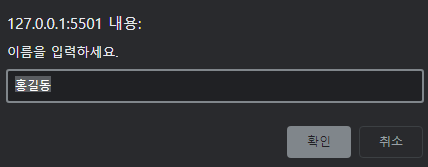
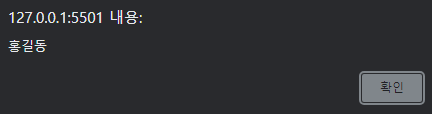
👉 var name1 = prompt("이름을 입력하세요.", "홍길동"); , "홍길동"은 기본값으로 입력한 것