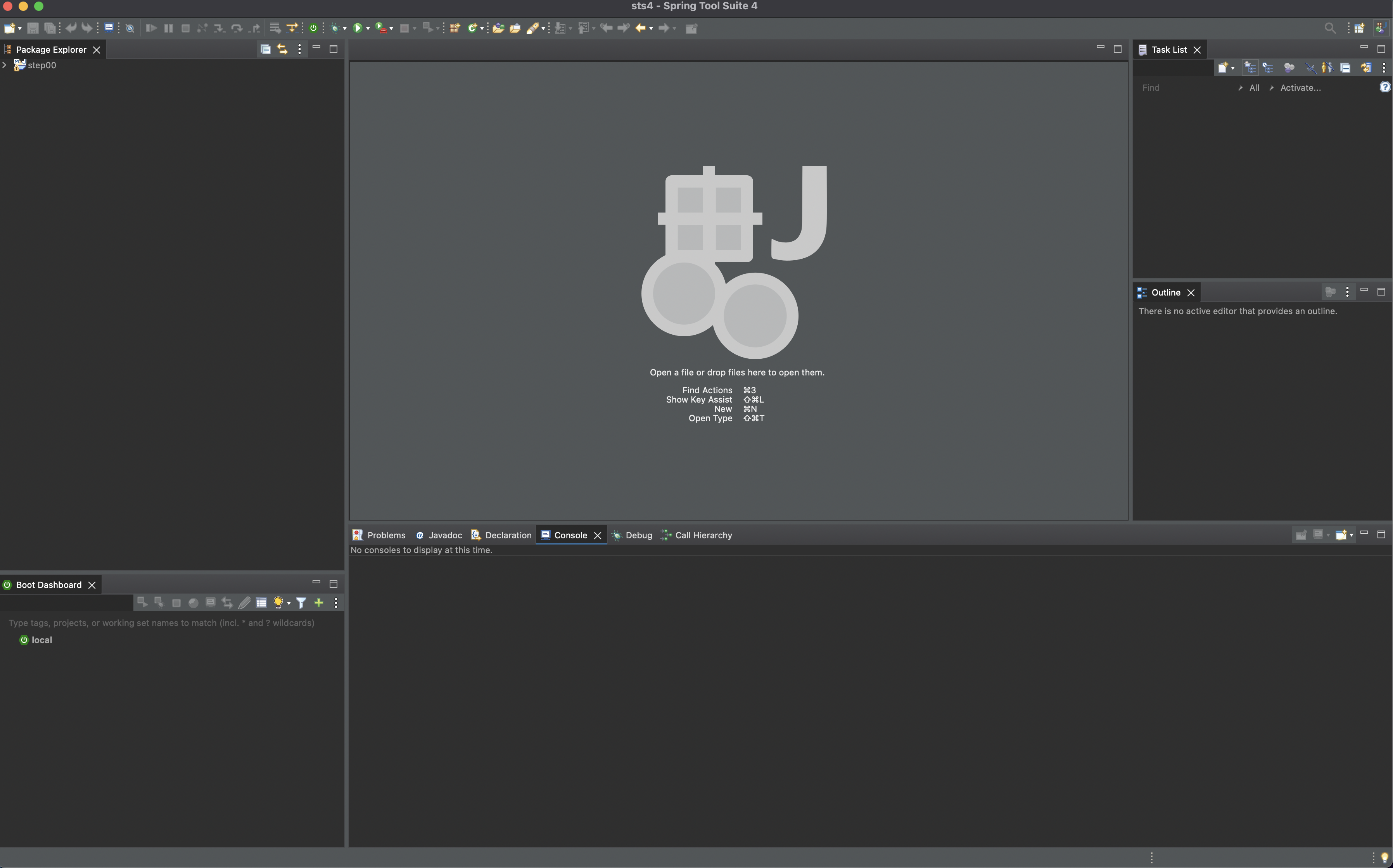
STS4 실행
GitHub 프로젝트 불러오기
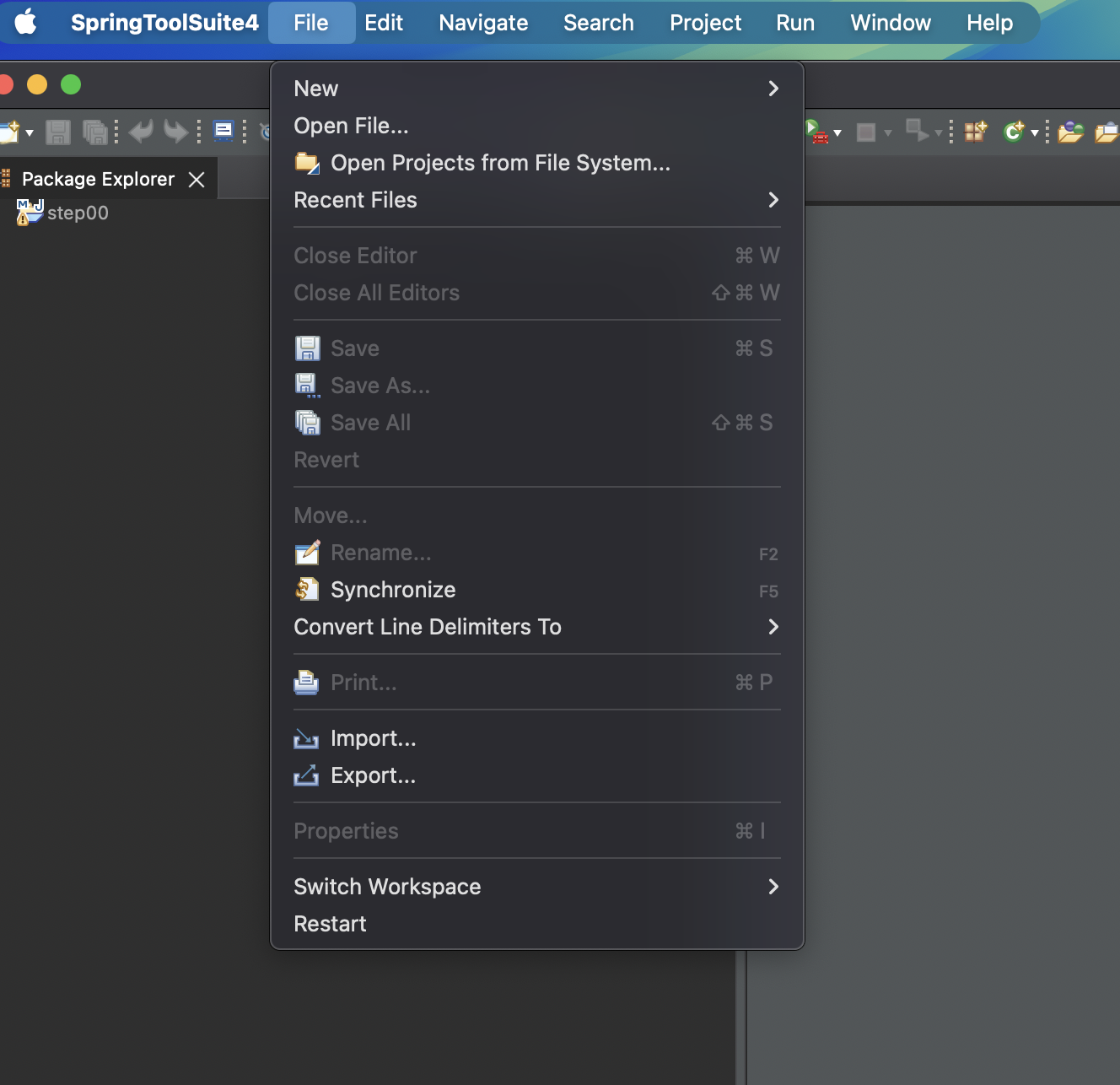
File > Import
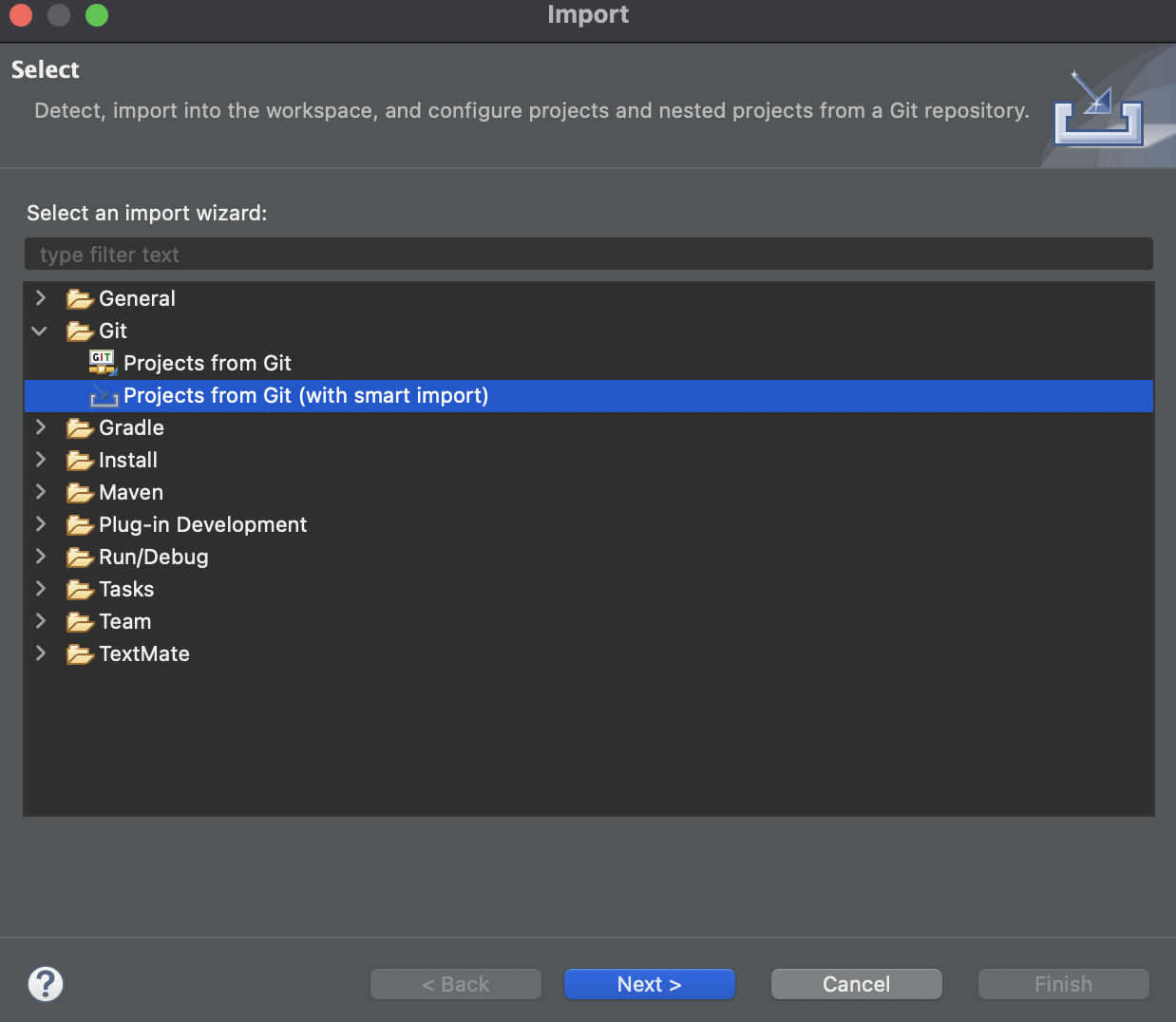
Git > Projects from Git (with smart import)
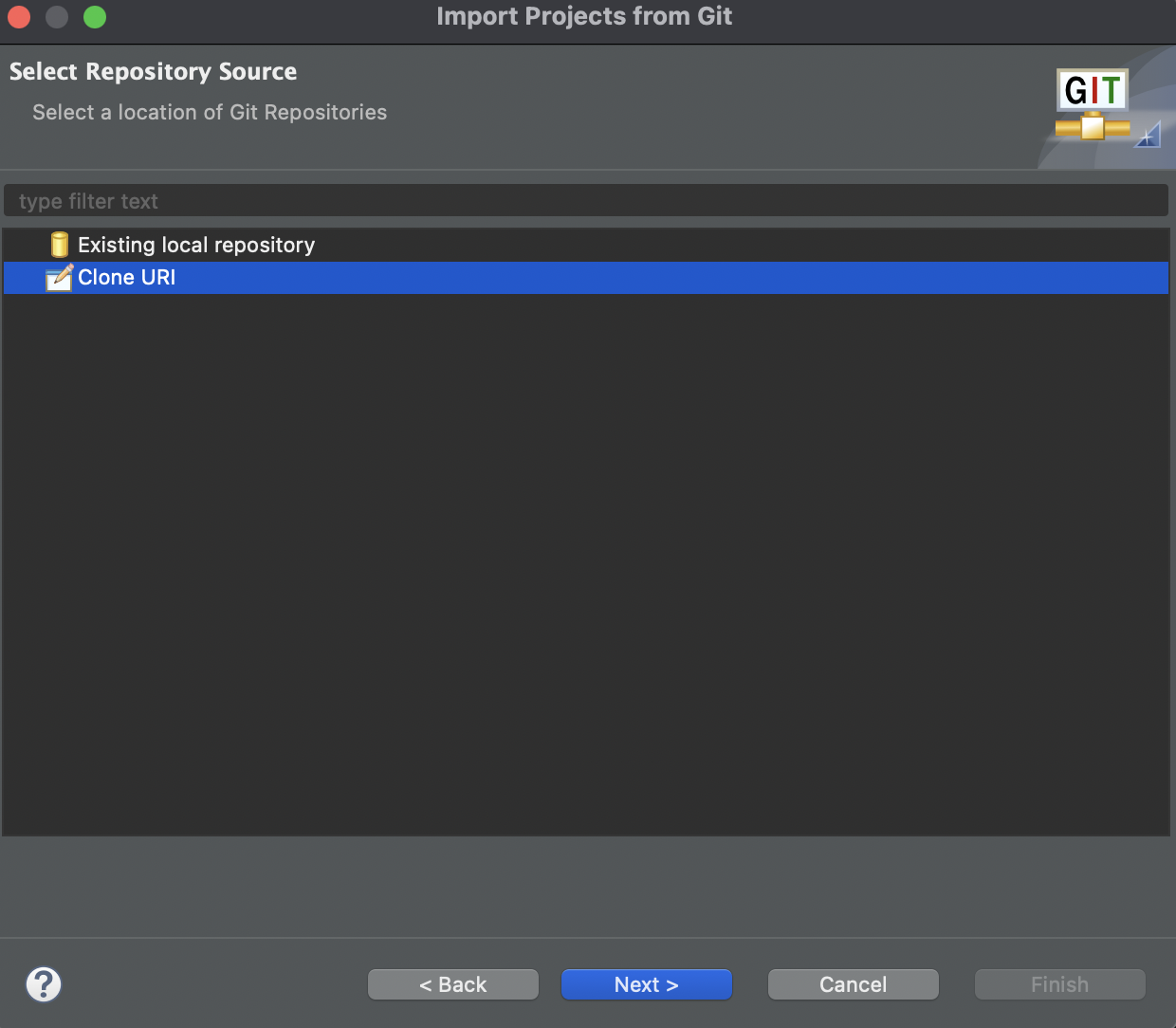
clone URI
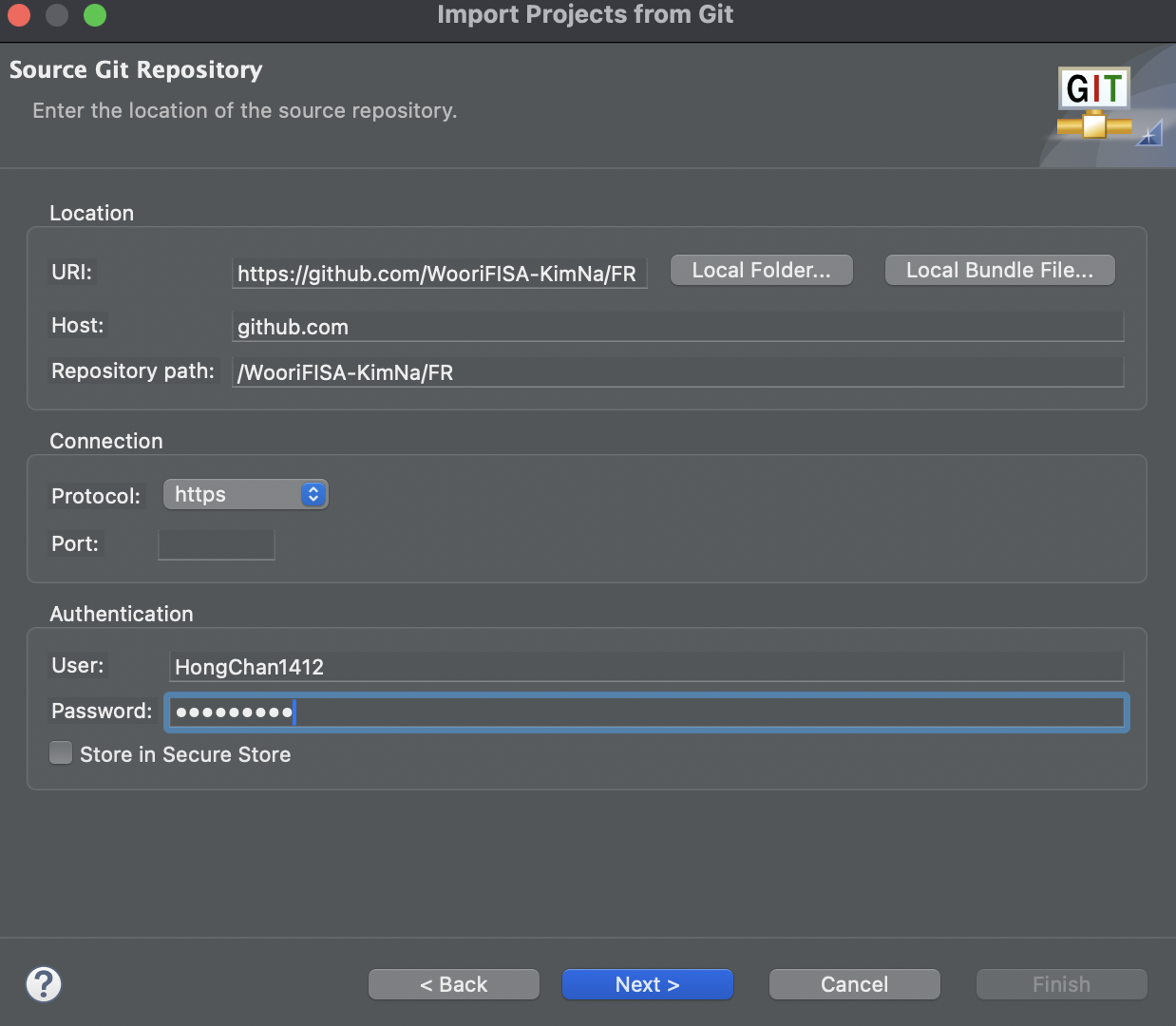
Git 접속 정보 입력
URI : https://github.com/WooriFISA-KimNa/FR.git
Host : github.com
Repository path : WooriFISA-KimNa/FR.git
Protocol : https
User : Git Id
Password : Git Password
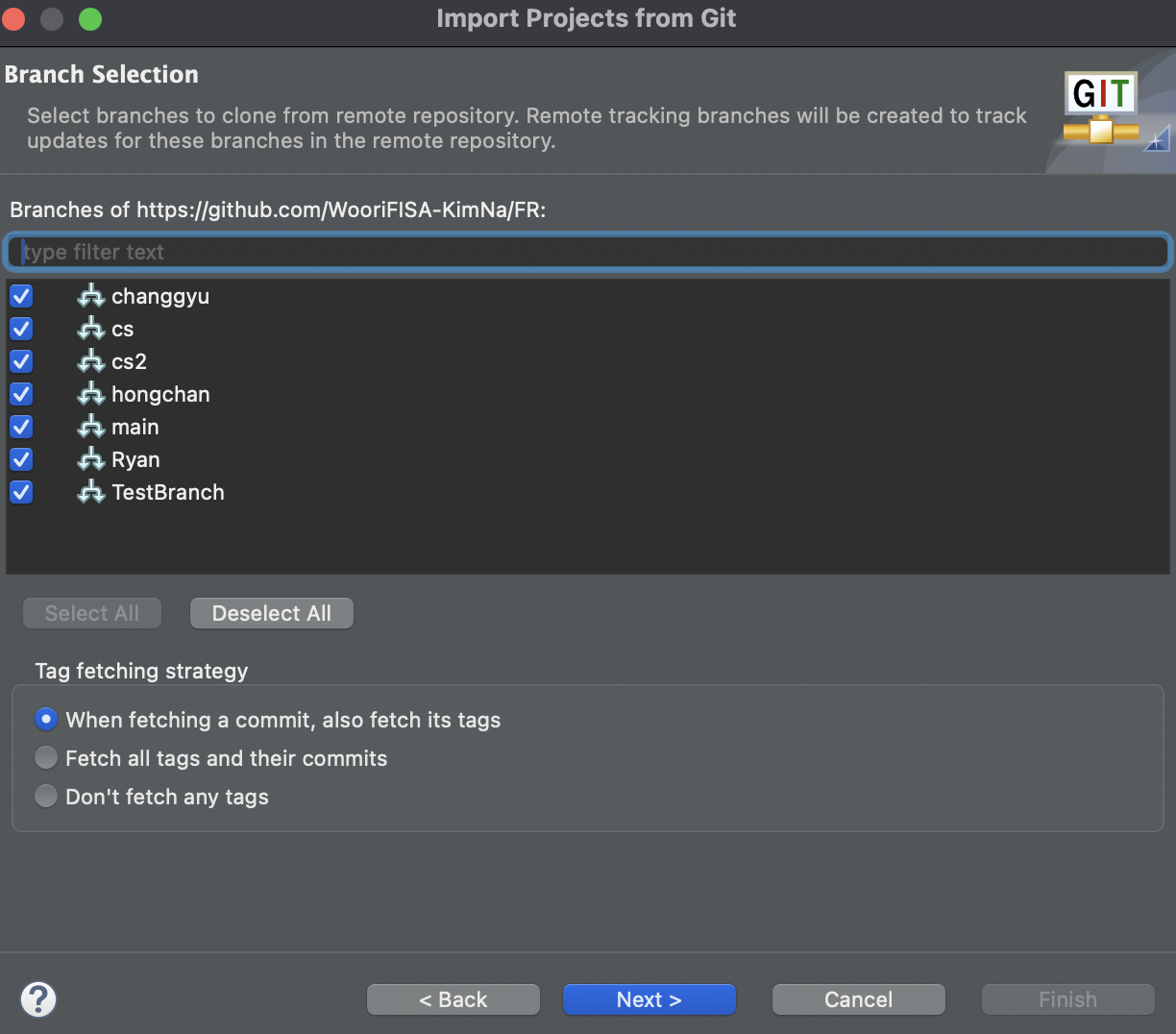
Branch 선택
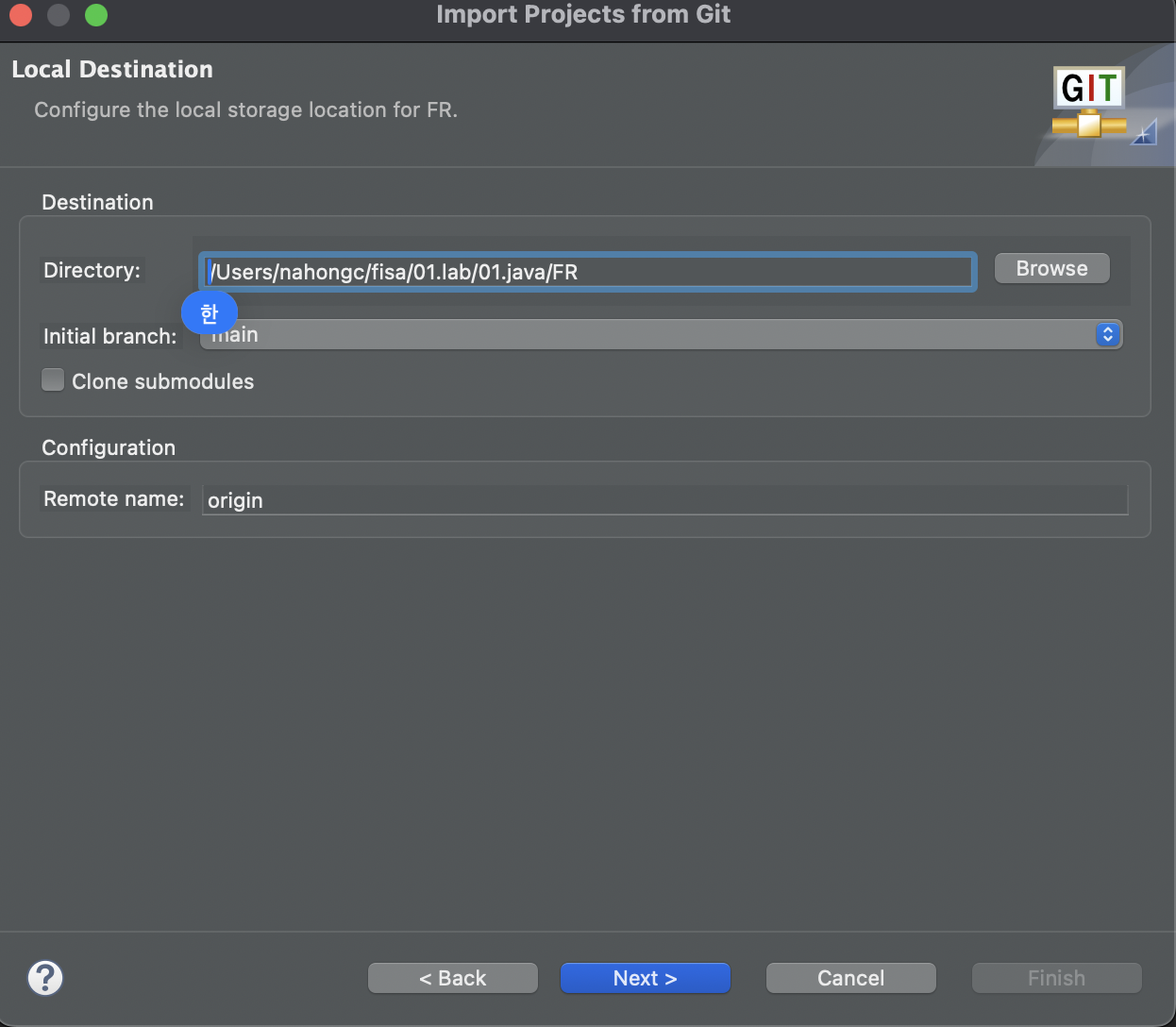
Directory 선택
Fininsh 클릭
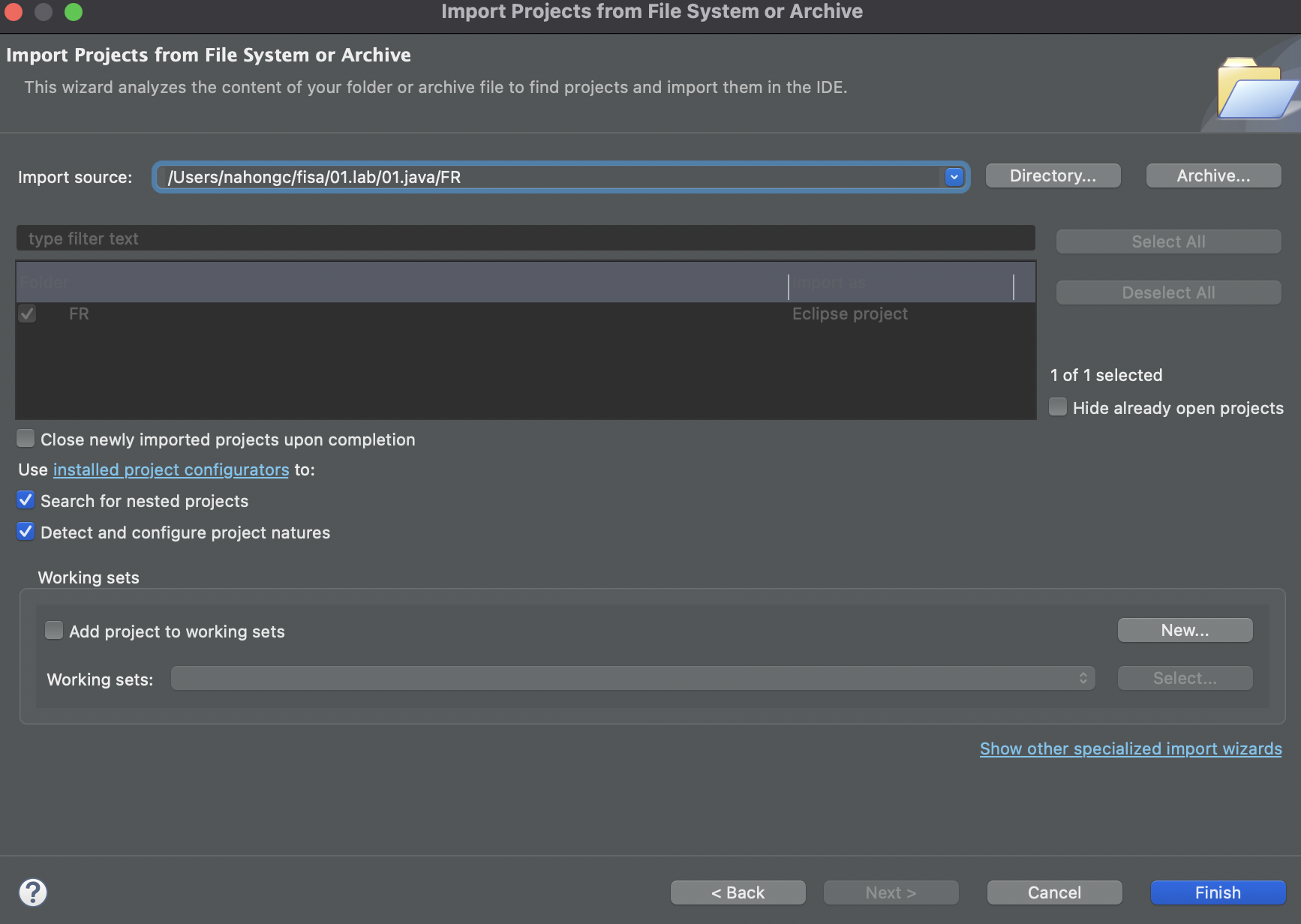
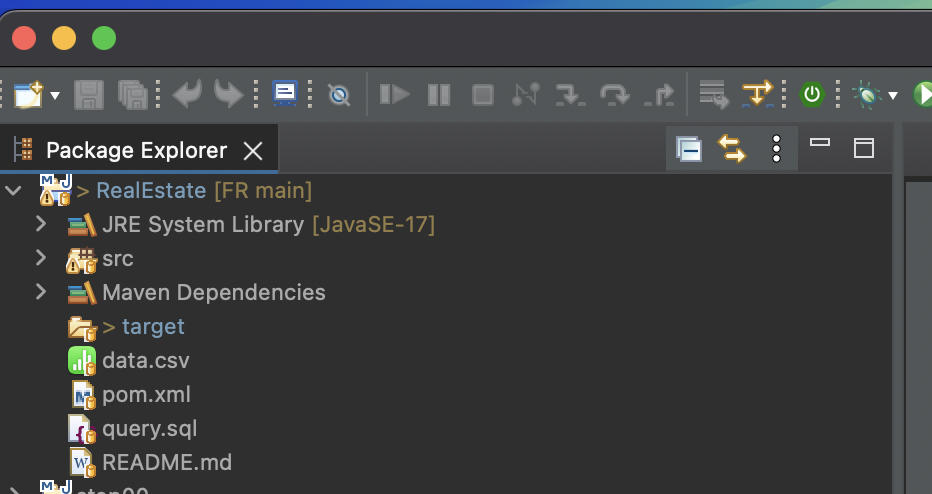
불러온 프로젝트 확인
Trouble Shooting : Java 프로젝트 실행 오류

Error: LinkageError occurred while loading main class view.RunningStartView
java.lang.UnsupportedClassVersionError: view/RunningStartView has been compiled by a more recent version of the Java Runtime (class file version 65.0), this version of the Java Runtime only recognizes class file versions up to 61.0
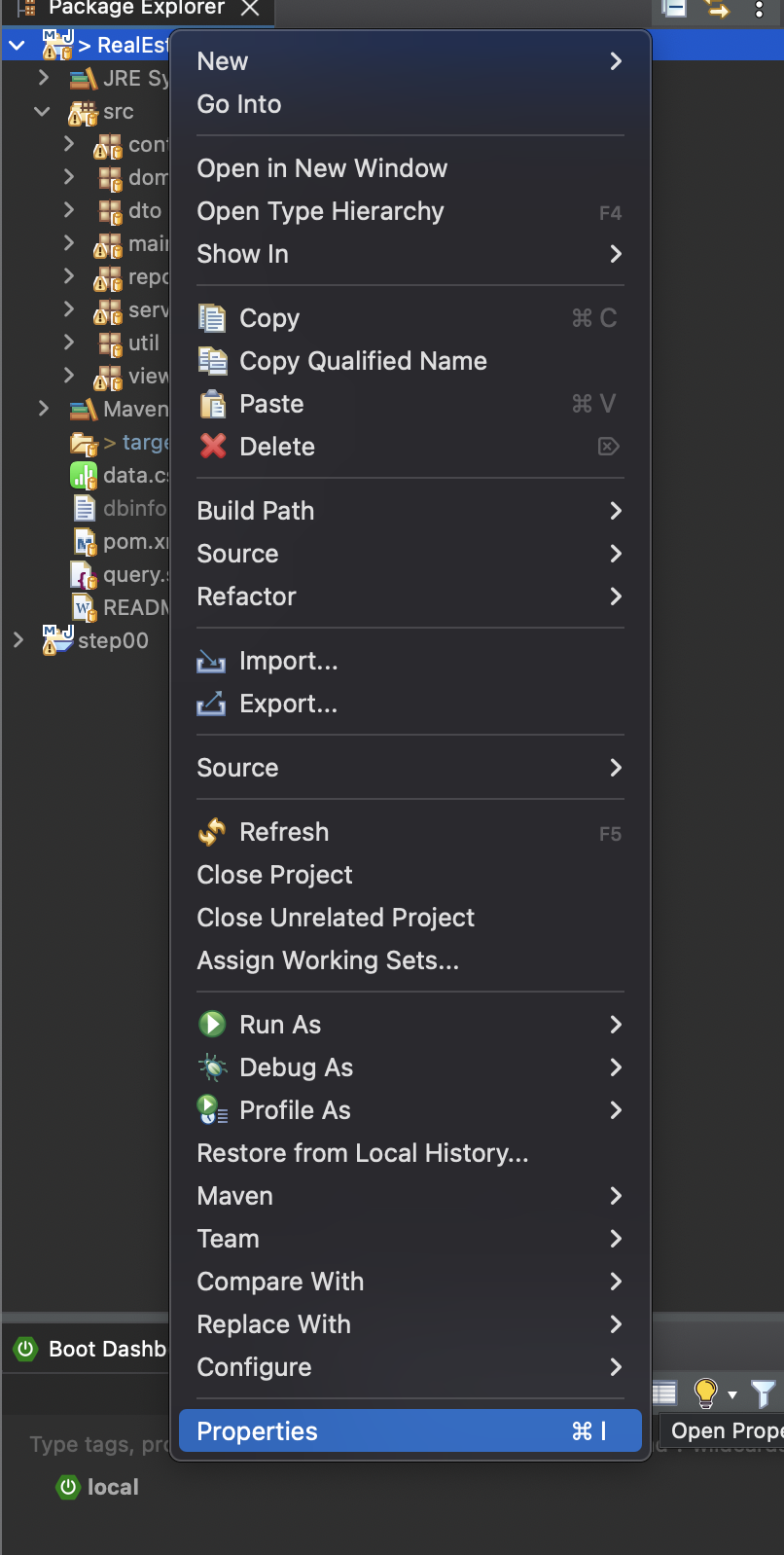
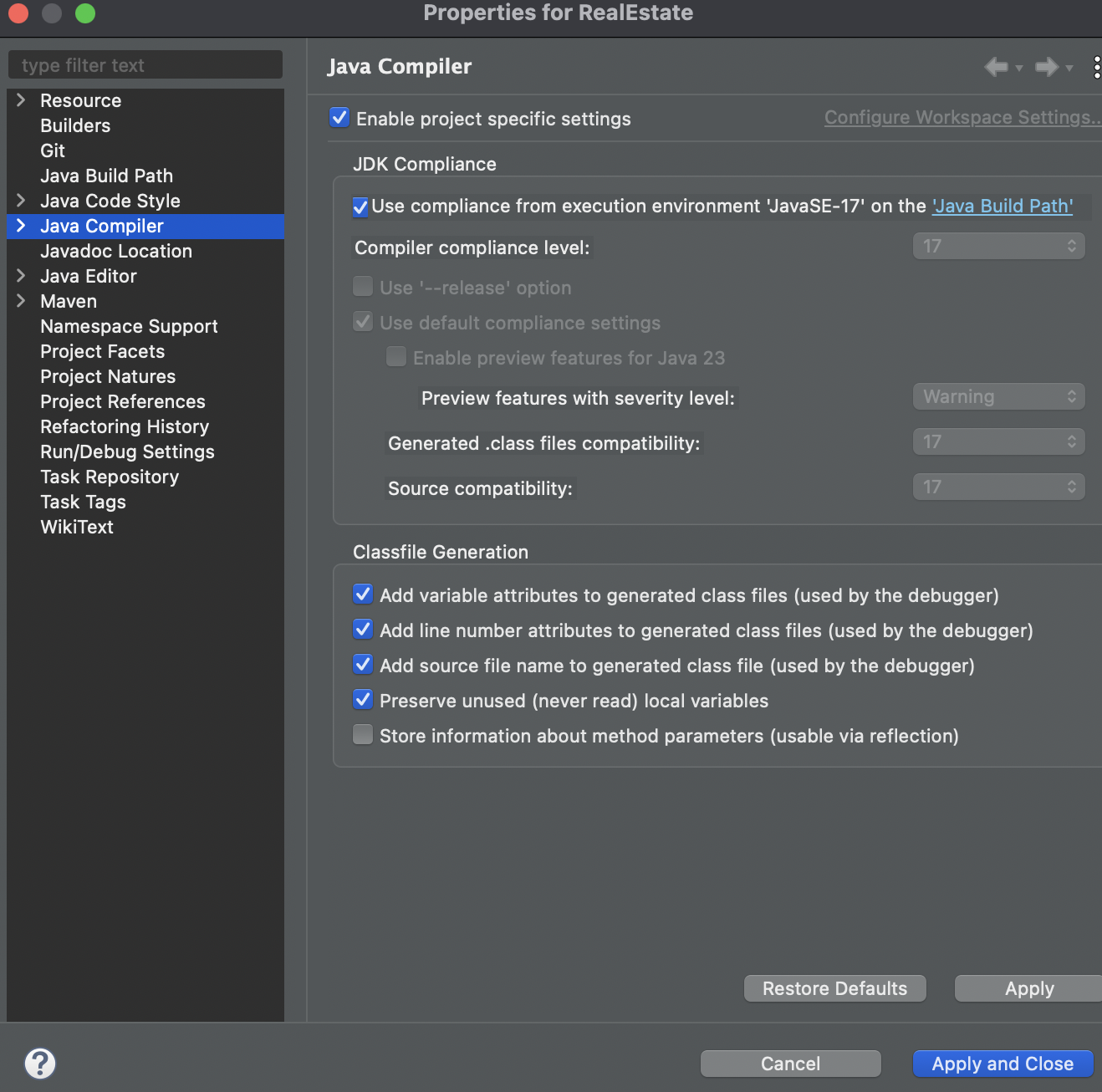
Project 폴더 우클릭 > Properties > Java Compiler > Enable project specific settings 체크, Use compliance from execution environment 체크 or 로컬에 설치되어 있는 자바 컴파일러 버전 선택 > Apply and Close
프로젝트 실행
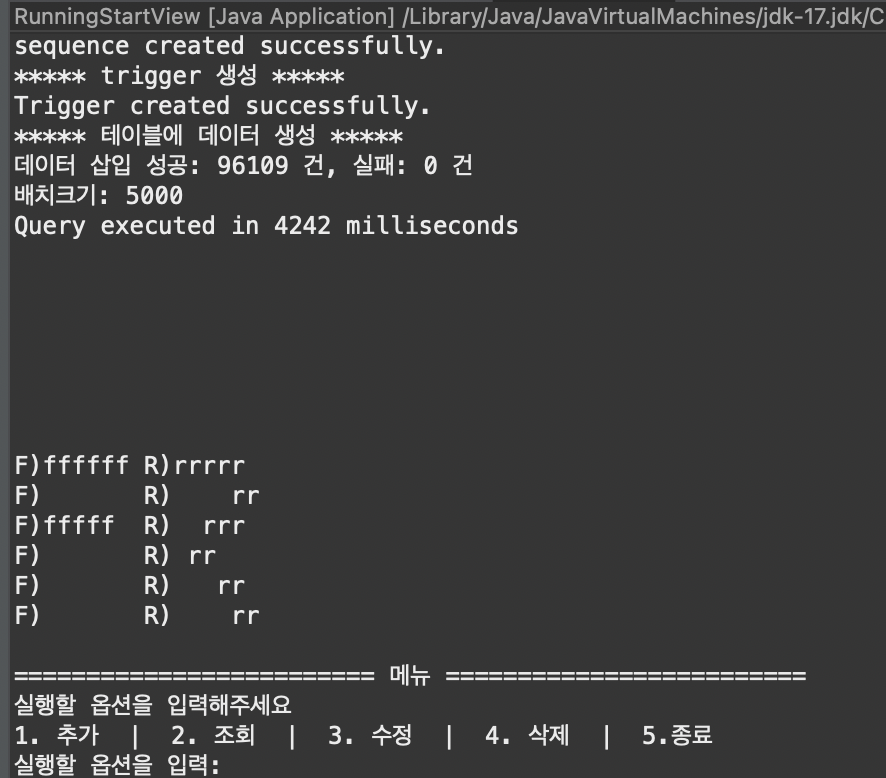
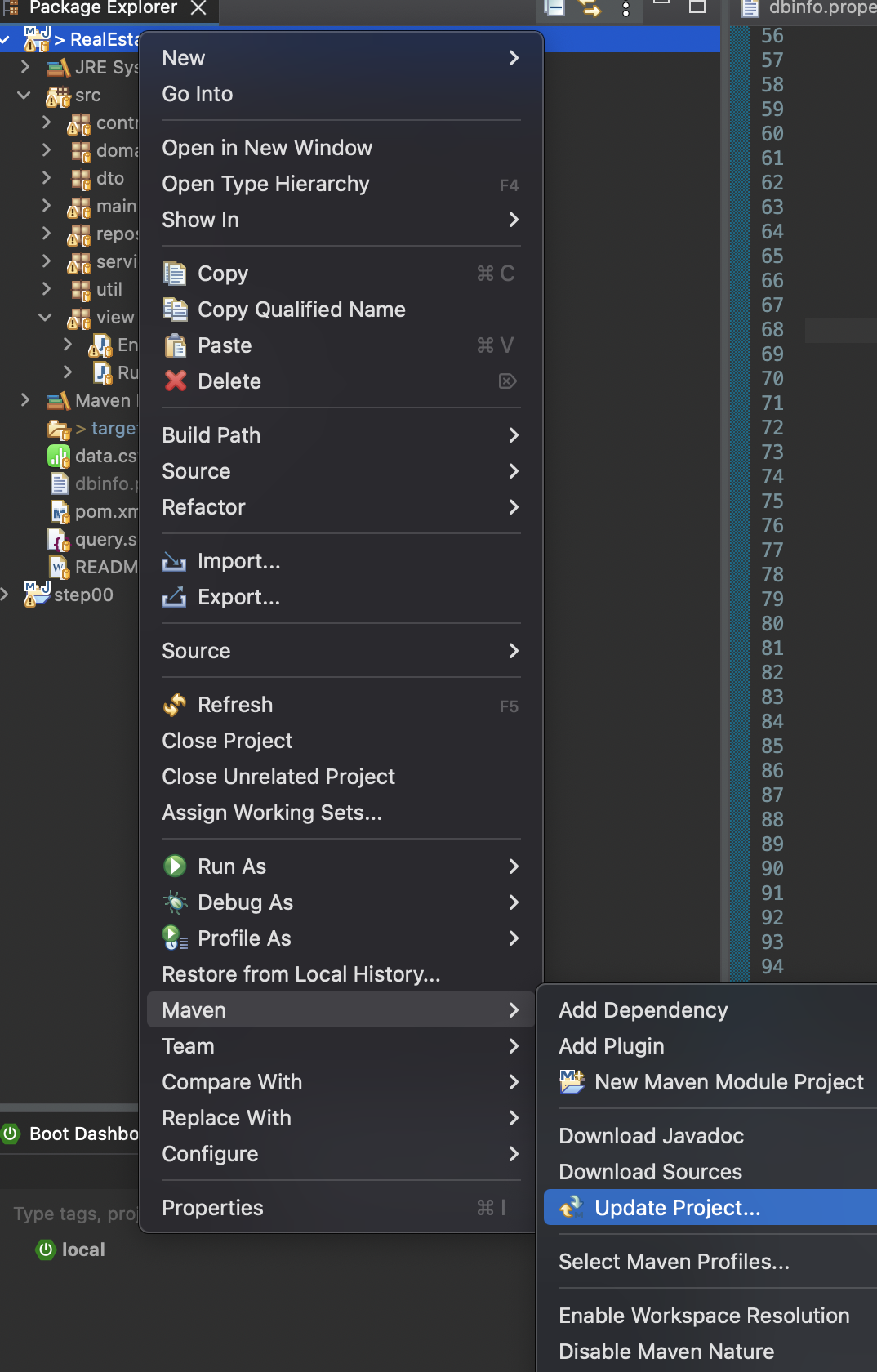
Maven 프로젝트의 경우 실행 오류가 발생한다면 Maven Update 실행
프로젝트 폴더 우클릭 > Maven > Update Project 클릭