
인프런 강의 <<실전 JSP(renew ver.) 수강 후 공부를 위해 정리한 글입니다.
저번 글에서 작성한 response, request 또한 jsp의 내장객체임을 잊지 말자
config 객체
config.getInitParameter("...")
: 웹 환경설정(web.xml)에 저장 된 초기화 된 객체의 값을 가져올 수 있게 함.
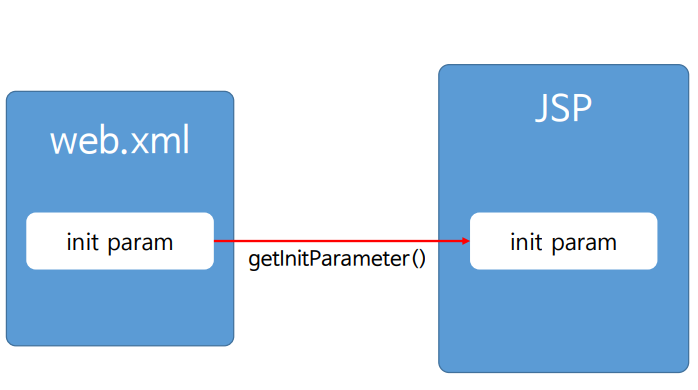

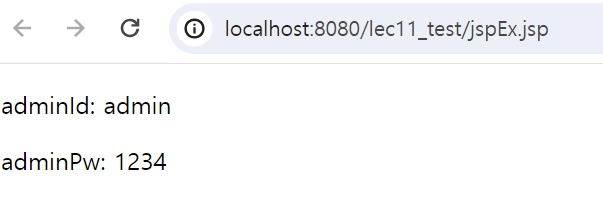
- web.xml
<servlet>
	  <servlet-name>servletEx</servlet-name>
	  <jsp-file>/jspEx.jsp</jsp-file>
	  <init-param>
		  <param-name>adminId</param-name>
		  <param-value>admin</param-value>
	  </init-param>
	  <init-param>
		  <param-name>adminPw</param-name>
		  <param-value>1234</param-value>
	  </init-param>
  </servlet>
  <servlet-mapping>
	  <servlet-name>servletEx</servlet-name>
	  <url-pattern>/jspEx.jsp</url-pattern>
</servlet-mapping>- jspEx.jsp
<%
String adminId;
String adminPw;
String imgDir;
String testServerIP;
%>

<%
adminId = config.getInitParameter("adminId");
adminPw = config.getInitParameter("adminPw");
%>

<p> adminId: <%= adminId %></p>
<p> adminPw: <%= adminPw %></p>
application 객체
application.getinitParrameter
: config 객체와 같은 역할(초기화)를 함.
: 어플리케이션 안에서 통째로 사용될 수 있도록 한다는 점만 다르다
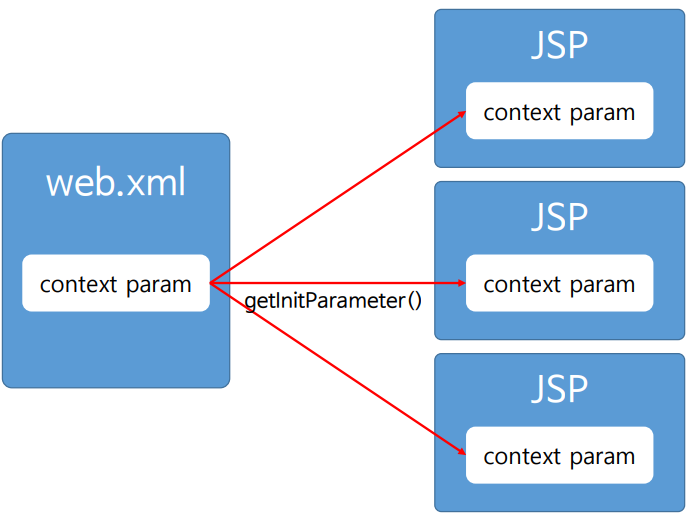

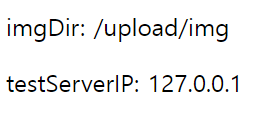
- xml
 <context-param>
	  <param-name>imgDir</param-name>
	  <param-value>/upload/img</param-value>
  </context-param>
  <context-param>
	  <param-name>testServerIP</param-name>
	  <param-value>127.0.0.1</param-value>
  </context-param>
  <context-param>
	  <param-name>realServerIP</param-name>
	  <param-value>68.0.30.1</param-value>
</context-param>- jsp
<%
imgDir = application.getInitParameter("imgDir");
testServerIP = application.getInitParameter("testServerIP");
%>

<p> imgDir: <%= imgDir %> </p>
<p> testServerIP: <%= testServerIP %> </p>
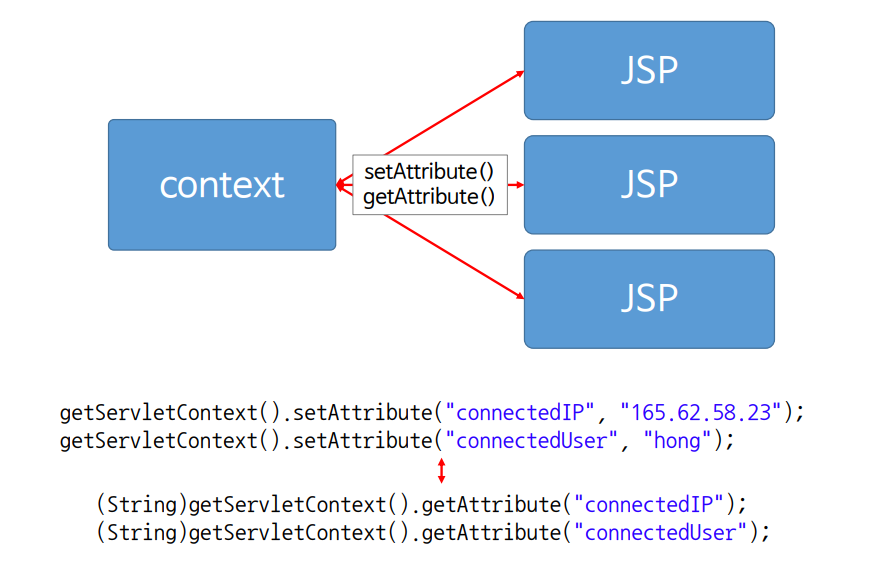
application.getAttribute()
: 값을 가져옴
application.setAttribute()
: 값을 set(세팅)함.
- application 객체로 부터 값을 가져올 때는 반드시 String 값으로 변환하여 가져와야 함!
- xml
<servlet>
    <servlet-name>servletGet</servlet-name>
    <servlet-class>com.servlet.ServletGet</servlet-class>
  </servlet>
  <servlet-mapping>
    <servlet-name>servletGet</servlet-name>
    <url-pattern>/sg</url-pattern>
</servlet-mapping>- jsp
<%
String connectedIP;
String connectedUser;
%>

<%
connectedIP = (String)application.getAttribute("connectedIP");
connectedUser = (String)application.getAttribute("connectedUser");
%>

<p>connectedIP : <%= connectedIP %></p>
<p>connectedUser : <%= connectedUser %></p>
out 객체
: 프린트 출력해주는 객체
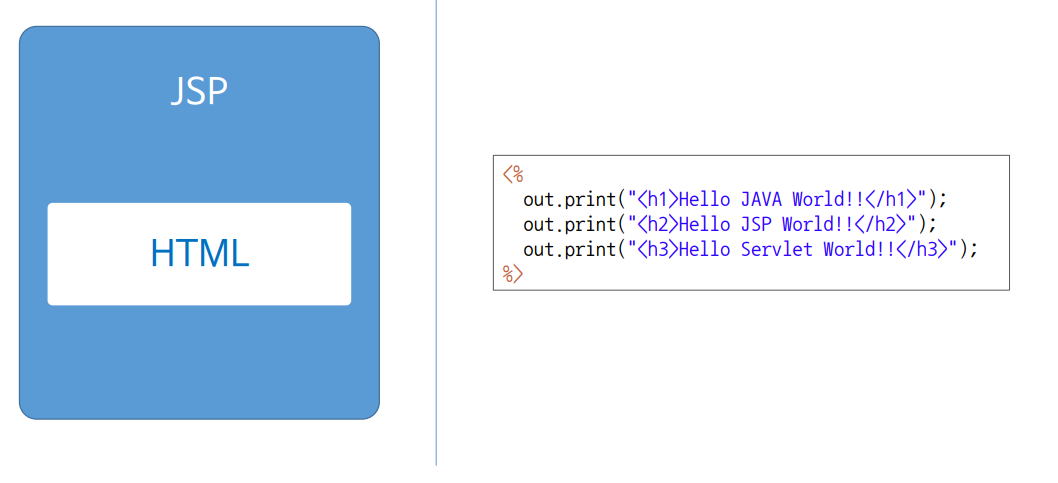
<%
out.println("<h1>Hello JAVA World!</h1>");
%>
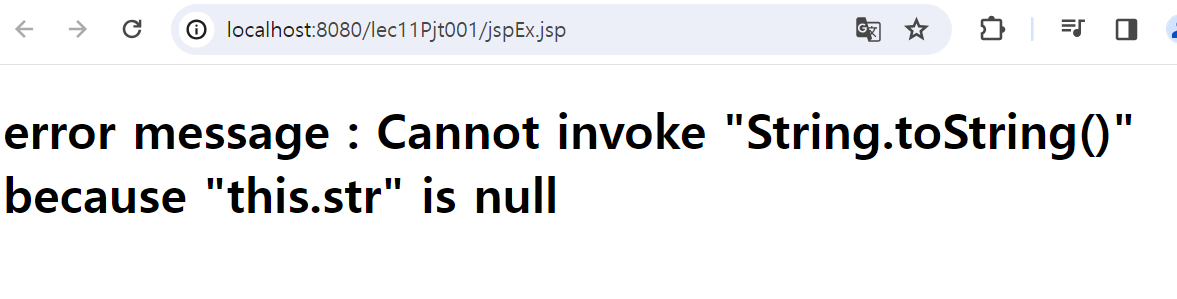
exception 객체
: 에러가 발생했을 경우 예외 처리 해줌
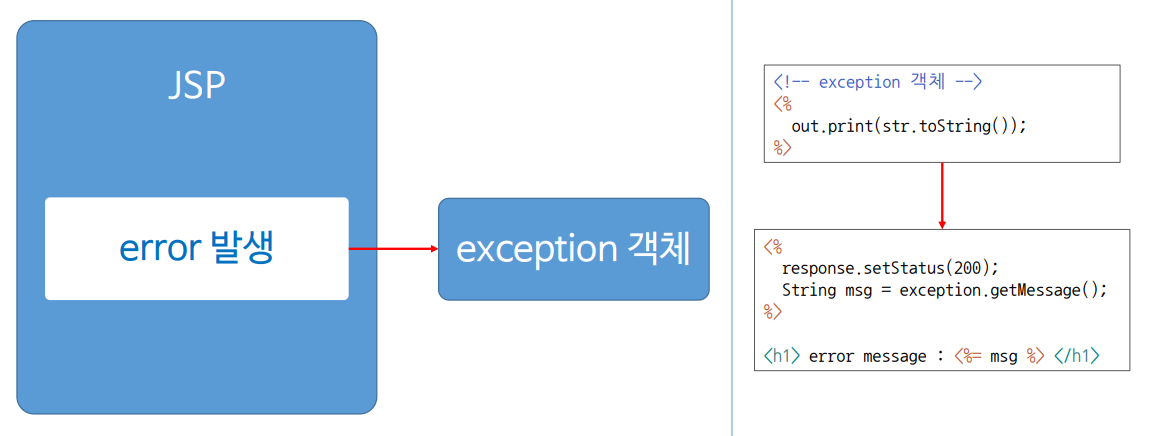
- jsp file
<%
out.print(str.toString());
%>
// 에러 발생 코드
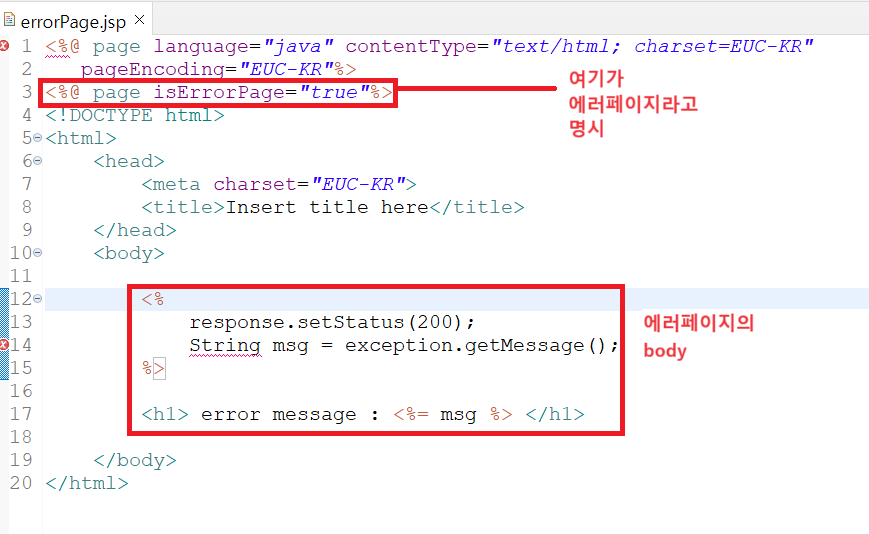
에러 발생 코드가 존재하는 jsp 파일 위에
<%@ page errorPage="errorPage.jsp"%>

: 에러가 발생할 경우 errorPage.jsp로 이동하시오
- 실행 결과

행복한 하루 보내세요