업로드한 파일(폴더 생성 후 파일 업로드) 다운로드 할 일이 생겼다. 근데 폴더 다운로드는 지원하지 않는다고 한다. 그래서 zip 으로 압축 후 다운로드 하라는데 ZipArchive 를 사용하면 된다.
//view 코드

<div class="">
        {{-- {{ $product->id }} --}}
        <br>
        <a href="{{ route('products.download', ['name' => $product->name]) }}">
            <button type="button" class="btn btn-primary down-btn">다운로드</button>
        </a>
    </div>
//Route 코드

//다운로드 기능
Route::get('/download/{name}', [ProductController::class, 'download'])->name('products.download');
//Controller 코드
use Illuminate\Support\Facades\Storage;
use ZipArchive;
.
.
.
public function download($name)
{
$folderName = "docs\\". $name;
// 압축 파일 생성을 위한 임시 파일 경로
$zipName = 'app\docs\\' .$name. '.zip';
$zipFileName = storage_path($zipName);
// 폴더 압축
$zip = new ZipArchive();
if ($zip->open($zipFileName, ZipArchive::CREATE | ZipArchive::OVERWRITE)) {
$this->addFolderToZip($folderName, $zip);
$zip->close();
} else {
return response()->json(['error' => 'Failed to create zip file'], 500);
}
// 압축 파일 다운로드 & 다운로드 후 임시 파일 삭제
return response()->download($zipFileName)->deleteFileAfterSend(true);
}
private function addFolderToZip($folderName, $zip)
{
$folderNameRoot = "app\\".$folderName;
$folderPath = storage_path($folderNameRoot);
$files = new \RecursiveIteratorIterator(
new \RecursiveDirectoryIterator($folderPath),
\RecursiveIteratorIterator::LEAVES_ONLY
);
foreach ($files as $file) {
if (!$file->isDir()) {
$filePath = $file->getRealPath();
$relativePath = substr($filePath, strlen($folderPath) + 1);
$zip->addFile($filePath, $relativePath);
}
}
}
public_path() 말고 storage_path() 사용한 이유는 업로드된 파일이 storage_path 라서 통일성을 맞추기 위해 사용함
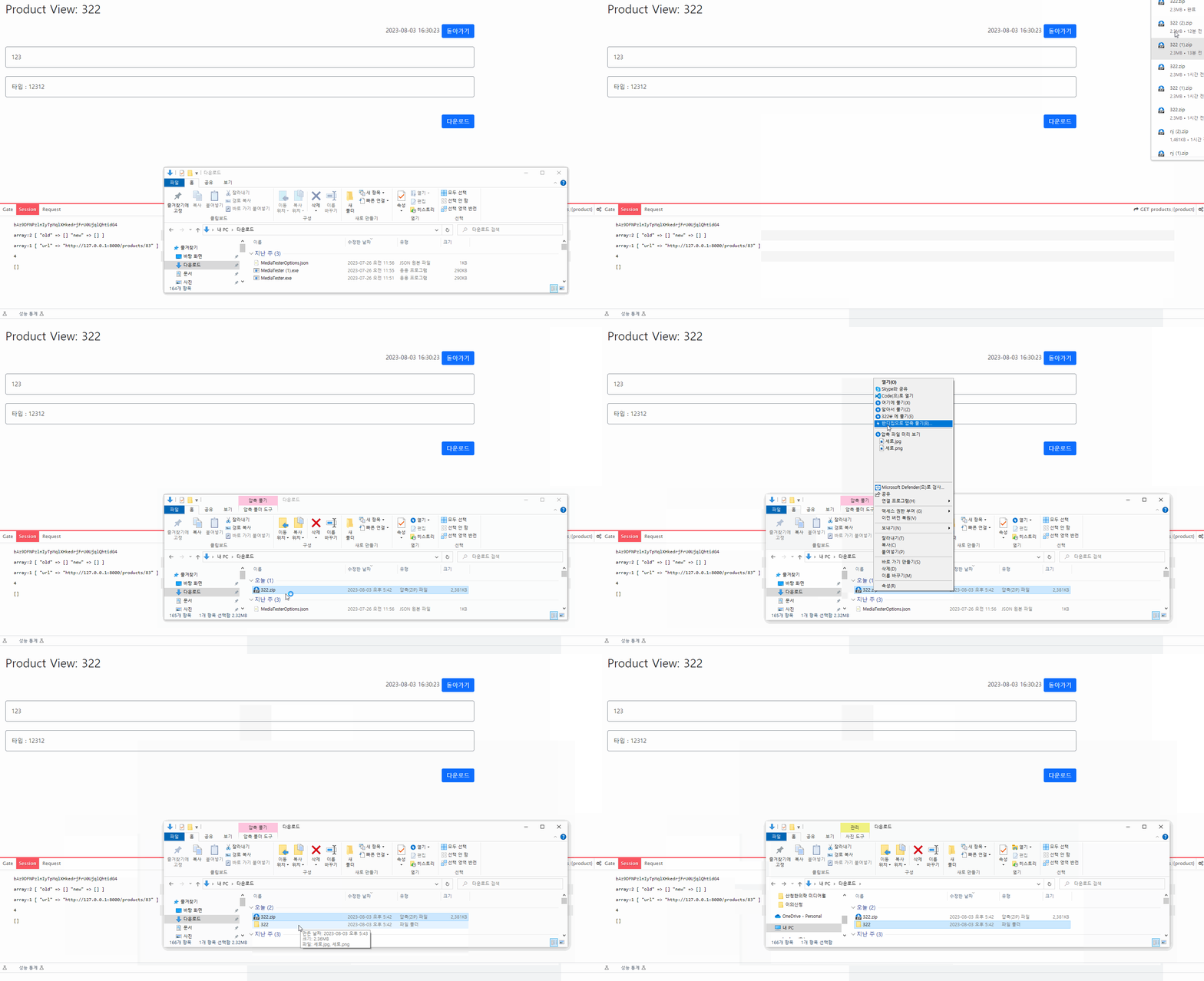
구현화면
또는 하나의 파일을 다운받고싶다면
public function download($name)
    {

        $fileRoute = "docs\\". $name;

        try {
            $myFile = storage_path($fileRoute);
            return response()->download($myFile);

        } catch (\Excepton $e) {

            abort(404);
        }


    }
이렇게 작성하면 된다.

레거시 학살자