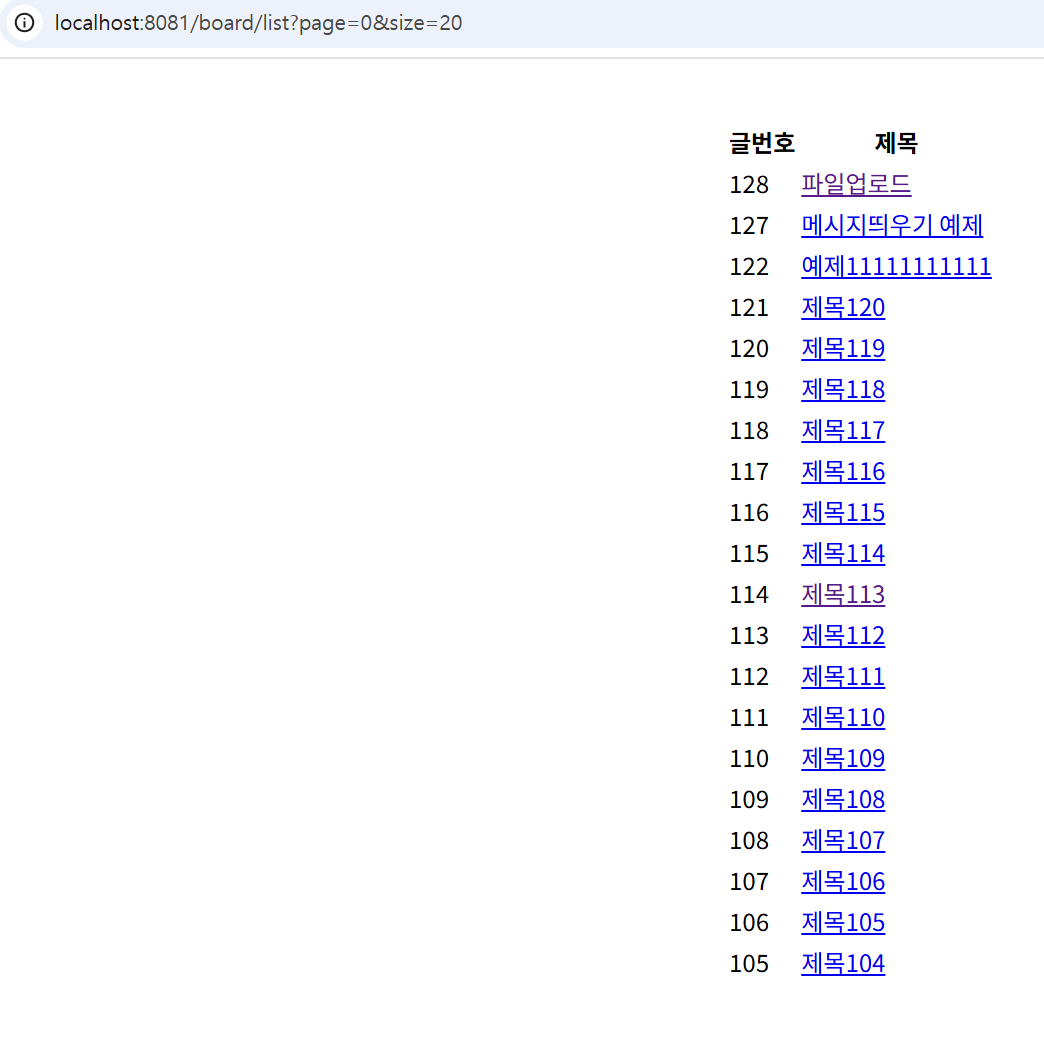
페이징 처리 //1
Pageable은 데이터를 페이지 단위로 나누어 조회할 수 있게 해주는 인터페이스다.
Pageable은 Spring Data JPA에서 페이징 처리 정보를 담는 객체다.
page, size, sort 정보를 담고 있다.
|page| 현재 페이지 번호 (0부터 시작)
|size| 한 페이지에 보여줄 데이터 개수
|sort| 정렬 기준
BoardController.java에서 boardlist를 수정한다.
 @GetMapping("/board/list")
    public String boardList(Model model, @PageableDefault(page = 0, size = 10, sort = "id", direction = Sort.Direction.DESC) Pageable pageable){

        model.addAttribute("list", boardService.boardList(pageable));
        return "boardlist";
    }
BoardService.java에서 boardlist를 수정한다.
public Page<Board> boardList(Pageable pageable){
      return boardRepository.findAll(pageable);
  }
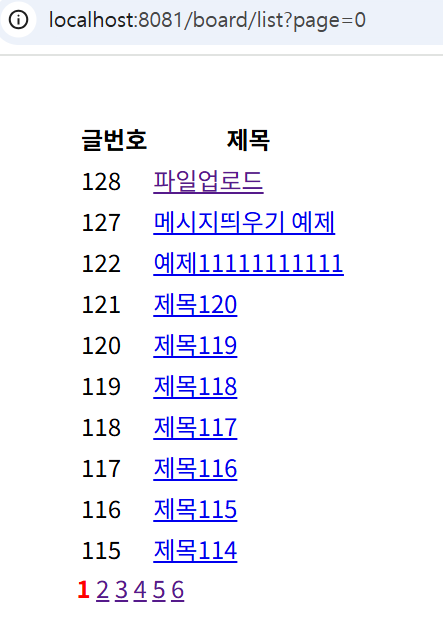
페이징 처리 //2
BoardController.java에서 boardlist를 수정한다.
@GetMapping("/board/list")
    public String boardList(Model model, @PageableDefault(page = 0, size = 10, sort = "id", direction = Sort.Direction.DESC) Pageable pageable){

        Page<Board> list = boardService.boardList(pageable);
        int nowPage = list.getPageable().getPageNumber() + 1;
        int startPage=Math.max(nowPage-4,1);
        int  endPage = Math.min(nowPage + 5, list.getTotalPages());

        model.addAttribute("list", list);
        model.addAttribute("nowPage", nowPage);
        model.addAttribute("startPage", startPage);
        model.addAttribute("endPage", endPage);
        return "boardlist";
    }
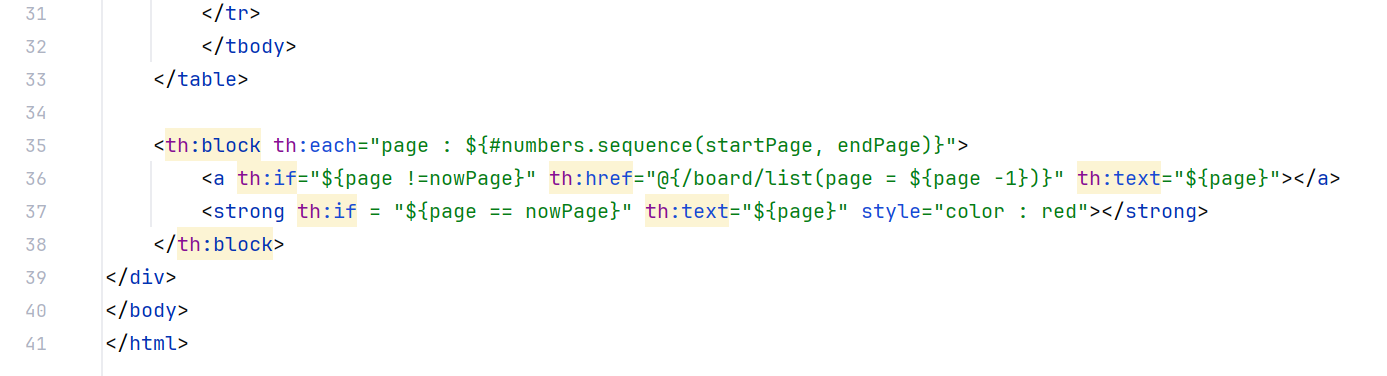
boardlist.html을 수정한다.
검색기능 //1
JPA Repository
•findBy(컬럼 이름) -> 컬럼에서 키워드를 넣어 찾는다. //정확하게 키워드가 일치하는 데이터만 검색
•findBy(컬럼 이름)containing -> 컬럼에서 키워드가 포함된 것을 찾는다. //키워드가 포함된 모든 데이터 검색
BoardRepository.java를 수정한다.
public interface BoardRepository extends JpaRepository<Board,  Integer> {

    Page<Board> findByTitleContaining(String searchKeyword, Pageable pageable);
}
BoardService.java에서 boardsearchList 메소드 추가한다.
public Page<Board> boardsearchList(String searchKeyword, Pageable pageable){
        return boardRepository.findByTitleContaining(searchKeyword, pageable);
    }
BoardController.java에서 boardlist를 수정한다.
@GetMapping("/board/list")
    public String boardList(Model model,
                            @PageableDefault(page = 0, size = 10, sort = "id", direction = Sort.Direction.DESC) Pageable pageable,
                            @RequestParam(value = "searchKeyword", required = false) String searchKeyword){
        Page<Board> list = null;
        if(searchKeyword == null) {
           list = boardService.boardList(pageable);
        }else {
            list = boardService.boardsearchList(searchKeyword, pageable);
        }
        int nowPage = list.getPageable().getPageNumber() + 1;
        int startPage=Math.max(nowPage-4,1);
        int  endPage = Math.min(nowPage + 5, list.getTotalPages());

        model.addAttribute("list", list);
        model.addAttribute("nowPage", nowPage);
        model.addAttribute("startPage", startPage);
        model.addAttribute("endPage", endPage);
        return "boardlist";
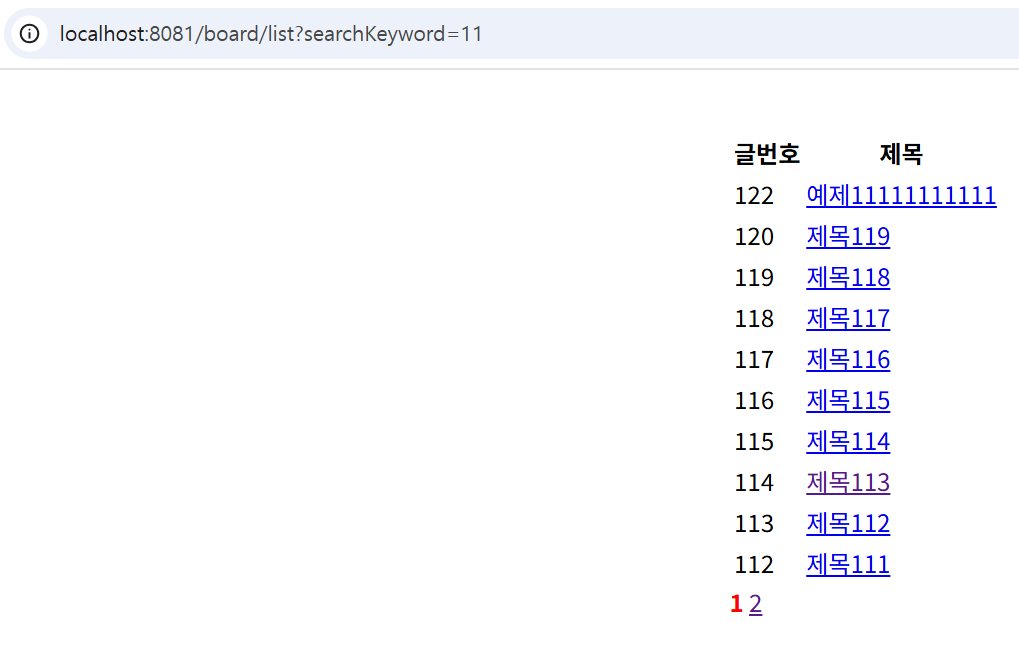
    }
검색기능 //2
기존에 검색기능은 페이지를 넘어갈 때 검색했던 키워드 안에서 넘어가는 게 아니라 전체 페이지에서 다음 페이지로 넘어가는 문제가 있었다. 이 문제를 해결하기 위해서 수정한다.
boardlist.html을 수정한다.
 <th:block th:each="page : ${#numbers.sequence(startPage, endPage)}">
        <a th:if="${page !=nowPage}" th:href="@{/board/list(page = ${page -1}, searchKeyword = ${param.searchKeyword})}" th:text="${page}"></a>
        <strong th:if = "${page == nowPage}" th:text="${page}" style="color : red"></strong>
    </th:block>
검색창을 구현하다.
boardlist.html을 수정한다.
  <th:block th:each="page : ${#numbers.sequence(startPage, endPage)}">
        <a th:if="${page !=nowPage}" th:href="@{/board/list(page = ${page -1}, searchKeyword = ${param.searchKeyword})}" th:text="${page}"></a>
        <strong th:if = "${page == nowPage}" th:text="${page}" style="color : red"></strong>
    </th:block>
    <form th:action="@{/board/list}" method="get">
        <input type = "text" name="searchKeyword">
        <button type = "submit">검색</button>
    </form>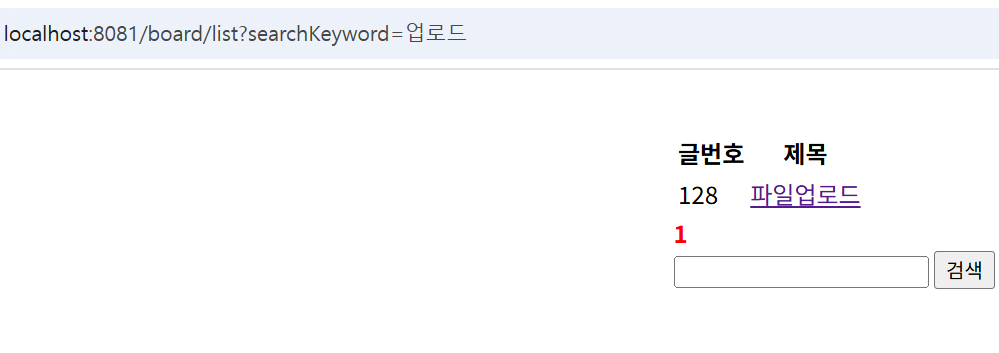
🔥 Study :[스프링부트] 게시판 무작정 따라하기 끝까지!
❓ Problem :검색기능 1편에서 BoardController.java에서 boardlist를 수정하는 데 영상이랑 내 버전이 달라서 내가 계속 추가해야하는 어노테이션들이 있어 복잡했다.
🚀 Try : 드디어 처음부터 끝까지 스프링부트 게시판 만들기를 끝냈지만 아직도 헷갈리는 부분도 많고 어려워서 나 혼자 영상에 의지하지 않고 진행해 봐야겠다.
🤔 Question : 타임리프 문법에 대해 더 알아봐야겠다.