- Argument of '#selector' does not refer to an '@objc' method, property, or initializer
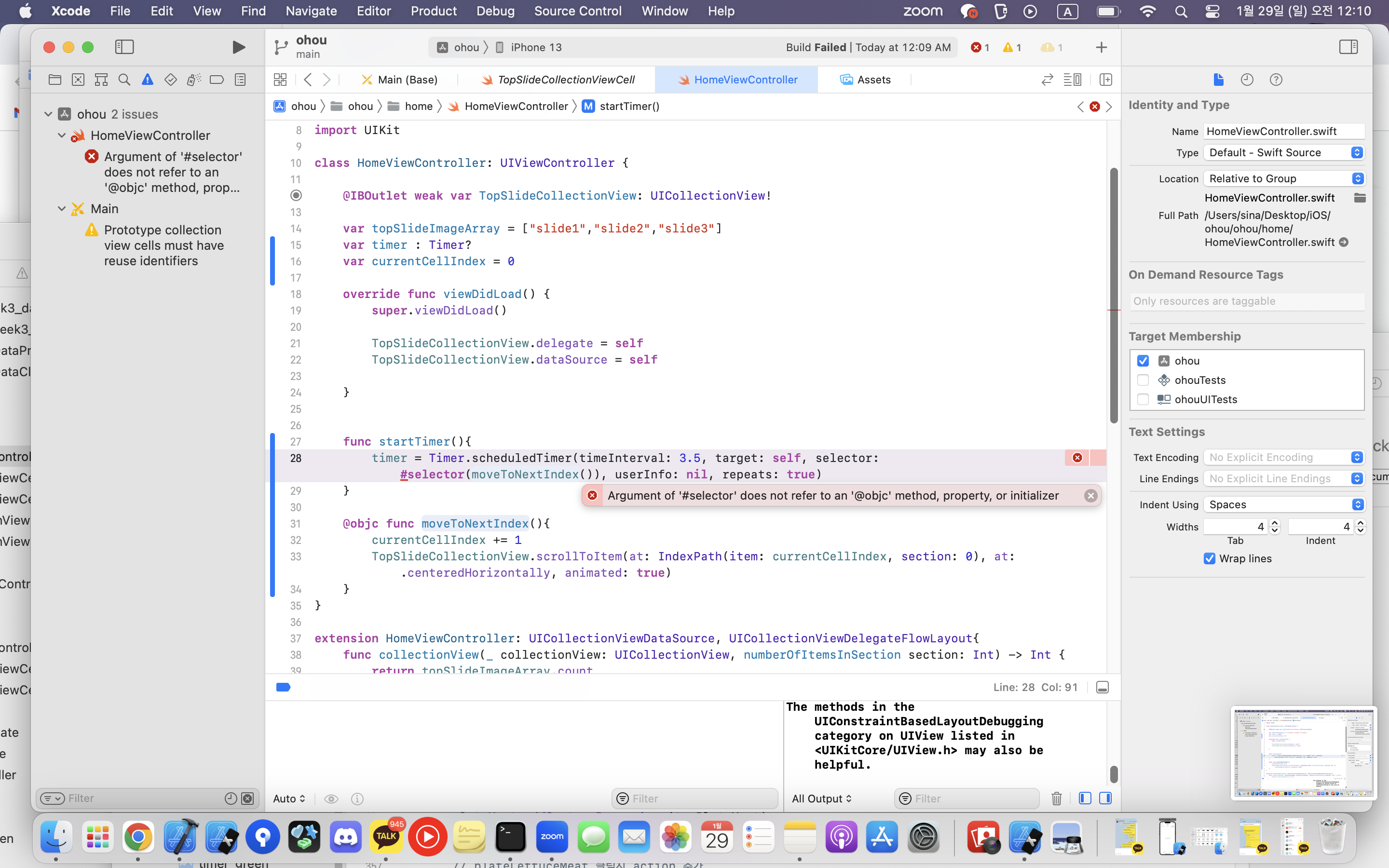
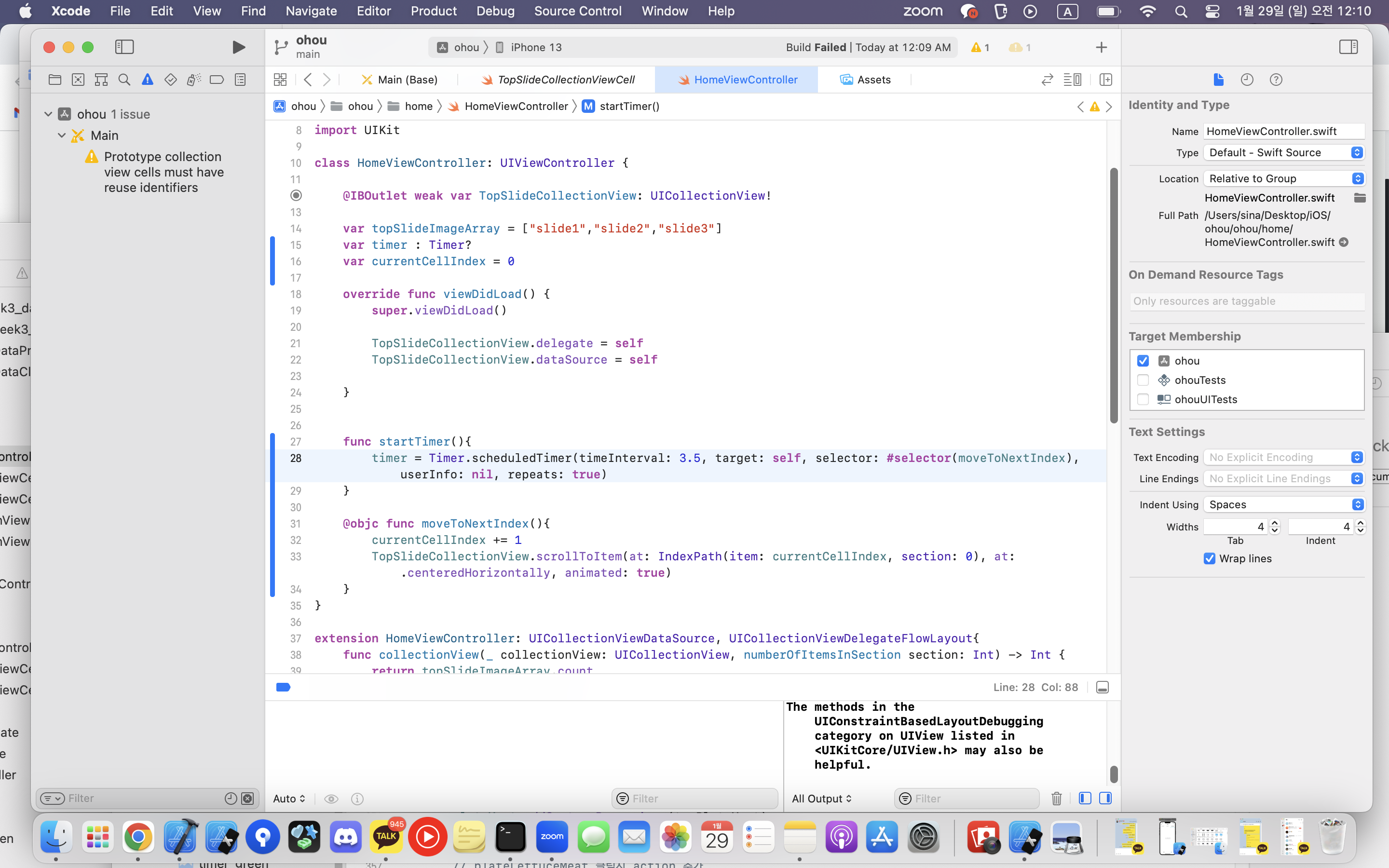
-> 함수 뒤에 () 빼주기
- Attempted to scroll the collection view to an out-of-bounds item (3) when there are only 3 items in section 0
-> 슬라이드 코드 변경
@objc func moveToNextIndex(){
        if currentCellIndex < topSlideImageArray.count-1 {
            currentCellIndex += 1

        }else{
            currentCellIndex = 0
        }
        print(currentCellIndex)

        TopSlideCollectionView.scrollToItem(at: IndexPath(item: currentCellIndex, section: 0), at: .centeredHorizontally, animated: true)
    }
- collectionview scrollToItem 최신 기기에서 작동 안함
-> 왜?
-
콜렉션뷰 cornerradius 에러
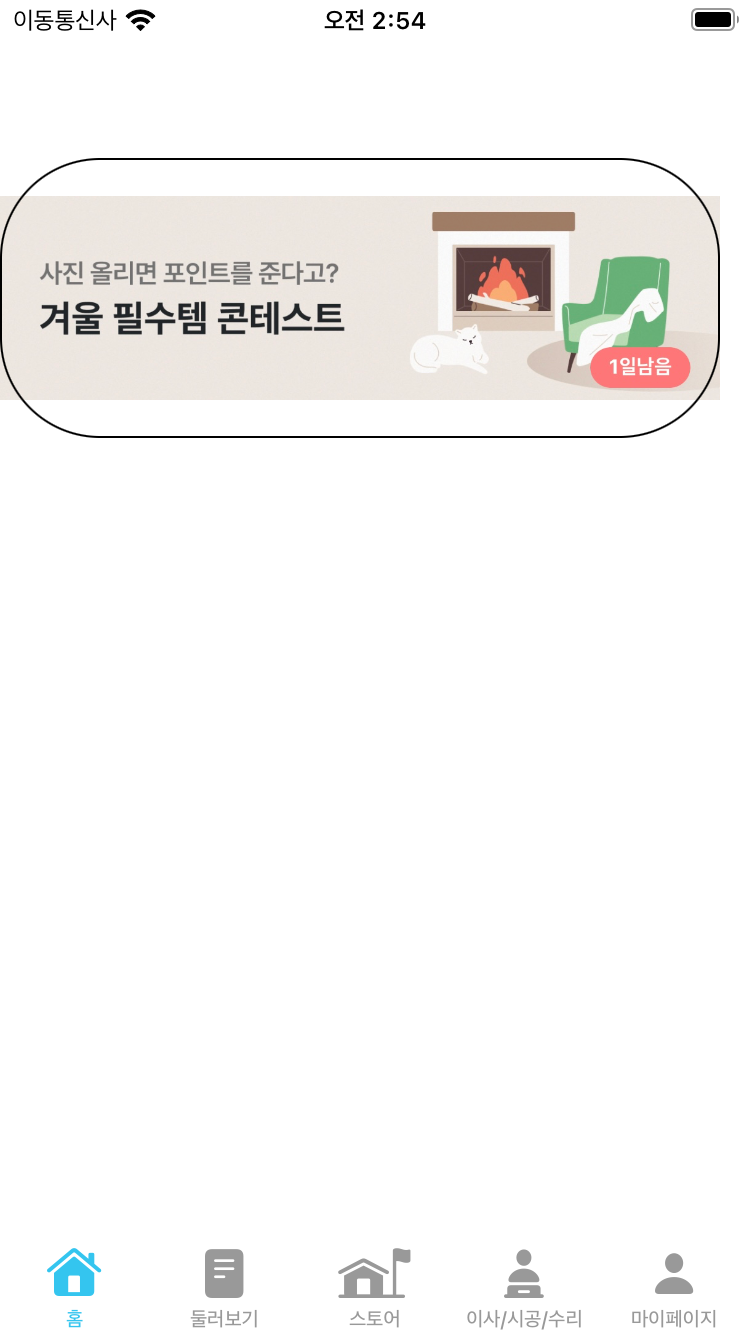
-> imageview를 scale to fill로 변경!!! 후 콜렉션뷰 높이 줄이기 -
Cannot convert return expression of type 'PictureCollectionViewCell' to return type 'UICollectionViewCell'
-> -
"Could not load NIB in bundle" 문제
-> 에러 표시가난 파일을 다시 xib 파일까지 만들어주기 (main에서 했을때 에러 발생)
-
이미지 동그랗게 만들기
-> cell.followingProfileImage.layer.cornerRadius = cell.followingProfileImage.layer.frame.size.width / 2 -
uiimage width변경
-> cell.look2Image.layer.frame.size.width = ~~
- showsHorizontalScrollIndicator 안됨
-> 세로 스크롤은 houseWarmingCV.showsVerticalScrollIndicator = false
- 아래와같이 콜렉션뷰셀 이미지 크기가 크게 나옴
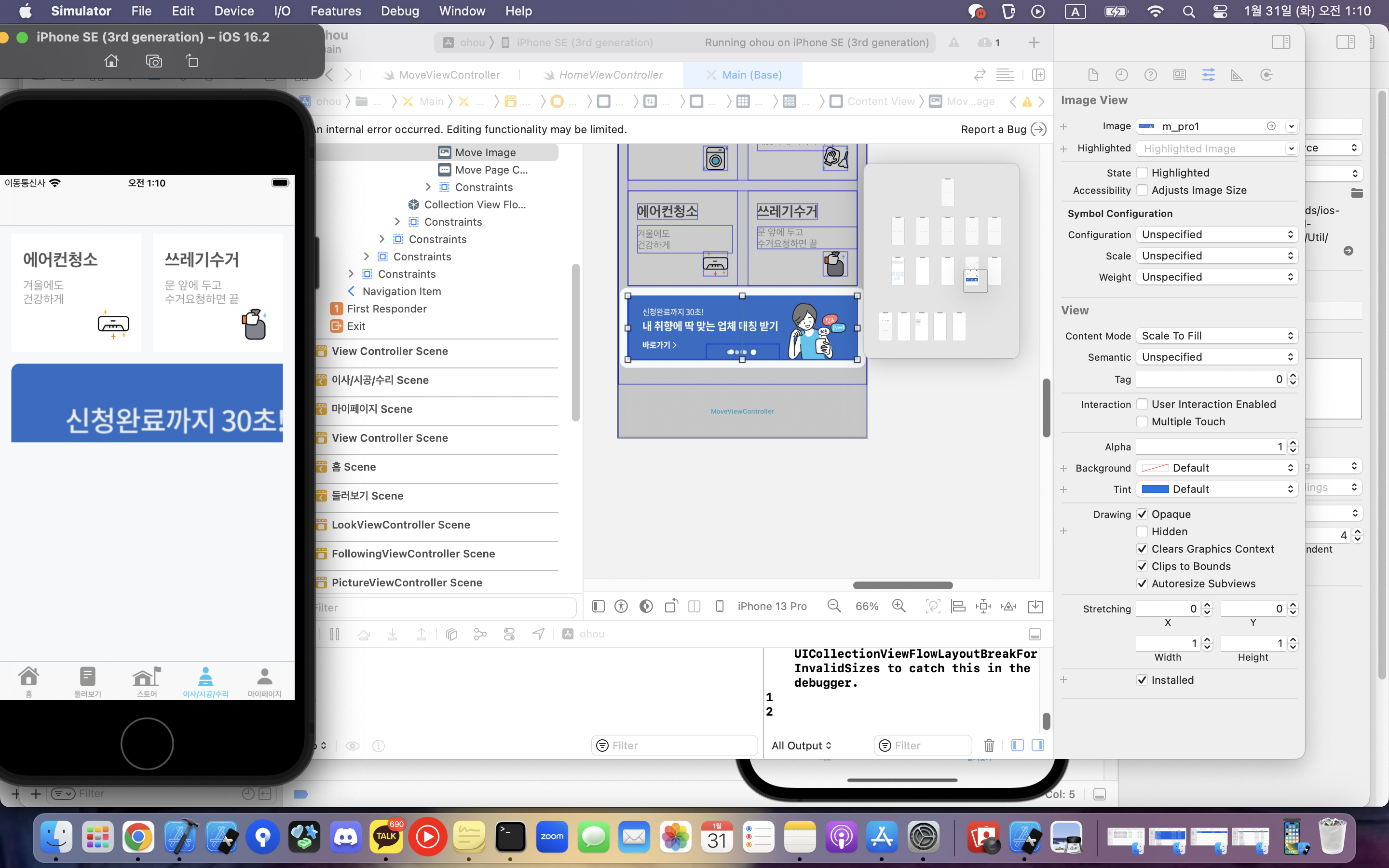
-> 시도 1)
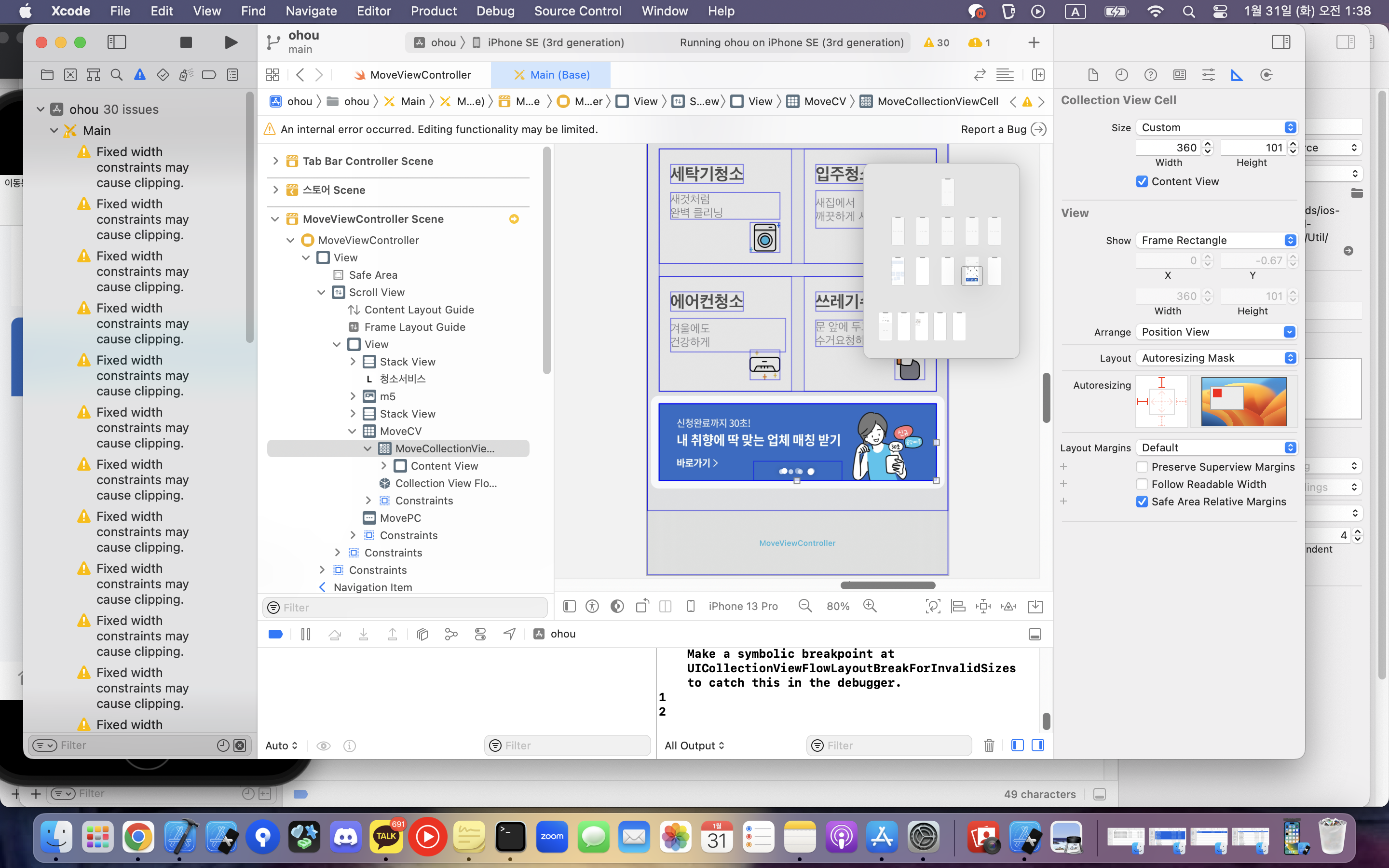
일단 콜렉션뷰셀의 autoresizing이 위와같이 top,leading만 돼있어서 나머지 2곳도 체크해줌(근데 constrain은 설정 못하게돼있음)=> 그래도 해결안됨
-> 시도 2)
cell.moveImage.layer.frame.size.width = moveCV.frame.width
        cell.moveImage.layer.frame.size.height = moveCV.frame.height
하고 이미지 constraint 우,하 취소했더니 처음에는 이상한데 스크롤 한번 하고나면 제대로 나옴
-> 시도 3)
이미지 크기 자체를 줄여봄 -> 전체가 들어오는 것 같긴 한데 안맞음
-> 시도 4) 해결!!!
// 콜렉션뷰 이미지 크기 조절
        let flowLayout: UICollectionViewFlowLayout  // 이 타입의
            flowLayout = UICollectionViewFlowLayout()  // 인스턴스 생성
            flowLayout.scrollDirection = .horizontal
            self.moveCV.collectionViewLayout = flowLayout
위 내용을 viewdidload에 쓰면 된다..
-
페이지컨트롤 구현후 실행시 에러 발생
/Users/sina/Desktop/iOS/ohou/ohou/Base.lproj/Main.storyboard:C48-Db-6bq The movePC outlet from the MoveViewController to the UIPageControl is invalid. Outlets cannot be connected to repeating content. [12]
-> 페이지 컨트롤을 콜렉션뷰셀에 넣어놓고 뷰컨트롤러에 연결해서 그랬음
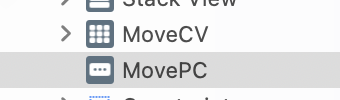
위와같이 페이지컨트롤을 콜렉션뷰가 아닌 동일 계층에 넣고 뷰 컨트롤러에 연결해주면 해결 -
테이블뷰 섹션 푸터 설정후 실행하면
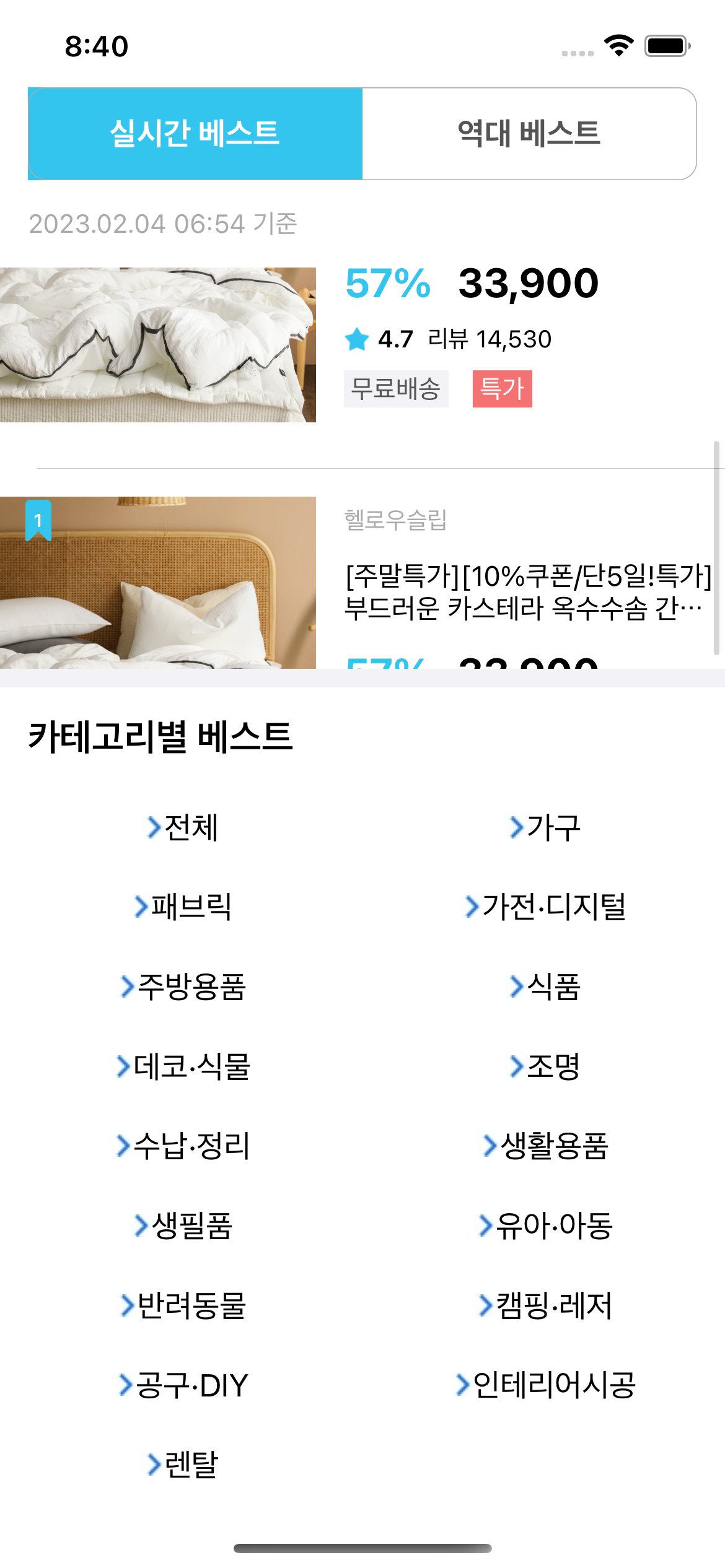
이렇게 푸터가 아래 고정돼서 테이블뷰랑 따로 놀음
-> style을 grouped로 변경하면 됨
- 콜렉션뷰 안나올때
1) register 등록하면 됨
2) 이거 안하면 안나옴
StoreCateCollectionView.delegate = self
StoreCateCollectionView.dataSource = self
3) flowlayout 설정 꼭!!!!
- 콜렉션뷰 셀 크기가 적용이 안되고 너무 크게나올때
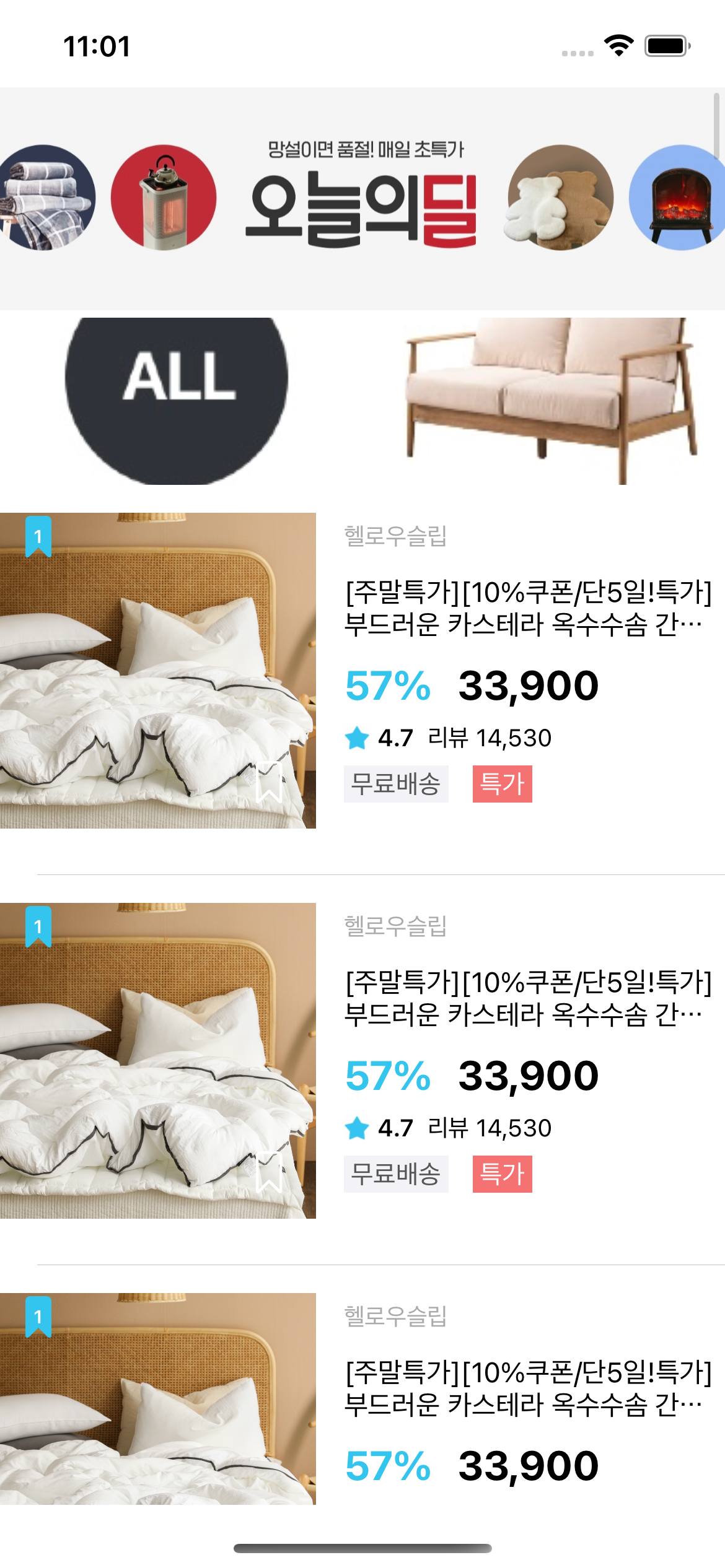
-> viewDidLoad에
let layout3 = UICollectionViewFlowLayout()
        layout3.scrollDirection = .horizontal
        layout3.sectionInset = UIEdgeInsets(top: 0, left: 0, bottom: 0, right: 0)
        self.bigCV.collectionViewLayout = layout3

        // 아님 레이아웃 따로 안만들고 아래 코드만 쳐도 될듯
        // 엥 이건 콘텐츠 인셋이네???오호라 다른거구만
pictureCollectionView.contentInset = UIEdgeInsets(top: 0, left: 0, bottom: 0, right: 0)-
layout 콜렉션뷰 별로 꼭 따로 만들어주기!!!
-
스토리보드 뷰 목록에서 위에있는 뷰가 실제 화면에서는 제일 아래있음
-
콜렉션뷰 셀 가로 라벨 사이즈에 따라 동적으로 설정
cell.smallCVCLabel.sizeToFit() //이거인듯-
unexpectedly found nil while unwrapping an Optional value in UITableViewCell
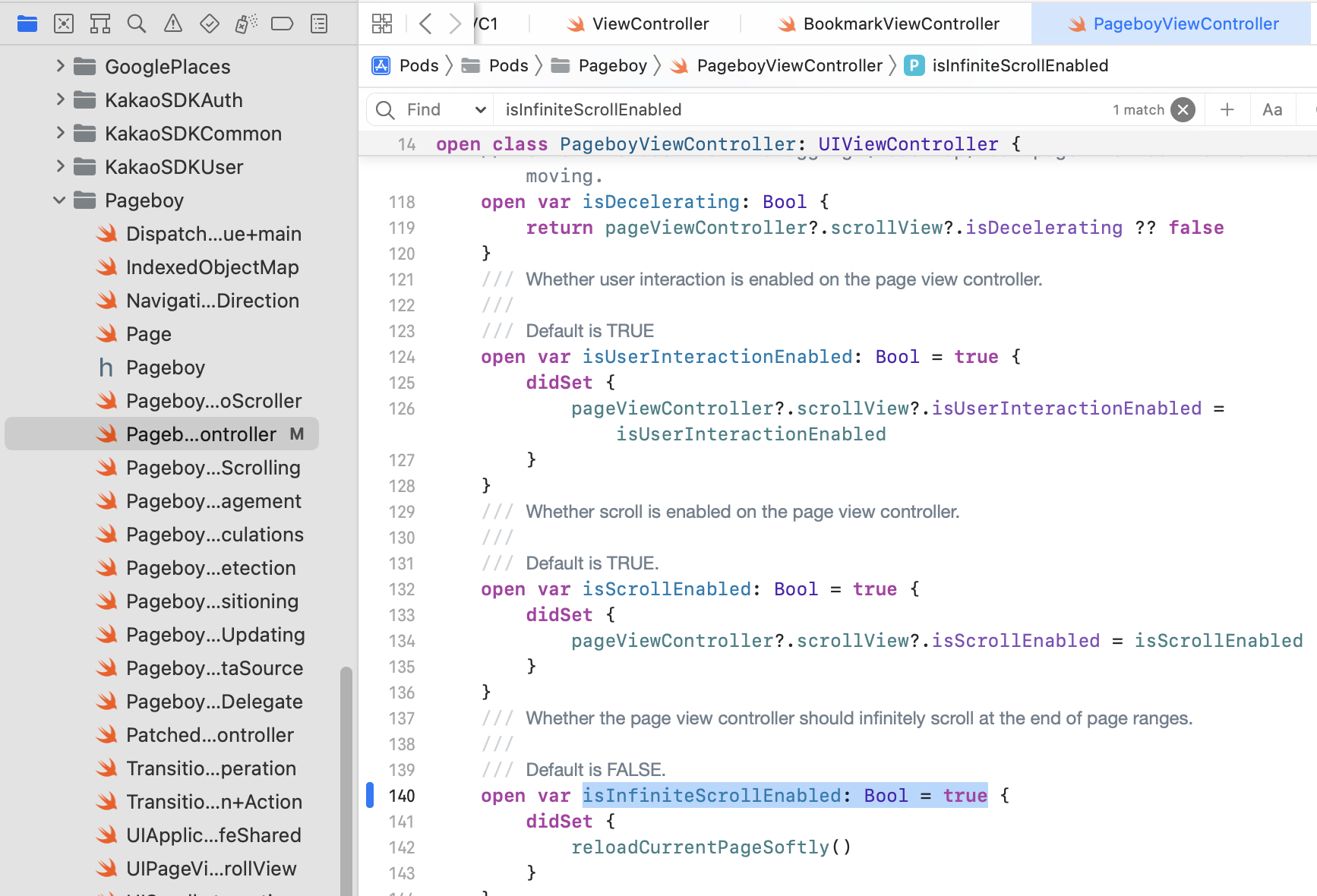
-> 이거 빼먹음
cateTV.register(UINib(nibName: "CateTableViewCell", bundle: nil), forCellReuseIdentifier: "CateTableViewCell")- tableviewcell에서 재사용 에러 발생
위 파일에override func prepareForReuse() { super.prepareForReuse() // // self.accessoryType = .none self.cateArrow.image = UIImage(named: "blackDown") }
넣어도 안됨


결론 -> https://stackoverflow.com/questions/66373006/how-to-use-prepareforreuse

* prepareforreuse 사용방법

```swift
prepare 정의
  override func prepareForReuse() {
    super.prepareForReuse()

    self.prepare(image: nil)
  }

  func prepare(image: UIImage?) {
    self.imageView.image = image
  }
if section == 0{
cell.cateArrow.isHidden = true
}else{
cell.cateArrow.isHidden = false
}이렇게 else까지 적으면 해결됨
- 홈 테이블뷰 오늘의딜의 셀이 자꾸 집들이 셀로 나왔음
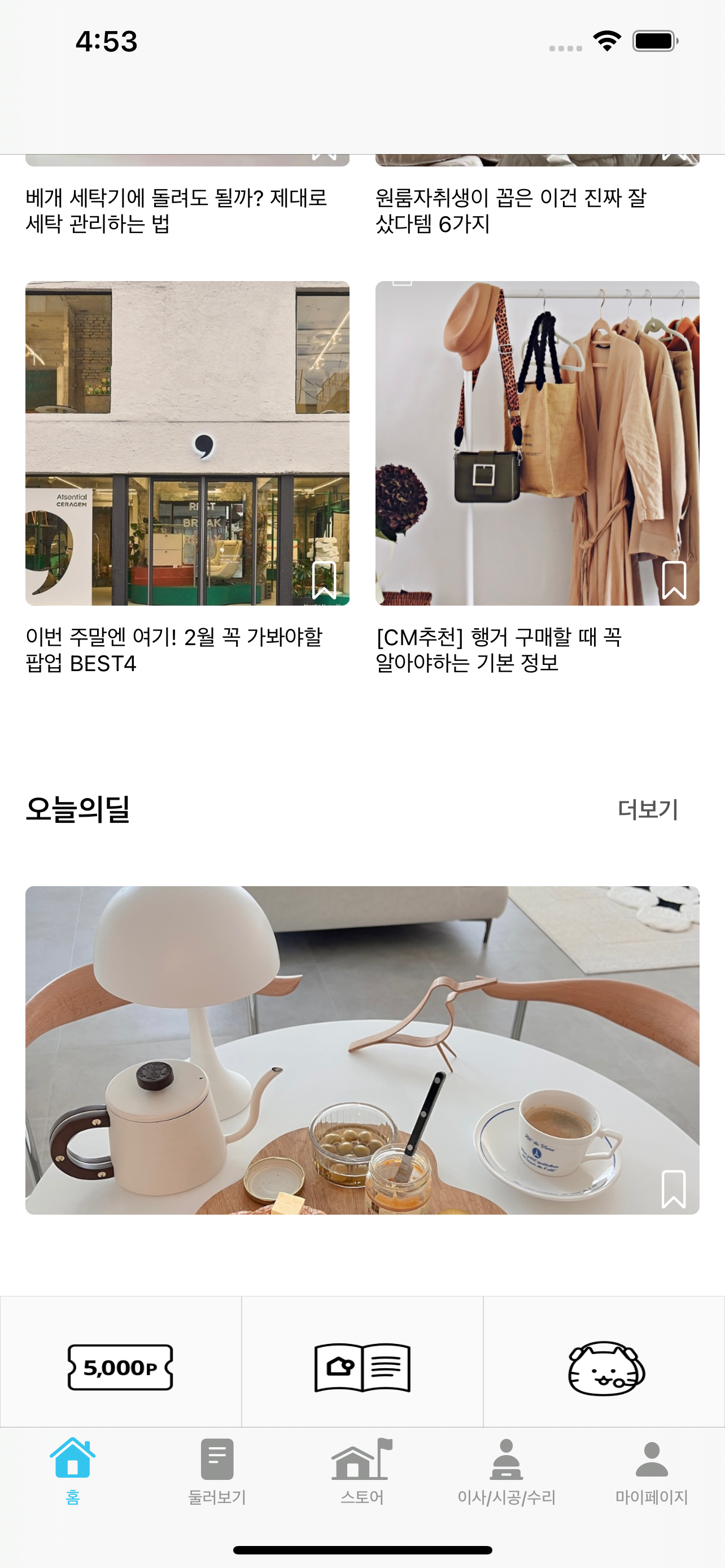
->
override func prepareForReuse() {
        super.prepareForReuse()
        CVinHomeTV.reloadData()
}-
모서리 둥글기 적용 안될때
-> storeCVCSpecialprice.layer.masksToBounds = true -
배경 투명하게 -> 젤 아래있는 슈퍼뷰 클릭후
https://stackoverflow.com/questions/6655093/how-do-you-create-a-semi-transparent-background-for-a-uiview
-
스택에 테이블 뷰가 안나온다
->
1) af 안에 reload data
2) 스택에 해당 뷰 높이 지정!! -
라벨의 내용에 따라 변화하는 뷰의 크기
-> 여기 링크처럼 전체를 스택으로 하고 원하는 라벨 좌우 또는 상하로 셀 크기가 지정된 뷰를 넣어준다
이때 라벨과 스택의 크기는 고정하지 않는다
https://ios-development.tistory.com/345 -
스트링 내부 특정 문자열 검사
if (email.range(of: ".com", options: .backwards) != nil) {} -
아래와 같이 나오는 셀렉션뷰
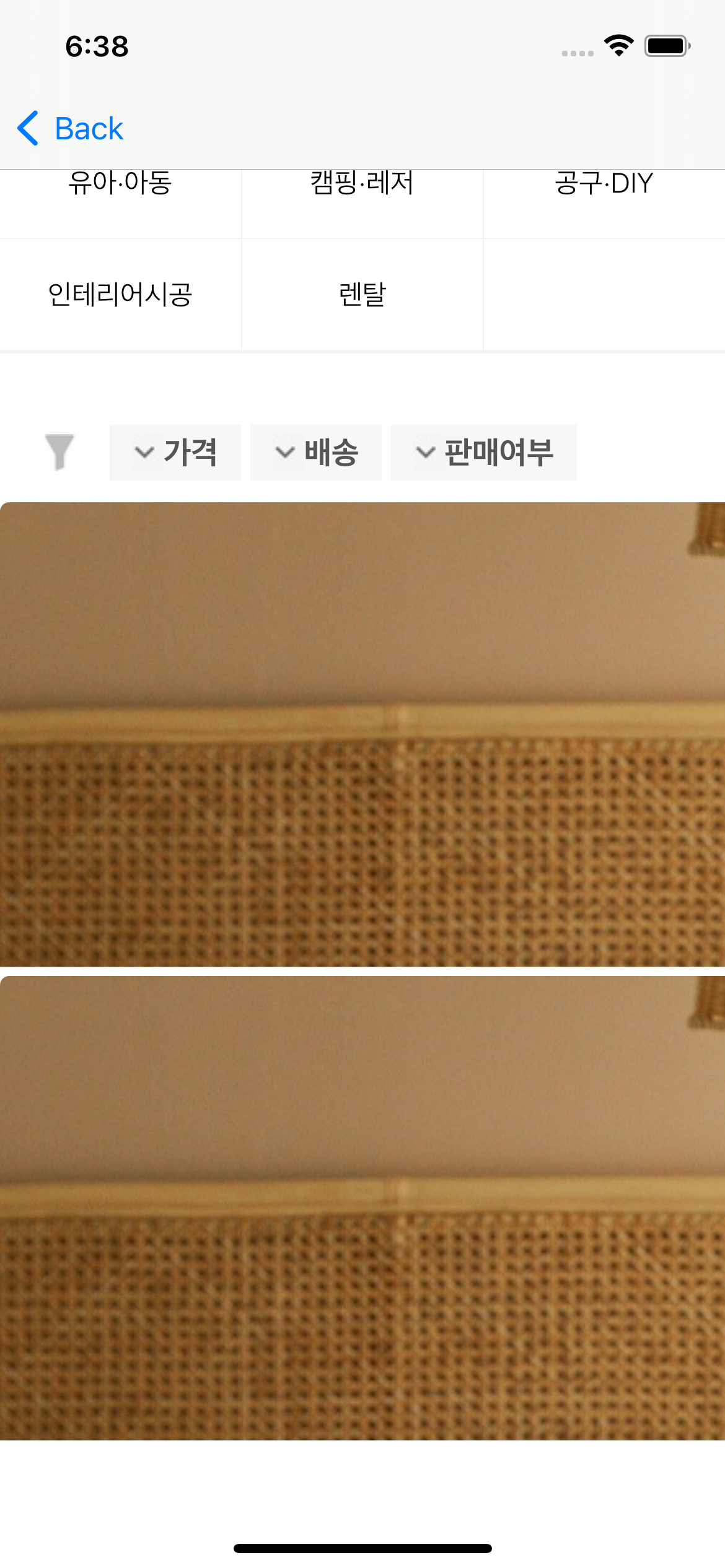
->
let layout = UICollectionViewFlowLayout()
               layout.estimatedItemSize = UICollectionViewFlowLayout.automaticSize
        layout.scrollDirection = .horizontal
               self.stickyCV.collectionViewLayout = layout
- 이렇게 가운데가 벌어져서 나오는 셀렉션뷰
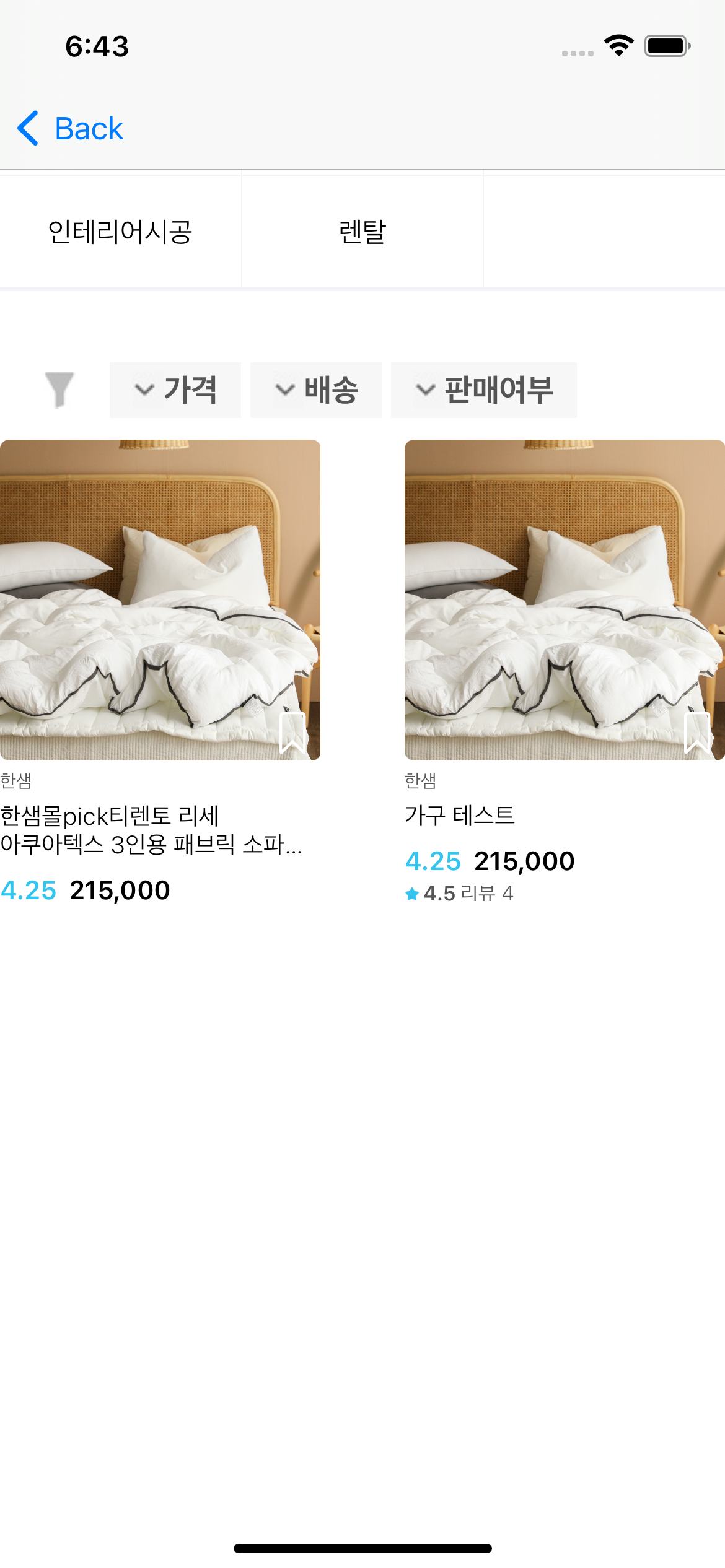
->layout.estimatedItemSize = UICollectionViewFlowLayout.automaticSize
아님
걍 콜렉션뷰 자체를 양쪽에서 띄워주면됨!!!!
- 다시 빈 배열로 초기화
var someInts = [1] //타입유추 -> Int형배열이구나

someInts = [] //someInts를 다시 빈배열로 초기화- 한 화면에 들어갈 때 마다 계속 배열이 늘어남
전에 들어왔을때 만든 배열 요소들을 초기화 안해서 발생한 오류
viewwilldisappear에
 override func viewWillDisappear(_ animated: Bool) {
        BrandSalesProductsStructList = []
}- alamofire 한글사용시
-> (url작성).addingPercentEncoding(withAllowedCharacters: .urlQueryAllowed) ?? ""